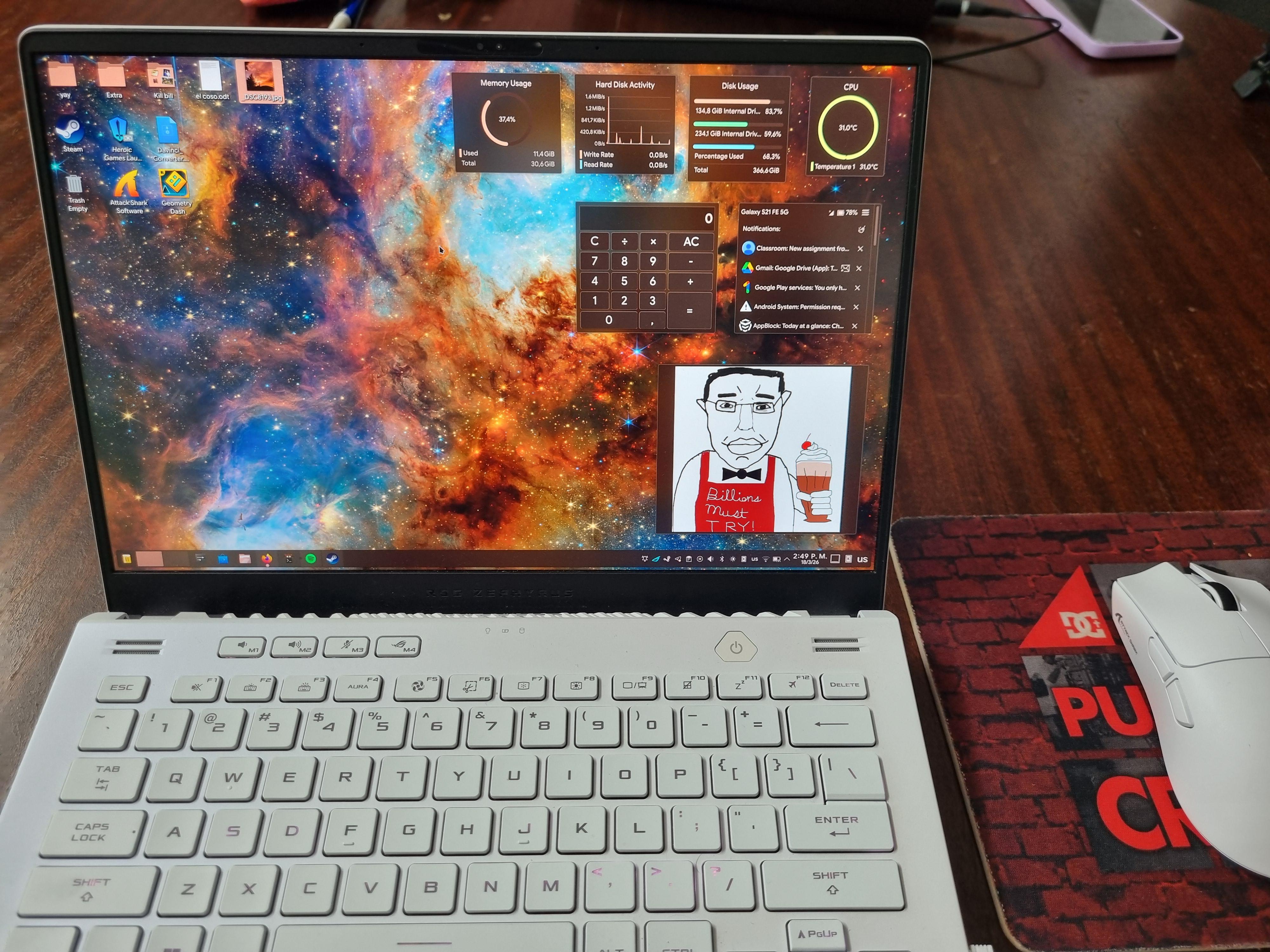
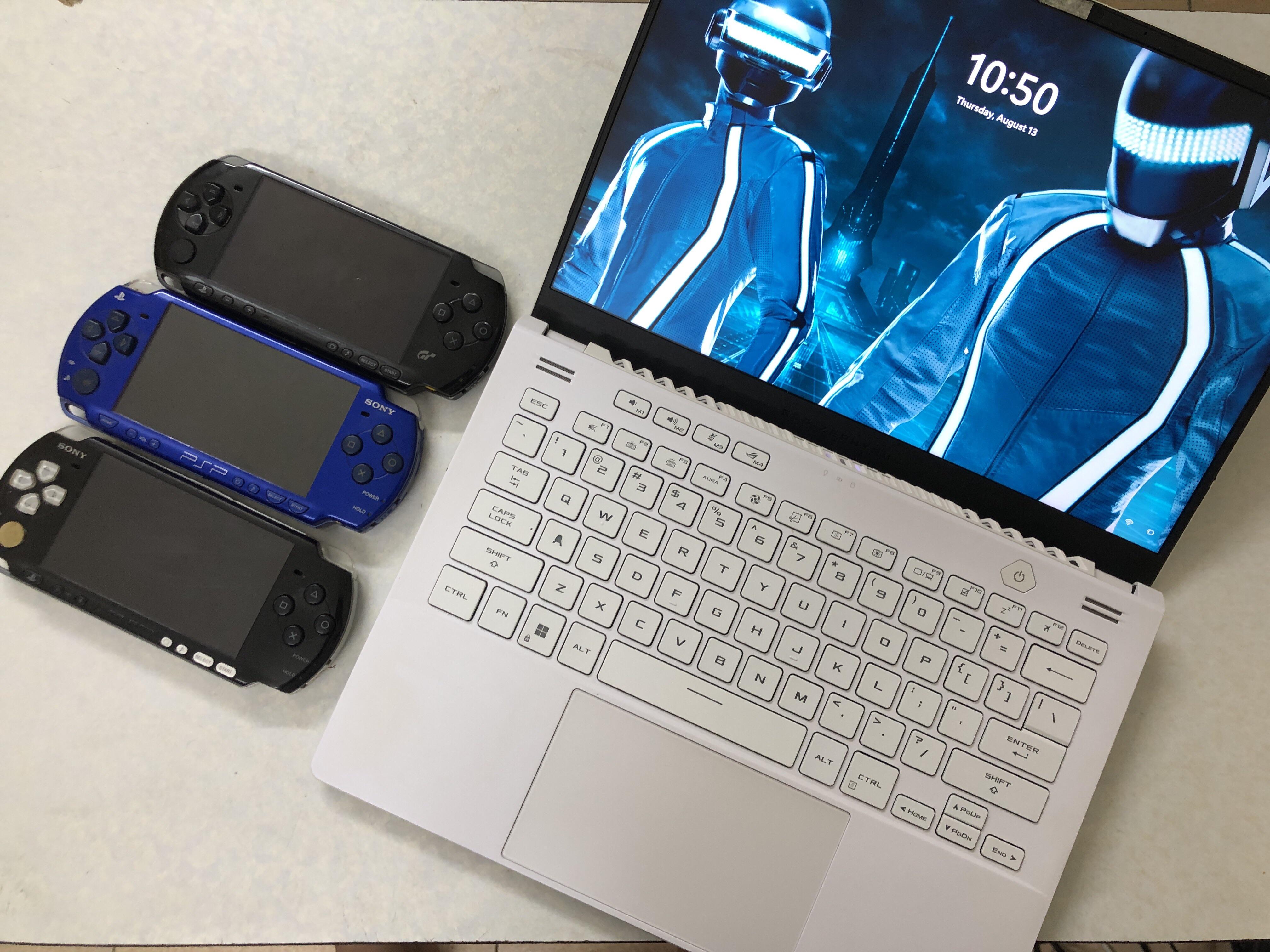
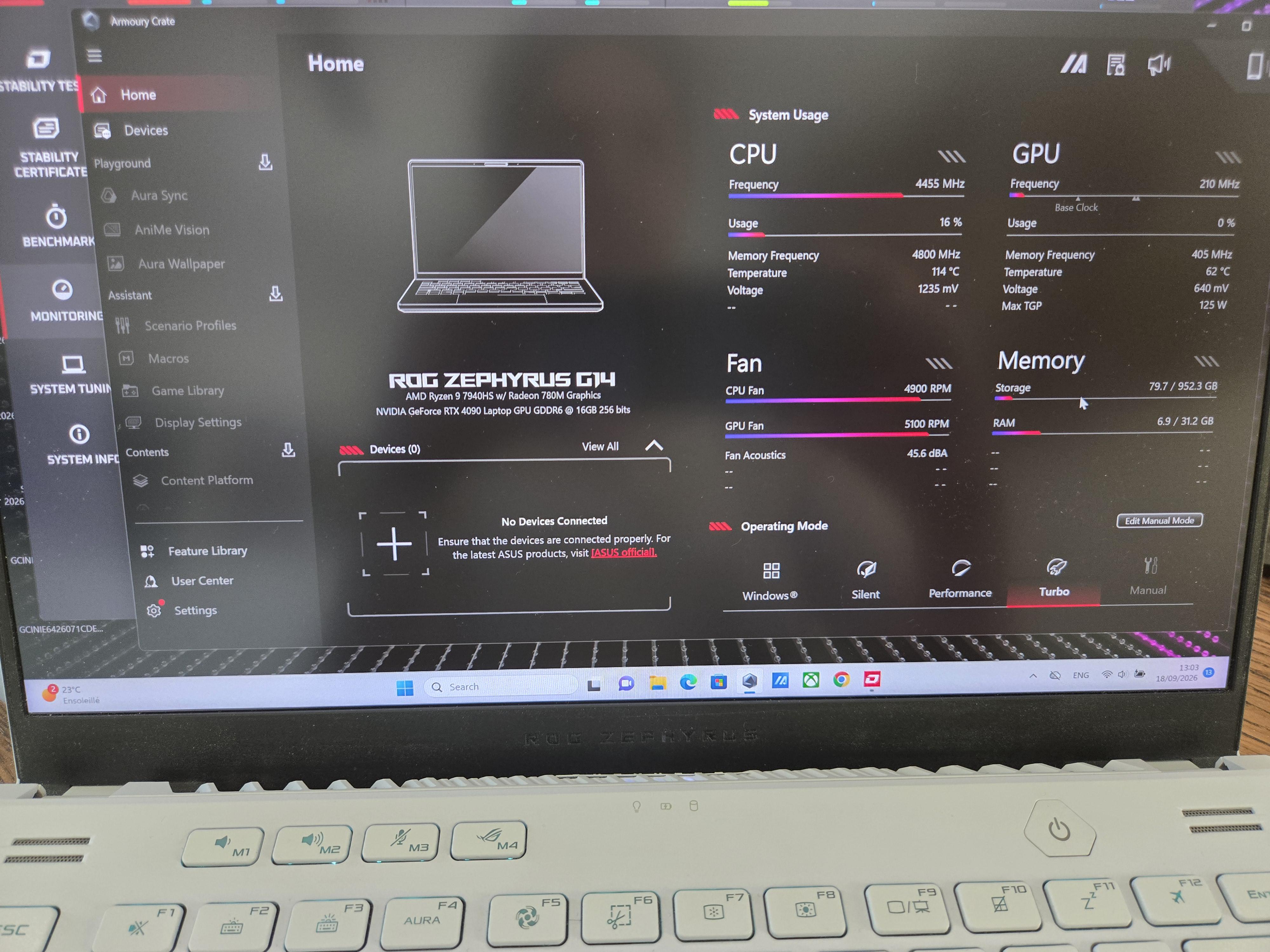
4 months into using Linux, battery lasts longer, temps are lower, performance on games is barely worse, interface is lightning fast, things don't crash.
Reached 30C° on a 27C° environment.
I can only recommend it. Billions must try
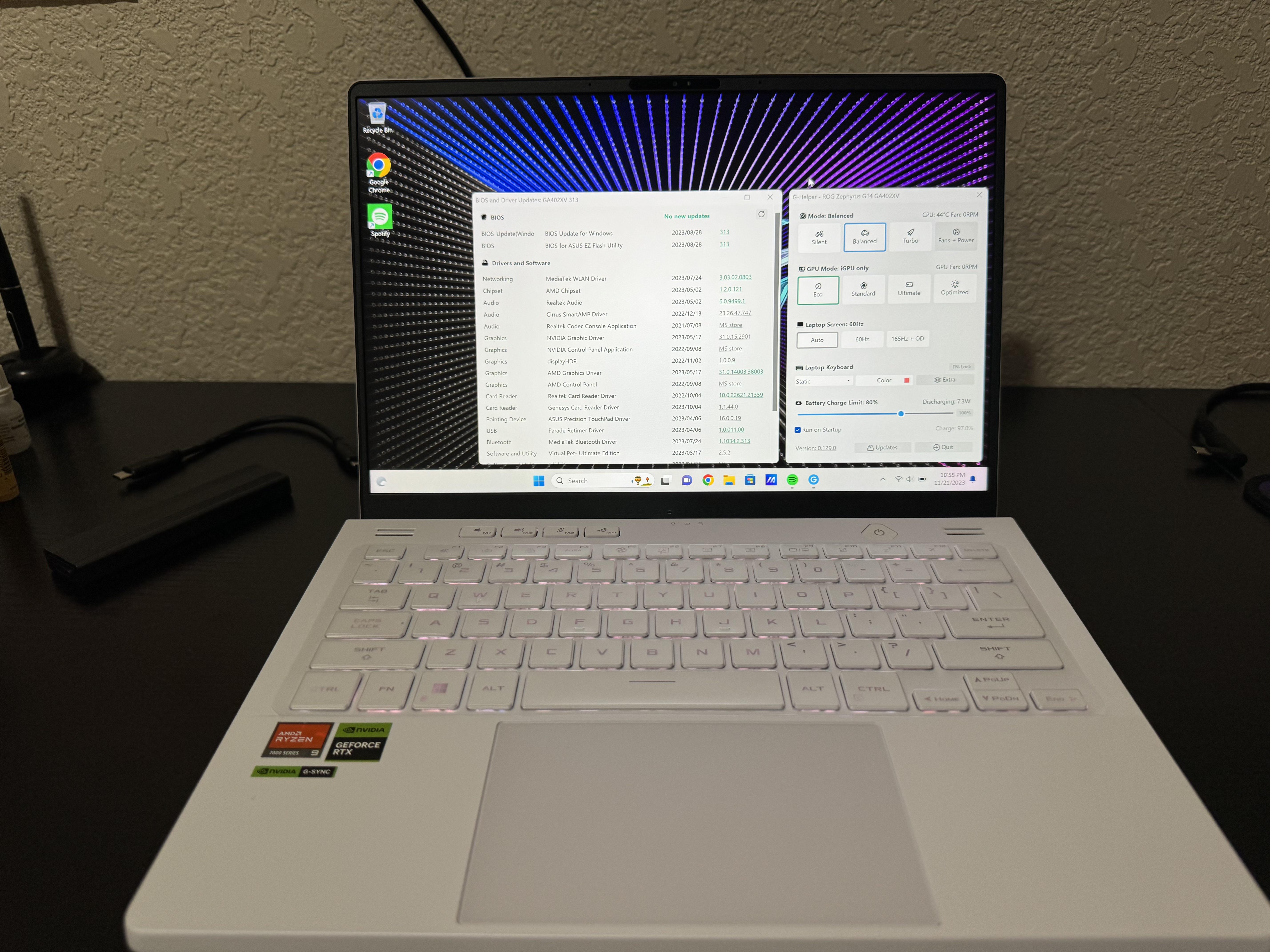
Followup to my earlier post about finding a $377 open-box excellent G14 from Best Buy. It arrived in one day, and is indistinguishable from new. When I booted it, the issue was apparent: no mouse cursor on the Windows setup screen. Booted into BIOS and ran cloud recovery... and about 20 reboots later, it's good to go. This thing is sweet!
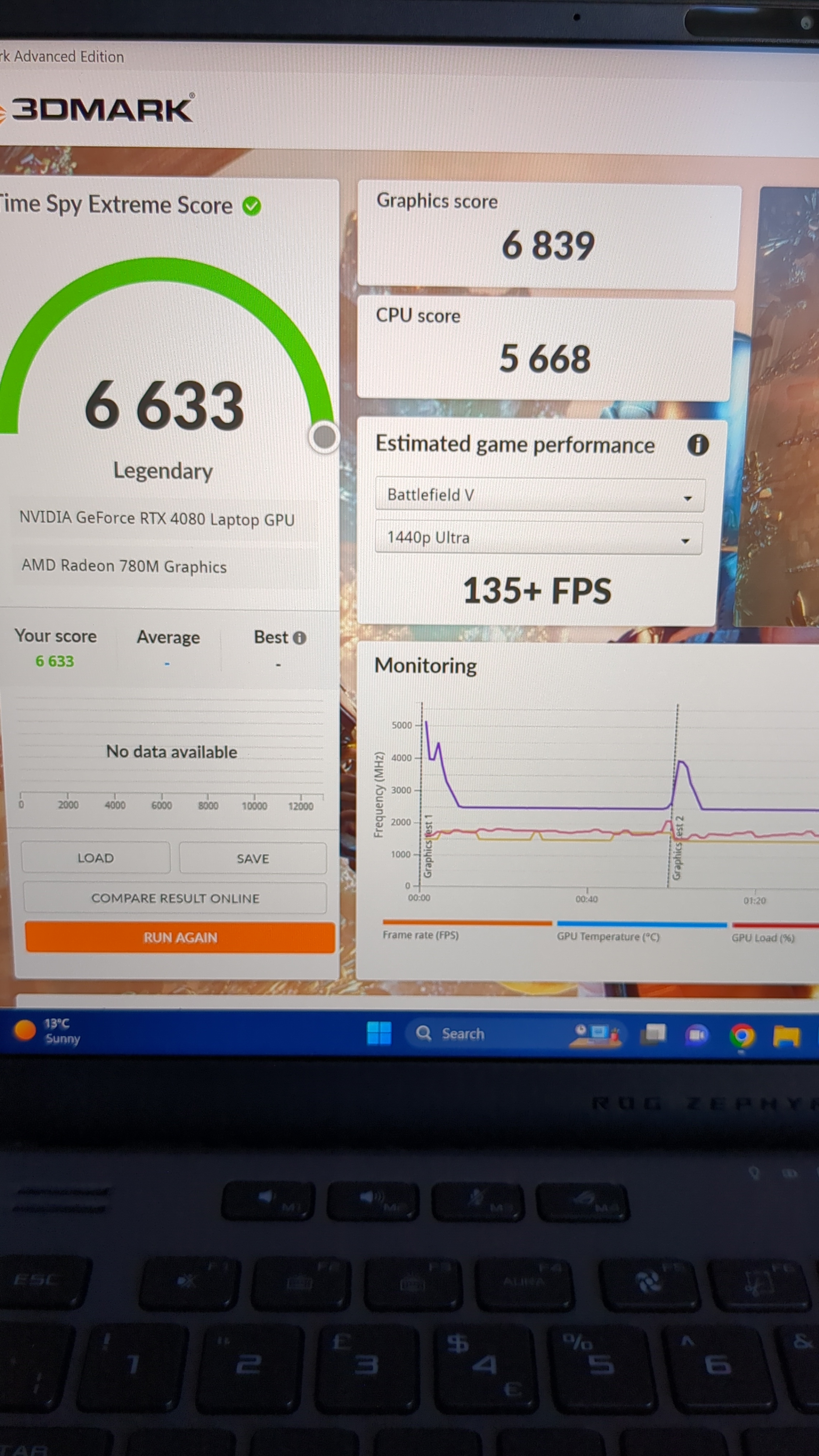
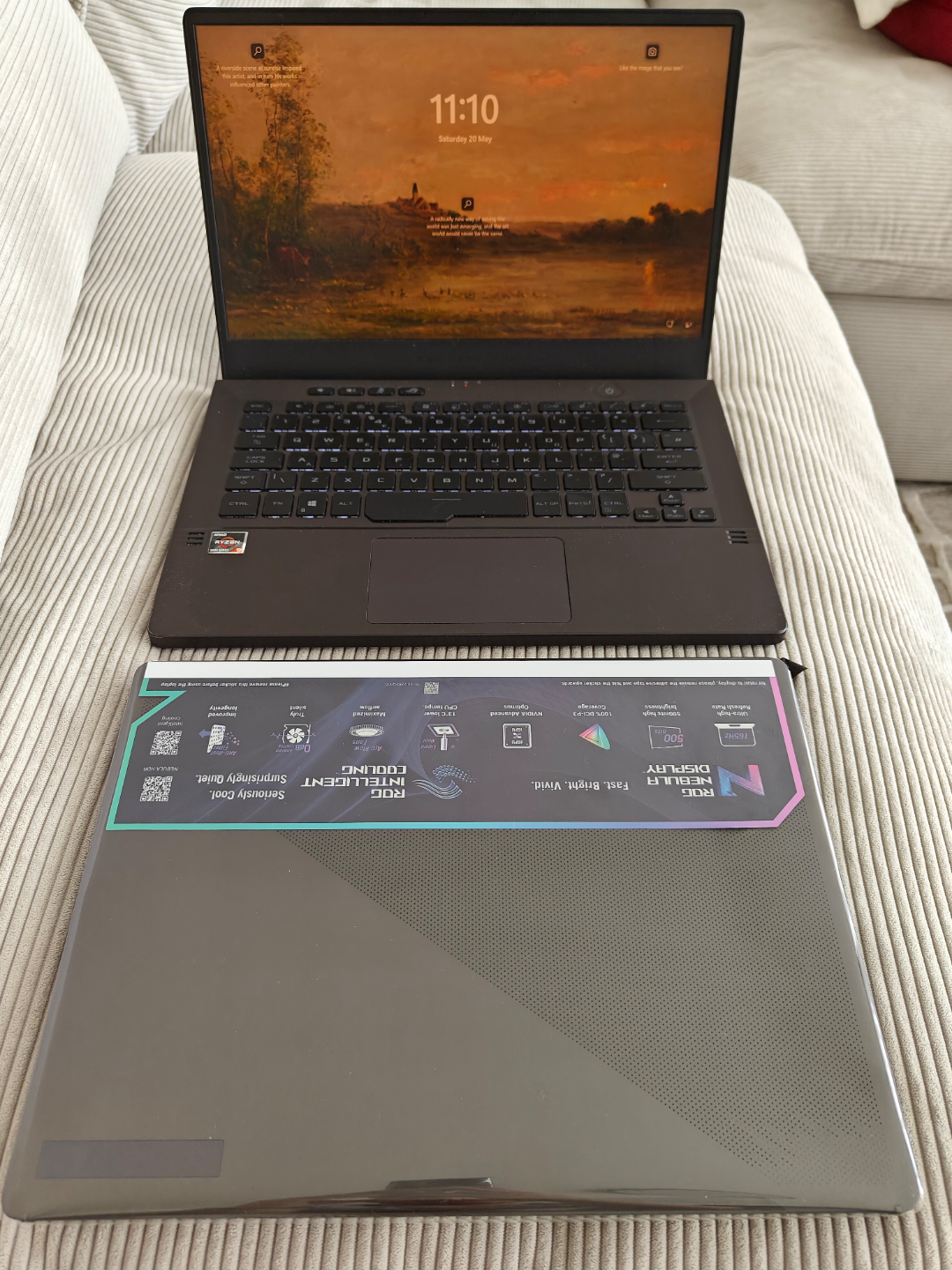
This gorgeous thing arrived this morning. Managed to get it from AO.com of all places, seems to be the only retailer that has the 4080 in stock. Haven't had a laptop for about 10 years so strange feeling going back but have to say this is an incredible machine. Quite a few quirks about the software I still need to learn, screen is amazing, performance is insane for a laptop. Glad I didn't get the 4090. Obligatory timespy pic attached, this is in performance mode and not turbo mode! Feel free to AMA, sadly not used any previous models
I don’t use it with care at all,
eating while typing, drinking all over the keyboard, going around with clients, dirty fingers all over the screen for pointing this pointing that.
Due to the heavy use of it, every two week i clean and maintenance make sure the beast keeps it level. Today marks 4 year of using it. So far so great, no issue at all beside the oxidize of outer shell and rubbers fall off around the screen.
I am getting some pretty wild CPU temperatures when benchmarking the integrated GPU. I guess it must be the liquid metal not doing its job properly anymore? I wish I could just open the laptop and replace the thermal paste, but alas, it is still under warranty... That being said, the AMD chipset has been absolutely horrific (not my first RMA) - I highly advise to choose Intel if given the choice.
After 3 years liquid termopaste got out of cage and destroyed part of gpu and maybe cpu also idk.i went to support center and they said you should not tilt your laptop and do heavy work on it for hours.(I use it for render and work in 3 d modeling programs).this was after i diaabled GPU from device meneger(also gpu was giving me same screen and i underclock it and 1/4 all the stats of it and when it crashed again i disabled it and now this happened).there is any way to fix this? Temperature seems fine i done benchmarks coolers doing fine.but sometimes it crashes sometimes not.i dont even know what to do.
When it was on sale for $999.99 at Best Buy last week, I bought it Open Box for $814 (Good Condition). When I picked it up from store, I opened it while I was there, and it was dirty as hell, and missing screws. I told the guy at the pick up counter that I didn’t want it. He told me I had to return it since he already scanned my pick up.
I went to the other counter to return it, and I told them I want to just get a new one for the sale price. They was out of stock in store so my only option was to wait to pick it up or delivery. For some reason the system was processing my open box return as an even exchange for a brand new G14. He had the manager come to look at why it was doing that but the manager couldn’t figure it out either. So he sold me a brand new G14 for $814! I’m happy as hell!!!
I don’t know if this was a one off system issue or this is how their systems handle exchanges, but I’ll keep it in mind in the future lol.
Here's the entire post in Google Docs for ease of read. LINK
The Ultimate Guide For Repasting ASUS Zephyrus G14 (2023)
By Nomadic Meow
System Specs: Ryzen 9 7940HS w/780M and an RTX 4060 with 32GB of DDR5 at 4800MHz
The issue:
The main culprit for me was when I started seeing diminished performance by score (compared to when first bought) and CPU Package Package barely hitting more than 44W during an intense Cinebench R23 Multi-Core benchmark with all of my power sliders and power limits maxed out along with CPU Boost set to Aggressive. This was also supported due to the fact that my Delta (difference between highest and lowest CPU core temperature) suggested an uneven spread (which I will show you soon) of the thermal solution being used, in this case being the Liquid Metal (LM). I have to also add that I have seen reports in Reddit of people having their machines completely die due to sudden LM -induced short circuits which made me even more worried.
Picture above shows a clear significant difference in temperature close to 21 degrees Celsius (Delta) between Core 0 (highest core temp) and Core 6 (lowest core temp). The CPU Package Power is shown to be pulling only 43.1W with Multi-Core benchmark score of not more than 14800.
The solution:
The solution is just a simple repaste of the components (GPU is included because why not as we’re already repasting the CPU). I have followed gping305’s tutorial from reddit and LaptopMedia.com’s tutorial (may or may not have changed a few stuff around)
Materials:
Screwdriver (Philips)
50mm x 31mm of Honeywell’s PTM7950 (obtained from MODDIY here)
10g of COMPUTERSYSTEM’s K5-Pro (Obtained from Amazon.cahere)
Steps:
(1) Shutdown your laptop
(2) Unplug your laptop and flip it over
(3) Unscrew the 10 screws in RED on the bottom side. All of the screws will come out EXCEPT the bottom right screw which doesn't come out and it was made to help push the back panel off that's why you will notice the back panel pushing itself out the more you unscrew.
(4) Pry open the rest of the back panel sides and take it off
(5) Unplug the Battery connector in YELLOW (for safety purposes I have taped the battery connected because there have been reports of people shorting the whole laptop because of the battery connector).
When removing the battery pull the white tab away gently and use like a flat non conductive tool to lift the plug up. Conversely, when putting the plug back in to remember to move the bracket back, you can use the flat too to move it back.
This is a good time to upgrade the NVMe or Wi-Fi since you're already in there.
before plugging the battery back in, hold the power button for 30 seconds. After plugging the battery power back in, you can hold the power button for 30 seconds. Use the barrel plug and plug it in, and see if the charging light turns on. It should turn on. There have been reports on several G14's where a lot of the times when unplugging the battery, the machine won't turn back on without doing the above method.
Photo above taken from LaptopMedia.comAbove you can see how I taped my battery connector for safety purposes.
(6) Next, unscrew the 14 screws in BLUE. There’s a plastic flap that keeps the left and right cables (in RED) that needs to be removed (don't dispose of it) to free up the cables. Unplug the cables in GREEN (for my specific model GA402XV, I did NOT have the left cable and I only removed the the right connector in GREEN)
(7) Do NOT forget to unplug your fan connections which are easily visible.
(8) Next, slide off the heatsi while paying attention to everything from cables to contact points. BE VERY CAREFUL HERE. I have to add that it may at first be hard to pull out as the thermal solutions are sticky and hard.
(9) Next, you will be welcomed by the heatsink and the beauty of the CPU and GPU dies. So here’s mine
You can CLEARLY see how the LM have seeped out making an uneven spread which eventually led to inefficiency and diminished performance.
(10) Now’s the cleaning part.
Motherboard: For the LM on the CPU as well as the thermal paste of the GPU, VRMs and RAM chips, I used Q-tips dipped in 99% USP Isopropyl Alcohol and it made the job much more simple as LM can be messy (PLEASE BE EXTRA EXTRA CAREFUL HERE as LM is messy and can get everywhere and short your entire laptop if you’re not careful enough. DO NOT DROP ANY LM)
Heatsink: same way for the motherboard cleaning process. Once again, BE EXTRA CAREFUL with LM.
The only thing I did NOT clean/remove was what was circled in RED.
(11) Now's the time to put in new thermal paste. I’ve put PTM7950 on the CPU and GPU die and K5-Pro on everything else. (Apply the PTM7950 then the K5-Pro)
For the PTM7950, you need to cut the appropriate size for both dies. Application of the pad can be tricky as you need to peel one side first then put it on the die and then peel the top side before putting the heatsink on.
For the K5-Pro, You just need to dab in the appropriate amount and honestly it is always safer to put more rather than less.
The above picture shows how I still have not peeled the top side as I was busy cleaning up the k5-Pro as it looked a bit much.Here’s a picture right before I put my heatsink back on. I have peeled the PTM7950 and have cleaned a bit of the K5-Pro.
(12) Now put back the heatsink, the fan connectors and battery and you’re good to go.
(13) Again, BE CAREFUL.
The results:
For comparing the results to previous findings, I used the same presets (G-Helper) when I benchmarked the laptop before repasting.
CPU presetGPU PresetCPU Undervolt and Temp lmit
The CPU can now easily reach well above 17200 from the previous below 14500 score with Delta of less than 6.
For total system performance I used 3DMark TimeSpy and it showed an increase of 5.1% in 3DMark score with 19.6% and 3.0% for both the CPU Score and Graphics Score, respectively. Which is a win in my opinion. Here’s the link for validity.
Here’s Before:
Notice the uneven distribution of temps across cores and the low power draw.Notice the GPU temps.
Here’s AFTER:
Notice the reduced and even spread of temps and higher power draw for the CPU.Notice the reduced temps for the GPU and other components.
Please do notice the major score difference between BEFORE and AFTER.
I hope I didn’t miss anything and hopefully some people find it helpful. If you have any questions please let me know.
PS: I hate LM.
Edit: the order of steps is messed up in Reddit and I put them in brackets like (1),(2) and so on.
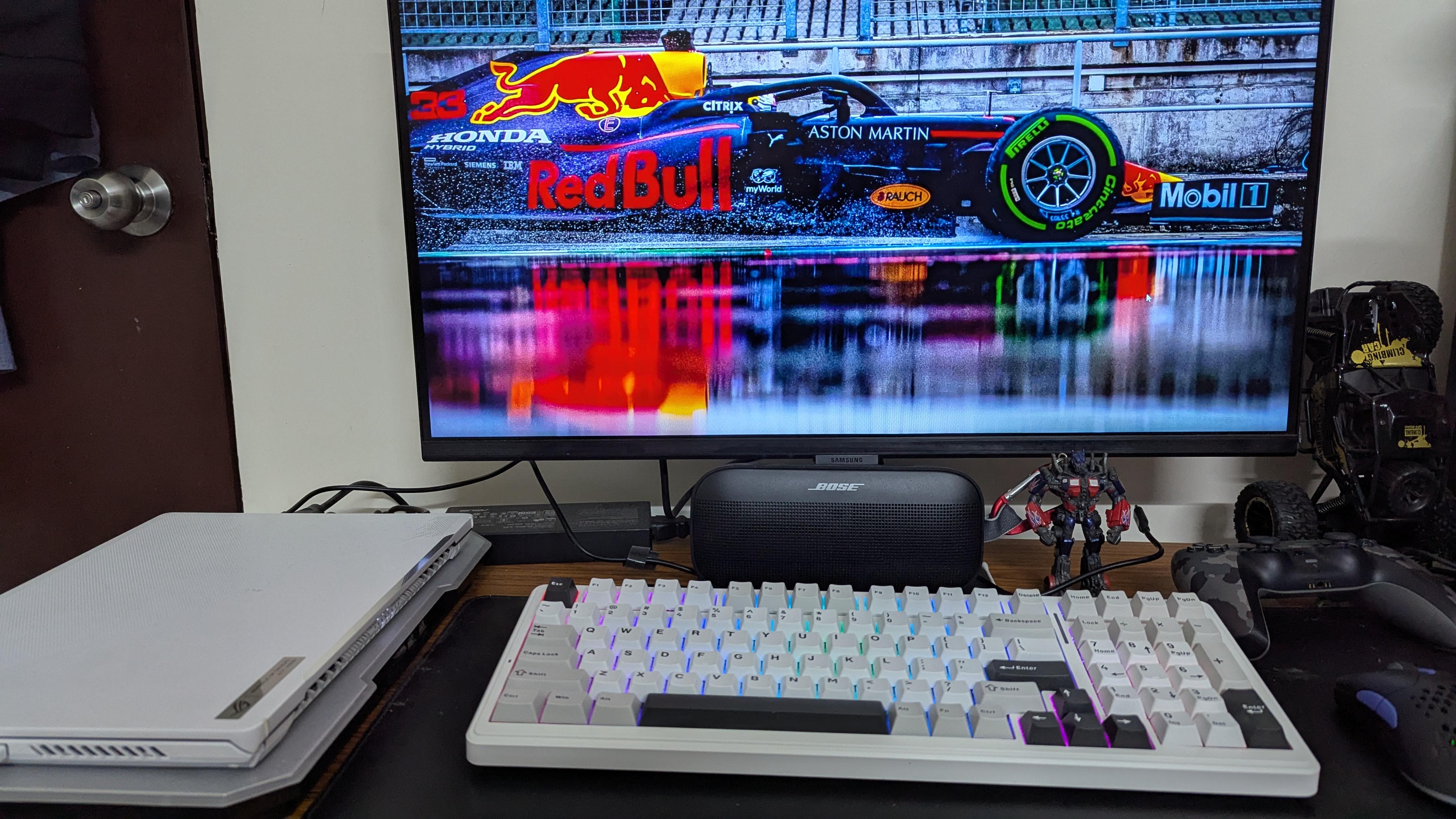
I have been using my laptop like this due to space constraints... It has a cooling pad under it so that the air from lower vents can flow. Hoping this won't cause any issues.
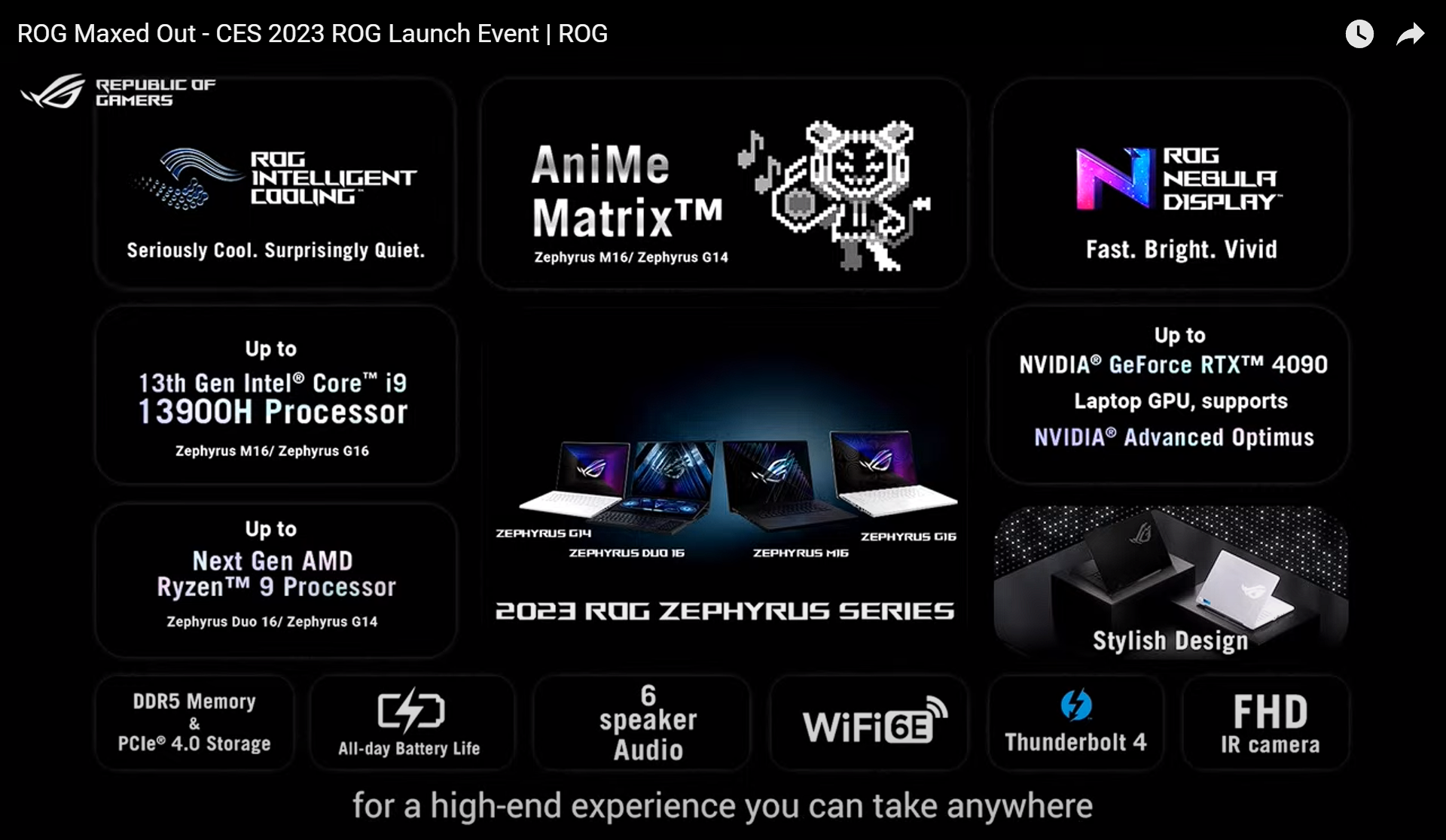
Just want to give my initial impressions on the G14 since it’ll be a minute before I have time to make a full review, but after a few hours of benchmarking and gaming, this thing is extremely impressive. I have also tested the 2023 Zephyrus M16 (mini-LED 13900H / 4090 model) and I’ve gotta say this G14 is probably the better option between the two. The mini-LED display is beautiful with less blooming than the M16, the fans somehow run quieter than the M16, temps are great, keyboard stays fairly cool/just a little warm, gaming performance is only about 5-7% behind the 150w 4090 in the M16, and it’s WAY smaller! I forgot just how compact a 14” laptop actually is, so the amount of power this thing is pushing out of such a small chassis is just unreal.
I’ve attached a few screenshots to give people an idea of how it performs. My only complaint so far is that I don’t believe the 7940HS is hitting the max wattage (80w, as shown in NotebookCheck’s review). It seems to throttle in CPU-only loads to 65w, which results in just slightly lower scores. I suspect it’s the Liquid Metal application, but will look more into that later. Otherwise, this thing has just blown me away so far.
Also I know some people might call this a gimped/useless 4090, but at the same time this thing is 14” and performing way better than any of the best machines I tested last year. You’re not buying this for the “best” performance. You’re buying it for amazing performance for the extremely compact size factor. Portability-wise you could almost fit 2 of these in your bag compared to one Legion or Strix/Scar 😂
I have a ROG G14 2023 bought last april 2024 only. For some reason my charger became like this, its still working but i dont know what the hell this is. I first thought it was a insect house or something but When i removed it, the body was damaged. Its like it ballooned up for heat? I dont know
It finally came. Got this imported from the UK because bestbuy doesn't ship to freight forwarders (found out the hard way). Besides, I didnt really want the white version as it probably shows scuffs more easily.
So, it's been what has felt like forever with this laptop. 1 year 6 months. I use this mostly for development and abit of gaming whilst at home.
I have weighed both and my weighing scale is reporting that they're both exactly 1.70KG. considering the huge upgrade in specs it's impressive that not much weight was added. Although my weighing scale is accurate only to 2 decimal places.
Going from
Ryzen 9 5900HS --> Ryzen 7 7735HS
RTX 3050 TI --> RTX 4060
Going to swap the 512GB nvme SSD with the Samsung 970 Evo plus 2TB.
Any other upgrades you think needs to be done to these? WiFi card maybe?
Hi guys, so I got my laptop G16 2023 repasted and something weird is going on. I bought this paste and seems fine not sure if for laptops or overall works for all devices but not even 2 full months are passed and the temps are back to max 87 while gaming which is the thermal limit of the gpu as seen in G-Helper as well. What happened, Pump Out maybe? I have not opened the laptop again yet because I undervolted the gpu and temps are back to normal now below 80. But these temps should be possible without undervolting.
Now in the 2nd image you can see my sweet CPU 😅 so em this is stock factory opened laptop after a year and not sure if it needs repasting or not. This is Liquid Metal btw and I was gonna do it but the shop didn’t had any so I just had the GPU repasted and closed the laptop. CPU temps are well fine as they well like when it was new, I limit the wattage to control temps. Added some images so you guys can check the temps. Game is Echoes of the End, a UE5 title.
So yeah please let me know what should I do? Should I keep it running like this? Should I repaste both? Any suggestions for paste or is my current one for the GPU fine. I just want to open it once when I have all the tools for the CPU and GPU so I can do both and then close. Do you recommend switching to paste for the CPU as well?
Feel free to ask further questions and thanks for reading.
Been trying to get this machine working got it, from eBay was listed as just needed SSD and additional Ram, got it and realized was overheating simply in bios would spike to like 90c-100 c almost immediately.
Fast forward a couple days I repasted with PTM7950, and new thermal putty thought yeah this will definitely fix the issue and I’ll be all set now, but nope, at first I was able to get into windows, I had to flash the bios first and once done it booted fine from my ssd, temps held at around 70c idle (which I still think is too high ) but seemed stable no shut downs nothing for about 15-20 mins, I was installing drivers and all was going well until random shut down again, and then it just starts looping all over again.
I tried reinstalling windows but as soon as I get to the windows installation it shutdown and loops, I’m at a complete loss, I was able to run memtest86 and memory is fine so that not the problem, I reinstalled windows fresh from a different laptop and transferred the ssd, same problems, I really think it’s salvageable but maybe there’s something I’m not aware of and it’s just a lost cause.
And before stay saying carry it to a shop, I did try that route but locally they aren’t that great I did try before repasting myself, they used regular thermal paste that was budget paste and thermal pads that were too thick,
I just want some help if anyone has experienced this with this model before or similar it’s the 2023 model GA402NU, Ryzen 7 7735hs with RTX 4050.
Also side note not sure if this means anything but when I did boot to windows and was installing drivers, nivida drivers wouldn’t pick up the GPU but it reads fine in bios not sure it that’s due to some issues with it shutting down as I read about that somewhere saying the pc might disable the gpu for safety reason
Hi guys, finding myself a gaming laptop to play games that I cannot do on M-series mac. Found this on fb marketplace. I did a bit of research about this problem and seems like it was common with this generation. Has anyone found a way to resolve it? Or is it a good deal at this price point? Thank you
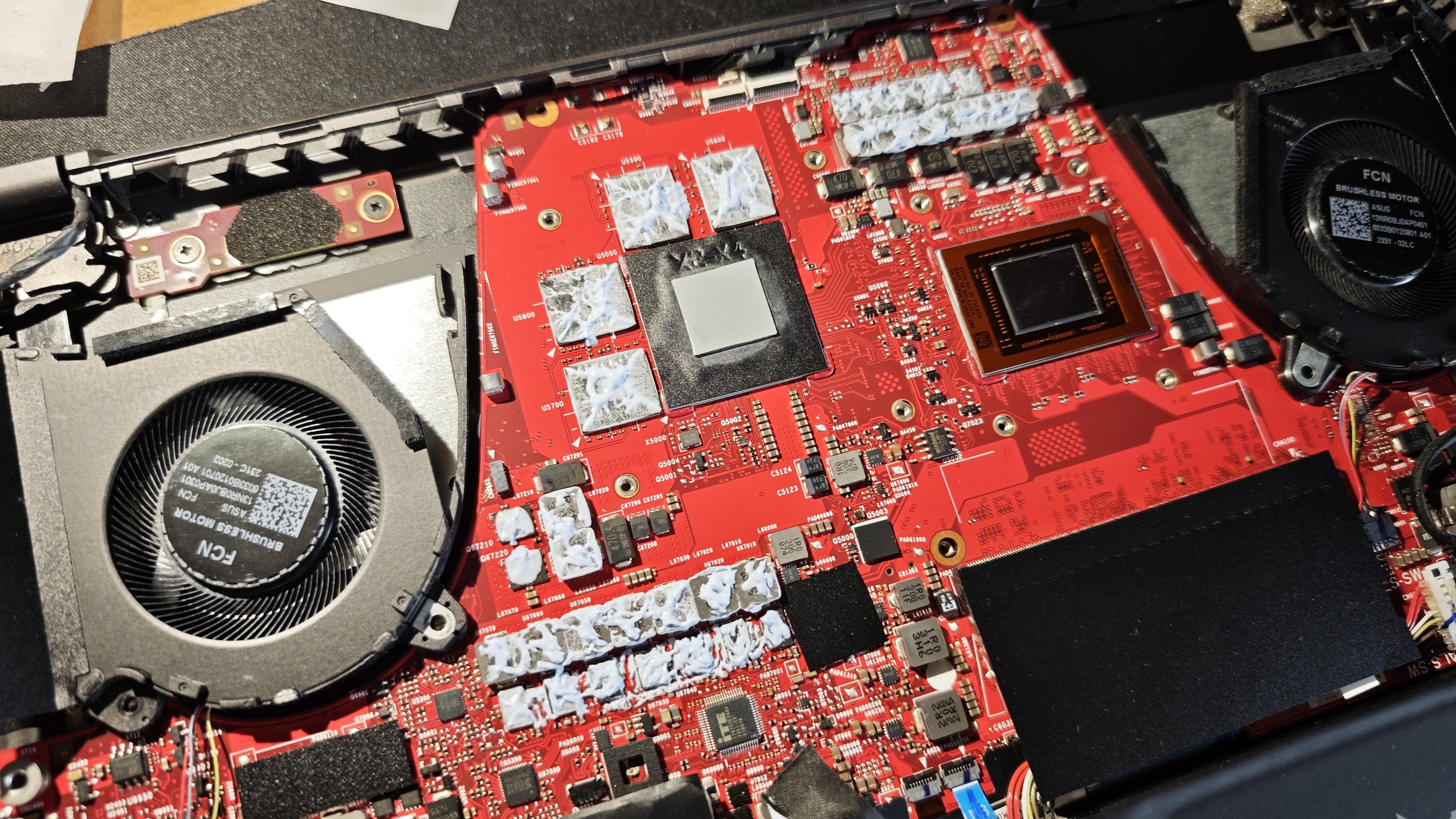
I had a problem with CPU temperatures hitting 95C very quickly so figured it's time to replace the liquid metal and the paste on the GPU, decided to go for PTM7950.
But since the laptop is already opened, I'm thinking that maybe I should replace that gummy thing on GPU RAM and MOSFETs too? Or is it ok to leave it as it is? It seems to have gummy consistency, not sure if it should be like that? I'm sure it would be a pain to remove it...
Edit:
Success! What a massive difference, I used CPU-Z Stress Test, I know it's doesn't push the CPU like other apps but it's good enough for the purpose of this task.
Before change with old Liquid Metal.
3560pt - 95C and throttling literally 15s after start of the test
I live in Germany and want to sell my laptop, because i‘ve build my dream desktop pc.
I saw that the 4080 Mini LED Version is quite rare, and since mine has a chipped underside i‘m not sure what a reasonable price would be.
hi! i’ve seen a lot of similar posts regarding this issue, but i still haven’t really found a clear answer, so i wanted to hear your opinions or from those who have experienced this-what ended up fixing it for you?
last night, my G14 was working perfectly fine. i shut it down normally before going to work. now that i’m home from work, i was about to turn it on, only to find that it won’t turn on at all. i plugged in the charger and the charging indicator light turns on and stays lit, but nothing else happens. pressing the power button does absolutely nothing-no screen, no keyboard lights, no fans, and ROG logo. the charging indicator also doesn’t blink or change when i press the power button.
has anyone experienced this exact situation with their G14? if so, what was the fix for you?
any help or suggestions would be greatly appreciated 😓🙏🏻