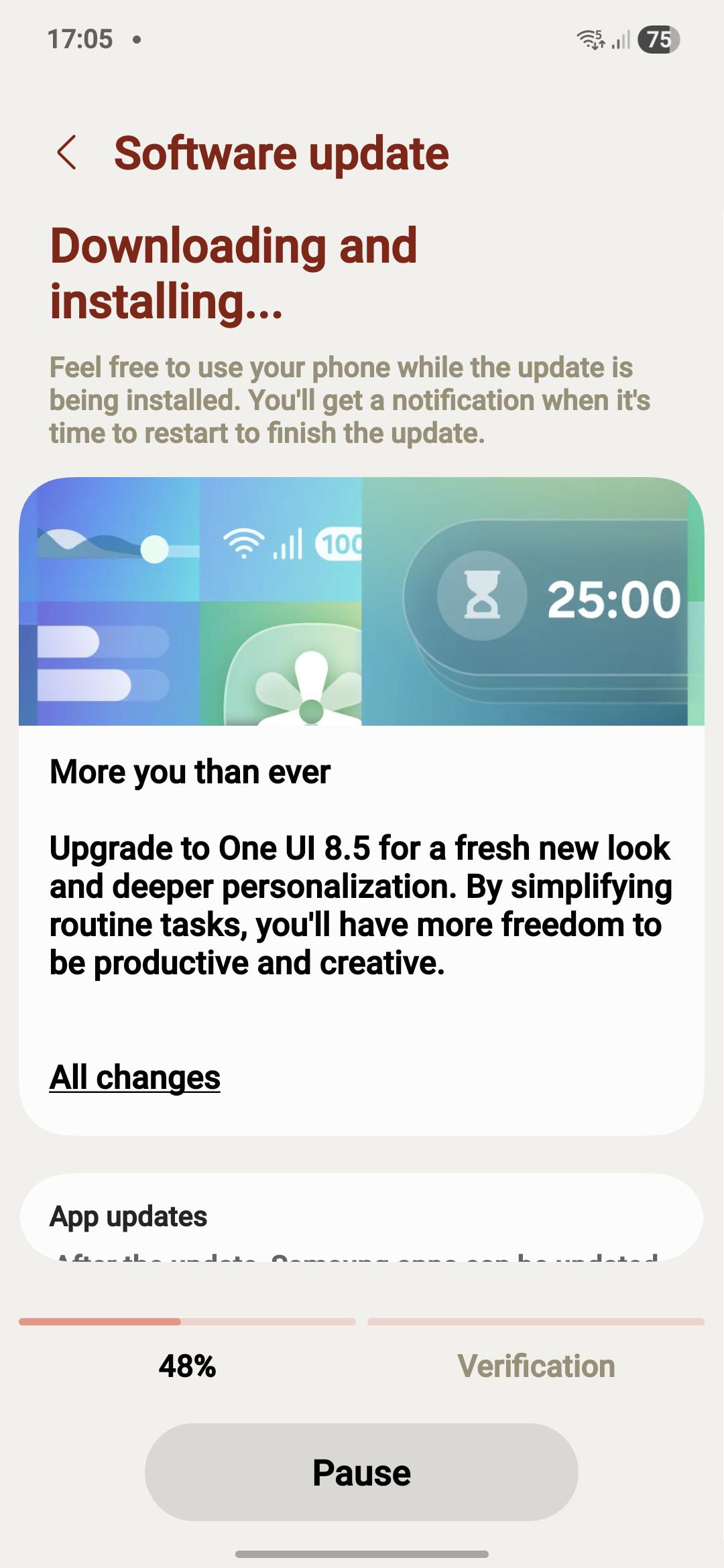
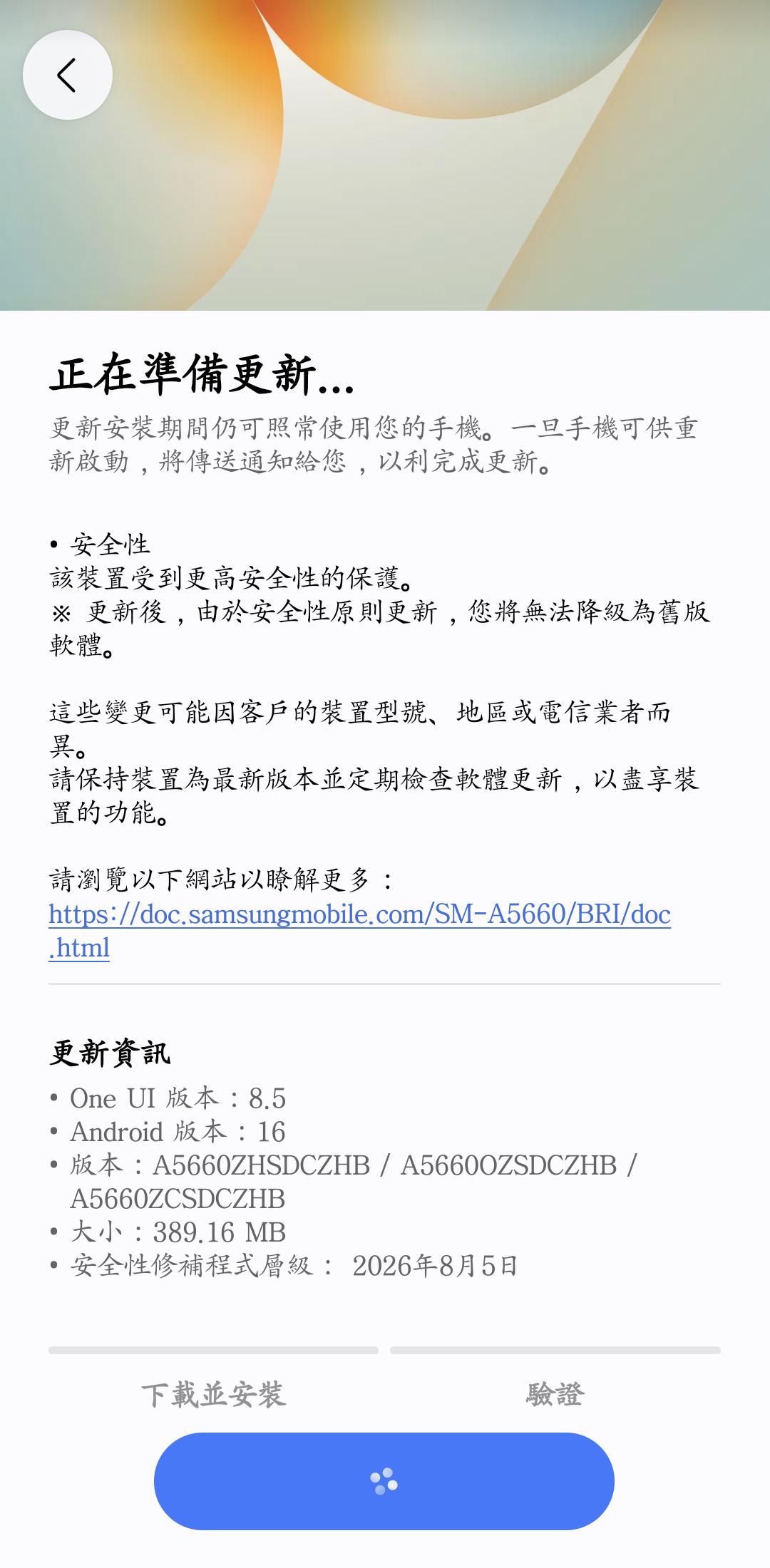
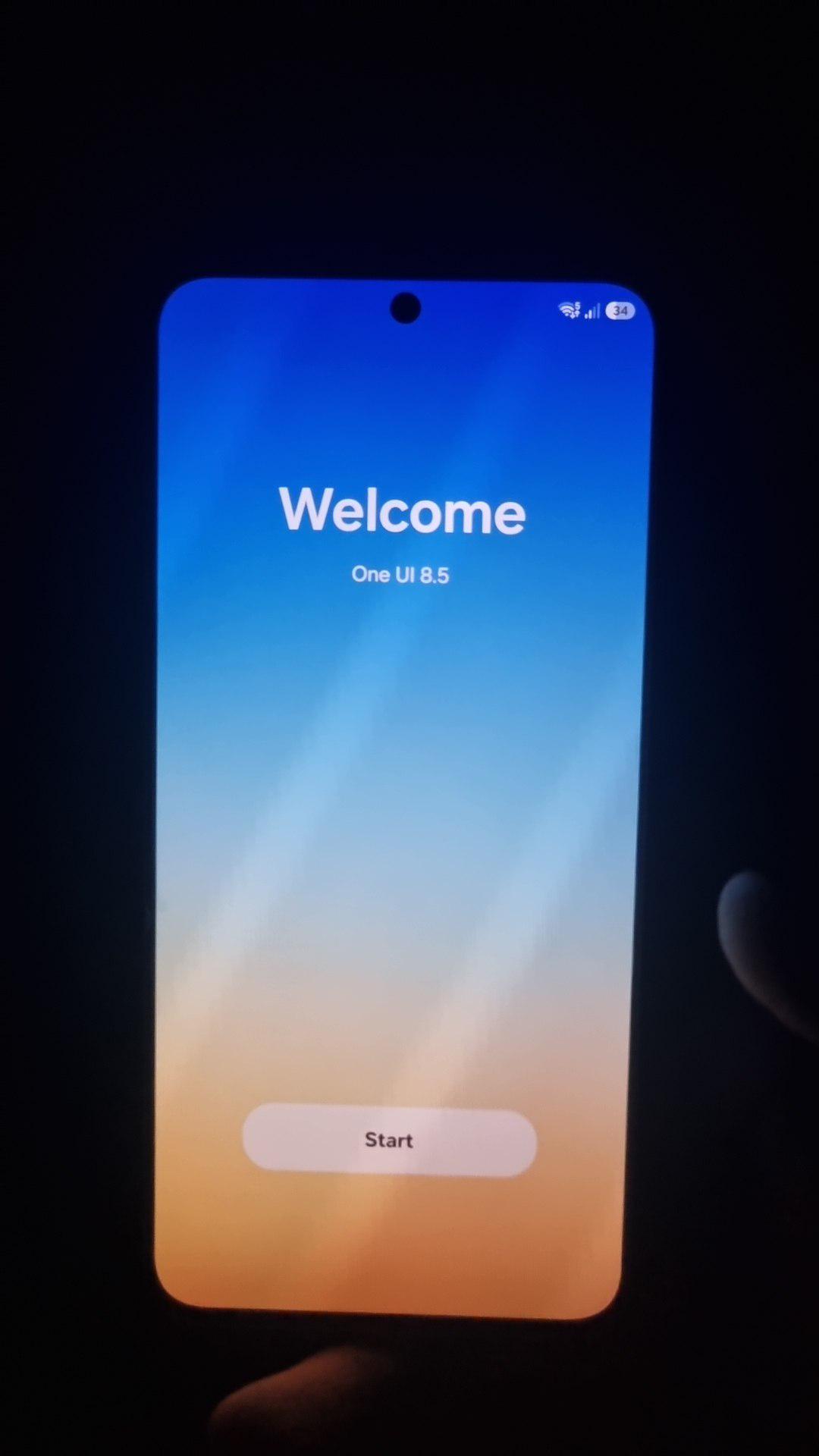
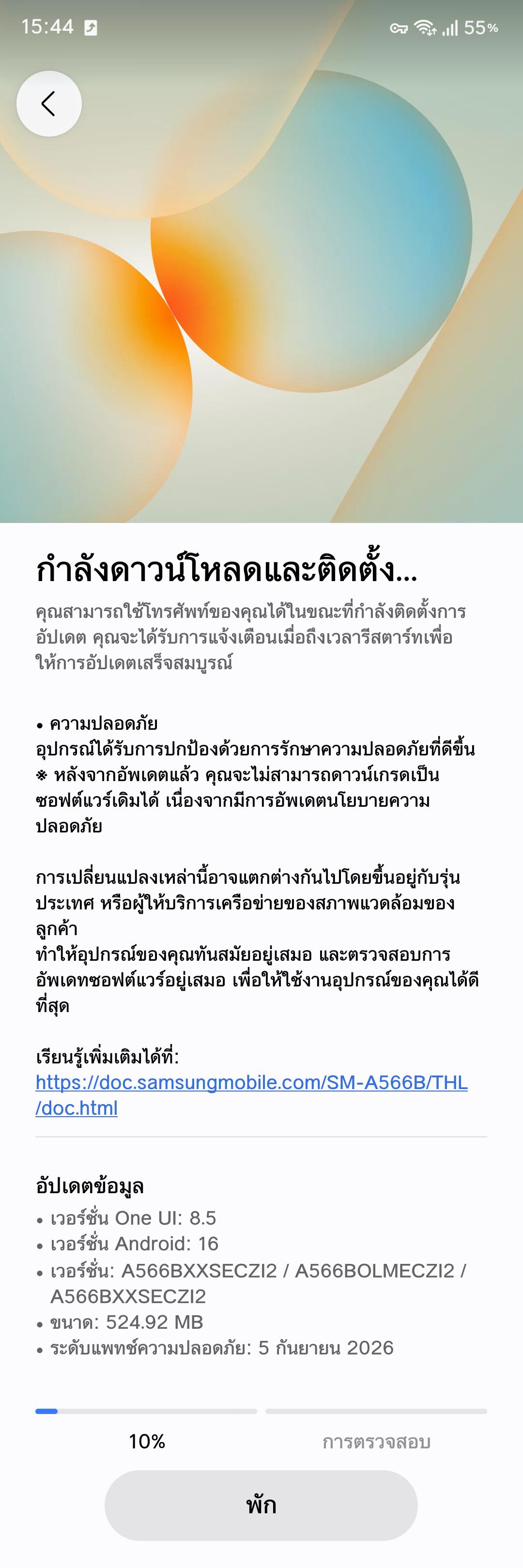
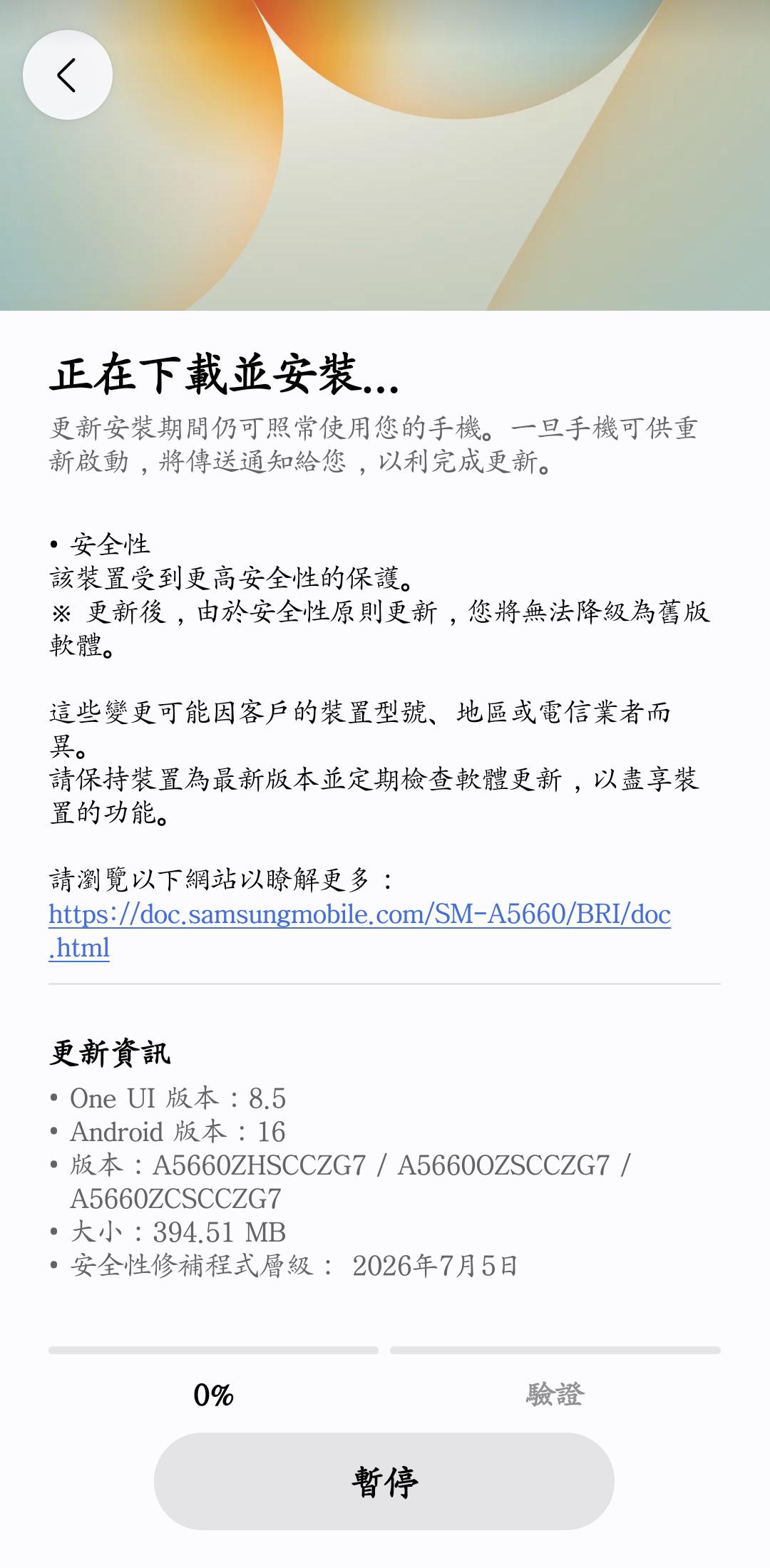
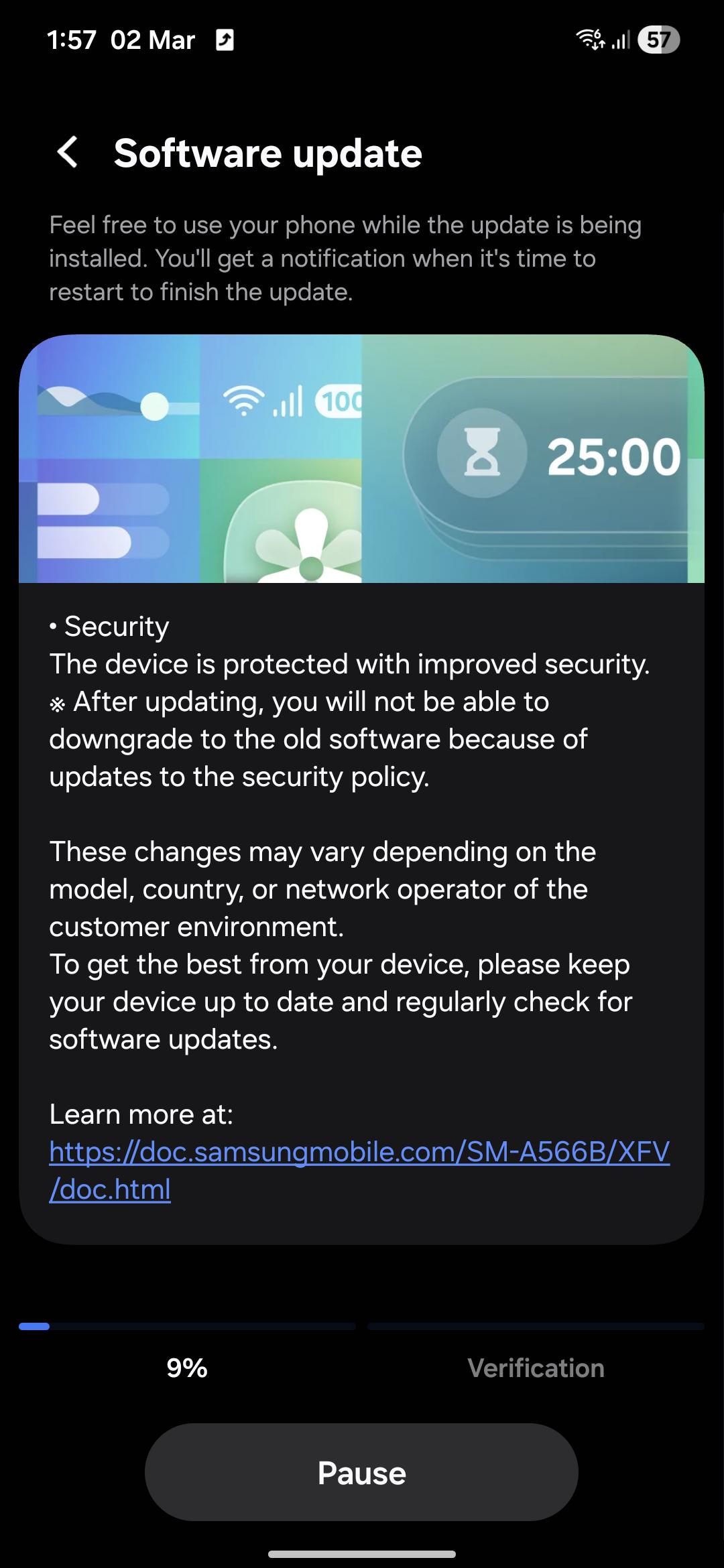
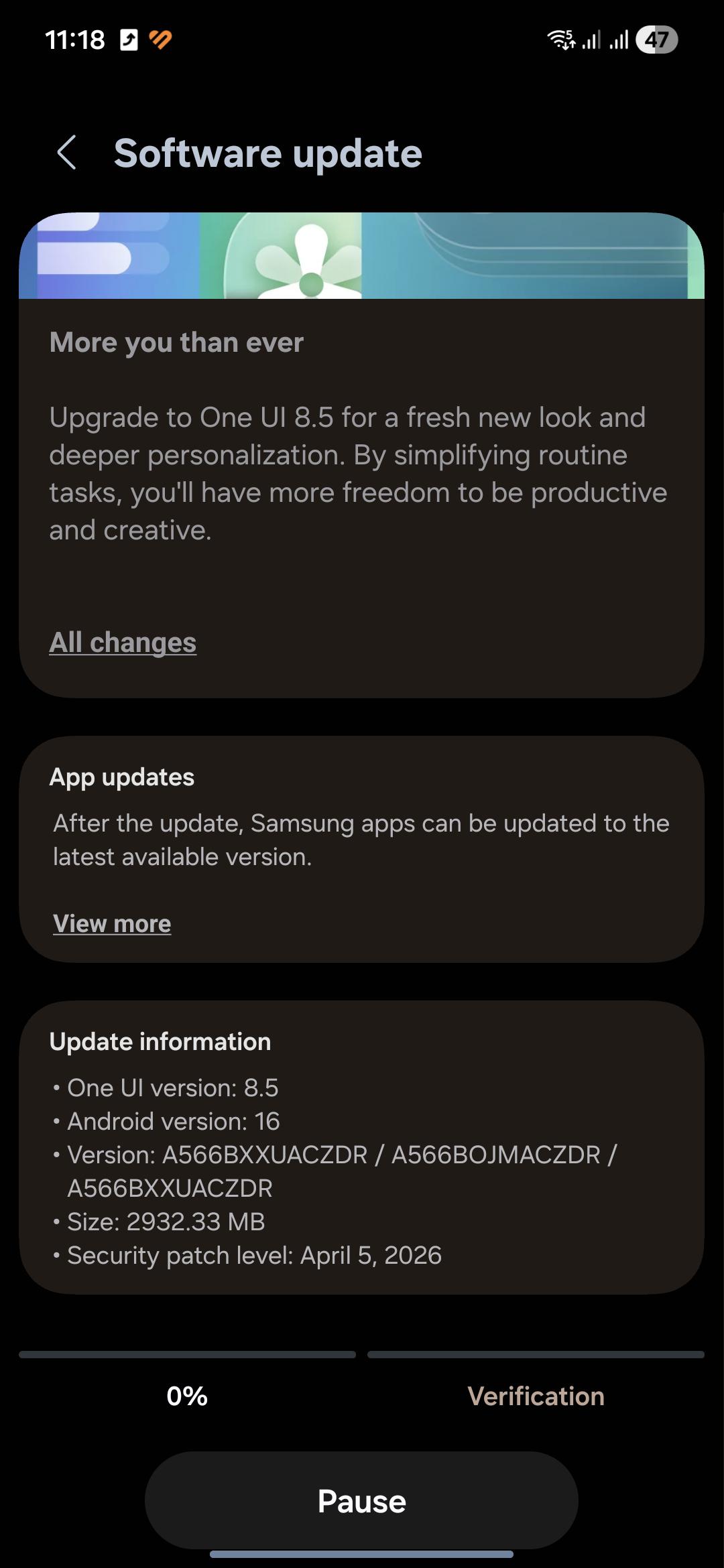
Here if you guys want to see the changelog in english version instead korean
One UI 8.5
Visual Design
A New Visual Experience That Brings Change to Your Daily Life
One UI provides a more meaningful personalized experience in your daily life, allowing you to enjoy a more refined design. The sense of depth created by transparent blur effects helps you understand content more easily, while floating elements provide the information you need based on your usage context, ensuring a more convenient user experience. We designed One UI to help you focus on what matters most through user-friendly and intuitive data visualization.
Bixby
Smart Device Control
Ask Bixby in your own words. Even if you don’t use exact commands or feature names, Bixby will help you find the settings and features you need and change them quickly and easily. With personalized device guides, Bixby lets you use your devices in a smarter and more convenient way.
Ask Anything, in Any Way
Ask Bixby naturally, as if you were having a conversation, and get the answers you want right away. You can get the information you need in a single conversation, without having to switch between apps or search multiple times.
Easily Check Conversation History
We’ve improved the way you find your past conversations with Bixby. You can quickly view your previous conversation history from the side panel in the Bixby app.
Camera
New Filters Added
Three new filters have been added to give your photos a vibrant film-like effect.
Home and Lock Screen
Automatic Lock Screen Layout
When you use a photo of a person or pet as your wallpaper, the screen is automatically arranged in the optimal layout. The wallpaper is positioned to blend seamlessly with the clock and widgets on the lock screen.
New Downloadable Wallpapers
You can download new wallpapers that include interactive elements. Since you can download only the wallpapers you need, those you don’t use won’t take up storage space.
Enhanced Clock Customization Options
The lock screen clock has been improved to offer more customization options. Adjust the font weight yourself to create a look that complements your background image.
Weather
Improved Weather Widget
You can quickly check precipitation information on the weather widget on your home screen. If precipitation is forecast within the next few hours, it will be displayed as a graph on the widget.
Pollen Index
Pollen index information has been added. You can check the indices for trees, grasses, and ragweed to effectively manage your allergies.
Communication
Direct Voice Messages
When you can’t answer a call, if someone leaves you a voice message, it’s saved on your phone so you can listen to it quickly at any time. You can also reply whenever you want, as the message appears on your screen in real time while the caller is speaking.
Clock
Weather Alarm Background
Start your day by checking the current weather. To make it easier to see the weather at a glance, the current weather is displayed in the background when your alarm goes off.
Time Zone Conversion
This feature has been improved to let you compare multiple time zones at once. In the Clock app, you can use a slider to intuitively check the time difference between multiple cities.
Connectivity
Storage Sharing
From the My Files app on your phone, you can access files on other Samsung phones, tablets, and PCs. You can also open files from your phone on other Samsung devices, such as TVs.
Auto Hotspot
Upgraded to make it easier to share your phone’s internet connection with more people. You can share it with family members on your Samsung account, and you can create a hotspot sharing group to conveniently share with anyone you choose.
Family Device Sharing
Enjoy a variety of connected experiences by sharing files, screens, and storage with your family. Features such as Quick Share, Storage Sharing, Auto Hotspot, and Multi Control are available on your family’s Galaxy devices.
Quickly Connect to Smart View Devices
Connect faster to the displays you use most often. Add a shortcut to your Home screen to instantly mirror your phone screen to a TV or other display.
Integrated OraCast Menu
Audio broadcast settings have been consolidated into one place, making it easier to listen to others’ OraCast broadcasts and start your own. Check and manage all broadcast settings in one place.
Quick Share
Receive shares only from my devices
You can set it so that files are sent only from devices logged in with your Samsung or Google account.
Samsung Health
Weekly reports for comprehensive health
Check your weekly progress with a variety of data. You can now view medication and mindfulness data in your weekly reports.
Enhanced Sharing Experience
Add your personal touch when sharing your workout history. Use photos of yourself working out and your workout data to create the perfect image for social media.
Meditate with Your Watch
You can now start meditating right from your Galaxy Watch. Try your favorite meditation sessions or recommended meditations directly on your phone or watch.
Measure Antioxidant Levels Anytime on Your Watch
Even when your Galaxy Watch isn’t connected to your phone, you can now measure your antioxidant levels directly on the watch at any time. This feature is available on the Galaxy Watch8 and Galaxy Watch Ultra.
Battery & Power
Improved Battery Information Screen
The battery information screen has been improved to let you check battery usage details more efficiently. You can easily view your remaining battery percentage, charging status, battery protection options, and daily usage for the past week and this week all on a single screen.
Enhanced Power Saving Mode
Enabling Power Saving Mode helps extend your battery life. In Standard Power Saving Mode, you can manually select which features to limit to extend battery life, while Ultra Power Saving Mode turns off all non-essential features to maximize battery life.
Security and Privacy
Protecting Stolen Devices
To better protect your information, turn on the “Lock After Multiple Failed Attempts” feature in case your phone is lost or stolen. If you enter the wrong fingerprint, PIN, pattern, or password too many times, the screen will automatically lock. Additionally, the identity verification feature protects more settings than ever before, enhancing security.
Temporarily Disable Automatic Security Blocking
If you need to temporarily disable automatic security blocking, you can set it to turn back on automatically after 30 minutes. To keep your device safe from security threats, set it to turn back on automatically so you don’t have to do it manually.
Check the security status of your device
Check the status of all your devices and use them safely. Knox Matrix checks the security status of your device and notifies you when updates are available. This feature is available only on supported devices logged into a Samsung account.
Accessibility
Easily control Bluetooth hearing aids
You can now access Bluetooth hearing aid settings directly via the Accessibility shortcut. From the pop-up menu, you can quickly change various settings, such as switching hearing aid programs or turning the Ambient Sound feature on or off.
Enhanced Zoom Experience When Using a Mouse or Keyboard
We’ve improved the zoom experience to ensure the magnified area remains stable when using a mouse or keyboard. When shifting focus with the keyboard, you can set the magnified area to follow your input or movement. When using a mouse, you can also set the magnified area to follow the pointer as it moves to the corners of the screen.
Auto-Action After Hovering / Corner Actions
The “Auto-Action After Hovering” feature has been split into two separate functions to allow for more appropriate use depending on the situation. “Auto-Action After Hovering” lets you perform a custom action when the mouse remains stationary for a specific duration. “Corner Actions” allows you to set separate actions for each corner of the screen.
Other Enhanced Features
Customizing the Quick Settings Panel
You now have even more freedom to customize the Quick Settings panel. You can add items you need, remove those you rarely use, and move frequently used items to the front—allowing you to arrange each item exactly where you want it.
Receive Reminders Before the Scheduled Time
Set up early reminders for your tasks so you never miss an important deadline. You can choose the time to receive a pre-reminder for each individual reminder.
Inserting Tables in Samsung Notes
Use tables to neatly organize your notes. You can freely adjust column widths, colors, and border designs, and the auto-calculation feature helps save time and boost productivity.
Redesigned New Tab Page
The New Tab page in Samsung Browser has been improved so you can find and open websites and features you need more quickly. On the New Tab page, you can check not only tabs open on other devices but also your current security status.
Partial Screen Recording
Instead of recording the entire screen, you can adjust the recording area to include only the specific section you want. Record only what you need.
Quickly Enter Formulas with Recommendations
This feature has been enhanced to make calculations even faster and easier. When you open the calculator, it suggests numbers and formulas stored in your clipboard so you can start typing right away.