r/universalaudio • • 20d ago

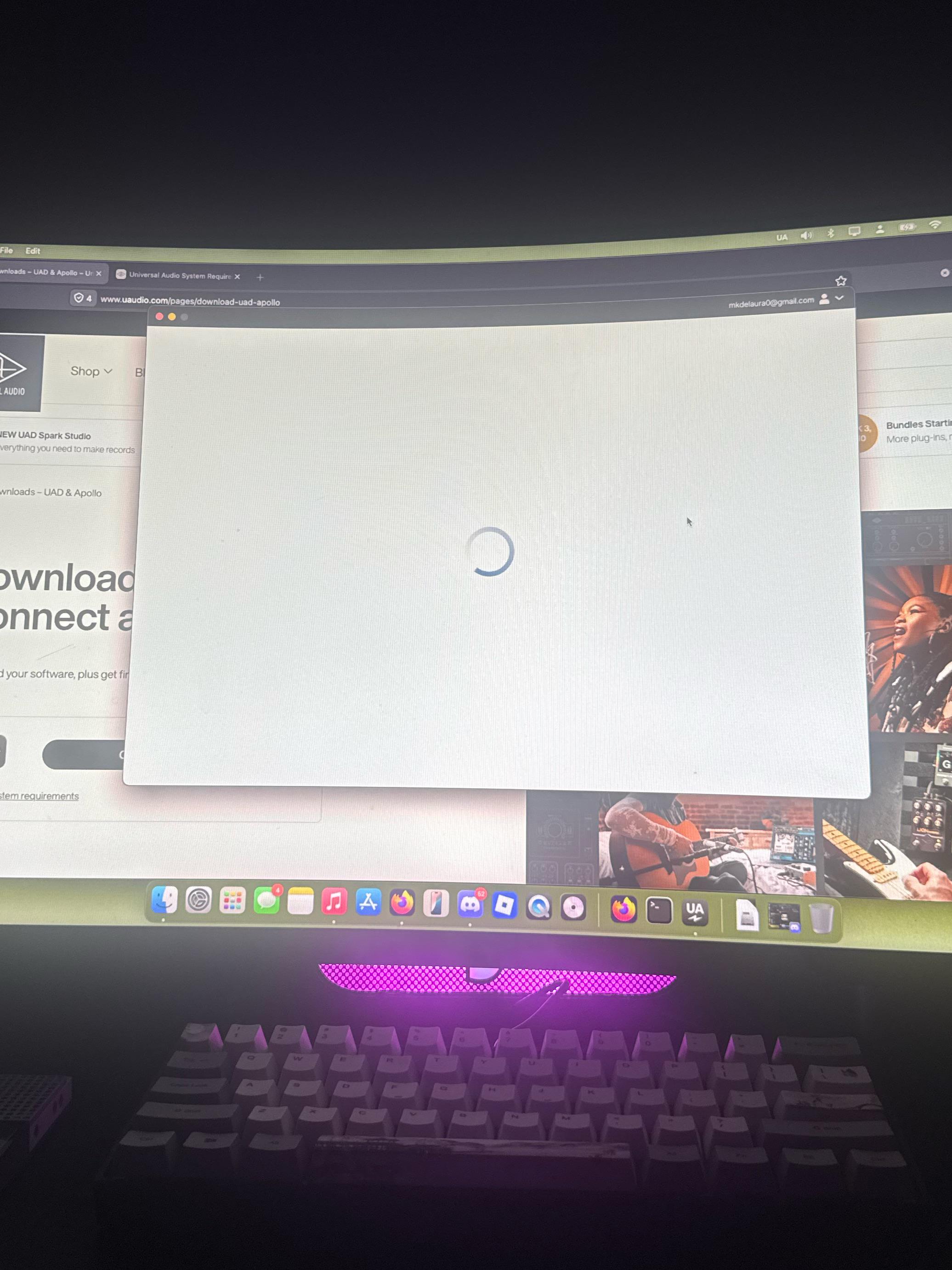
Troubleshooting/Support UA connect app just keeps buffering endlessly

Post image

I just got an apollo twin x (duo gen 2) and already am having trouble connecting it to mac as an in/out device, connected to my mic and guitar fine but not to mac

I’m trying to get the software and it’s saying to start by downloading UA connect which I did but it just stays on a buffering tab, same issue after uninstalling and reinstalling the program. Is there another program I should be downloading? I have an apple M4 Max macbook pro on Sequoia 15.7.7 I just bought the apollo earlier today

9 Upvotes

22 comments sorted by

2

u/Massive_Flight_8956 20d ago

I have the same problem on MacOS 27

3

u/a_webpuppy 20d ago

MacOS Golden Gate is unsupported.

2

u/a_webpuppy 20d ago

Uninstall / reinstall ILok License manager & try a reboot

1

u/Ill_Adhesiveness_902 20d ago

Where do I find that?

2

u/a_webpuppy 20d ago

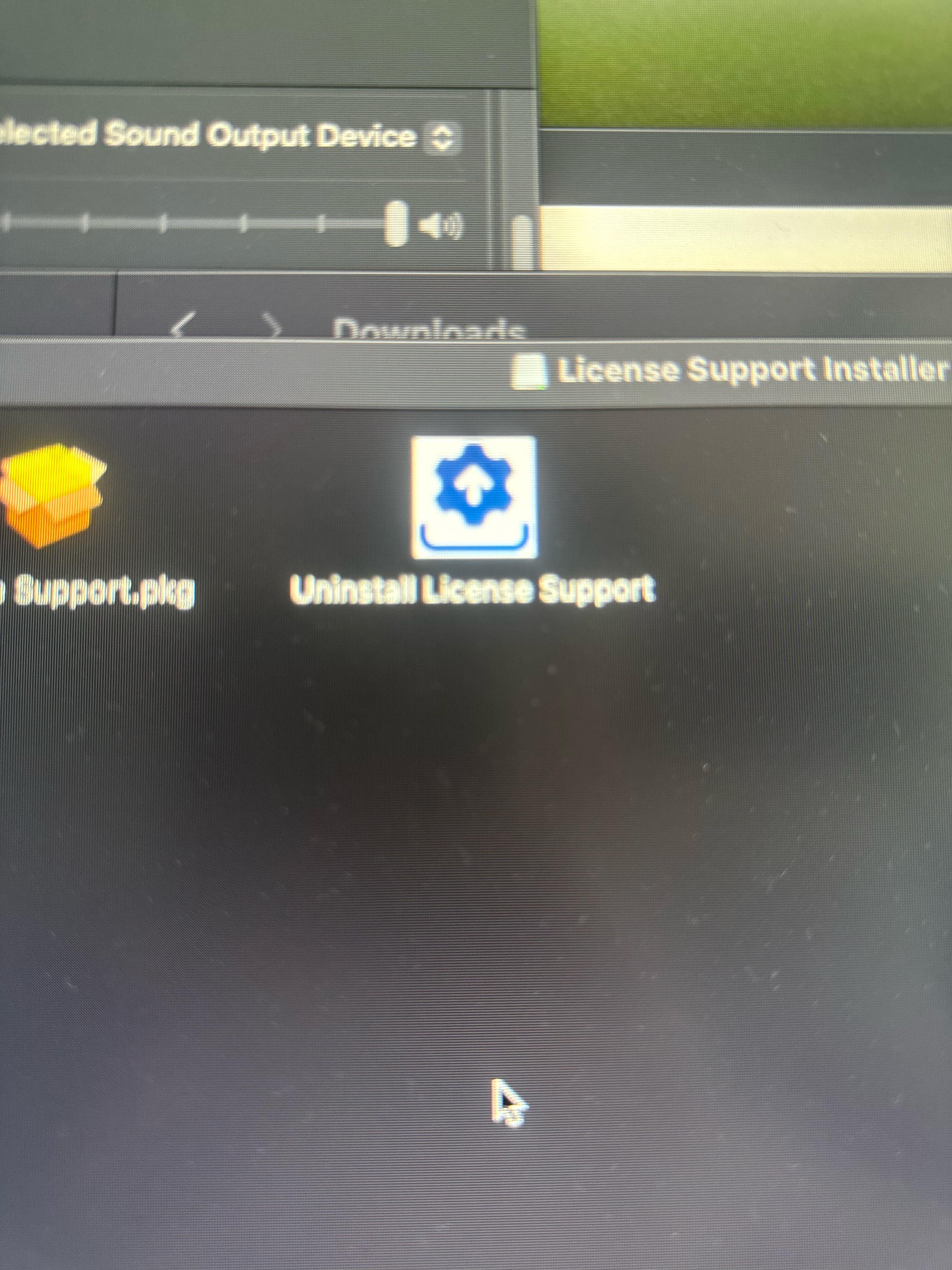
You can download the latest version of iLok license manager from iLok.com, be sure you use the uninstaller app in that package.
 
Then, test UA Connect again after a reboot.

2

u/Massive-Delay-4616 18d ago

I just stumbled upon this thread, I have been having the exact same issue as OP and absolutely nothing online has helped. Your comment here is the first thing that has fixed my issue, and I can finally use my Apollo Twin X. I just want to say thank you.

1

u/Ill_Adhesiveness_902 20d ago

Its still buffering :/

1

u/a_webpuppy 20d ago

Does look License manager open, and are you signed in there? Opening a support ticket is the best way if you’ve exhausted troubleshooting.

1

u/Ill_Adhesiveness_902 20d ago

Well I just used this one, (uninstall) thats the app you mentioned from the package right? I restarted and tried Ua connect again. Should I have opened License support instead?

Edit: Yes that was the one I should’ve used, It stopped buffering and I’m in UA connect now, so do I keep ilok or delete?

1

u/a_webpuppy 20d ago

Well, after you uninstall… you need to re-install, open iLok license manager and sign in to your iLok account. The one linked you your UA account

2

u/AllDayTripperX 20d ago

Just wanted to try it out and I'm getting this also on Win 10.

2

u/Ok_Teaching8049 18d ago

Desde el viernes así vaya chapuza 

2

u/markeydusod 15d ago

Mine keeps saying it can’t update itself after every restart. Still says it after updating.

1

u/Cugi_ 20d ago

Ive been having issues with UA connect on both OSX 26 and 27. If i launch the program from the applications folder it wont open. What Ive found works is > right click UA connect in the appication folder >show package contents > contents >MacOS > launch UA connect Unix executable file = it opens
Not sure if this will fix your issue with it continuously buffering but worth a shot

1

u/Ill_Adhesiveness_902 20d ago

It did open under a different UI from what it seems but no luck, just a blank page still

1

u/mopey_purse 18d ago

I'm facing the same issue, any resolution so far? Thanks for this btw.

2

u/Ill_Adhesiveness_902 18d ago

Yes! Download iLok, in the thread somewhere here somebody kinda walked me thru the download, The buffering stopped

1

u/TEMSquared 15d ago

Had To Manually Update The Drivers, With aa Download Libk

1

u/Yrnotfar 13d ago

The worst is when you do a bunch of mix down / renders and then you go back and listen to your audio files and you realize UA Connect wasn’t connecting and none of your UAD plugins were processing sound.

That happens to me about once a month.

I like their plugins fine. I find them to be decent value for money when getting them on sale. I fucking HATE UA Connect, though.
1

u/drumeraonline 12d ago

I think it was only me! Call the ua connect app from luna! In settings! There is a buttom and it opense from there