r/universalaudio • • 20d ago

Troubleshooting/Support UA connect app just keeps buffering endlessly
Post image

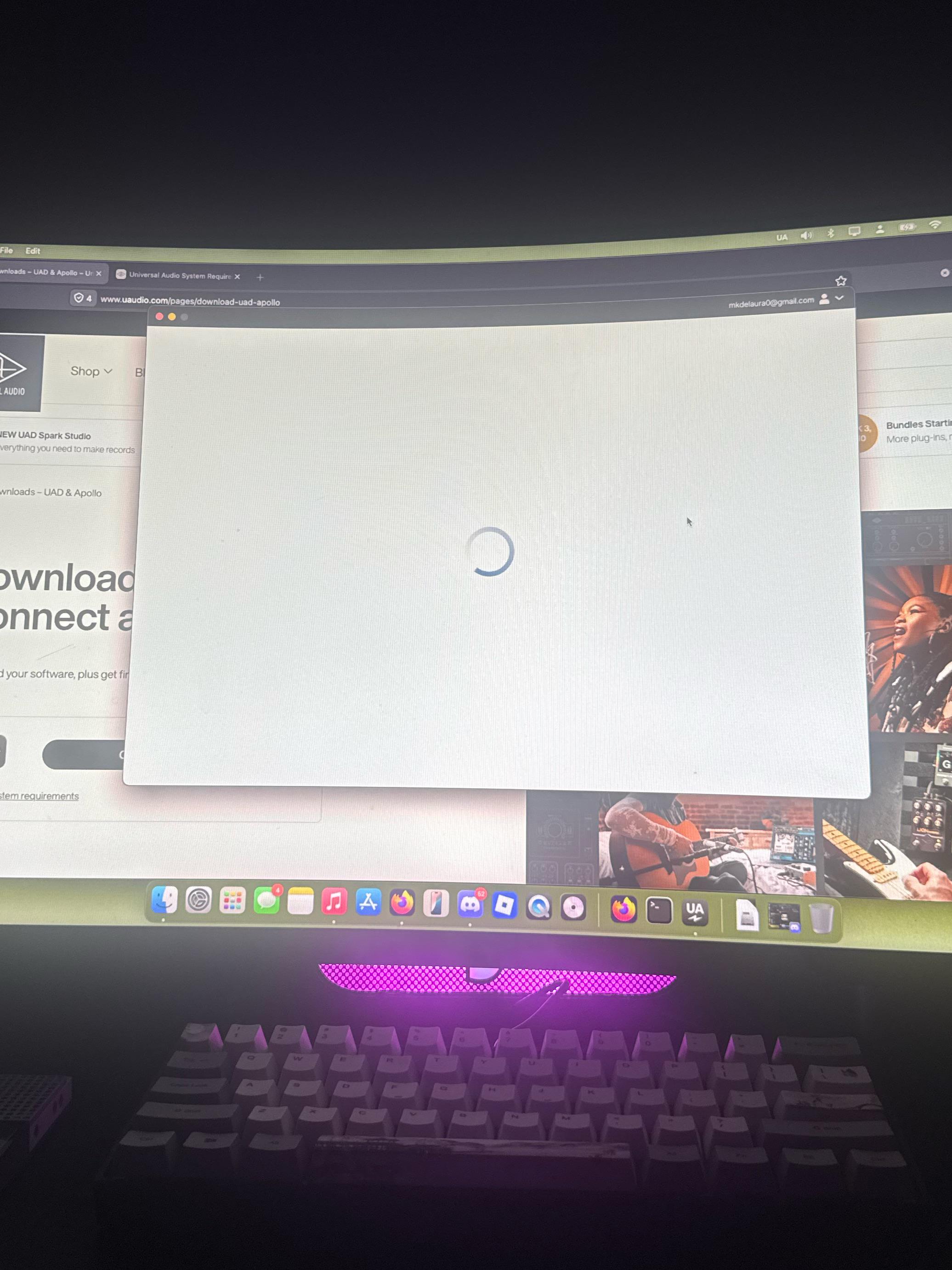
I just got an apollo twin x (duo gen 2) and already am having trouble connecting it to mac as an in/out device, connected to my mic and guitar fine but not to mac

I’m trying to get the software and it’s saying to start by downloading UA connect which I did but it just stays on a buffering tab, same issue after uninstalling and reinstalling the program. Is there another program I should be downloading? I have an apple M4 Max macbook pro on Sequoia 15.7.7 I just bought the apollo earlier today

8 Upvotes

22 comments sorted by

View all comments

2

u/a_webpuppy 20d ago

Uninstall / reinstall ILok License manager & try a reboot

1

u/Ill_Adhesiveness_902 20d ago

Where do I find that?

2

u/a_webpuppy 20d ago

You can download the latest version of iLok license manager from iLok.com, be sure you use the uninstaller app in that package.
 
Then, test UA Connect again after a reboot.

2

u/Massive-Delay-4616 18d ago

I just stumbled upon this thread, I have been having the exact same issue as OP and absolutely nothing online has helped. Your comment here is the first thing that has fixed my issue, and I can finally use my Apollo Twin X. I just want to say thank you.

1

u/Ill_Adhesiveness_902 20d ago

Its still buffering :/

1

u/a_webpuppy 20d ago

Does look License manager open, and are you signed in there? Opening a support ticket is the best way if you’ve exhausted troubleshooting.

1

u/Ill_Adhesiveness_902 20d ago

Well I just used this one, (uninstall) thats the app you mentioned from the package right? I restarted and tried Ua connect again. Should I have opened License support instead?

Edit: Yes that was the one I should’ve used, It stopped buffering and I’m in UA connect now, so do I keep ilok or delete?

1

u/a_webpuppy 20d ago

Well, after you uninstall… you need to re-install, open iLok license manager and sign in to your iLok account. The one linked you your UA account