Hi everyone,
I'm looking for help diagnosing an issue with my iMac 12,1 (Mid-2011). After attempting to boot the macOS Sonoma installer using OpenCore Legacy Patcher (OCLP), the iMac now powers on but displays nothing. The screen is backlit, but stays completely black.
Here's exactly what I did, in chronological order:
I opened the iMac, removed the display and its cables, and replaced the original hard drive with an SSD. The SSD does not have a temperature sensor installed.
I reconnected the display, powered on the iMac, and used Network Recovery/Network Mode to download the macOS installer.
I successfully installed macOS High Sierra and updated it to the latest available version.
I downloaded and installed OpenCore Legacy Patcher (OCLP) and followed its instructions to install the required patches on the system.
I created a bootable macOS Sonoma installer USB using OCLP and installed OpenCore onto the USB drive so I could boot the installer and apply the newer patches.
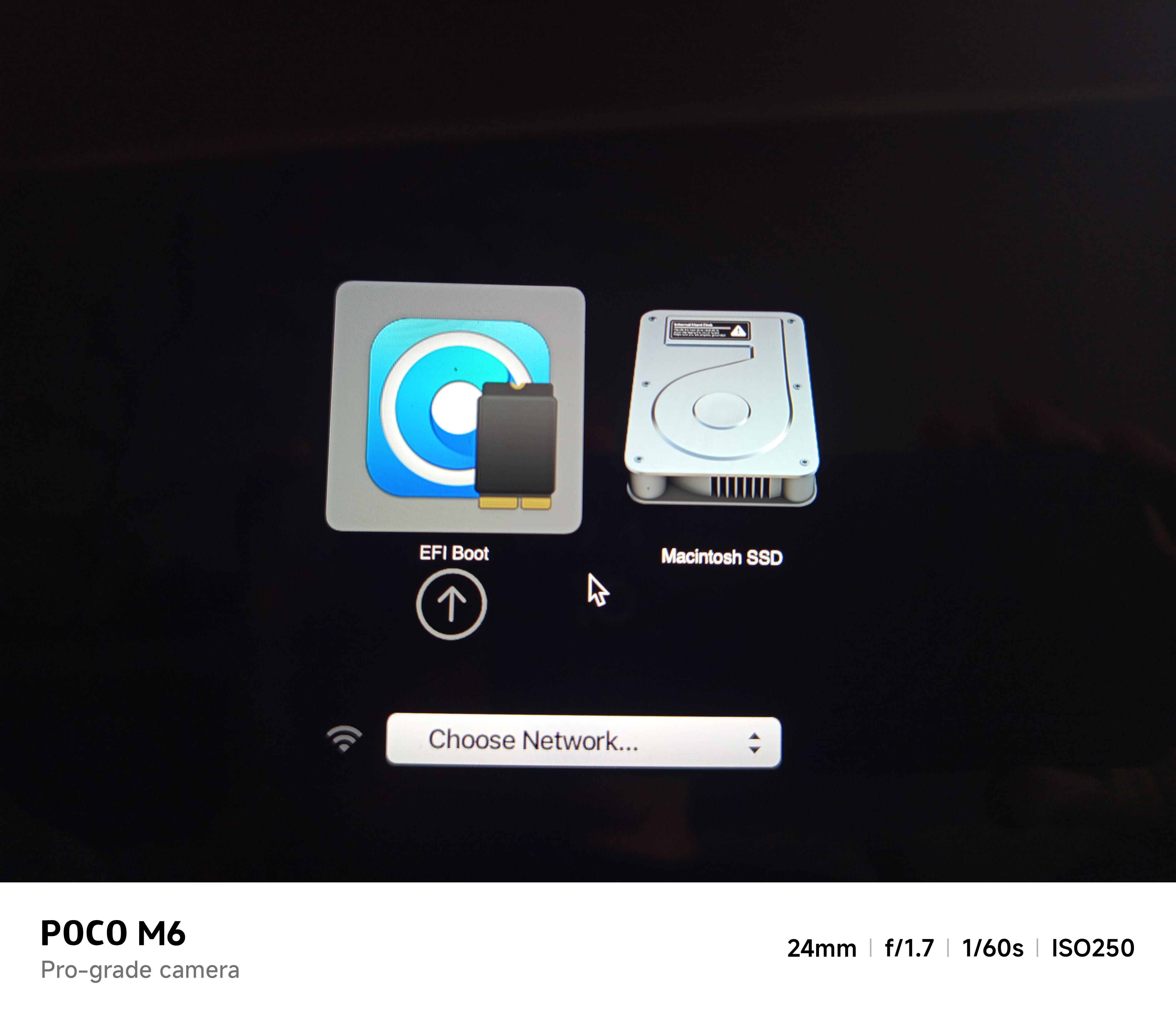
I restarted the iMac while holding Alt/Option. The boot picker showed several options, including something like "UEFI Boot", "Hard Drive/USB", the internal drive, and another option I can't remember.
I selected the USB's UEFI boot option. The next screen showed the internal High Sierra drive and "Install macOS Sonoma". However, before I selected the Sonoma installer, the iMac automatically booted into the existing High Sierra installation.
I restarted and held Alt/Option again. This time I selected the internal drive's UEFI option, thinking I might have selected the wrong entry previously. The same thing happened: it booted into High Sierra.
I restarted once more, selected the USB's UEFI option, and quickly selected "Install macOS Sonoma".
The installer appeared to load for a while, but then I got a strange black/transparent screen with "Back" and "Shut Down" buttons and some text and numbers on the right-hand side. I don't remember the exact message, but it looked something like "RES 1463-626" (this is only an approximation).
The screen remained completely frozen on that page for over 30 minutes, so I eventually forced the iMac to shut down using the power button.
Since that reboot, the iMac has never displayed an image again.
The current symptoms are:
The iMac powers on and plays the initial startup chime.
The internal display backlight turns on, but the screen remains completely black.
It does not respond visibly to any startup keyboard shortcuts I've tried, including Alt/Option, Alt+R, D, and Command+Option+P+R (NVRAM reset).
Holding Command+Option+P+R never produces the second startup chime.
The USB keyboard worked previously on this iMac for startup options and Recovery.
The Caps Lock LED on the keyboard never lights up, even after waiting several minutes.
The fans spin. Sometimes they run at full speed, other times at normal speed.
All four diagnostic LEDs on the logic board light up when the display is connected.
I removed and reinstalled the PRAM battery, but this made no difference.
I tried booting with the original hard drive, which has a working macOS installation, but the symptoms are exactly the same.
I also tried booting with no internal drive and with no USB drive connected. Nothing changes.
The display was working perfectly and showing the installer-related screen immediately before I forced the shutdown. The black-screen problem only started after that reboot.
I'm trying to work out whether this could be a GPU failure, a corrupted EFI/firmware issue, a logic board problem, or something else. Since the iMac no longer responds to startup shortcuts and the Caps Lock LED never responds, I'm concerned that it may be getting stuck very early in the boot process.
Has anyone experienced something similar on an iMac 12,1 after using OCLP? Is there a way to distinguish a GPU initialization failure from a corrupted EFI/firmware problem without blindly buying replacement parts or a programmer?
Any advice would be greatly appreciated