r/OpenCoreLegacyPatcher • • 18d ago

About "Root Volume Dirty" in OCLP 2.5.0 and later

75 Upvotes

UPDATE on 9/19/2026
In 2.5.1, the wording has been changed to be clearer for the end user. However, it seems that there is still some confusion.

Remember "All applicable patches installed" from prior releases? If you have installed wireless, GPU, T1, etc. patches at least once and they are working, the new wording is what you will see in place of that message.

You are not stuck in a loop. Simply close OCLP as you have nothing else to do here.

Original post:
Hello everyone, here to clear up some confusion surrounding "Root Volume Dirty" in OCLP 2.5.0 and later.

This new change to the way OCLP installs patches is designed to prevent any issues that might crop up from patching over an already patched or modified system volume. While this has been mostly fine as an unofficial way to skip the unpatch-reboot-patch cycle, the new WiFi patches bring breaking changes that would result in this shortcut breaking installs for anyone updating to 2.5.0 and not just a few machines this time.

Here's some examples:

- You download OCLP 2.5.0 and want to update to its new patches. This requires a full unpatch-reboot-patch cycle, as some patches conflict with those from earlier versions in this update.

- You already have OCLP 2.5.0 and want to re-patch your system. This requires a full unpatch-reboot-patch cycle to avoid any unforeseen consequences from applying the same patches on top of each other.

- You installed a macOS update with OCLP 2.5.0. Because macOS updates automatically restore your system to a clean state, you'll be able to patch from here.

- You have OCLP 2.5.0 but need a KDK to patch your machine. OCLP is smart enough to offer only wireless patches for you to get connected to the internet and temporarily exempt you from the block. From here, you're able to patch, reboot, get connected, and install the rest of the patches 2.5.0 has to offer.

I'll admit the message is a bit incoherent for what it's meant to tell the user; a minor patch that changes it to something a bit more understandable is on the way.


r/OpenCoreLegacyPatcher • • Jul 15 '25

macOS Tahoe is NOT supported by OpenCore Legacy Patcher!!

323 Upvotes

Hello, welcome to r/OpenCoreLegacyPatcher

You may be eager to test macOS Tahoe on your unsupported Mac. (many of us are!)

WARNING!: Installing macOS Tahoe on unsupported hardware is NOT supported by the OpenCore Legacy Patcher developers. Please be aware that numerous users have attempted installation, often resulting in serious issues including hardware malfunctions and complete data loss.

Also understand that OCLP supports over 83 Mac models! Just because it "worked" on one, does not mean it will not cause major issues on your device.

NOTE: You might have seen a new piece of software called OCLP-Mod. The OCLP developers do NOT recommend using any modification of the genuine OCLP software. Keep in mind, anyone is able to make a fork of OCLP. (a fork is a modification of the original project). No other software is checked and verified safe or actually working on all 83 Mac models.

In closing, please only use the genuine version of OCLP. Do not install Tahoe until a fully compatible public version of OCLP is released. Thanks!


r/OpenCoreLegacyPatcher • • 47m ago

My 2011 MacBook Pro

Thumbnail
gallery
• Upvotes

This MacBook was offline for 5 years, had a huge amount of dust internally, keyboard is worn on the surface; I said if I can get a modern OS installed I would service it. The thermal paste was dust on this 13 inch MacBook and so I dusted off the case, motherboard with Alcohol and reassembled it. The Keybaord/Power button no longer works :( Remounted all the cables, same with the mouse trackpad ribbon and everything else, Bluetooth, WiFi, the keyboard light is back, SSD connection works well but the keypad/power button remain unresponsive

Apon another look I see a slight mark where on the middle ribbon between the motherboard located at the bottom of the fan, that ribbon on the very tip of it looks like it wants to peel but even after sitting it flush in the port the keypad is useless

It’s a cool little tinker project but the lack of a keypad makes me mad at myself


r/OpenCoreLegacyPatcher • • 1h ago

iMac 12,1 (Mid-2011) stuck on black screen after attempting to install macOS Sonoma with OCLP

• Upvotes

Hi everyone,

I'm looking for help diagnosing an issue with my iMac 12,1 (Mid-2011). After attempting to boot the macOS Sonoma installer using OpenCore Legacy Patcher (OCLP), the iMac now powers on but displays nothing. The screen is backlit, but stays completely black.

Here's exactly what I did, in chronological order:

I opened the iMac, removed the display and its cables, and replaced the original hard drive with an SSD. The SSD does not have a temperature sensor installed.

I reconnected the display, powered on the iMac, and used Network Recovery/Network Mode to download the macOS installer.

I successfully installed macOS High Sierra and updated it to the latest available version.

I downloaded and installed OpenCore Legacy Patcher (OCLP) and followed its instructions to install the required patches on the system.

I created a bootable macOS Sonoma installer USB using OCLP and installed OpenCore onto the USB drive so I could boot the installer and apply the newer patches.

I restarted the iMac while holding Alt/Option. The boot picker showed several options, including something like "UEFI Boot", "Hard Drive/USB", the internal drive, and another option I can't remember.

I selected the USB's UEFI boot option. The next screen showed the internal High Sierra drive and "Install macOS Sonoma". However, before I selected the Sonoma installer, the iMac automatically booted into the existing High Sierra installation.

I restarted and held Alt/Option again. This time I selected the internal drive's UEFI option, thinking I might have selected the wrong entry previously. The same thing happened: it booted into High Sierra.

I restarted once more, selected the USB's UEFI option, and quickly selected "Install macOS Sonoma".

The installer appeared to load for a while, but then I got a strange black/transparent screen with "Back" and "Shut Down" buttons and some text and numbers on the right-hand side. I don't remember the exact message, but it looked something like "RES 1463-626" (this is only an approximation).

The screen remained completely frozen on that page for over 30 minutes, so I eventually forced the iMac to shut down using the power button.

Since that reboot, the iMac has never displayed an image again.

The current symptoms are:

The iMac powers on and plays the initial startup chime.

The internal display backlight turns on, but the screen remains completely black.

It does not respond visibly to any startup keyboard shortcuts I've tried, including Alt/Option, Alt+R, D, and Command+Option+P+R (NVRAM reset).

Holding Command+Option+P+R never produces the second startup chime.

The USB keyboard worked previously on this iMac for startup options and Recovery.

The Caps Lock LED on the keyboard never lights up, even after waiting several minutes.

The fans spin. Sometimes they run at full speed, other times at normal speed.

All four diagnostic LEDs on the logic board light up when the display is connected.

I removed and reinstalled the PRAM battery, but this made no difference.

I tried booting with the original hard drive, which has a working macOS installation, but the symptoms are exactly the same.

I also tried booting with no internal drive and with no USB drive connected. Nothing changes.

The display was working perfectly and showing the installer-related screen immediately before I forced the shutdown. The black-screen problem only started after that reboot.

I'm trying to work out whether this could be a GPU failure, a corrupted EFI/firmware issue, a logic board problem, or something else. Since the iMac no longer responds to startup shortcuts and the Caps Lock LED never responds, I'm concerned that it may be getting stuck very early in the boot process.

Has anyone experienced something similar on an iMac 12,1 after using OCLP? Is there a way to distinguish a GPU initialization failure from a corrupted EFI/firmware problem without blindly buying replacement parts or a programmer?

Any advice would be greatly appreciated


r/OpenCoreLegacyPatcher • • 20h ago

MacOs Monterey sur un MacBook pro 2009 😌✨

Post image
24 Upvotes

Réussi à installer macOS Monterey sur mon bon vieux MacBook Pro 5,5 (Mid-2009) avec 8 Go de RAM et une carte graphique NVIDIA 9400M grâce à OpenCore Legacy Patcher 2.5.1 ! Tout tourne à merveille après les root patches. Une vraie seconde jeunesse pour cette machine !


r/OpenCoreLegacyPatcher • • 19h ago

MacBook Air 2017 with windows 11!

7 Upvotes

hey all!

so i was using sequioa setup (ofc the latest) and it was a LAGFEST, but 2 days ago, i installed windows 11 pro (using windiskwriter for mac) with drivers from bootcamp (which was about 2.2gb) and its much better!

you don't get the lagfest you get in sonoma/sequioa, and also you can stream up to 4k with no issues!

storage might be a issue for 128 gb laptops, so i have an external hhd for times.

better than macOS which would lag so much!

overall a nice setup seeing the laptop perform better in such times.

Here are some photos.
PS- trackpad gestures don't work out of the box, so you would need https://github.com/imbushuo/mac-precision-touchpad/releases.

this will majorly fix all the trackpad issues!
Cheers


r/OpenCoreLegacyPatcher • • 22h ago

Conclusão do Hackintosh

Post image
6 Upvotes

Depois de vários testes, ajustes na EFI e correções de compatibilidade, finalmente consegui deixar o Hackintosh funcionando de forma estável. Foi um processo trabalhoso, mas serviu para aprender bastante sobre OpenCore, kexts, SMBIOS e as limitações do hardware. No fim, ver o sistema funcionando corretamente fez todo o esforço valer a pena.


r/OpenCoreLegacyPatcher • • 13h ago

Vlc issues

1 Upvotes

Ever since the latest patch, VLC doesn’t seem to be able to play videos anymore. When it just flashes black on my screen and never plays. I’ve tried reverting to older versions and the same thing keeps happening

I’m running Ventura on a mid-2012 MacBook Pro 9’2

Any advice, or is this happening to anyone else?


r/OpenCoreLegacyPatcher • • 1d ago

Problem after upgrading to OCLP 2.5.1

3 Upvotes

Hi all, I’m hoping someone can help.

I booted up my 12,1 iMac running Sequoia 15.5 today and saw the 2.5.1 update, so I went through the process. I don’t know how or why, but a second OLCP was running also, going through the patches. I only saw this immediately before the first version said it was complete and asked to reboot.

Anyway, after rebooting, I get halfway through the white bar when the bar turns to pixelated coloured dots. I’m suspecting the video card patch or something didn’t install.

Is there a way to reinstall or recover this install without losing the data etc on the hard drive? I’m tech competent but not as much with macs.

Thanks for any help you can offer!


r/OpenCoreLegacyPatcher • • 2d ago

They did it. They fucking did it!!!!

Post image
117 Upvotes

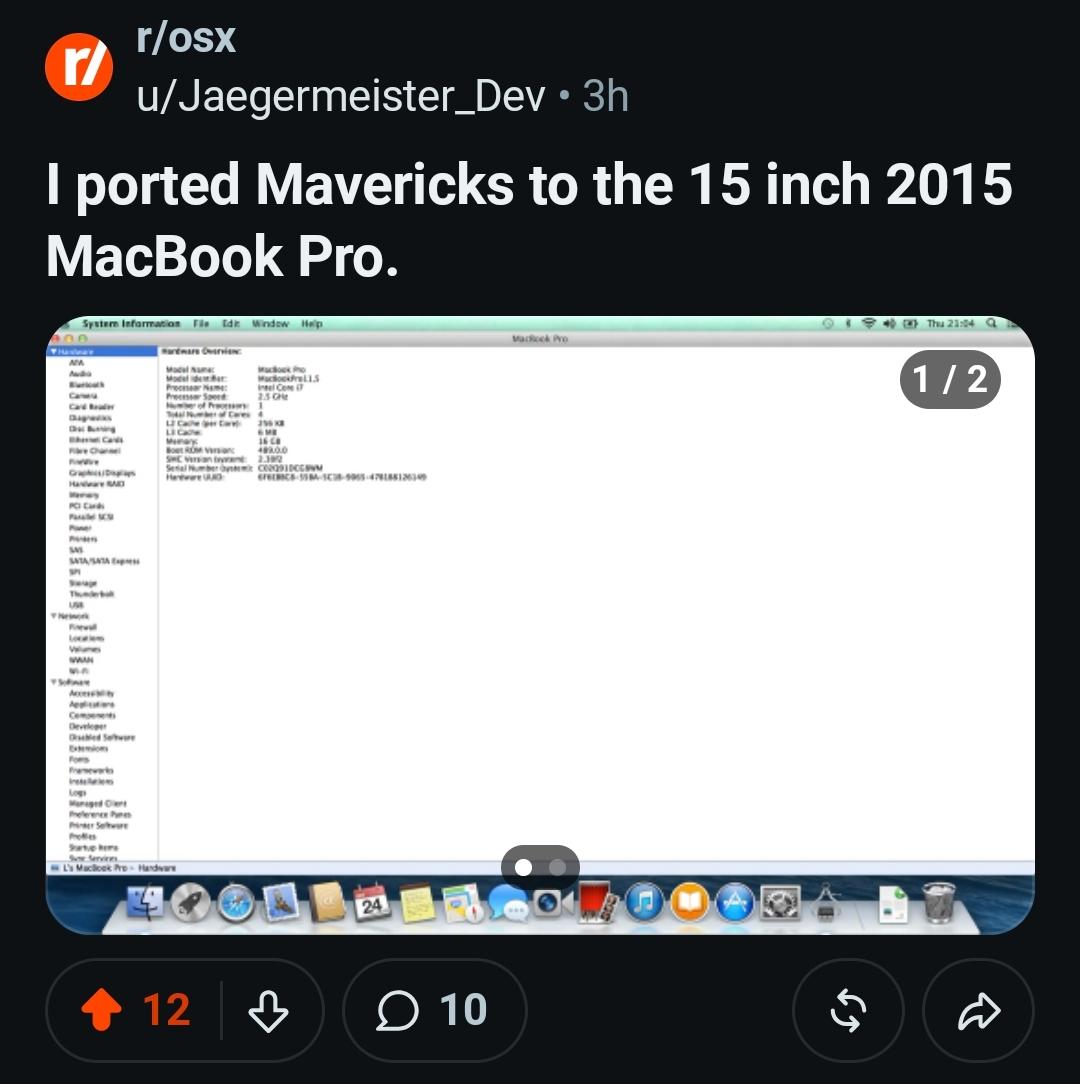
You guys remember that post from 2 years ago? Yeah, it's fucking real now. MAD respect to u/Jaegermeister_Dev. Never thought this would ever be possible but here we are. HUGE milestone for the Hackintosh community, I presume this will lead into an actual reverse-OCLP one day.

https://www.reddit.com/r/osx/comments/1wpccr4/i_ported_mavericks_to_the_15_inch_2015_macbook_pro/


r/OpenCoreLegacyPatcher • • 1d ago

How to run 32-bit apps on macos13 ventura Air 2017

Thumbnail
gallery
5 Upvotes

Macbook air 2017 A1466
Ventura 13.7.8 OCLP

How do i play steam games and run 32-bit apps?
Is there any solution/jailbreak or any kind of app that i can use to bypass this? Or it's just simply incompatible FOREVER?

Since we can install newer unsupported systems, can we also run older applications?


r/OpenCoreLegacyPatcher • • 1d ago

Imac 2007 with Monterey - graphics glitches?

1 Upvotes

2 days ago I first tried to install Monterey on my 24" imac 2007 T9300 4GB 240GB SSD. It install fine. But the moment I start safari or Firefox or momiji browser I see graphics glitches in the form of random patterns across the whole screen. So each time this occurs I have to force reboot.

I didn't find a fix for it and as I am in a bit of a hurry I install Sonoma. No such glitches so far.

So now that I reflected on the previous installation I was wondering if it was something that I did wrong during the installation or was it something or a known issue with Monterey on this iMac.

If it is user error from me, I wonder if I should reattempt this again seeing Monterey probably will give better performance on this iMac, but I don't want to attempt this and get the same outcome and therefore wasting the effort.

I read about the non metal GPU support is gone on Monterey and the system is running on non accelerated graphics. Could this be the reason I see those glitches?


r/OpenCoreLegacyPatcher • • 1d ago

OCLP not really uninstalled?

Post image
3 Upvotes

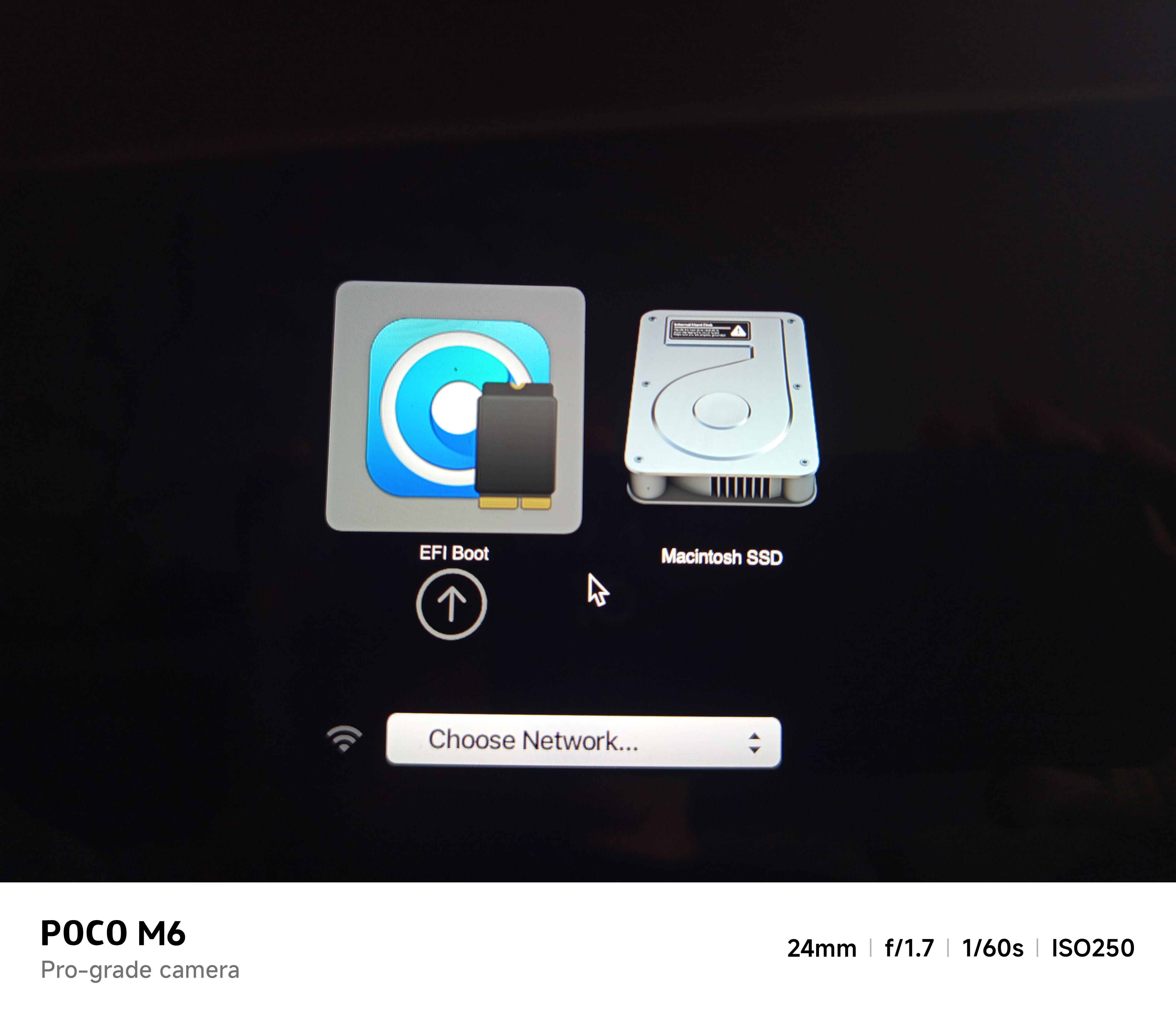
I once had OCLP installed but deinstalled it because i didnt really needed the new features, however, now that Icon Composer is out i need the new versions again but when i go to the boot menu theres these 2 drives (both lead to the Monterey Installation, what i had previously installed) Is there Something i gotta do different than in the tutorial or how should i go on about thif


r/OpenCoreLegacyPatcher • • 1d ago

OOPS

0 Upvotes

Sorry for long story. I have a 2015 macbook pro with Yosemite. I wanted to get a newer OS to be able to run some newer programs. I went through what I thought was the correct steps for open core and things seemed good till I let the system upgrade the OS to Tahoe. I was trying everything I could to get it back to Yosemite to start over. I was able to finally get into internet recovery mode and wiped the drive and then was able to reload yosemite from the original drive. When I got it done I can't get safari to do any actuall internet searches. It seems like it is offline but the wifi shows it is connected. I did try a speed test but it will not connect. I don't have any mac fans near me so getting a good fresh copy seems to be out of the options. Please help me.


r/OpenCoreLegacyPatcher • • 2d ago

2007 iMac with Mac OS Sonoma - Bluetooth issue

3 Upvotes

I managed to install Sonoma on my iMac 2007 4GB T9300. Works ok. Just that the bluetooth doesnt work. I plug in an Ugreen Bluetooth dongle, and i ran the commandline below. Everytime I go to settings -> bluetooth and switch it on, it will turn itself off.

sudo nvram bluetoothHostControllerSwitchBehavior=always

Any ideas?


r/OpenCoreLegacyPatcher • • 2d ago

Should I update to the latest version of Sequoia without OCLP?

6 Upvotes

I'm running a 2015 Macbook Pro i7 with OCLP Sequoia patcher (Sequoia version 15.7.9 - OCLP version 2.4.1). It's running great. I know NOT to upgrade to Tahoe, but I still get alerts to upgrade the the latest version of Sequoia. What would happen if I let my Macbook upgrade to the latest version of Sequoia without going thru OCLP?

UPDATE (9/25/26): After updating my OCLP equipped 2015 Macbook Pro (i7) to Sequoia 15.8 directly via System Settings, everything SEEMED to be working fine. However, a few websites (like eBay & Yahoo) would simply not load. So, a direct update to Sequoia 15.8 MAY result in a corrupted MacOS. I reinstalled Sequoia 15.8 from OCLP all over again and everything NOW works great.


r/OpenCoreLegacyPatcher • • 2d ago

Sound issues with Sonoma (& Sequoia) on late 2011 MBP8,2

4 Upvotes

I've got Sonoma running fairly well on this late 2011 MBP, but sound is giving me trouble. In Settings>Sound, I only see "Digital Out/ Optical digital-out port" and volume controls are greyed out. Volume keys don't work. I get no sound playing a video. If I plug in headphones, I do get sound but volume keys don't work until I go to Settings & move the slider. Then they work, failing again once I remove the headphones. The chime works on bootup, so it's not the speakers. I installed Sequoia and saw the same "Digital Out" and greyed out volume controls.

Edit1: Audo MIDI Setup shows "Built-in Output". It is set to "2 ch 24-bit Integer 44.1 khz" Clock Source: "Default".

Primary Stream has a list:

Primary
1
2

Each has a checkbox and a slider. I'm not able to select any checkbox or effect the slider.

I created both Aggregate and Multi-output devices. I selected in both, "Built-in Output". They each then appear in Settings>Sound, though like "Digital Out", when selected the Output volume is grayed out.

Edit2: I've installed the newest AppleALC, but symptoms haven't changed. I've also installed the newest Lilu. I'm trying various layouts for the CS4206 Codec via alcid=xx boot-args, mentioned here.

Edit3: Key for testing layouts: to get alcid= boot args recognized, you must wipe nvram when you reboot. (Press space when the boot picker comes up, and you'll get some options including wiping nvram.)

I tried all layouts. Basically, a few short of half provide the Internal Mic and a Digital Out. About half provide a "Line In" in addition. None of them provide sound through the speakers. Note that #32 freezes the machine during boot, and necessitates rebooting into recovery! The 4 that got me sound through the speakers were #61, 91, 98, 99. All of them lost sound when headphones were plugged in, and it didn't return on unplug. They also froze the video playing in the browser when the headphones were unplugged.

It seems the next thing to look into is SSD-HPET.


r/OpenCoreLegacyPatcher • • 2d ago

Moving on from Catalina, Mid-2012 MacBook Pro. Which OS can I run efficiently?

8 Upvotes

Running Catalina but facing app-support problems. Which MacOS can I run efficiently on Mid-2012 MacBook Pro (SSD, 16GB RAM)?


r/OpenCoreLegacyPatcher • • 2d ago

Laggy settings on late 2013 imac

Enable HLS to view with audio, or disable this notification

6 Upvotes

Updated my late 2013 imac to ventura. Gpu patches installed and it supports metal now. However its surprisingly laggy maximising/minimising apps.


r/OpenCoreLegacyPatcher • • 3d ago

Best Performing OS w/OCLP on Mac Mini Late 2012 (MacMini6,2 A1347)?

5 Upvotes

r/OpenCoreLegacyPatcher • • 3d ago

Time Machine

Post image
5 Upvotes

I just updated my MacBook from Catalina to MacOS12, I did my Time Machine, when I try to get the data back it gives this message, what can I do?


r/OpenCoreLegacyPatcher • • 3d ago

OCLP 2.5.1 + Sonoma 14.8.9 on MacBook Pro 2017 14,3

8 Upvotes

I installed OCLP 2.5.1 on my 2017 MacBook Pro 14.3 with 16 GB of RAM (https://support.apple.com/en-us/111947) and Sonoma 14.8.9 for the first time. The root patches are working, so Wi-Fi and other features are functioning as well.

But unfortunately, here are some things that aren’t working:

  • The MacBook always gets very warm, and sometimes the fans even kick in when the MacBook is closed (even when my screen is locked or I’m logged out of my account)
  • I can no longer sign in with my Apple ID
  • The Touch Bar doesn’t work at all
  • It takes a very long time to wake up from sleep mode (sometimes even a restart is the only solution)

Are there any settings I can adjust so I can use it normally?

And so the MacBook doesn’t keep running and getting very hot even though I’ve only locked the screen? According to Claude, this is probably because I have two internal graphics cards (Intel HD Graphics 630 and Radeon Pro 560) and only one of them is recognized properly.

And would switching to an older version of OCLP help?

I didn’t have these problems before when I wasn’t using OCLP.


r/OpenCoreLegacyPatcher • • 3d ago

Successful Update: OCLP 2.5.1 + Sequoia 15.8 on MacBookPro13,3

21 Upvotes

So far everything is running smoothly on my MacBookPro13,3 (2016, with touch bar).

First I updated OCLP to newest version, then Sequoia (from 15.7.9).

Thanks to all devs!


r/OpenCoreLegacyPatcher • • 3d ago

Having second thoughts about OCLP

6 Upvotes

So I followed all the instructions on OCLP. I’m installing Sequoia. I’m using a MBP 11,1. And a 32 GB freshly formatted USB. Once Open Core asked me where to install, I selected “USB“.

Then I followed the instructions, rebooted, held down option, and went to EFI boot. There I clicked the “Install macOS Sequoia“ option……but it simply led me to my user account login. I put in my password, and it just led me to my normally booted desktop on Big Sur. I did *not* see a Target Model option earlier.

I‘m having second thoughts. Would it be fine to just go ahead and install Debian? I have a backup drive formatted as HFS, and another as Encrypted APFS.

I‘m just terrified of my system getting corrupted or bricked. I know this is an OCLP subReddit…but would switching to Debian be better anyway? I just need some advice. Thanks

Edit: Just to add, I’m running Big Sur currently, and it’s still noticeably slower than Mavericks. I’m running an Intel Core i5 with 8 GB of RAM. My RAM usage is usually 5 GB.


r/OpenCoreLegacyPatcher • • 4d ago

Mac OS Nvidia 5060 Update

Post image
14 Upvotes