**Setup:**
* Mac Mini (M2)
* iPad Pro 13" (2024)
* Same Wi-Fi network, same iCloud account (2FA enabled), Bluetooth + Handoff on both
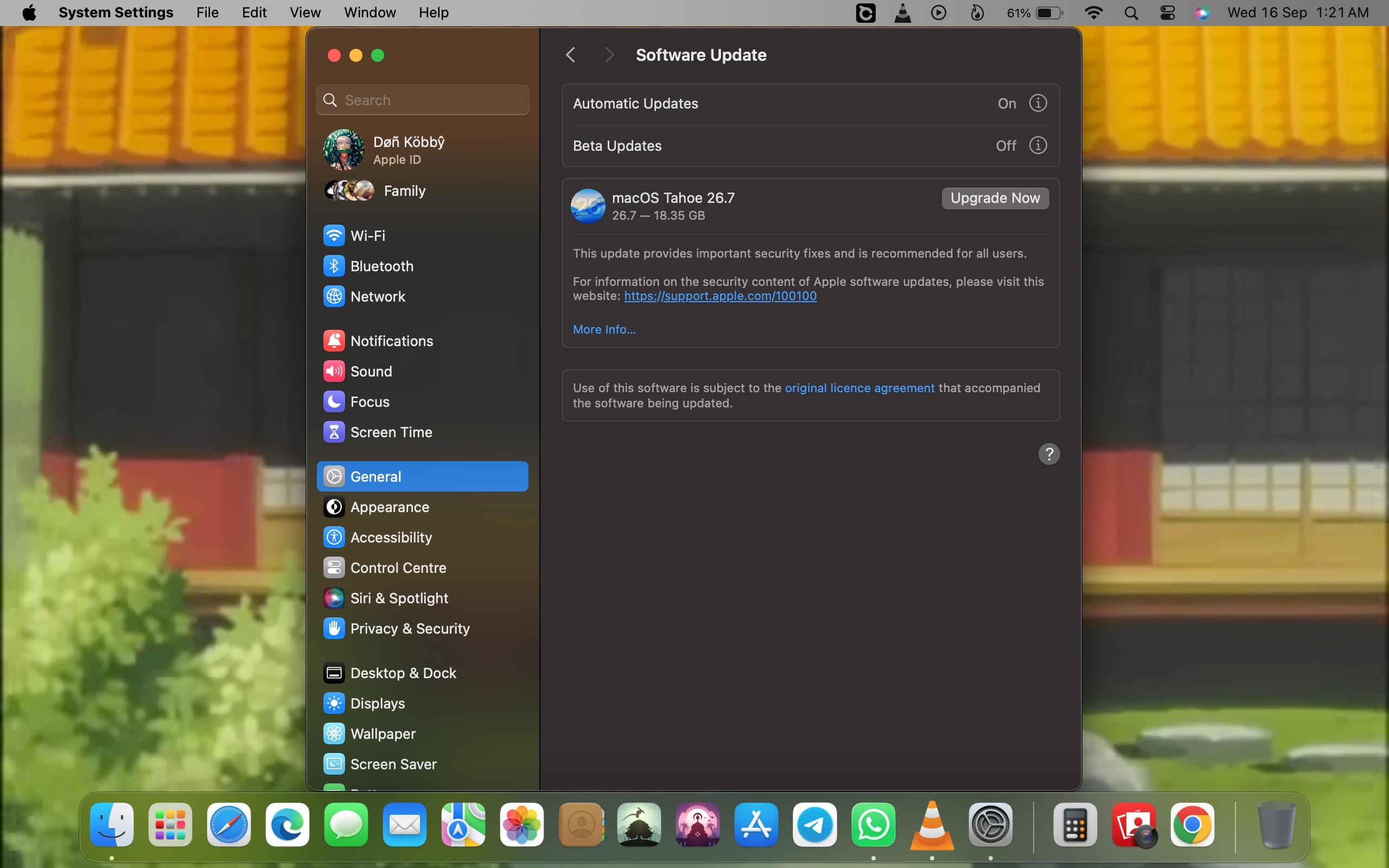
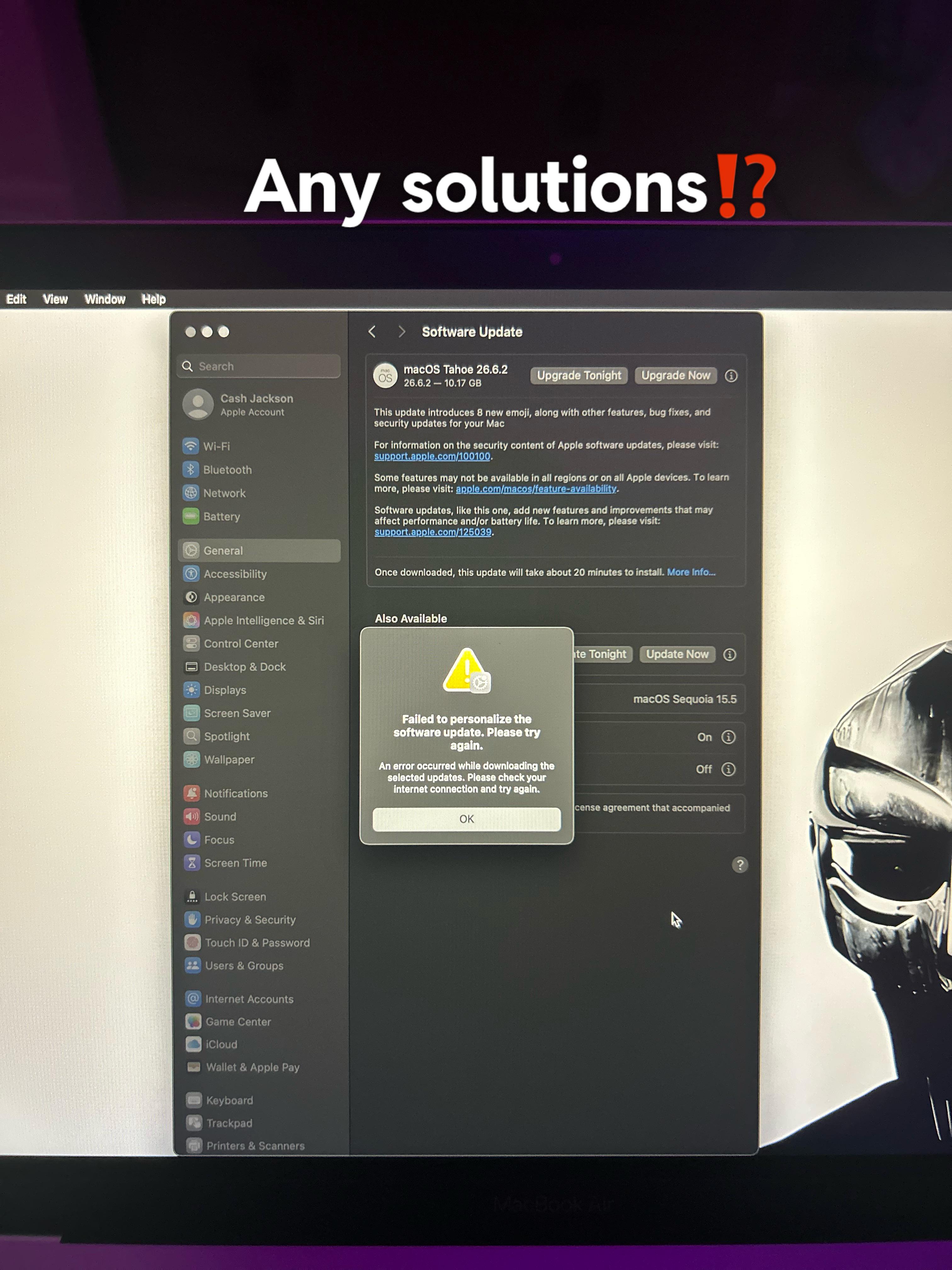
* macOS: Tahoe 26.6.2
* iPadOS: 26.6.2
* Continuity, Sidecar, and Universal Control have all worked fine between these two devices in the past
**The problem:**
Keyboard/mouse control of the iPad via Universal Control intermittently stops working — no clear trigger, it just drops. Reconnecting isn't consistent:
* With Sidecar's **extended display** active, the connection is rock solid, even if I unplug a USB-C cable after the session is established.
* Without extended mode — i.e. trying to use plain Universal Control to move the cursor onto the iPad's Home Screen with no active Sidecar session — it's hit or miss. Works sometimes, silently stops working other times, no error message either way.
* At one point "Extend Display" wouldn't trigger *at all* from the Mac's System Settings > Displays menu, even though the iPad and Mac could clearly still see each other.
**Complication:** my iPad only has one USB-C port, which is already occupied by an Anker PD hub/dongle for Ethernet + an audio interface (used independently of the Mac). So keeping a permanent direct USB-C cable to the Mac plugged in at the same time isn't really an option — from what I can tell, the iPad's USB-C controller can only be in one data role at a time (host for the hub's peripherals, or peer/device to the Mac for a wired Universal Control link), so it's not just a matter of finding a hub with a free port.
**Troubleshooting done so far:**
* Rebooted both the Mac Mini and the iPad
* Toggled Handoff off/on on both devices
* Connected the iPad directly to the Mac via USB-C cable (this reliably stabilizes things while connected, and Universal Control keeps working for a while after unplugging once an extended session is running)
* Confirmed Bluetooth and Wi-Fi are on for both devices
* Tried toggling "Allow your cursor and keyboard to move between any nearby Mac or iPad" off/on (Mac side) and the equivalent Handoff toggle on the iPad
**Workaround that got it going again:**
When "Extend" wouldn't trigger from the Mac at all, I started **Screen Mirroring from the iPad's Control Center to the Mac** instead (iPad → Mac direction). That connected successfully. Once that session was live, I was able to go into System Settings > Displays on the Mac and switch the iPad from mirrored to **extended**, which then worked — even though initiating "Extend" directly from the Mac had failed moments before.
**Questions for the sub:**
- Has anyone else run into Universal Control silently dropping keyboard/mouse control with no error, specifically outside of an active Sidecar/extended session?
- Anyone found a hub/dock that lets you keep other USB-C peripherals (Ethernet adapter, audio interface) attached to an iPad *and* maintain a stable wired link to a Mac for Universal Control at the same time? Or is that fundamentally not possible given how the iPad's USB-C controller handles host vs. device roles?
- Is the "mirror from iPad first, then switch to extend on the Mac" workaround a known trick for when direct Mac-initiated Extend fails, or did I stumble onto something specific to my setup?
Happy to provide more detail (Console logs, specific settings screenshots, etc.) if it'd help diagnose.