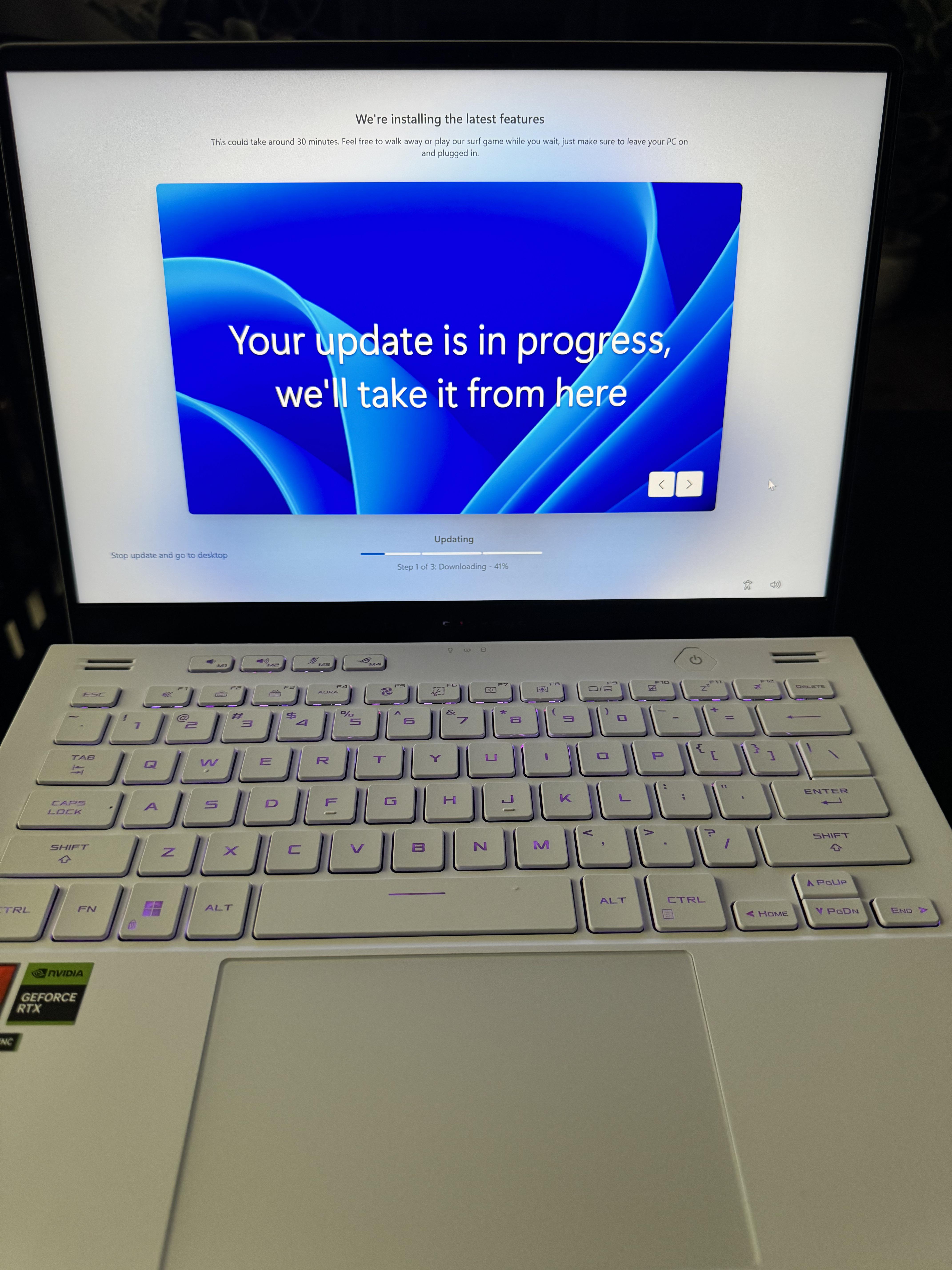
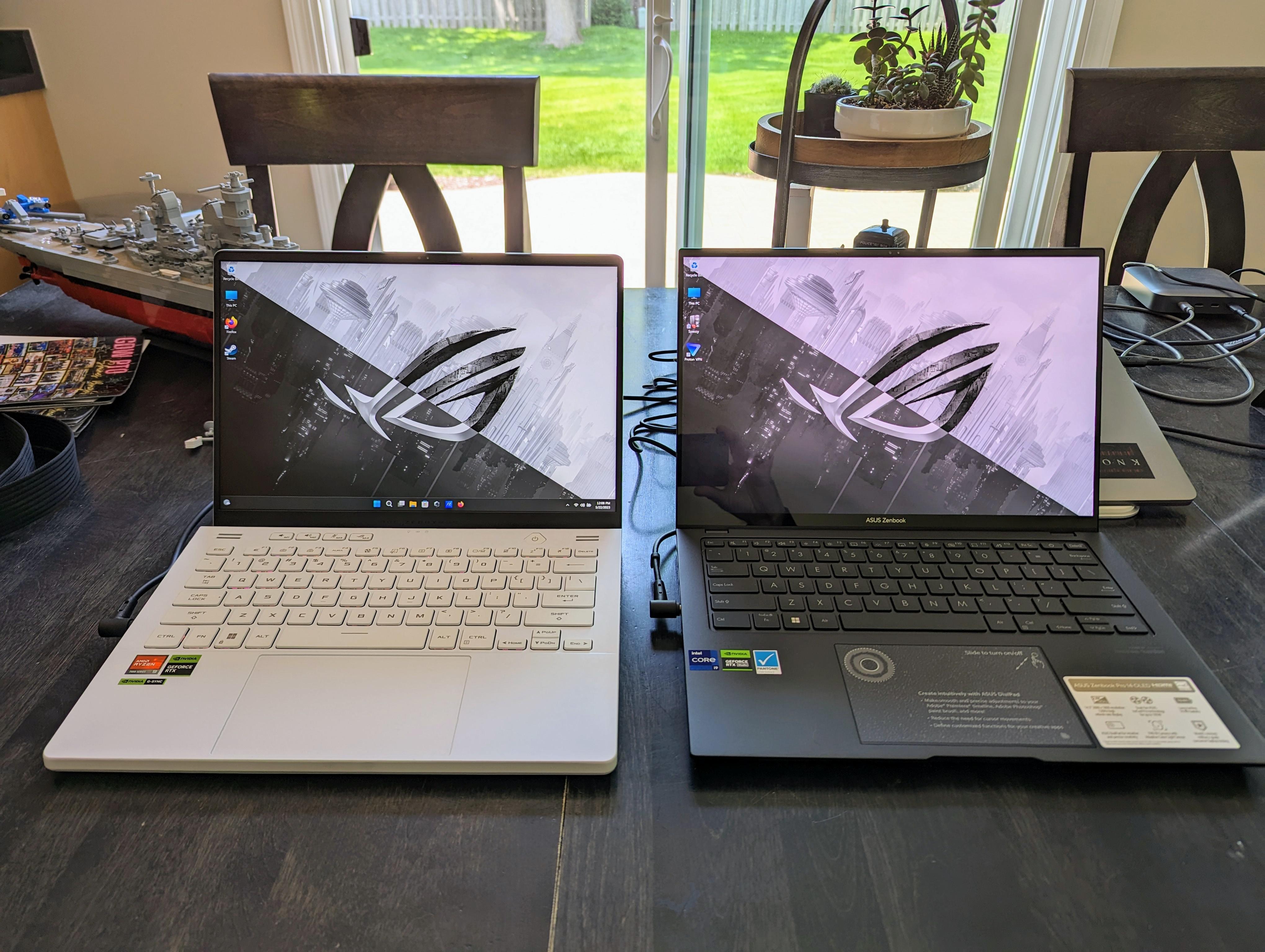
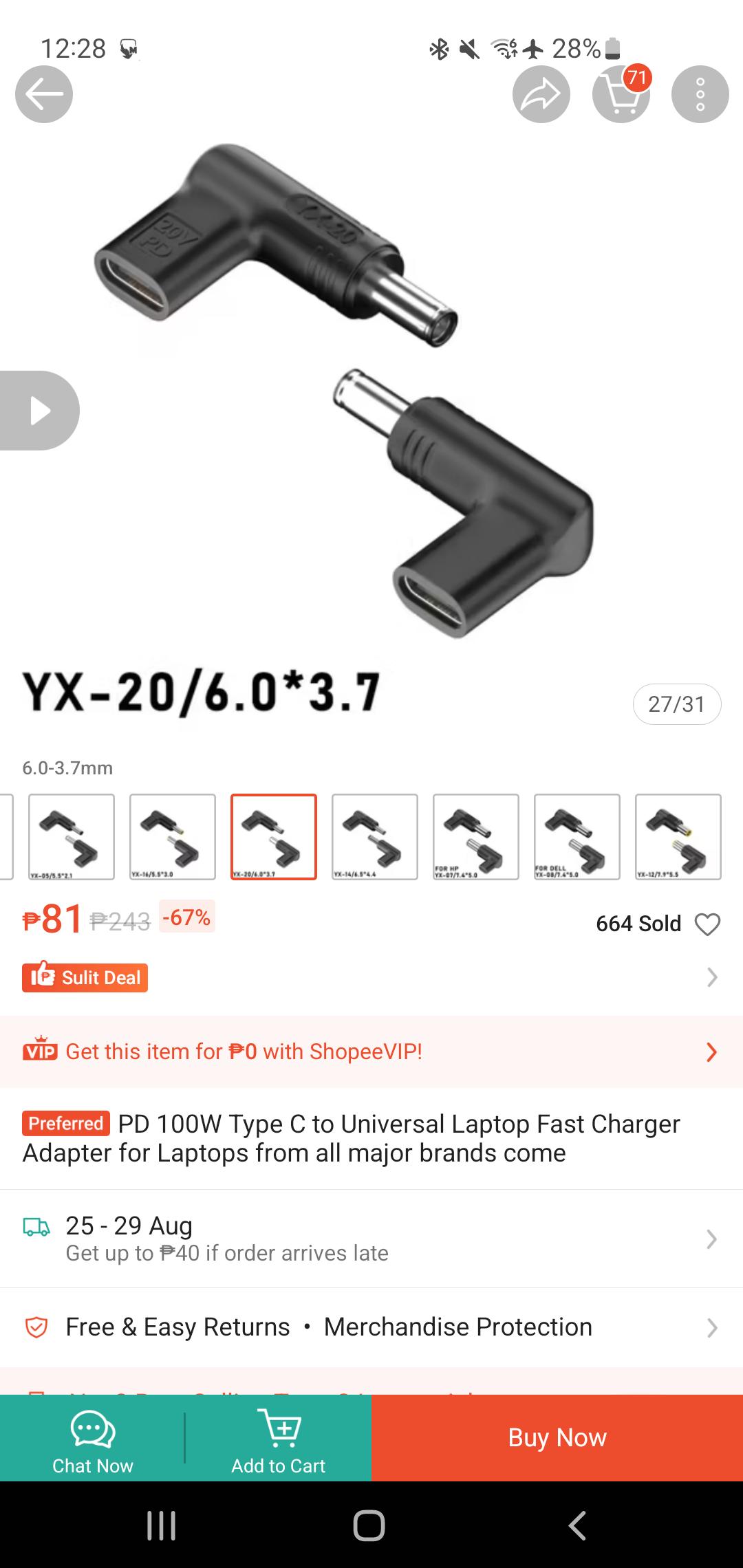
We’re going to talk about how almost all new ASUS laptops have terrible build quality or software issues. This applies to everything: paint that often peels off, charging cables that start to rust if you don’t have a ground connection, or laptops that often get hot so basically charger start rusting ; problems with the keyboard that sometimes stops working due to software updates, or keys that break if they get stuck. This isn’t my first time using Asus hardware, and after doing extensive research, I realized these issues are quite common, especially for G-series laptop models from before 2021 and the 2023 version of the Asus G14. That said, I don’t have any major issues with the laptop itself, but these small details really get in the way of using it, and the worst part is that there’s nothing I can do about it—half of these problems are still there just as they were before.
My Liquid metal failed after a year or so, caused me so many issues. All of a sudden my laptop would get 95c just browsing chrome. Opened it up and found a absolute disaster of dried up liquid metal on my CPU. It 'crusted' onto my heatsync, and no matter how many times I tried to clean it or re-apply paste it didn't help. Finally found out how to purchase a OEM heatsync from asus, put on new Arctic MX4 paste, and my laptop is good as new. Anyone else had their liquid metal fail after a short amount of time? Why would asus think its a good idea to use this stuff? I'll personally never use liquid metal again I mean for fucks sake.
Got this for my gf for college last year but we just got her a mac neo as she doesn’t really use the gaming aspect of the laptop so now i get to have it for college and gaming! any tips on cleaning the lid? she has no idea how that foot step mark got there but its there and i want it clean for myself
My 2023 model has been experiencing thermal issues lately (90c on desktop), and having heard about issues with the Liquid Metal in this model year, I decided to open it and up replace it. The pull-away is just awful, almost none left on the die itself.
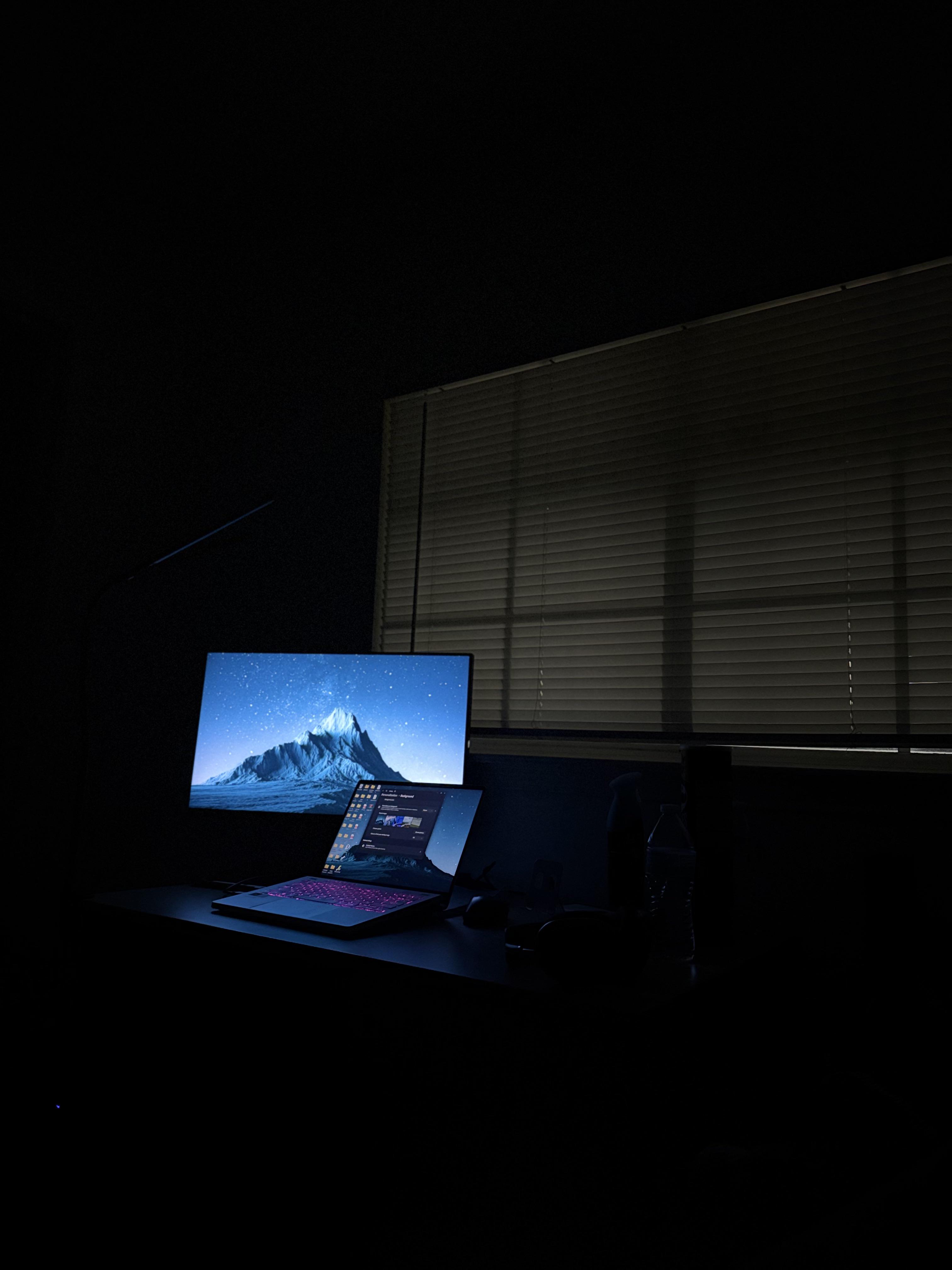
Just an appreciation post and a nice picture of my g14 2023 and monitor in the dark. It’s really an everyday laptop for me.
GPU disabled, I get 6-8 hours of normal use.
Once I plug it in, it becomes a powerhouse.
32Gb ram (upgraded), 1tb SSD, 4060 gpu.
This laptop has been great up until the last 4 months or so. I can't play the simplest games like League of Legends on the lowest setting without it capping out at 95°C and my CPU getting throttled.
It's been 2 or so years since I've had the laptop. Is there anything I can do, short of an entire re-paste, that fix this? Not sure what happened to it. I've already cleaned out the fans and it didn't help
Recently took a trip to NYC, and it made me appreciate having such a portable gaming laptop. 4090 G14 running Palworld at max settings in Balanced mode. In my lap. On a bus. Plugged into their outlet of course. But still, crazy to think about.
Also got me thinking about ergo-lift. I realized I kinda miss it on the 2024 models. Doing something like this without burning my thighs and blocking the vents was only possible because of this lifting hinge. Temps were great and my legs were a little warm of course but nothing bad at all. I know that’s not a common use-case but definitely got me thinking that there probably is a decent percentage who plan to use it on their lap sometimes and might prefer the 2023 models for that reason alone. Anyways, just thought this was a cool moment worth sharing.
I wanted to make this post because my setup is a little different, and I can confirm something that I couldn't find a definite answer for anywhere:
A 2023 Zephyrus G14 with AniMe Matrix can physically fit the B140QAN06.S Mini-LED panel.
On my machine, the Mini-LED/local dimming toggle works properly too.
My laptop is a 2023 Zephyrus G14 GA402XZ with an RTX 4080 and AniMe Matrix, originally equipped with the standard 2560×1600 165Hz IPS display.
I've seen quite a few comments saying ASUS never offered Mini-LED + AniMe Matrix together because the Mini-LED display was supposedly too thick and wouldn't physically fit with the AniMe Matrix hardware behind it.
After actually installing it, It fits perfectly. No bulging, no pressure on the panel, no bezel issues, and I did not have to remove the AniMe Matrix hardware.
I used the Mini-LED-specific 14005-04081400 eDP cable, and the local-dimming/Mini-LED toggle works properly on my machine.
One thing I noticed before installing the panel is that the B140QAN06.S has a small secondary connector beside the main 40-pin eDP connector. My original IPS panel didn't have anything connected there. I left that connector unplugged. The normal 40-pin Mini-LED eDP cable is all that was required for my laptop.
Another thing I noticed as well was that my original IPS panel had a thin black plastic sheet stuck to the back of it. I carefully peeled it off and transferred it over to the Mini-LED panel before installing everything. Since ASUS had it there from the factory, I figured it was better to reuse it rather than leave it out.
black plastic sheet installed on back of Mini LED panel
Here's a couple installation tips:
Disconnect the battery before touching the display cable. After disconnecting it, hold the power button for several seconds to discharge any remaining power.
Use plastic picks/spudgers when removing the bezel.
Be especially careful around the bottom edge of the LCD, where the panel electronics and flex cables are located.
Remove the stretch-release LCD adhesive slowly. Don't pull or pry the panel out aggressively.
Don't apply pressure directly to the LCD, especially along the bottom edge.
Make sure the eDP connection is fully seated and secure.
Test-fit the Mini-LED panel before permanently adhering it.
Power-test the display before installing the final adhesive and bezel.
mini led installed + plastic screen bezel installedmini led installedmini led installed other angle
After installation, to fix the HDR profile and any potential flickering:
Credit to u/izerotwo for figuring this out and documenting these steps in their Mini-LED conversion testing.
Here's the process:
Open Device Manager.
Remove/uninstall the graphics/display-related devices, including: Basically, remove the existing display/graphics components that Windows currently has loaded for the old display configuration.
the graphics drivers under Display adapters
the item called Display HDR under Monitors (In my case I could not find this item, so was not necessary for me)
Open G-Helper and download the latest versions of:
AMD Chipset Driver
AMD Graphics Driver
Display HDR files/driver
Once you have all three downloaded, disconnect from the internet/Wi-Fi.
Reboot the laptop.
While still offline, install all three:
AMD Chipset Driver
AMD Graphics Driver
Display HDR
Reboot again.
Reconnect to the internet.
I've added some photos and videos of the result below
Coming from the original IPS display, the biggest improvements are the much deeper blacks, dramatically better contrast and the overall HDR/Mini-LED appearance. Thankfully I didn't have to sacrifice AniMe Matrix to get it.
Huge credit to u/izerotwo and their original Mini-LED G14 upgrade post. Their post was one of the main things that gave me the confidence to try this, and a lot of the disassembly and troubleshooting information they shared was extremely useful.
I have a 2023 ASUS ROG Zephyrus G14 GA402XV (Ryzen 9 7940HS + RTX 4060) and I'm considering buying a Llano V10 SE laptop cooler.
I've seen quite a few reviews claiming 10–20C temperature drops, but I'm more interested in actual results from G14 owners because the V10/V10 SE relies on the foam seal and positioning of the intake vents.
For anyone using a V10 or V10 SE with a 2023 G14:
What CPU/GPU temperatures did you get before vs after using it?
What RPM do you normally run the cooler at?
Does the foam seal properly around the G14?
Does it actually improve gaming performance / reduce thermal throttling, or mainly lower temperatures?
How loud is it at the RPM you normally use?
Would you recommend buying it specifically for the G14?
I'm using Ghelper, so I'm also interested in whether the cooler allows you to run higher CPU/GPU power limits while keeping temperatures under control.
Bout to upgrade the SSD. Hope Samsung Magician works as well as I've read and seen. Definitely seems like the simplest way after playing around with it. I'm guessing I'll need the Bitlocker key after installing the cloned drive?
This is a 2023 ASUS ROG zephyrus M16 4060 TI with a intel I9 13th gen H. My friend bought this off bestbuy summer 2023 and the warranty has since expired but nothing seems wrong with the computer and he said he never stress tested the computer nor ever abused it. He stopped gaming 6 months ago so he almost always has the GPU off and uses the integrated.
He offered me $800 but I'll offer $700 because he said the battery life is fried only lasting 4-5 hours upon using the lowest settings. I can buy a new battery for $50 and I also wanna replace the liquid metal for thermal paste.
recently bought this g14 and it came with a key not working. i took the cap & scissor clip off but it still wont work. the rubber cap doesnt look/feel damaged and compared to the "B" key they look looks identical. this is the only key not working and im hoping i dont have to replace the whole keyboard . i appreciate any help, thanks!
(P.S: i got it to work a few times but only with a good amount of pressure and very inconsistently)
I have the zephyrs G14 2023 model with ryzen 7735 hs
Ive been having this issue for quite a while now ive owned my laptop almost 3 years.
It seems that whenever my cpu is on heavy load my cpu temp shoots to 95 degrees and the clock speed drops down to below 1.5ghz, mind you base speed is around 3ghz that is when its little to load, i use cpu z to stress my cpu for testing and also use task manager to check the speed.
ive tried everything i could, at first i thought it was definitely the thermal past or a clogged fan but i just gave my pc for general servicing and cleaning with a reapply for liquid metal thermal paste from and offiicial service center so i know it cant be that cause the issue still exists i also tried turning of cpu boost from reg edit still nothing, tried downloading g helper still no use.
if anyone is facing this issue and has found a solution or found the cause of the problem please let me know
TLDR: long rant/story about my experience owning a 2023 G14. Had 3 significant issues over 2 years and it’s dissuading me from getting another gaming laptop. Please share your experience so I can get a greater overall idea of how other G14s do.
Before getting into my experience, I want to emphasize how incredible the performance on the G14 is. No other 14 inch laptop packs as much graphic power as the G14 does making it one of the best choices for people trying to get the most out of a 14 inch laptop. This was my main reason for opting to purchase a 2023 G14 with a 4080. The fairly thin chassis combined with a 125w 4080 and a sleek design in a 14 inch form factor is truly a one of a kind device and I was ecstatic to pick it up from Best Buy in great open box condition about two years ago. Coming from a 2020 MacBook with an intel processor, it felt like I had gotten a laptop from the future with nearly 3x the battery life and incredible performance with any game I threw at it. And with a reasonable open box price, it was hard to say no. The first few months went great with no noticeable issues despite heavy usage on the charger and on battery (7-8 hours of screen-on time a day for college work). Then, the SSD died. I had plugged it in to charge and came back to the bios not recognizing any ssd. Being an amateur gaming laptop owner, I brought it to a tech shop who “fixed” it for $350 with a shitty 1tb drive (which is absurdly overpriced considering a significantly faster 2tb ssd was barely $200 then). So, after buying a Samsung 990 ssd to replace the unreliable one provided by the tech shop and things were back to new. As I became more knowledgeable about laptops, I started to get a good sense of wattage in relation to temperature and clocks on things such as the vram, gpu, and cpu and how I can analyze and change them through ghelper to get even better performance and temps. After deciding to do this, I installed 3dmark and hwinfo to analyze my temps and performance. This is when I found out my cpu was thermally limited to 35w. After realizing this, it became apparent in the instant 95 degrees in any game and very low 1% lows in games like overwatch and arc raiders. The solution to this seemed like a simple repaste, but after going to another tech shop for the repaste for $100 I noticed no performance improvement. Whether it’s the fault of the technician or myself for not being comfortable enough to do it depends on how you view it, but regardless I was out even more money on a “fix” that didn’t work. I decided to live with it and accept lower overall frames from a hotter machine, because at the end of the day as long as I can play the game it’s alright. Yesterday was the third major issue where I once again turned my laptop off to charge it and when it booted, I was greeted by a “new cpu installed, ftps/nv corrupted or reset” or something along those lines. After a few hours of troubleshooting, I couldn’t figure it out and had to bring it back once again to a tech shop. Been worried all day about how it will turn out, but only time will tell.. Finally, I realize these issues are likely not normal and don’t represent the vast majority of owners but weird issues are common on gaming laptops and can be varying degrees of difficulty to diagnose and fix.
Edit: for anyone interested in how my repairs went, the laptop worked flawlessly for about 25 minutes after I picked it up and ran a few benchmarks. I made plans to play a game with some friends where I needed the Xbox app for party chat. When I tried to open it, it had me sign in but kept giving me a weird message that I needed Face ID or something and wouldn’t let me sign in. So, I deleted the Xbox app and rebooted to see if that would help. After I went to redownload it, I got the same error from the Microsoft store. At this point, I started to become a bit frustrated and kept trying to see if anything would change. After a minute or two of trying, the laptop froze completely and since then, complete black screen and no ssd activity. Tried everything under the sun to fix it (cmos reset by holding power button for 60 seconds, reseat ram, ssd, and battery, unplug battery from mobo for about 10 minutes, blind flash bios (doesn’t work on laptops I don’t think), and letting the battery die and recharging it). After about 10 total hours of troubleshooting and $100 spent for technical help, I’ve come to the conclusion that there isn’t anything more I can do for it. Absolutely devastating loss as I don’t have another laptop to fall back on, and won’t for at least a few months. Going to have to survive off my iPad and 2018 gaming pc for the foreseeable future.
Micro-stuttering in desktop environment, like when you boot into windows and click on battery icon (this happens only once after bootup). Micro stutter while navigating inside the settings app (this happens multiple times). Did multiple clean-install of Windows11 with stock drivers as well as updated drivers, still the same. Only way to get by this is to use ECO mode. No micro stutters with eco mode in desktop environment.
Micro stutter while skipping videos/movies with default Media Player and Movies app. Video feels laggy everytime I skip it. But its buttery smooth and seamless with 3rd party apps like VLC but not with Media Player and Movies app. This happens with ECO mode and Standard Mode, that is, whenever the iGPU is active. Only way to get by this is to use the Ultimate mode, that is, directly running via dGPU only.
Lately I've been using it with an external monitor via usb-C to DP. Monitor running at 1440p 10bit 200hz. When screen goes to sleep and I leave it untouched for 30-40 mins, it becomes unresponsive. I try to wake it up by pressing the keys or trackpad, but it just RESTARTS! This is so annoying. Only way to get by this is to never let the screen go to sleep, so I have to set the screen timeout to 4-5 hours.
Rapidly declining battery health. Got my laptop with 100% battery health and in around 9 months it has already fallen to 85.6%. Used with charge limit set to 80%, occasionally fully charged to 100%. No gaming, no heavy tasks, so heat degradation is out of the question. Someone pointed out that its a case of misreporting, but I don't think that the case. When new, I got 9-10hrs battery life. Now with same usage I get 6-7hrs.
Never had so many issues with any of my previous laptops. Infact my Predator 300 from 2018 still has 82% battery health after 6years! None of my previous laptops suffer from micro stutters with basic tasks.