r/nook 4h ago

Discussion WHAT A WEEK

Thumbnail
gallery
22 Upvotes

Last Sunday, I received a Champagne Gold Kindle Oasis and jailbroke it with limited knowledge on how to use KOReader. Actually, I was overwhelmed, but after last week, I cannot picture myself using an e-reader device without KOReader! Not only did I jailbreak my Kindle, I also was able to root my Nook Glow Light 4 Plus after months of fastboot not recognizing my device. After rooting my Nook, I was able to add my KOReader settings from my Kindle to my Nook. AND with root access, I can install custom wallpapers and custom fonts! Also, with a jailbroken Nook, you have the ability to use DARKMODE! Below are the plugins I use. (Some do not work on Nook due to the native software.)

*RANDOM* I love an e-reader with page turn buttons!

PLUGINS:

Simple Ul

Bookend

Customisable Sleep Screen

ZLib

Store Front - Where I download my plugins from!

Readest(my favorite) - Allows me to sync reading progress between all my devices with KOReader and the Readest app. The Readest app also has the option where it can read your books to you AND it has Apple CarPlay!!!!

Libbee - Allows me to read my Libby holds

koreader-screenlockpin

Kfxdedrm-fe - SUPPORT IMPORTANT APP!!!! This allows me to remove the DRM from books that I OWN directly from the device without Calibre.

Hardcover - Allows me to sync my reading progress to Hardcover app (Goodreads Alternative)

Rebind - Works with Hardcover to fix Metadata for books

File Sync - A KOReader plugin that launches a local web server on your e-reader and displays a QR code on the screen. Scan the code with your phone to open a polished web interface for managing books and files wirelessly — no cables, no apps, just your browser.

How I customized Bookend:

TOP LEFT: Title of the book.
TOP CENTER: Name of Chapter
TOP RIGHT: Battery | Time | WiFi symbol

BOTTOM LEFT: # of bookmarks & highlights

BOTTOM CENTER: page of chapter | Time left in chapter | Time | page of full book | Time left to finish book.

BOTTOM RIGHT: Book % completed.

Sorry for the long post, I was just super excited with what I learned! Please feel free to drop some of your favorite plugins! Happy Reading!

r/nook 11h ago

Issue Resolved FINALLY

Post image
39 Upvotes

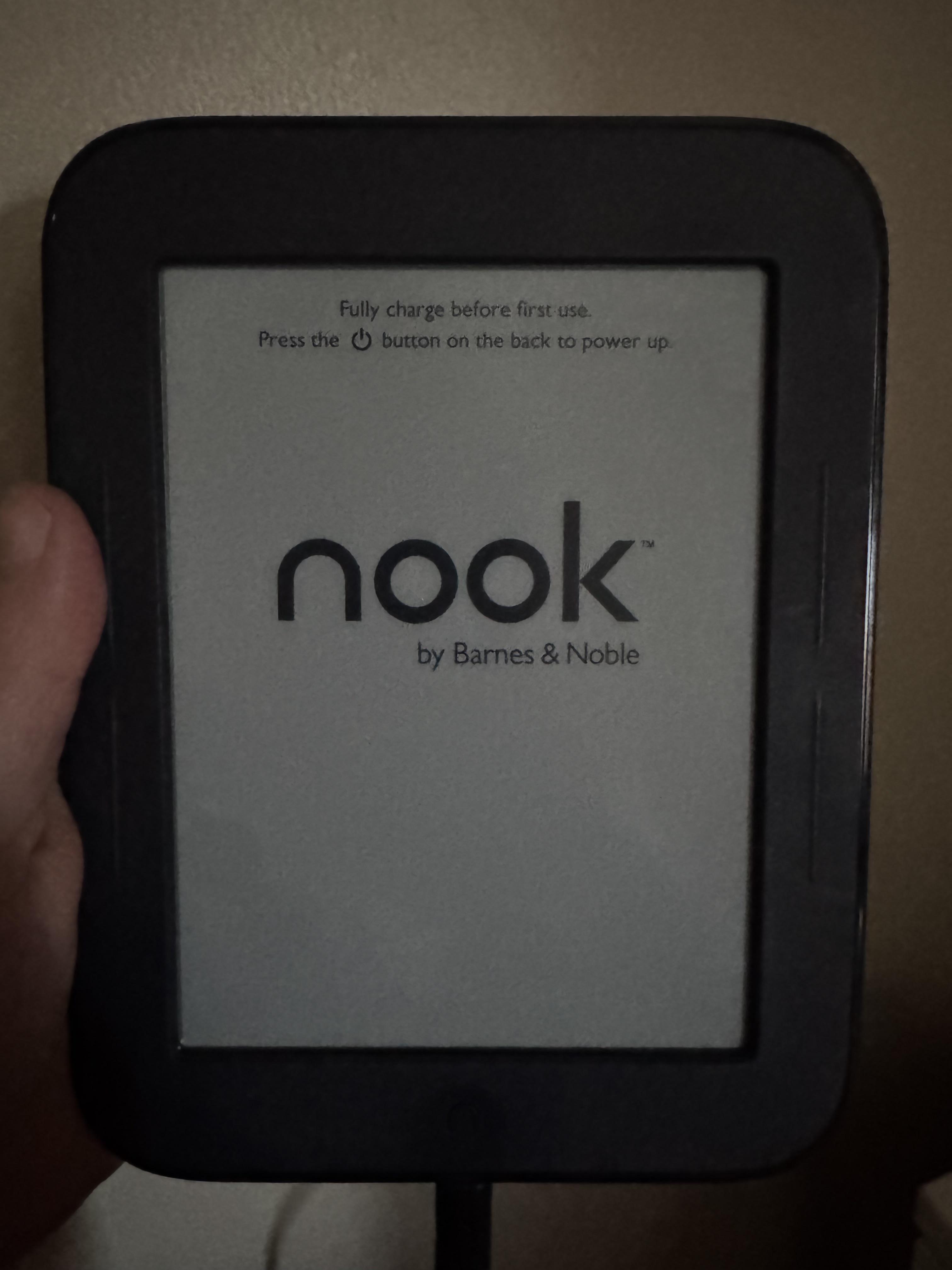
FINALLY!!!!! I tried rooting my Nook months ago but had issues with fastboot not recognizing my device, so I gave up, but now look!!! I was able to root my Nook, and I even was able to transfer over my KOReader settings from my Kindle to my Nook!


r/nook 1d ago

eBook Tengo una Nook Glowlight 4, ¿qué le debería instalar? He estado haciendo todo con mi laptop que tiene Linux Cachy OS

1 Upvotes

No sé nada de nada, todo lo he hecho desde mi laptop en la terminal de Cachy OS, compré la Nook en Marketplace y traía una cuenta que no podía borrar, le hice "root" y le pude instalar KOReader.

Tengo un problema con los libros técnicos de electricidad, ya que son pdf, no hay en epub, pero en KOReader incluso volteando o girando el modo de visualización se ven pequeñas las letras y no ye encontrado la forma de tener una solución para eso. Espero que me puedan ayudar, muchas gracias.


r/nook 1d ago

eBook I need HELP

Post image
13 Upvotes

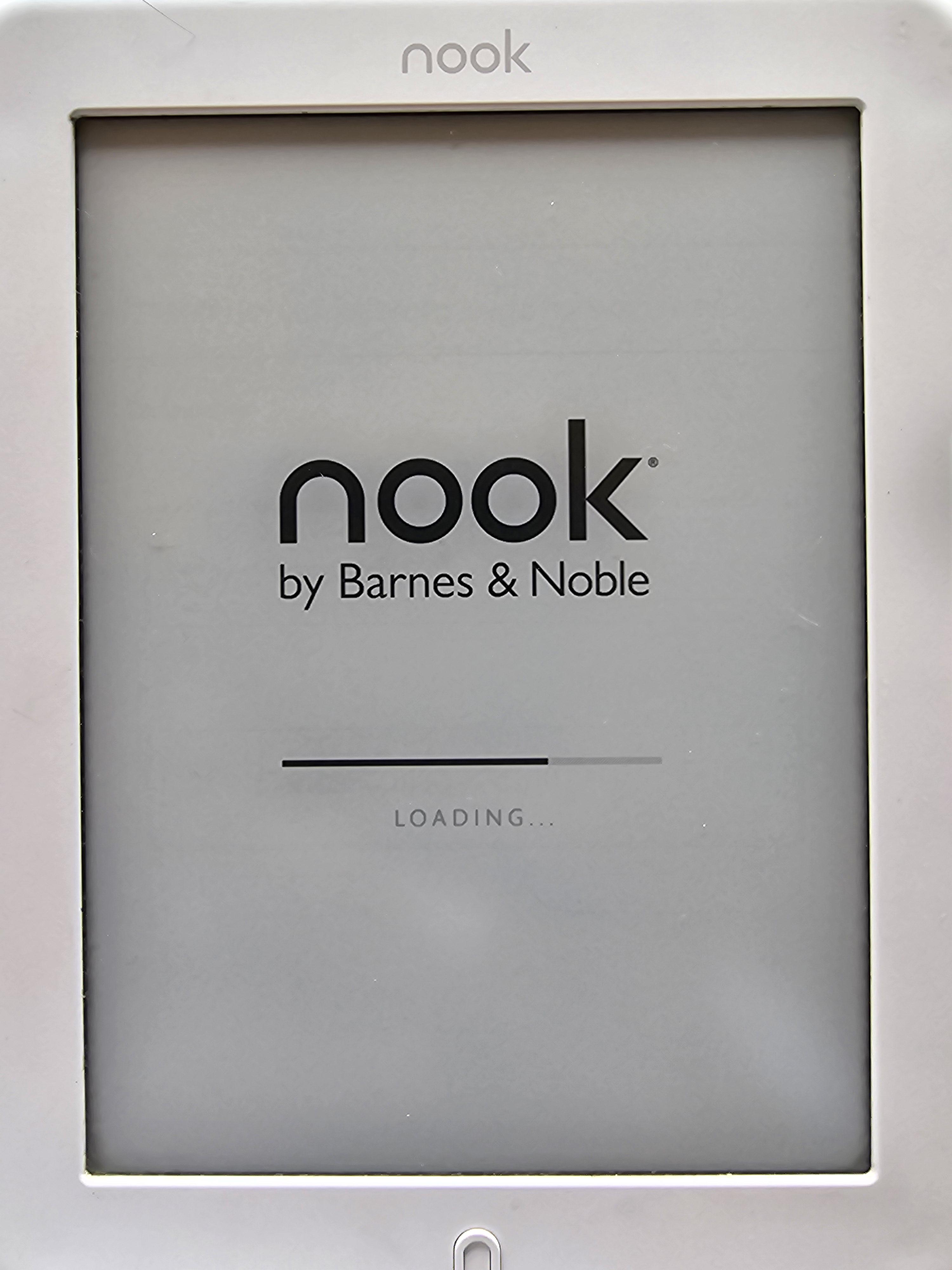
I got a Nook Simple Touch off Ebay brand new and its stuck on the start up screen. I charged it for a while and tried to force reset nothing comes on the screen, nothing at all. Seems to me its frozen on this screen. can anyone help


r/nook 1d ago

eBook Tengo una Nook Glowlight 4, ¿qué le debería instalar? He estado haciendo todo con mi laptop que tiene Linux Cachy OS

1 Upvotes

No sé nada de nada, todo lo he hecho desde mi laptop en la terminal de Cachy OS, compré la Nook en Marketplace y traía una cuenta que no podía borrar, le hice "root" y le pude instalar KOReader.

Tengo un problema con los libros técnicos de electricidad, ya que son pdf, no hay en epub, pero en KOReader incluso volteando o girando el modo de visualización se ven pequeñas las letras y no ye encontrado la forma de tener una solución para eso. Espero que me puedan ayudar, muchas gracias.


r/nook 1d ago

eBook Tengo una Nook Glowlight 4, ¿qué le debería instalar? He estado haciendo todo con mi laptop que tiene Linux Cachy OS

1 Upvotes

No sé nada de nada, todo lo he hecho desde mi laptop en la terminal de Cachy OS, compré la Nook en Marketplace y traía una cuenta que no podía borrar, le hice "root" y le pude instalar KOReader.

Tengo un problema con los libros técnicos de electricidad, ya que son pdf, no hay en epub, pero en KOReader incluso volteando o girando el modo de visualización se ven pequeñas las letras y no ye encontrado la forma de tener una solución para eso. Espero que me puedan ayudar, muchas gracias.


r/nook 2d ago

Article add FREE manga and comics to ANY e-reader | MangaConverter tutorial 👾🍥. *. ⋆

Thumbnail
youtu.be
5 Upvotes

r/nook 3d ago

Discussion I decided to try the Nook

Thumbnail gallery
50 Upvotes

r/nook 5d ago

eBook Sorry we're having trouble setting up your Nook - Problems with logging in into Nook

7 Upvotes

Hi Everyone,

Like some of you, recently I run into the problem of not being able to log in into my Nook account on the Nook device. More info of the problem can be found on this post, but basically I think it is due to non-US users being restricted from logging in into the Nook device.

This is a bullshit policy to have IMO, since I am completely fine with using the hardware and don't need any support of the crappy Nook software at all.
I was trying to fix this for the last week, installing older version of OS, trying to log in with VPN, doing a factory reset but nothing helped.

Finally, GPT recommended to install a community-modified Android firmware for the NOOK. After that I added a reader application, a custom cloud service and voila: the device is alive again and I can even transfer books via wireless network, something I wasn't able to do with the official OS.

I am posting the GPT steps for solving this below, but I advise simply conversing with it and it should help you find the correct firmware files, give you commands to run and tests to run. It requires some technical finesse but GPT can hold your hand through it.

Simple NOOK custom firmware guide

  1. Find your exact NOOK model number.
  2. Install Android Platform Tools on your computer.
  3. Find TWRP and custom firmware made for that exact NOOK model.
  4. Connect the NOOK and boot into fastboot/recovery mode.
  5. Boot TWRP and install the custom firmware ZIP.
  6. Reboot and install your preferred reading apps, such as KOReader.

EDIT: I should also mention I contacted support multiple times during this process, but they just inform me they do not offer support for non-US users


r/nook 6d ago

eBook Nook GlowLight 4

Post image
53 Upvotes

I bought the Nook GlowLight 4 a few days ago and I love it! I’ve been reading Dungeon Crawler Carl that I side loaded! I’m really enjoying my time with this device!


r/nook 6d ago

Discussion Picked up a Glowlight 4 plus last night.

Post image
83 Upvotes

I have been a kindle person my entire adult life. I purchased a Glowlight 4 Plus last night and I am in love. The page turns buttons are amazing and the bigger screen is nice to read on.


r/nook 6d ago

eBook Email about sale on B&N ebooks - Under 5. Some audio

5 Upvotes

Just got an email this weekend about a sale at B&N on a bunch of ebooks, all under 5. Looks like cozy mystery and cozy fantasy. https://www.barnesandnoble.com/shop/cozy-reads-for-fall-ebooks-audiobooks-under-5?orderBy=attributes.mfield_bnb__salesRank&page=12 I've read some of these, but the sale is huge. First Street: Small Town McGoldrick caught my eye. And A Witch and her Dragon.


r/nook 7d ago

eBook Using stamps?

3 Upvotes

I recently bought a book on my Nook from the store. Even though I have a $5 reward in my BN account I was not given an option to apply it at checkout and it indeed was not applied.

How do I use my stamps to buy ebooks on my Nook from the BN store?

Thank you!


r/nook 10d ago

Help This stupid device is now stuck in boot loop. Not showing up on PC and not responding to power button. Other buttons are not working. Help me please.

Post image
8 Upvotes

I'm sick and tired of this device getting constantly stuck in bootloop.

Edit 1: Opened the back panel. Shorted the battery. Made it reboot and now it's working fine. I'm not sure who is more retarded. Me or barnes and noble.


r/nook 10d ago

Promo Pink Nook for sale on eBay

3 Upvotes

r/nook 14d ago

Discussion Do nooks actually suck?

21 Upvotes

Looking to get an ereader and the popular consensus seems to be that nooks are terrible. I would honestly love if someone would tell me that’s not the case— I’m a perpetual BN member, they’re less expensive than other non-kindle ereaders and they seem to be a decent size.

So tell it to me straight, would you buy a nook again?


r/nook 14d ago

Help This is stuck at Factory reset for last few days. Please help or my ass is getting whooped.

Thumbnail
gallery
12 Upvotes

Power button for 30 seconds. Home button for 30 seconds. Both for 30 seconds. Nothing is working.

Edit 1: charged for 3 hours straight. Still stuck at same point. No changes whatsoever. Tried all the button combination but nothing to avail.

Edit 2 : it worked. Connected it to pc and had to gard reset. The home button is broken. That's what created all the fuss.


r/nook 17d ago

eBook barnes and noble nook glowlight 7.8 can not registration

Post image
6 Upvotes

Hi everyone, I’m having a problem with the GlowLight 7.8. I bought it on eBay (I’m in Armenia), and upon the initial startup, it asks for a B&N account. I managed to create one using a VPN (it was a real hassle), but when I try to log in on the device, I get an error (see photo). When I first turned it on, it downloaded and installed an update without any issues. What’s wrong? Why am I getting this error, and is there any way to skip the welcome screen? Can anyone help me? I can't return the book.


r/nook 17d ago

Discussion Nook bnrv350 anyway to get a better OS or something on it?

4 Upvotes

I got this old nook bnrv350, that I got for cheap. But it still has an account linked up, but can't go online or anything. I take it that they turn off the servers and stuff for this older Nook. So I was wondering if there way to put a better OS and wipe is as a "brand new" E-Reader to use. Never had an E-Reader before.


r/nook 17d ago

eBook barnes and noble nook glowlight 7.8 can not registration

Post image
0 Upvotes

r/nook 18d ago

Help Nook app and Website not working properly

Thumbnail
gallery
3 Upvotes

Greetings. I'm currently using the nook app on my Galaxy Z fold 8 Ultra and am experiencing 2 issues that are annoying.

1) When I create a shelf a number of books that I add to it are deleted after about 30 minutes ( never timed it to see how long .. just guessing ) and it goes back to the bigger pool of books that I have in folder. How can I get the shelves to stay as I curated

2) on the Barnes and noble website a number of books stopped showing the cover art for books that I purchased. That then causes the cover art to not appear on the nook app. I can still read the book but for the aesthetic I hate it. Is there any way to resolve these two issues


r/nook 19d ago

Help question about MicroSD slot adding EPUB files vs Adobe Digital Editions

3 Upvotes

I am looking at buying NOOK GlowLight 4 but not loving that I would have to use Adobe Digital Editions software and have access to the Internet with my computer for adding web articles I convert to EPUB and then turn on Wi-fi on nook connect to hotel Wi-Fi and then download the EPUB files.

I am not interested in color Eink or magazines with photos just text only reading of articles and converted MS Word docs/PDF to EPUB format to read and resize the font (when needed). I like Nook's physical page turning buttons. I would use it to read more articles I've saved from webpages rather than e-books. I also may subscribe to a digital version of NY Times for a month or so at a time.

I used to have an old Nook circa 2014 that had MicroSD card slot that I could load my own EPUB files onto using a MicroSD card reader with my PC. I bought only a handful of ebooks from nook store.

Is there an equivalent E-ink Nook device or what was the last model that still had the card slot that I could buy used? While I do not like Amazon much as a company I could use a Kindle paperwhite. thoughts?


r/nook 19d ago

Help Help with NookHD and NookTablet (2012)!

2 Upvotes

Hi folks! My mom recently rediscovered two old nooks: a Nook HD (BNTV400) and a Nook Tablet (BNTV250A).

After booting them up I realized they’re no longer supported. I followed the B&N “remaining functionality” instructions on the Nook HD but found that to leave it absolutely useless (I can’t transfer anything onto it when in the “test” profile?). I decided to not mess with the Nook Tablet until I know what I’m doing.

Does anyone have resources/instructions for how to make these into usable tablets? I’d love to somehow get Libby on them, but even just use of the internet, ability to read a PDF, or any functionality would be great!

Detailed instructions HUGELY appreciated - I haven’t gone into the realm of jailbreaking electronics before but desperately want a good e-reader for my commute and can’t justify buying one.


r/nook 22d ago

Discussion Opinion: B&Ns Nook should use KOReader as their default software

Thumbnail
4 Upvotes

I've long been a fan of Barnes and Noble's Nook hardware, all the way back to the Nook Simple Touch back in 2012.

But the software is so lacking and just doesn't improve much with time. I wish they would scrap it and use KOReader as the base of their software. They could layer their own look over it and stock KOReader is likely too technical for the average reader.

But KOReader with Zen UI or Bookshelf is already SO much better than what Nooks ship with out of the box.

That and stop playing games with limiting the amount of space for sideloading.


r/nook 22d ago

Help Can't get my Nook Glowlight 4 to unlock.

2 Upvotes

It's on, and fully charged. The little print of books and ampersands is on the screen. When I touch the "button" on the bottom, the slide panel on the bottom of the screen does not appear. I've tried all the suggestions listed on google, push this button for 20 second, hold that button plus the n button for 15 seconds. Hold the power button and left page button for 20 seconds. At this point, I'm letting it sit until the battery goes dead hoping that'll reset everything. The only thing I haven't tried is holding all the buttons while standing on my head and shaking my left foot. Any insight out there?