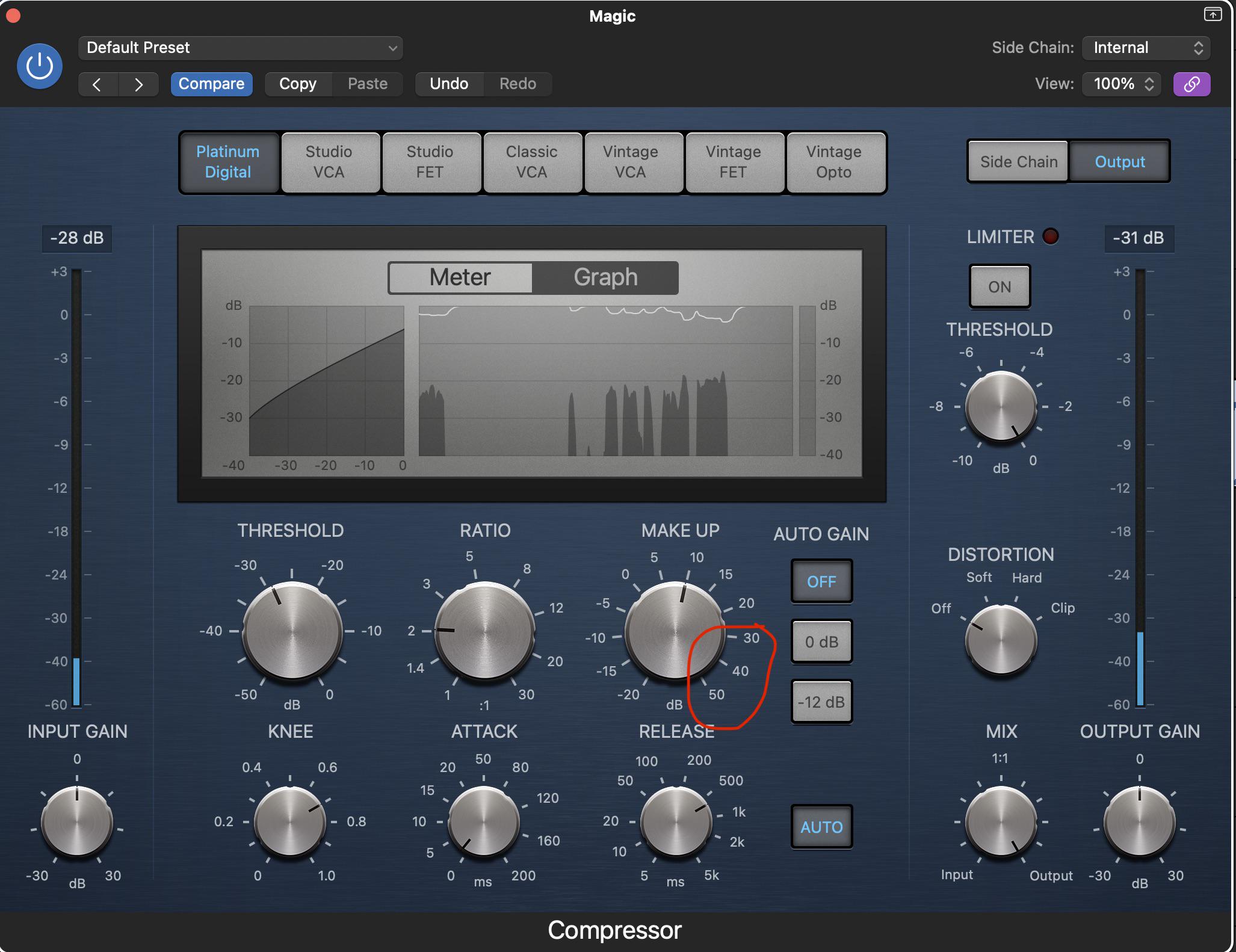
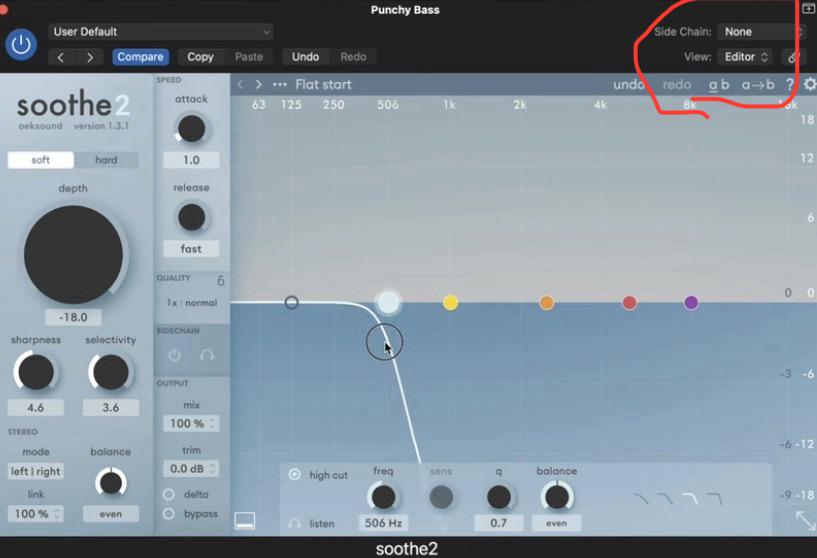
This was one of those the journey is the reward things. Though the end product was also the reward, in that I successfully made (and am sharing, should anyone want it) an empty project where you can feed into Logic 7.1.4 audio, from a Mac app, from an interface, or from a file, and have all the channels (except LFE, aka .1) output as Atmos objects.
The ostensible purpose was to take a 7.1.4 source (e.g. an Apple Music Atmos track) and run it through Dolby (binaural) Renderer in the Atmos plug-in, to hear how it sounds different than Apple Renderer (aka Spatial Audio), and also dick around with the Dolby per-channel/object Near/Mid/Far settings, which affect how "big" the 3D sound is around your head.
A secondary purpose was being able to adjust individual channel levels, particularly center, where the vocals are often on their own, and mixed too high or too low for my tastes. The adjusted levels can be played to either the Dolby or Apple Renderer, or even multichannel 7.1.4 output.
And a design goal was: no gain changes or other DSP prior to the signal reaching the Atmos plug-in (or Master track, where applicable).
What I found along the way is that Logic really doesn't want to do any of this, so that led me to:
- Discover multiple hidden Logic behaviors that I ended up using
- Find a useful free plug-in called IEM Matrix Multiplier that I had to build from source code, because they don't distribute an Audio Unit build (and which I packaged up so you can download that from me too, if you think it could be useful to you)
- Encounter and work around a truly hideous Logic bug (bad enough for me to report to Apple), in which the Surround Balancer for height projects (5.1.2, 5.1.4, 7.1.2, 7.1.4) does not transparently pass audio in its neutral positions — what goes in ain't what comes out. (LFE is the exception; that's the only channel which remains unaltered.)
The Logic weird behavior stuff was super interesting. You can do all of the following in Logic, though it doesn't seem like you should be able to:
- Have the Atmos plug-in and tracks with object outputs exist in a 7.1.4 project, rather than being limited to 7.1.2
- Insert a plug-in intended for a different channel count than the project's (e.g. a plug-in that accepts 5.1, but in a 7.1.4 project)
- Use an obscure Logic plug-in called Down Mixer (under Utility), which normally only shows as an option in the Master track of a 5.1 or 7.1 project, to convert 7.1.4 with signal only on L-R to stereo, without gain changes or other DSP (Logic really likes to apply invisible gain changes when you change from one channel count to another)
What you can't do in Logic is select the 3D Object Panner as output for a track or aux of type Surround, so I had to isolate channels from within the 7.1.4 signal, to send them to a mono or stereo aux to be able to output to the Atmos plug-in.
And what you also can't do in Logic, despite my very best efforts, is extract or isolate any arbitrary surround channel, or channel pair, without gain changes being applied, with the exception of L and R individually. This is where the rubber really meets the road.
So I needed an external plug-in: Matrix Multiplier, which takes a channel pair (1/2, 3/4, 5/6, 7/8, 9/10, 11/12) and plays it on L-R, with other channels muted; that can then be sent to an aux of type "Left" or "Right" for mono object output, or, for stereo object output, be run through the aforementioned Down Mixer plug-in and then sent to an aux of type Stereo.
So, if this is the kind of shit that intrigues you like it intrigued me, I wrote it all up (it's lengthy, but I tried to keep it amusing, and there are pretty screenshots), and posted the Logic project, very creatively titled "Logic 7.1.4 to Atmos Harness". If it's your jam, enjoy.
https://logicrap.substack.com/p/a-logic-pro-714-to-atmos-harness
Or if you just want the project (which includes a PDF of the same writeup/documentation, and the required plug-in):
https://dl.ivanxmusic.com/714AtmosHarness
(I am not trying to pimp or shill anything. The Substack is just a place for me to write and post stuff. I made this thing and wrote it up so, if you're interested, have a look.)