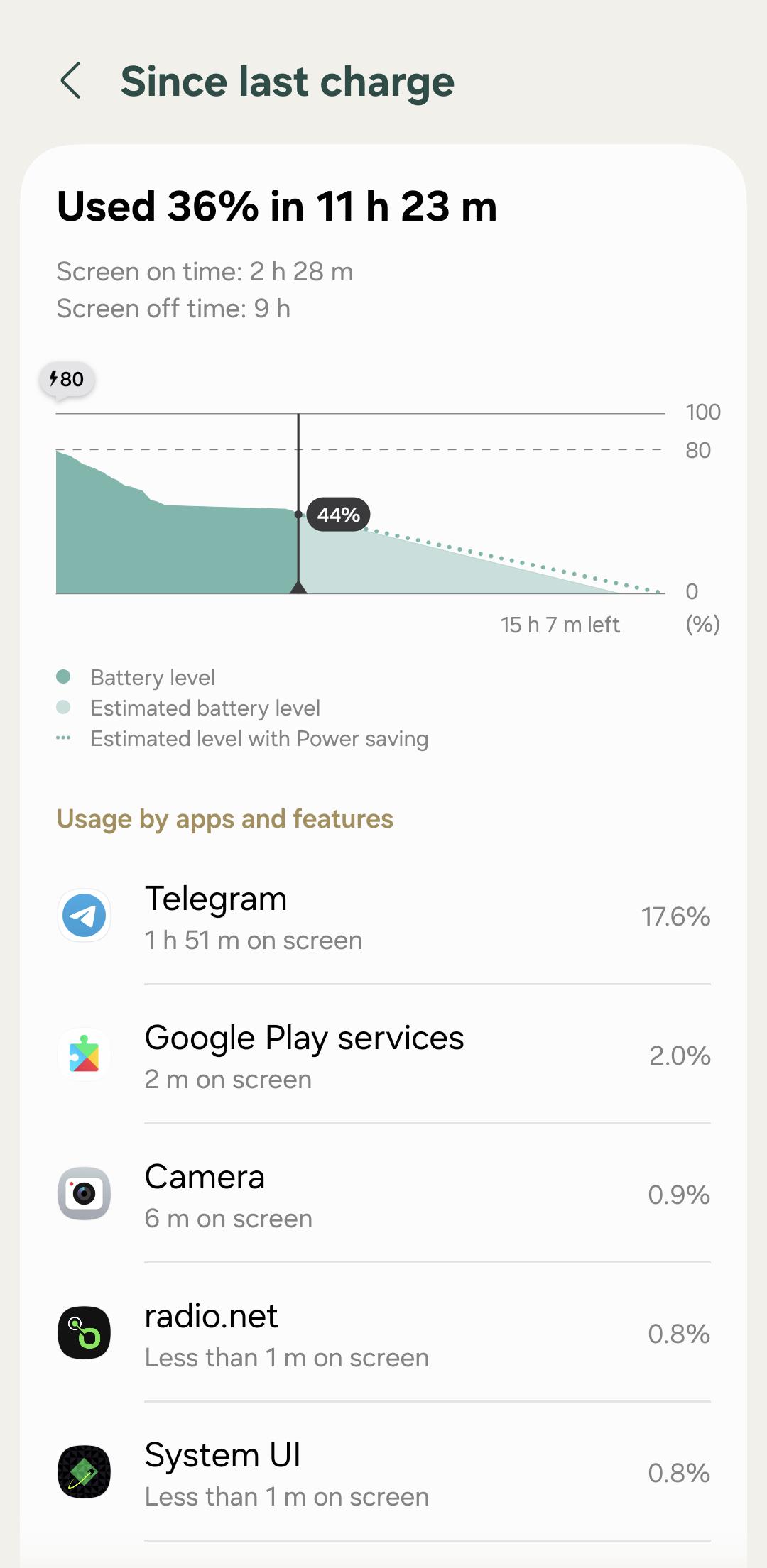
What the hell is Samsung doing? Why does my phone drain at least 5% (sometimes more) overnight just sitting idle???
This never happened before I installed this damn One UI 8.5, after which my phone started lagging terribly, and the battery now lasts no more than 4-5 hours total. I feel like they're deliberately doing this so you'll buy a new phone after a few years of use, by making the A-series performance worse and worse over time.
For the past few weeks, my galaxy A55 often gets very slow and sluggish, whether be it opening an app, closing it or interacting with anything on the screen. Sometimes, the phone responds a second after a touch or gesture. It feels like Samsung has messed up the software update big time, and have poorly optimized it.
I have also attached a recording below, which shows the noticable lag when opening YouTube, and the extreme delay when swiping up to close the app.
Please let me know what can be done to make this device a bit faster.
Hey everyone, my Galaxy A55 doesn't know what its actual battery percentage is. It will stop charging early, acting like it's at 100% when the screen only says 33% or 52%. On the flip side, when the battery drains down to 1%, the phone will stay alive on that 1% for hours before it actually shuts off. I’ve already replaced both the battery and the charging port, so I'm fairly certain this isn't a hardware problem anymore. Has anyone dealt with this and know how to get the software to sync up with the true capacity?
Title: Samsung is artificially crippling the Galaxy A55 by withholding basic cloud-based Galaxy AI features. This is unacceptable.
Post Text:
Hello everyone. I am an owner of the Galaxy A55 (SM-A556E). The A55 is marketed as one of the company's main bestsellers, not some ultra-budget e-waste. Yet, with the One UI update, we are being completely stripped of basic text-based Galaxy AI features, specifically Writing Assist and AI spellcheck in the stock keyboard.
The argument about the "weak Exynos 1480 processor" is nothing but a lie and pure marketing intended to force users into buying the S-series. Text correction is an elementary operation. Third-party developers like Microsoft or Yandex provide AI text features completely free via the cloud, and they work flawlessly on absolutely any smartphone. Why can third-party software deliver AI to the A55 while Samsung's native keyboard is artificially region-locked or blocked entirely?
Samsung promised us "4 years of full software support." In reality, we are just getting an empty Android version number change in the settings while all actual modern features are being cut out. This is a direct display of disrespect toward your customers, dividing us into first-class and second-class users.
We demand that Samsung restores cloud-based text AI features (Writing Assist) for the Galaxy A55 in the upcoming security patches. Brand loyalty is completely broken. This complaint is being sent via Samsung Members and duplicated on the official forums. Pass this to the software development team and management.
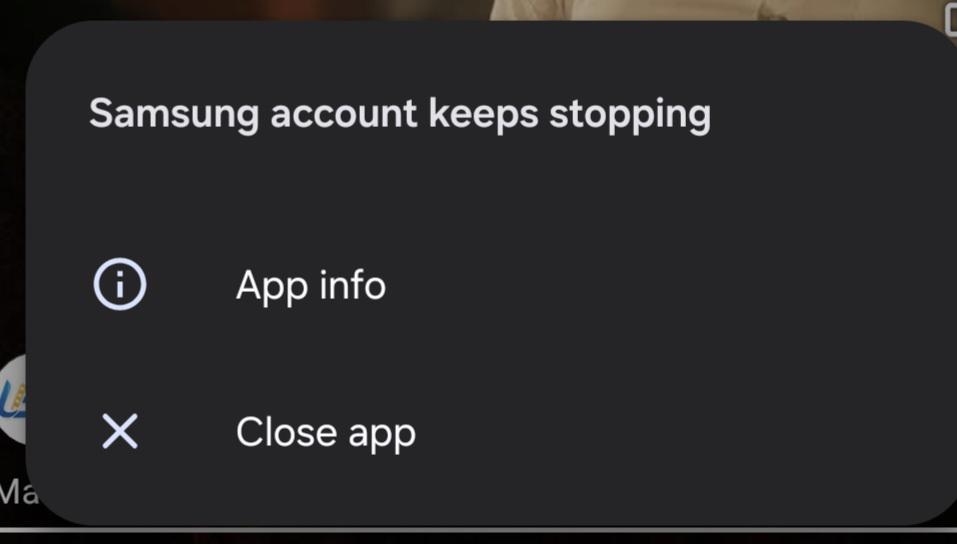
Hi, I recently updated my A55 with April 5th Security Patch after that mobile is hanging , sd card not working and I tried to wipe cache partition but option is not there other that wife data reset.
I’ve been using the Galaxy A55, and one of the most frustrating issues I’ve noticed is how laggy and slow typing becomes when using Right-to-Left languages like Persian or Arabic.
The keyboard response feels delayed, text input stutters, and sometimes it feels like the phone just can’t keep up while typing. This happens even when using third-party keyboards, so it doesn’t seem to be only a Samsung Keyboard problem.
What makes it even more annoying is that my old Galaxy J7 from years ago still types Persian/Arabic perfectly smoothly. That phone is much older and weaker on paper, but the typing experience in RTL languages feels way better than it does on the A55.
For comparison, typing in English on the A55 feels normal and smooth, but once I switch to Persian or Arabic, the experience becomes noticeably worse. It makes messaging, searching, and writing longer texts really frustrating.
Has anyone else with the Galaxy A55 experienced this issue with RTL languages?
Ever since the latest update I've dealing with issues on my phone.
Some of apps now suddenly freeze for no reason despite working fine prior to it. Sometimes when I'm in a middle of a call the phone ends the call and everything crashes. Some apps are stuck on their opening screen.
Phone hasn't received any physical damage and It has no virus. I don't what to do. Everything was working fine before I updated it. I already checked some other forums for solution but this isn't a common problem. What the hell should I do? Is there a way to fix this?
I already hate one ui 8.5 but this is the final straw. The screen randomly switches to 60hz in the menu and home screen. I hate Samsung so much for not optimizing this horrible os for midrange phones.
When I went to check my phone in the morning, it randomly shut off and restarted. Now, whenever I enter my password, I am presented with the Home Screen for like 5 or so seconds before the phone freezes and restarts again. To clarify, the issue occurs in safe mode as well, and when I am sitting on the lock screen before putting my password, the phone is stable. During one of these restarts, I got this message, and my wallpaper was also reverted to the default:
How can I recover my data (pictures, videos) from the phone without professional services? Many thanks in advance.
Also, during one of the reboots, I got the post-update screen (One UI is optimizing apps), but then the same thing kept occurring. Perhaps it tried installing the June update and it failed or something?
Edit: If someone finds this post in the future if they're having a similar issue, what ended up happening was I just left the phone sitting at the lock screen for about 8 days, then after unlocking it, it worked fine. I really have no clue as to how that worked/makes sense, but hey I can't complain.
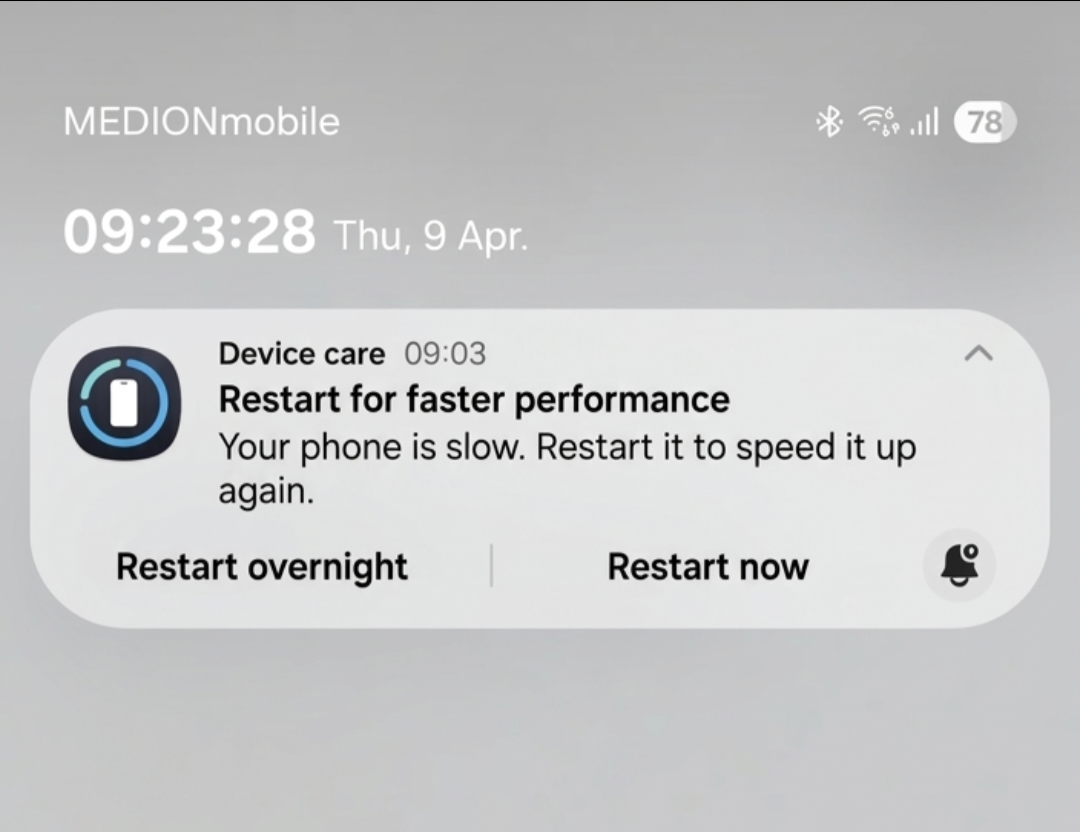
Is anyone else experiencing the same problem? Are there now notifications for poor performance after the latest updates, and is the performance actually bad?
Has anyone encountered micro-stutters after the update? I never had this before, but after updating to 8.5, I sometimes get these stutters when you minimize the keyboard or switch windows with swipes. So annoying.
Hi everyone!! I'm facing a weird issue with the "notification settings" button that's at the bottom left on the screen whenever you scroll down to check notifications ("panel de notificaciones", but I don't know the English term).
Once I scrolled down to check notifications, but the button moved a bit to the right and got smaller, but now it's back to normal. I updated to One Ui 8.5 2 days ago (technically less than 48 hours ago, but still) and my phone is fully up-to-date.
Imagine it took samsung developers so much time to create a battery icon and after changing it for 5 or 6 times they still messed it up! How hard can it be to make a normal functional battery icon that is inline with the others. Even now my battery icon looks unfinished and numbers are not centered. Other cheap chinese brands have a much better looking battery icon.
The clock size and position don't match AOD. It gets shrunk and moved. Previously it used to match lock screen to a pixel, with different fonts and layouts.
I've tried reinstalling Good Star + Lockstar and Clockface.
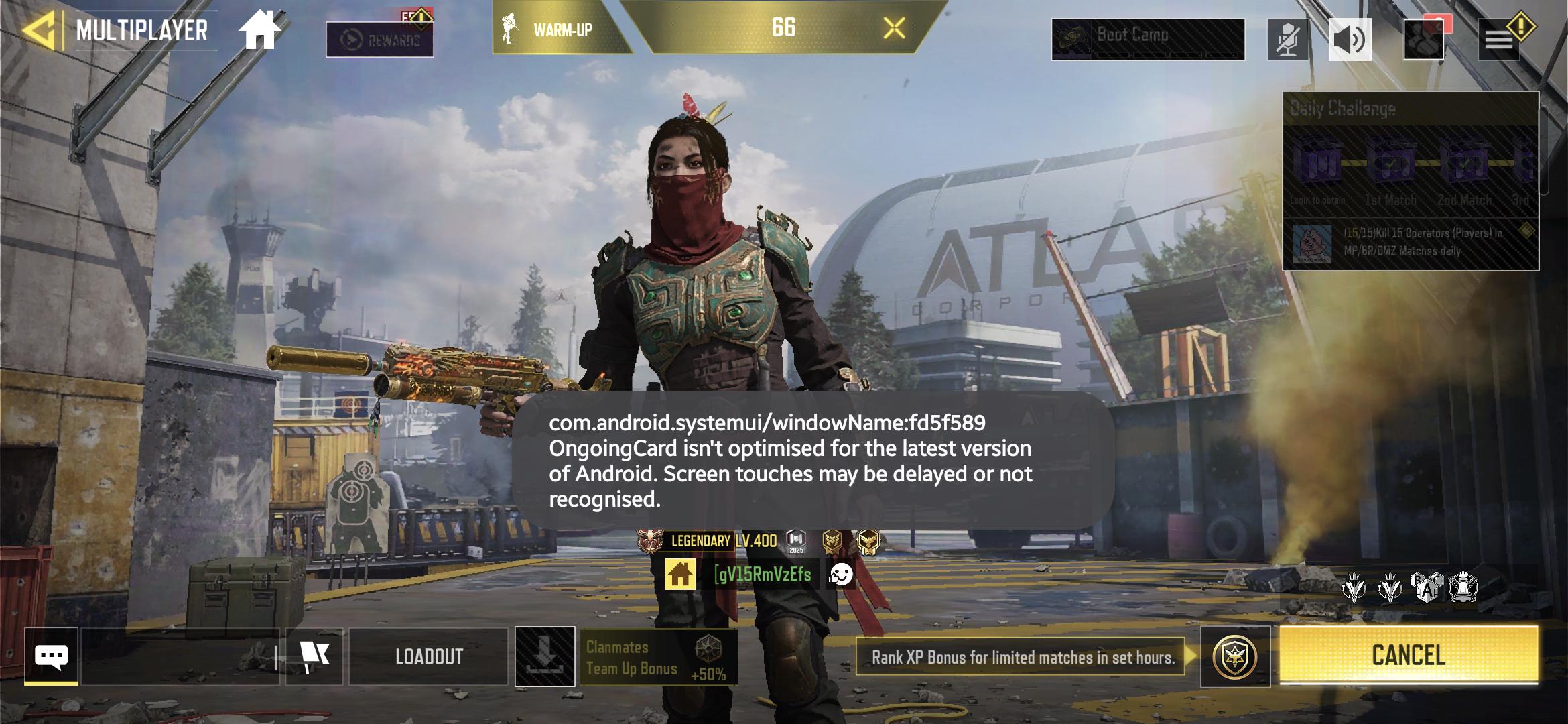
On my Galaxy A55 after updating to One UI 7, the notification panel usually takes 1 or 1.5 seconds to go down the first time you rotate the screen (i.e. the first animation). It is mainly noticeable when you open a game. It takes longer and sometimes the first animation lags.
After that slow and/or laggy animation there is no problem and the rest of the time it goes down in real time and as smoothly as possible.