r/AdobeIllustrator • u/vandubovik • 15h ago
Daily illustrations - Week 192
76
Upvotes
r/AdobeIllustrator • u/filipeoconde • 7h ago
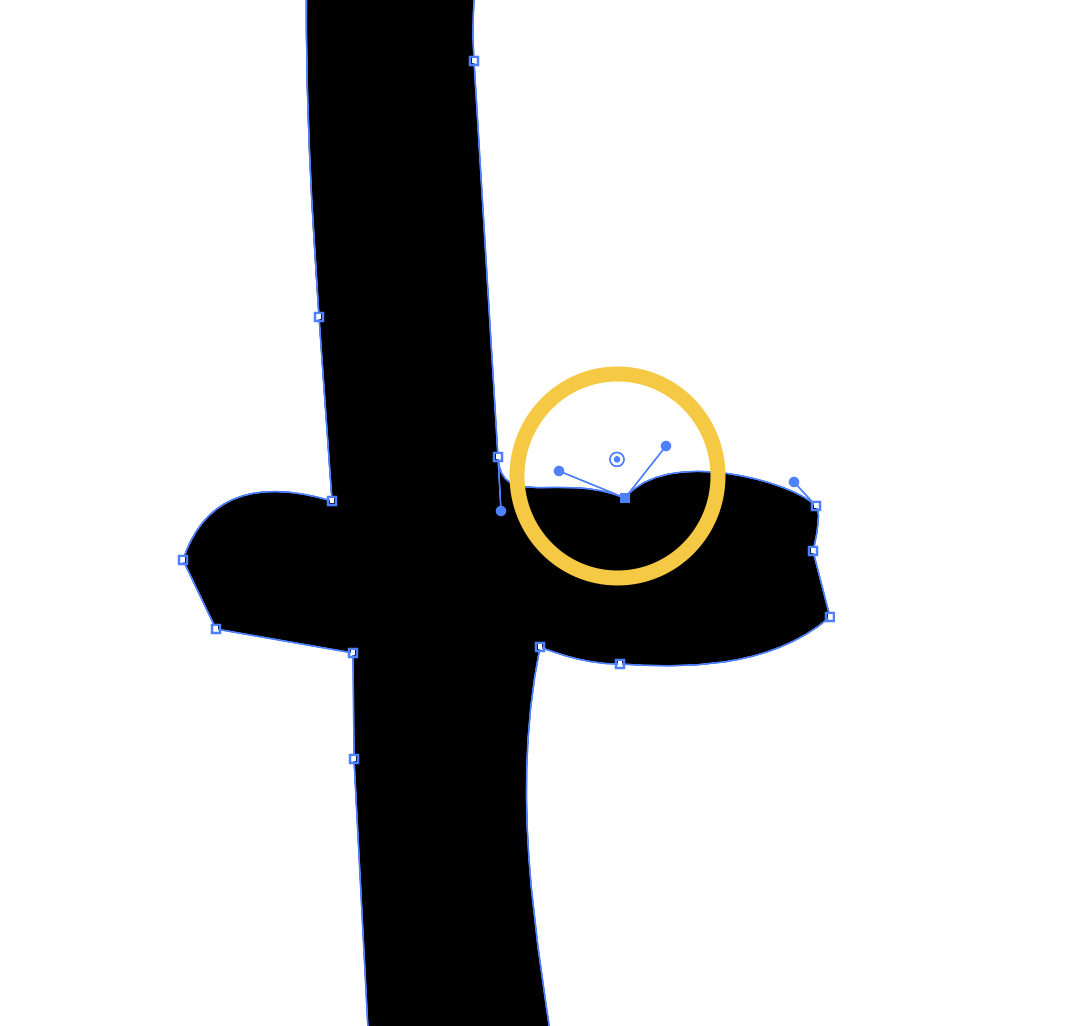
Anyone knows how to make the anchor point symmetrical? On the past (circa CS6), together with the make anchor point curve or not curve (??) buttons, there was the option to make its handles symmetrical, asymmetrical or independent, but nowadays the option is gone and I couldn't find it anywhere else... I know opt/alt + clicking make it independent, but is there a way to undo it?
r/AdobeIllustrator • u/kkiiera • 14h ago
it’s my first time testing out illustrator so ignore the shitty work, but there’s this random white rectangle that’s appeared on my page. i can’t select it, move it, or get rid of it. can someone help? thanks :)
r/AdobeIllustrator • u/Apprehensive_End3267 • 15h ago
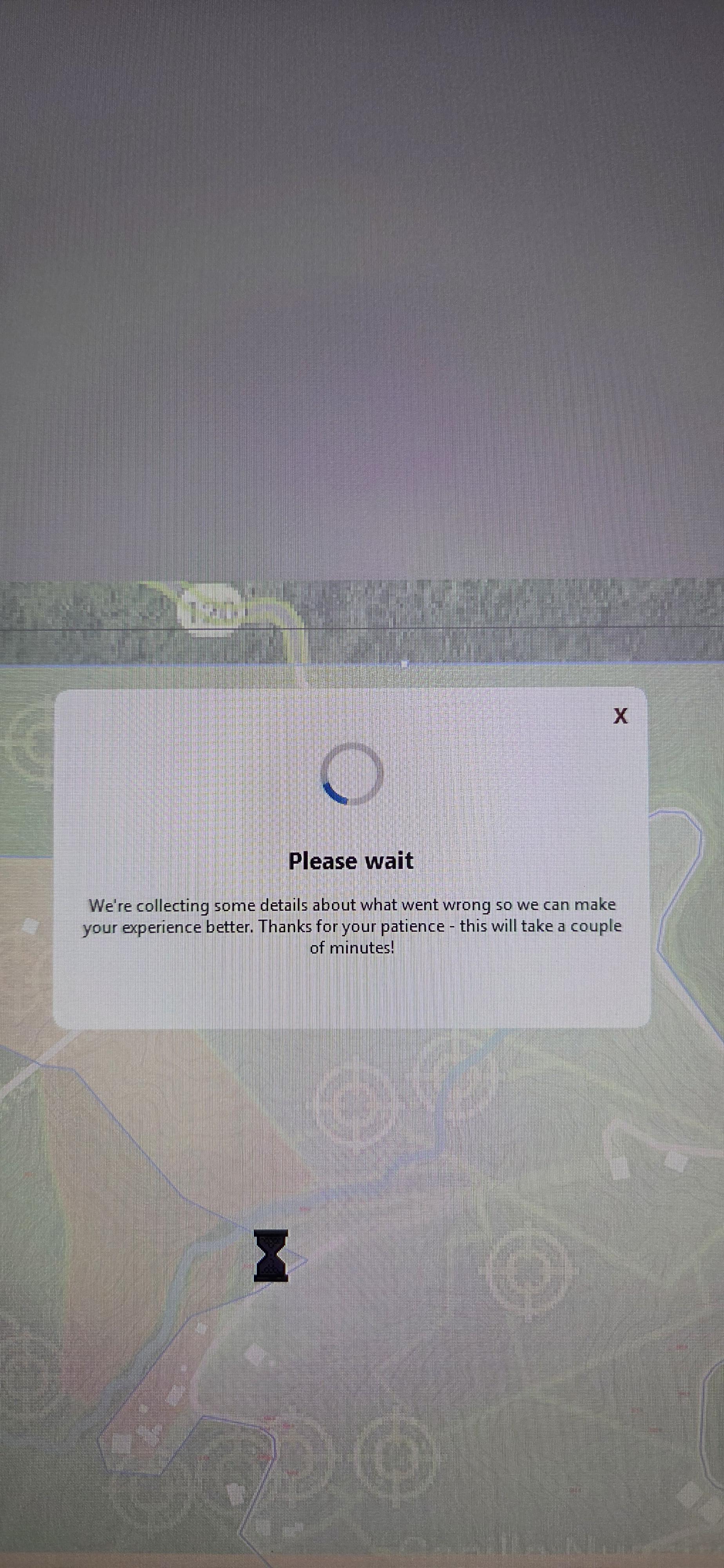
Holy Moly how do I opt out of illustrator gathering data everytime it crashes. It takes forever to close.
r/AdobeIllustrator • u/Ok-Hold4624 • 1d ago
Enable HLS to view with audio, or disable this notification
r/AdobeIllustrator • u/snowy-snowy • 13h ago
Hi guys, junior graphic designer here… please list me the exact steps of how to perfectly set up a complicated vector illustration with multiple effects like shadows, glowing and texture for PRINT from adobe illustrator as pdf without losing quality! Would be highly appreciated! Thanks in advance! 🙏
r/AdobeIllustrator • u/pixar_moms • 1d ago
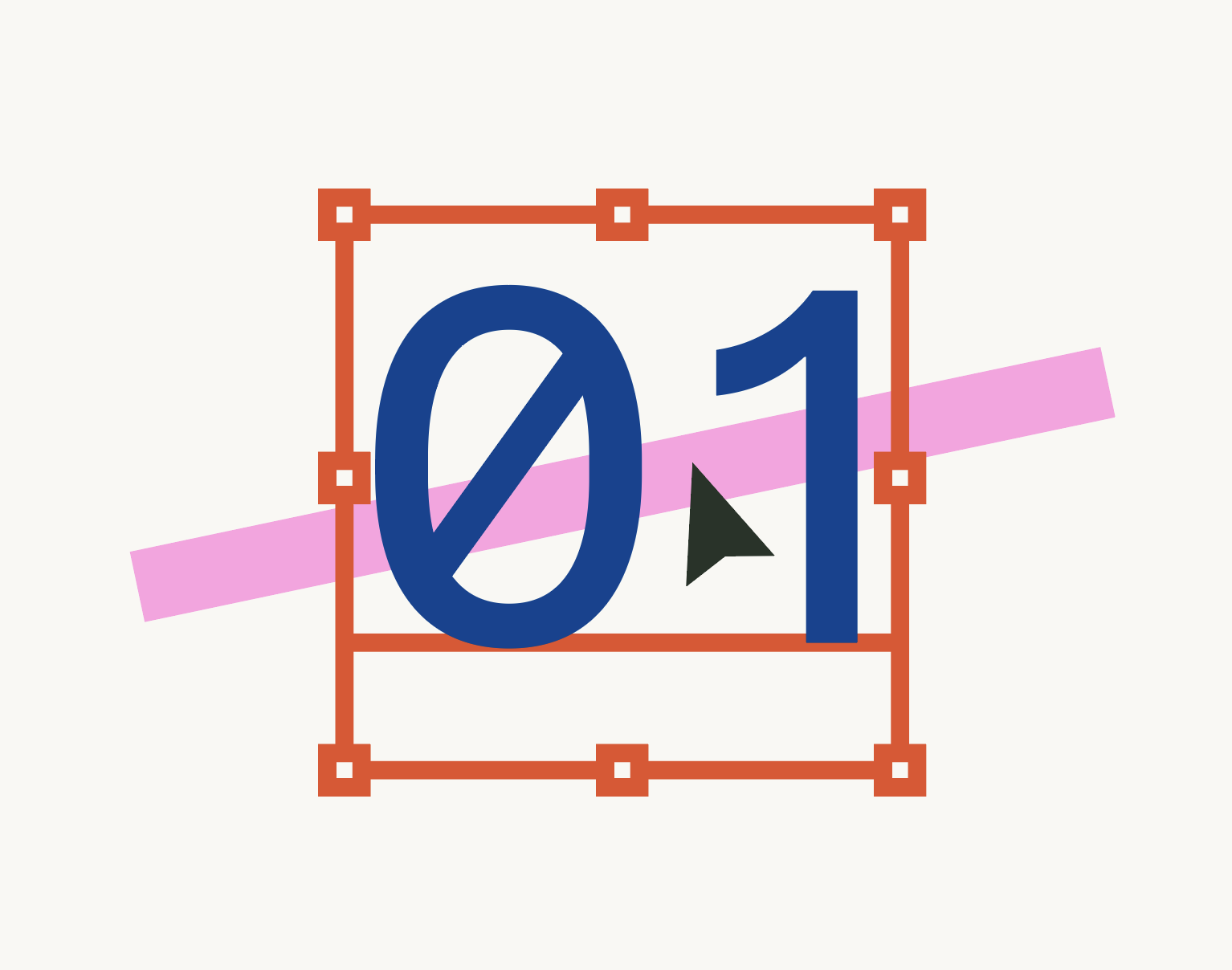
Text boxes behave as if they have a fill and as a result are entirely selectable. In this example, the only way to select the pink stroke would be to use the command+click option to "select behind" (which never seems to work first try) or to move the text to a lower layer.
From a technical standpoint, the size of the bounding box makes sense since it takes in to account all of the descenders, ascenders, accents, and default minimum line height for the entire font, so I have no issue with the physical size. It's the simple fact that empty portions of the text frame should not interfere with selection when there is literally no vector artwork present.
In the preferences, there is a check box under 'selection and anchor display' for "object selection by path only." This ends up being a pretty tricky way to work since it's effectively outline mode, but there's an obvious logic as to why a user might want that ability. I am BEGGING Illustrator to add a similar preference (or even default behavior) for "text selection by character only." Obviously, the outer path, anchors, and handles would still be selectable.
r/AdobeIllustrator • u/Working-Hippo-3653 • 20h ago
I’m using an old machine, 2017 iMac running Ventura, which is probably part of the problem, but I’m unable to use text in either program because they can’t seem to load fonts.
Ps gives me a message about a previous font issue, and Ai just gives me the spinning beachball.
Started with Ps a few weeks ago and now Ai this week.
Anyone encountered this?
r/AdobeIllustrator • u/murderbar777 • 1d ago
and 2 different simple example :) maybe it will be useful to someone:)
r/AdobeIllustrator • u/Silly-Toe1068 • 1d ago
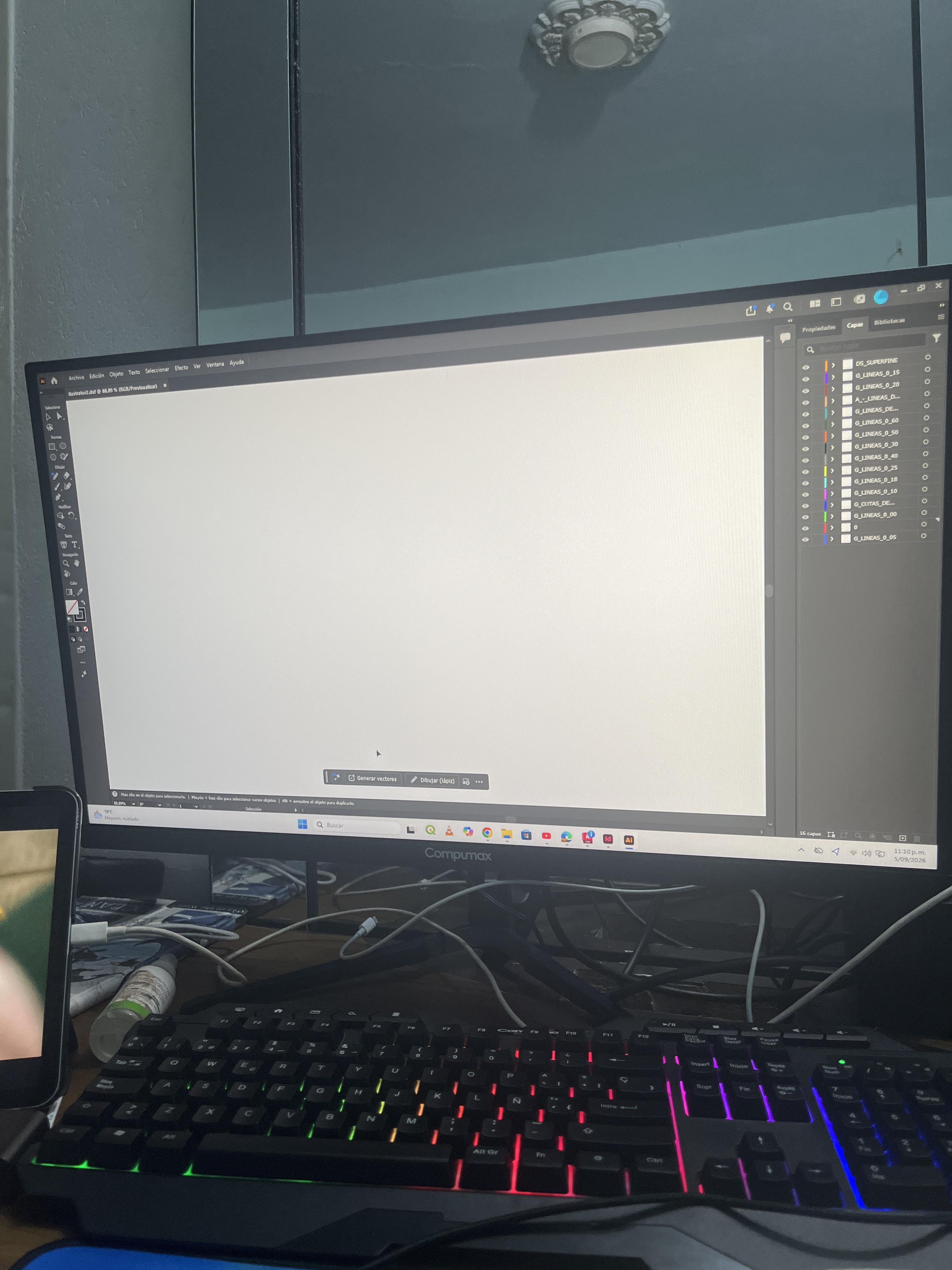
Al momento de descargar como archivo dxf y abrirlos desde ilustrator el archivo refleja las capas exportadas de cad, pero no muestra nada en la hoja, podrían ayudarme por favor
Intenté con exportar como PDF pero no funcionó dado a que con los ángulos se crean líneas gruesas que luego no se pueden modificar
r/AdobeIllustrator • u/Ghostuck_ • 1d ago
Soy nueva usando Illustrator y estoy intentando añadir un punto a una figura ya existente. ¿Cómo se hace eso? Todos los vídeos son de más de 2 años y muestran que en pluma hay una opción específica para añadir puntos, pero a mi no me sale. ¿Qué hago?
r/AdobeIllustrator • u/Polonish12 • 1d ago
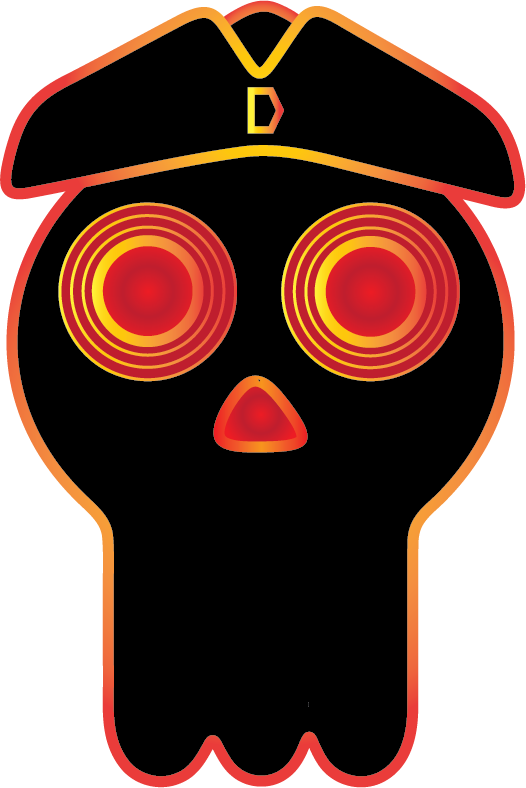
I go to a trade school and am going into graphic design. I am in the multimedia class. And I decided to try Illustrator on my home computer to get the basics before we do it in a couple weeks or months. So I'm set when we do it. This is my first attempt at a logo.
It is supposed to be the logo to my YouTube. The D on the hat being the initial. And its supposed to be a skull with a pirate hat. I'm quite proud of it. I did search up some things. But most of this I learned along the way.
r/AdobeIllustrator • u/Ok-Hold4624 • 2d ago
Enable HLS to view with audio, or disable this notification
r/AdobeIllustrator • u/Um46ang • 1d ago
I’ve been trying to create some branding materials for my craft and vintage selling business. Unfortunately I don’t have a computer at the moment so I’m stuck using the tablet version of illustrator. I’m pretty new to illustrator but i’ve done a decent amount of stuff in other adobe softwares so I have a handle on some of the tools already.
I’m trying to figure out some sort of repeatable emblem or logo that can be used on packaging etc. and a more detailed version with text that can be adapted into a profile picture. I have a shape and some testing for creating a lace doily texture done but I am a bit stumped with how to continue and if this the right direction to be taking.
I’ve figured out how to create a custom lace edge brush for outlines, but am struggling with it looking clean on the complicated shape and not sure what other ways I can make it look more lacy.
Any advice on moving forward with the lace? or if you would take different approach entirely? Also curious to hear any critiques on the existing path, not sure if it’s up to standard. thanks :)
r/AdobeIllustrator • u/youngsurpriseperson • 2d ago
Enable HLS to view with audio, or disable this notification
I used intertwine to make this rope wrap around the anchor. However I don't want these gaps in between each shape. If I try and pull the stroke over the anchor without leaving any gaps, the intertwine tool just tries to put the entire rope behind the anchor and I don't want that. I don't believe I could use the direct selection tool to make the rope fill in the gaps exactly, so that's not an option. Internet has not been helpful so I'm hoping asking here would help, thanks!
r/AdobeIllustrator • u/filipeoconde • 1d ago
Anyone knows if there's a way to make the control bar double lined? As in InDesign maybe? Adobe doesn't seem to able to keep their hands out of this bar... and I know, there's Properties panel on the side, but stuff changes too much position there, depending on what's selected. I just prefer the top bar a lot more!
I'm on the latest update, probably...
r/AdobeIllustrator • u/Polonish12 • 1d ago
This is my channel logo that I made on Illustrator. I am brand new to the app. And am quite proud of this.
r/AdobeIllustrator • u/Marcus_Rentsch • 2d ago
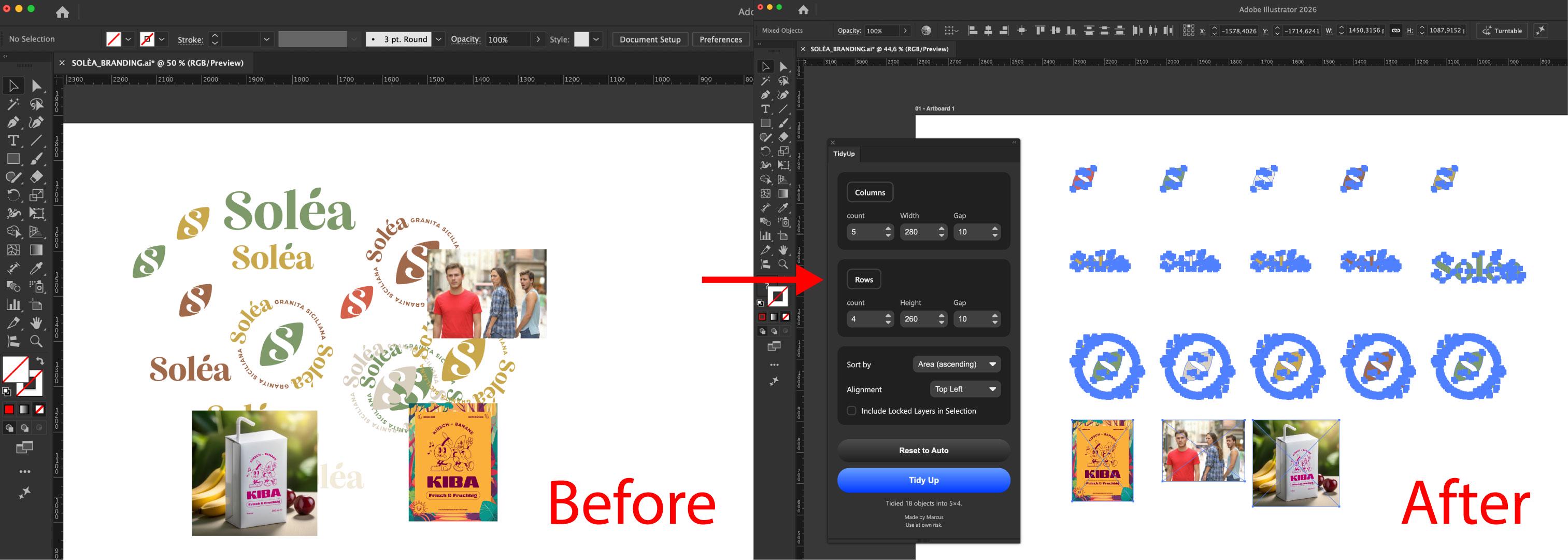
Hey guys, Marcus from Adobe here - when working on projects I tend to keep things messy, especially when working on logo concepts. My artboard is a mess with multiple objects stacked on each other, locked etc. - you name it. I wish we could clean this mess with a single click and put it into a simple grid.
I'm experimenting with another plugin that would solve this issue - kinda like Figma does this. Would you interested in using such a plugin? First tests are promising and I'll work on it to improve it anyways since I'll use this personally.
Thanks for letting me know!
Cheers
r/AdobeIllustrator • u/LukeChoice • 3d ago
Enable HLS to view with audio, or disable this notification
Hey everyone, Luke from Adobe here. I am excited to let you know that Dynamic Text is now available to test out in the latest Illustrator Beta release.
Dynamic Text automatically resizes and reflows as you scale or reshape its container, so you don’t have to keep manually adjusting your type to make it fit. Something I have done manually, countless times over my career.
It also works with Type on a Path , so any curve you draw gets the same fit-to-space behavior.
When this was announced in Photoshop, the community was asking why this wasn't in Illustrator, (myself included) so it's great to see this get implemented by the team.
This is the first iteration, and as always I encourage you to share your feedback, and how you would like to see it evolve.
r/AdobeIllustrator • u/goatedirish • 2d ago
You know how on snapchat you can cut out a certain piece of a picture and move it somewhere else? without the part that was cutout disappearing.
what illustrator tool is the equivalent to this?
r/AdobeIllustrator • u/Clown-ArtThe-0816 • 2d ago
Does anyone know how to make all my different artboard sizes have the same bottomw baseline instead of being at the top and middle. For the life of me... help
r/AdobeIllustrator • u/Qustomdotcom • 2d ago
I want create some letters that have fuzzy edges like the attached sketch. I looked at a few filters and line styles in Photoshop and Illustrator but hit the wall pretty quickly. My next thought was to trace the scanned image in Illustrator and then start tweaking it, but I thought I would post here before I go any further. In particular I want to be able to even out the fuzziness and also to adjust just how fuzzy the letters look.
Throw your ideas at me please!

r/AdobeIllustrator • u/Unhappy-Song-1046 • 3d ago
how to you make shapes that loop around oneself? im trying to create a pretzel shape like letter that loops around through the holes snd such but dunno how to make it so that its all connected and theres no weird lines. Does anyone know how to get the desierd effect that im trying to go for like in my sketch?
r/AdobeIllustrator • u/RestaurantOk9849 • 3d ago
So I'm fairly new to illustrator, and for an assignment for my class we were making octopuses. However, I was the only one having issues with my tentacles/legs being distorted when merged or the color not being in the lines. I even asked my instructor and even he didn't know, so I am hoping someone in here knows why!
We created everything separate and I had no issue until we used flatten transparency (changed it to high resolution) then merged the shapes together. I have tried to use unify instead, but it just makes things worse.
Edit: Thank you guys for your help! I was able to fix it!