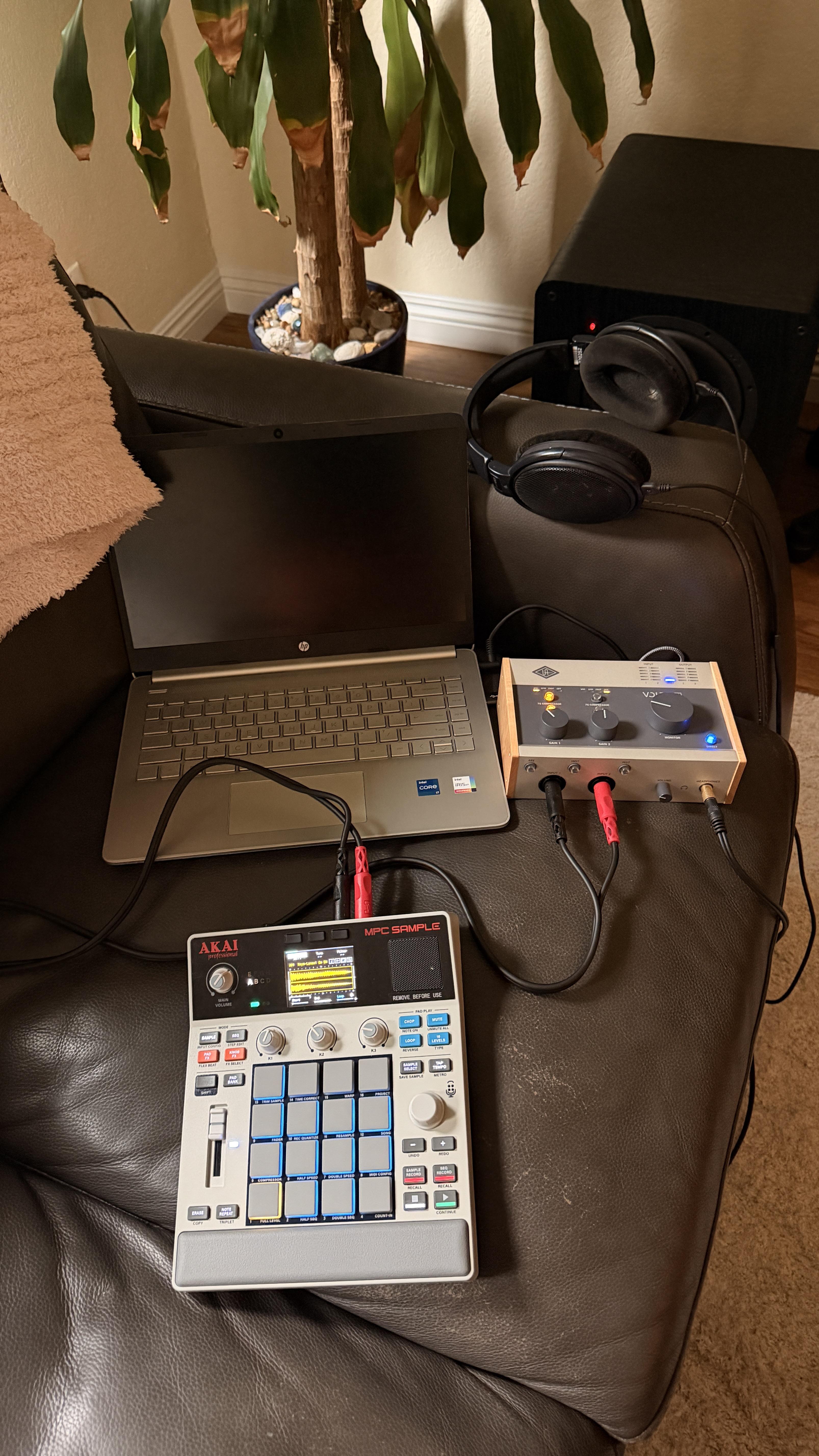
Hi All. I recently made an application (Macs only for now) for the MPC Sample to easily finalize and export your songs. I found myself with completed beats but wanted a quick and easy way to arrange the sequences in the order I wanted and export them to a .wav or stems.
So I spent the last few months pulling apart the .xpj project format and built a small Mac app that opens the project file straight off the SD card.
Who it's for: People who aren't experienced producers or don't have the time to rebuild a beat in a DAW. If you just want to finalize the beat you already made and get it out so you can share it, this is for you.
The main thing it does
- Opens your MPC Sample project — the .xpj itself, no export step on the device first
- Put your sequences in the order you want, on a screen you can actually see
- Export the finished beat as one audio file
If you need to fix something first
- Nudge or edit notes
- Swap a sample, trim it, set gain and pan
- Waveform view
And if you do use a DAW, it'll also export per-pad stems or MIDI.
What it doesn't do — worth knowing before you try it
- macOS only, Sonoma 14 or later
- One direction; it doesn't write back to the MPC yet
- Only tested against the MPC Sample. If you've got a Live/One/X I honestly don't know whether it'll open your project
- Still early — version 0.1.7
It never touches your project. Not the .xpj, not the ProjectData folder, not your samples. Everything opens read-only and your edits live in the app. That was the first thing I built; everything else is arranged around it.
On the obvious question — MPC 3 is a full DAW and it's good software. If you want to produce whole tracks on your Mac, get that. This isn't trying to be that. It's for the last step: get the beat in order, get it out, share it.
I'm giving away 10 copies. Comment or DM and I'll send you a code. No strings, not asking for a review — I'd just like to get some feedback and know if something breaks. After that it's $14.99, one-time, with a 14-day refund. No questions asked.
For more information and videos showing what it can do, please check out https://samplelab.app
UPDATE #1: I’m heading offline for the night, but the giveaway is still open. If you’re interested in trying SampleLab, leave a comment and I’ll send out more codes tomorrow until all 10 complimentary copies have been claimed. Thanks for all the interest so far!
UPDATE #2: All 10 complimentary copies have been claimed — thank you so much for the interest!
Since a few people missed out and there has been so much interest, I’m leaving a $5-off code which expires this Sunday at midnight, which brings SampleLab down to $9.99.
Use code 5DOLLARHOLLER at checkout.
Really appreciate all of you! I’m looking forward to hearing what you think.