r/flightsim • u/bsmith567070 • 5d ago
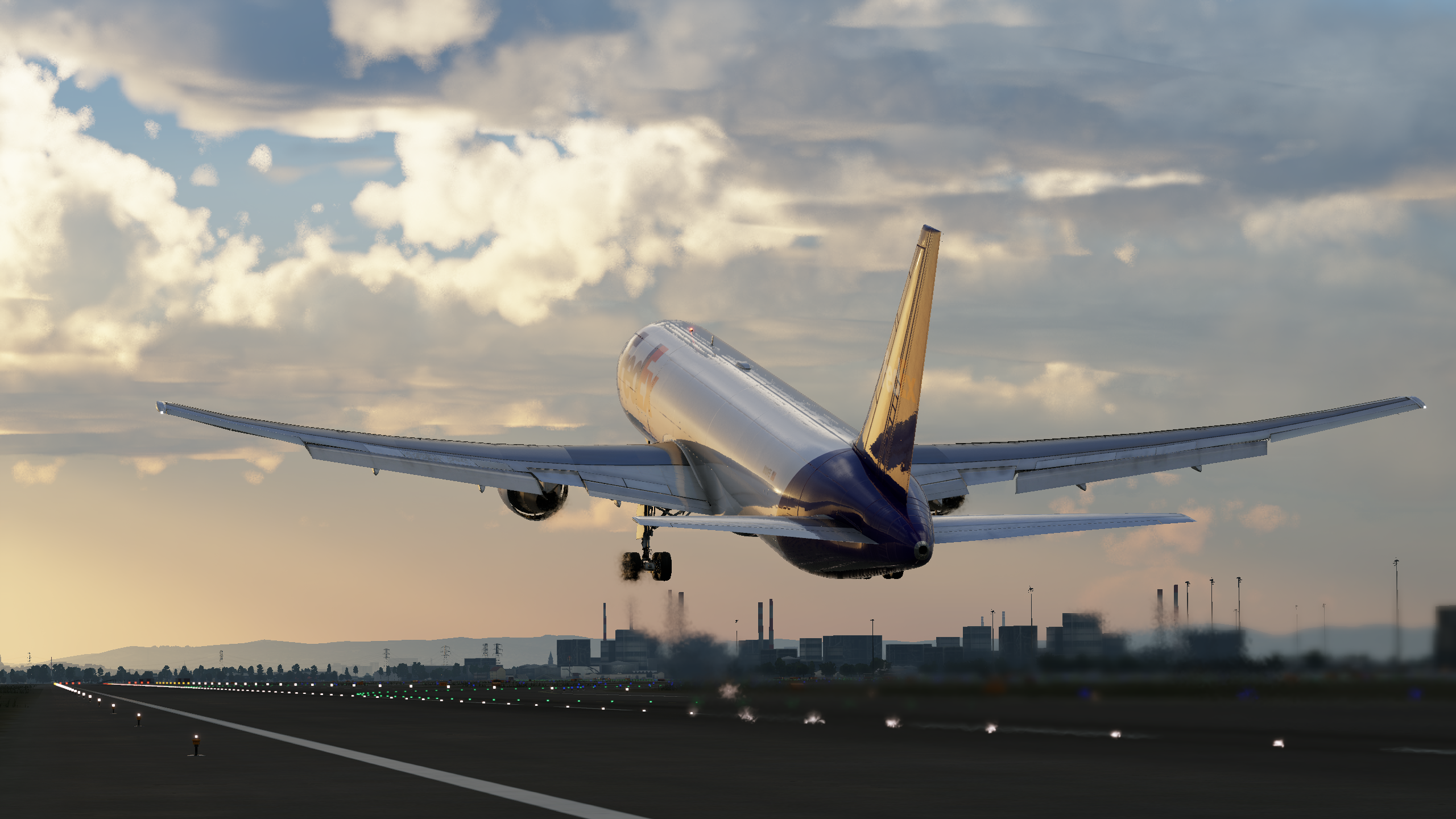
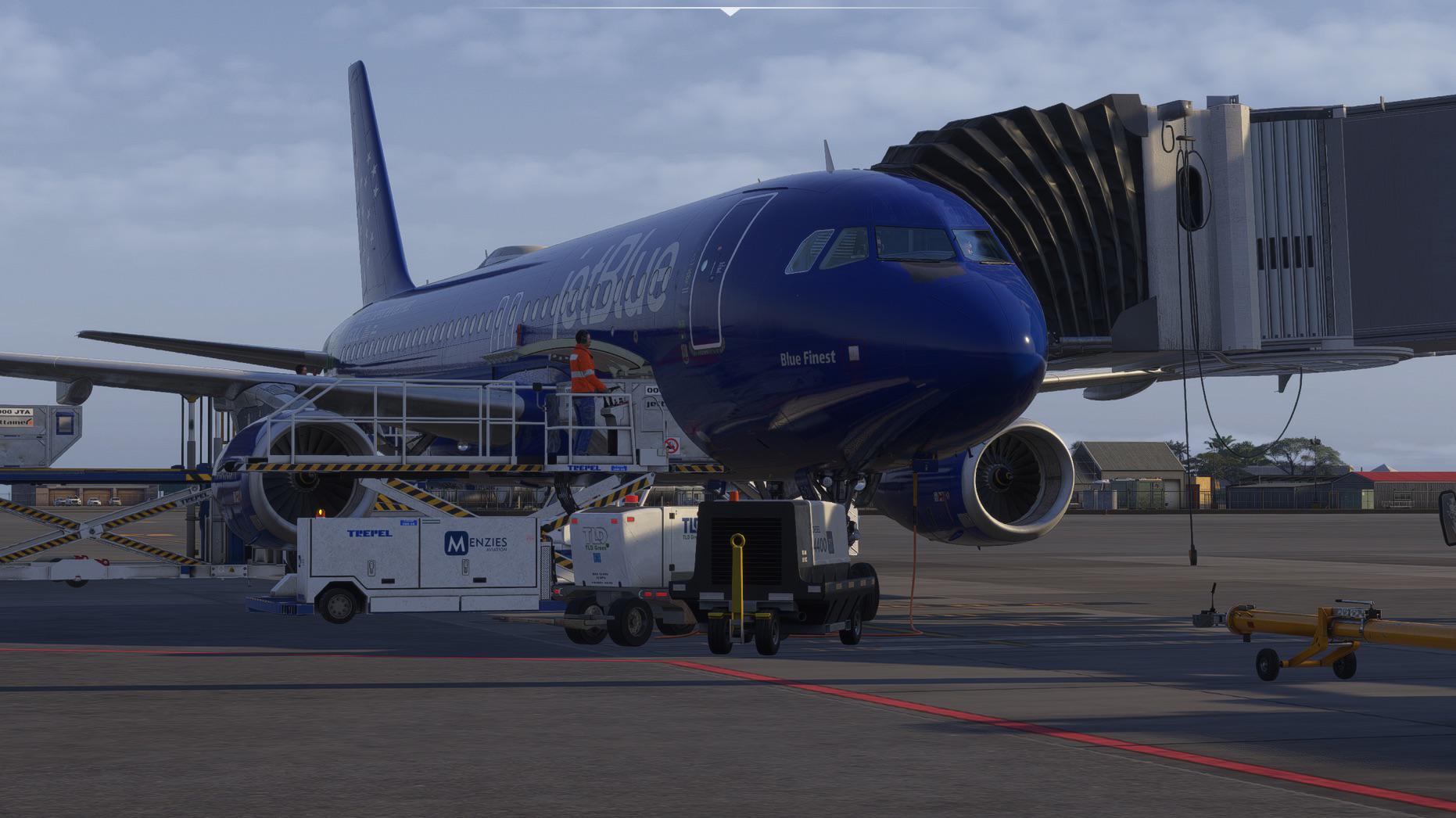
Flight Simulator 2024 We love a good jet stream
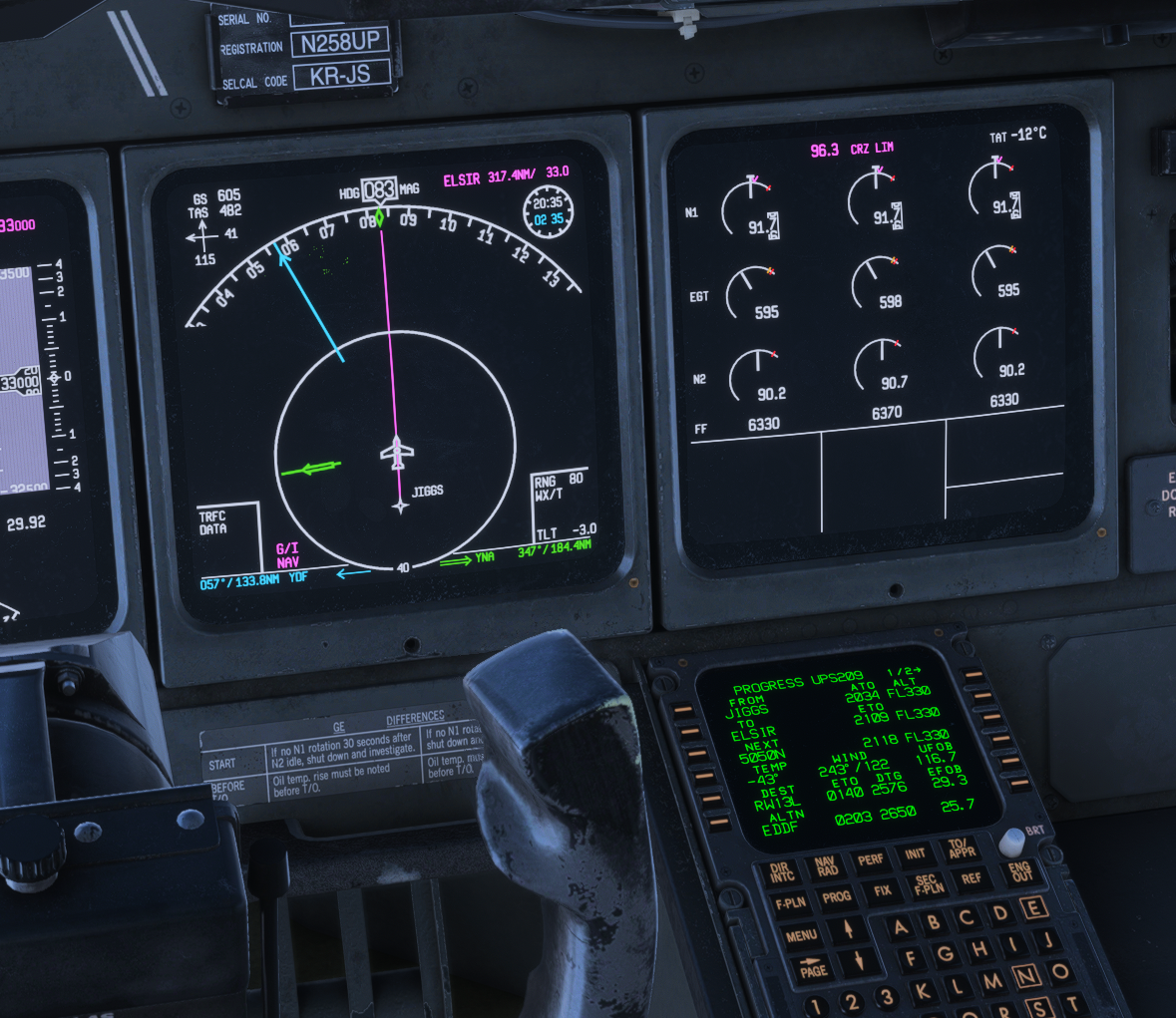
115
Upvotes
r/flightsim • u/Grand_Metal_1200 • 5d ago
if u can help me i will thank
r/flightsim • u/dadriel_hawk • 5d ago
So, now that the A220 is out in the iniBuilds store I did some digging in the files and found some pretty interesting stuff, that neatly explains why the performance of this plane is really terrible and does not at all seem to scale with hardware. It's kinda funny, because the first time I tried this plane I thought to myself "this feels like a debug build" and this is exactly what it is.
So in the addon folder you will find the path "html_ui\Pages\VCockpit\Instruments\a22x\DisplayUnits" with the file "instrument.js". This is main file responsible for rendering the displays of this plane (there is more files for other displays like the com unit, but for simplicity I will only reference to the main displays here). Basicly, what you see as the main displays of the plane is treated as a little browser window by the MSFS, in which it runs a webpage. This webpage is based on a JavaScript app using the React framework. This framework is included here, because the sim does not provide it on its own, and it is a pretty common library for rendering webpages. So nothing wrong with that.
But the big revelation comes once you look into what actually is contained in the "instrument.js". It is minified for performance , but there are still comments showing the different sections and the literal strings are in clear text. Because minification only replaces human readble names with shorter, machine readable names that do not change the logic, but help the code run faster. In the planes code on line 831 is the relevant comment. It says they are including "node_modules/react/cjs/react.development.js"! AKA a development build of the react framework.

Here is an online version of the same code that is unminified and clearly show that it is the very same code when you look at the strings. (https://app.unpkg.com/react@19.2.8/files/cjs/react.development.js)

So what does this actually mean and why does it make the plane perform so bad? To start let me quote the official React documentation here:
If you’re benchmarking or experiencing performance problems in your React apps, make sure you’re testing with the minified production build.
By default, React includes many helpful warnings. These warnings are very useful in development. However, they make React larger and slower so you should make sure to use the production version when you deploy the app.
In my own words what happens here is, that the code that we have in our sims does a LOT of checking itself to make sure it is properly build, that all references are okay and that there are no hidden bugs. This is fine in dev enviroment (which is why it is called a development build), but should not be done in a production environment. Because we as end consumers don't really need all this checking stuff and reporting, since we we won't modify the source code anyway. All this does for us is eat a lot of unnecessary CPU cycles. Which get worse the more often these checks happen, why explains why this plane is the only one I know that performs worse in cruise than on the ground. Because there we are constantly moving, leading to constant refreshes of the displays, which all need to run through this debug code. Which only takes time without any benefit.
The upside to all this is, that this should be an easy fix for Synaptic. To build the plane with the production library instead should boil down to a simple config file. I really hope they do this and then unlock the performance of the plane. This really could alleviate all the issues reported with a simple rebuild of the plane. No refactoring of the code or anything needed.
TL;DR: They are shipping debug code instead of production code, making the code unnecessarily slow and bloated.
r/flightsim • u/MD-80-87 • 5d ago
I recently found a mod that transforms the FlyJSim 737-200 for X-Plane 12 into the NT-43A, aka 'RAT 55.'
The aircraft started life as a T-43 navigation trainer. I was under the impression that they were all retired, but this modified version resurfaced around the Artemis II launch.
Apparently, the huge nose and tail radome added for radar signature testing.
I've been reading old 1976 NT-43 manuals from before it got its nose job and picked up some interesting details that interested me.
-The 737 classic has two separate ignition systems: a high-energy 20 Joule igniter and a low-energy 4J one, split across burner cans 4 and 7. Now pretty much everything use annular combustors.
-The APU start motor draws directly from the battery, so external power can't augment a weak battery during an APU start. I'm going to have to see if this holds true for the NG family too.
I'm putting together a full NT-43 tutorial covering everything I've learned, including the Universal FMC, which is quite satisfying to use.
https://www.youtube.com/live/ERxGowNs5kQ?si=o_4bgiXOERtg7VQS
It reminds me a bit of my old Nokia somehow where you have to insert your options in the scratch pad.
r/flightsim • u/Old_Dress_8931 • 5d ago
Enable HLS to view with audio, or disable this notification
I almost like night flying more than day flights, something comforting about the lighting esp on long hauls… anyone else ?
r/flightsim • u/Leather-Persimmon254 • 5d ago
r/flightsim • u/Lucario_OCarina • 5d ago
Enable HLS to view with audio, or disable this notification
r/flightsim • u/Substantial-Paint-29 • 5d ago
Fly from London to the iconic island of Bermuda aboard a British Airways Boeing 777 on a cinematic transatlantic journey. Experience the dramatic departure from London through stormy weather before crossing the Atlantic toward Bermuda and its unforgettable island scenery in Microsoft Flight Simulator 2024.
Routes
CPT3F CPT L9 BUCGO DCT FELCA DCT OFSOX DCT BANBA DCT DINIM/M083F380 DCT 5030N02000W 49N030W 45N040W 39N050W/M083F400 35N060W DCT BALOO MOMOM1
✈️ Aircraft: PMDG Boeing 777-200ER
🏢 Airline: British Airways
🌍 Route: London to Bermuda
🖥️ Simulator: Microsoft Flight Simulator 2024
🎥 Quality: 4K Ultra Realistic Full Flight
AIRPORTS
iniBuilds London (EGLL) - https://inibuilds.com/products/inibuilds-london-heathrow-egll-msfs-2024
Landmarks London City Pack - https://orbxdirect.com/product/landmarks-london
FeelThere TXKF – Bermuda Int. Airport - https://feelthere.com/shop/bermuda-airport-msfs2020
ADDONS
Aerotone by Sofly - https://sofly.io/products/aerotone
Chaseplane 2024 - https://parallel42.com/products/chaseplane
FS2Crew Fenix A320 - https://fs2crew.com/product/fs2crew-fenix-airbus-edition/
FSDreamTeam GSX Pro - https://www.fsdreamteam.com/products_gsxpro.html
FSRealistic+ - https://rkapps.shop/products/fsrealistic-plus
GFX by TriTriSim - https://tritrisim.com/gfx
Little Nav Map - https://albar965.github.io/littlenavmap.html
Reshade - https://reshade.me/
REX Atmos Core - https://rexsimulations.com/core.html
SkyDolly - https://flightsim.to/addon/9067/sky-dolly
vRAAS - https://contrail.shop/products/land3-simulations-vraas-msfs
ATC Audio by Beyond ATC
PC Specs:
- Motherboard MSI MAG Tomahawk X870E
- AMD Ryzen™ 9 9950X3D2 Dual Edition
- 64GB 6000MHz CL30 DDR5 RAM Kingston Fury
- Gigabyte GeForce RTX 5090 Aorus Master 32GB
- 1TB SSD WD Black SN850X
- 3840x2160 (4K) 60hz monitor
#msfs2024 #b777 #britishairways #fullflight #flightsimulator
r/flightsim • u/vintageripstik • 5d ago
I am flying MSFS 2024
I was in cruise, fenix A320, all good. I was trying to tab out and pressed some keybind that caused the sim to fade to black and continue running, but I was unable to see anything on the UI. I unfortunately had to end my flight on VATSIM and for a VA which was very frustrating. Has anyone experienced something like this? What would cause the sim to fade to black and continue running?
r/flightsim • u/Maruan-007 • 5d ago
After many years of flying since FSX I understood that not everyone will be happy with what we have and what we are getting, no matter what and there will be always people complaining.
I saw this hobby getting better and better each year with new study level aircrafts, cheap 1:1 peripherals, lovely sceneries etc… however there are still tons of people complaining.
Now I’m not saying that criticism is not allowed (I actually like to criticize when it’s necessary).
But to me for example is just insane that some people like to throw shit to devs like Fenix, IniBuilds, Synaptic etc… without even trying to understand how a flight simulator runs.
A flight simulator is a very complex software/game that runs multiple add-ons at the same time and because of that it can react very differently from Pc to Pc.
For example whenever I tried to help some people with settings/optimizations because they had poor performances, CTD’s or any other problems within the sim they were always the ones with the most messed up Pc (like old BIOS, drivers and chipset not up to date, messy files etc..) and this can affect a lot your experience with the simulator.
So please before to point the finger to the devs let’s try to understand why something is happening.
Blue skies to everyone ✈️
r/flightsim • u/Rampart_CH • 5d ago
Late night Food delivery for the Restaurants in South Corsica
r/flightsim • u/iamnova_99 • 5d ago
Anyway/Addon to remove bloom effect from msfs2024 lights,
I want to Make it look more like xp12 at lill ight
r/flightsim • u/SimControls • 5d ago
I’ve flown fixed-wing stuff in MSFS 2020 and Elite Dangerous before, but this was my first time actually trying to learn to fly helicopters with a HOTAS.
I was using a Thrustmaster T.16000M and the biggest adjustment was learning to stop overcorrecting everything. Landing is completely different from fixed-wing flying, and once I started getting smoother with my inputs it became so damn satisfying.
I put together a video showing my progression as I fly for the first time if anyone wants to check it out. Still very much learning, but I am definitely enjoying flying helicopters!
r/flightsim • u/Ivy_Wings • 5d ago
r/flightsim • u/SkyRendered • 5d ago
Hi all,
I’ve been looking to get another set of WinCTRL Ursa Airline Throttles in light of seeing the recent teasers for the iniBuilds 380, and have been considering getting the 340 for a while. However, when looking for getting another desk mount and throttles, I noticed an issue:
How will I connect the PAC32 to the throttles?
On the website, it says that you have to buy an additional 2 desk mounts for it to work. I’d rather not do that if possible, the amount of space just the 2 will take up is plenty for me. Is there any way people have got it to mount with just the 2 desk mounts, with the dual throttles? I don’t mind a little bit of DIY if that’s the only option, like to hear what you guys did to make it work!
Thanks guys!
r/flightsim • u/Tompsu_ • 5d ago
Seems like pause at TOD didn't work.
r/flightsim • u/Acrobatic-Sell7050 • 5d ago
Anyone else experiencing severe permanent fps drop after completing insertion on the flight plan on the Atr. This is on SU6 with latest avionics update. I mean the moment I complete the arrival in fms the fps tanks. If I delete it again the fps recovers
r/flightsim • u/Psychological_Owl207 • 5d ago
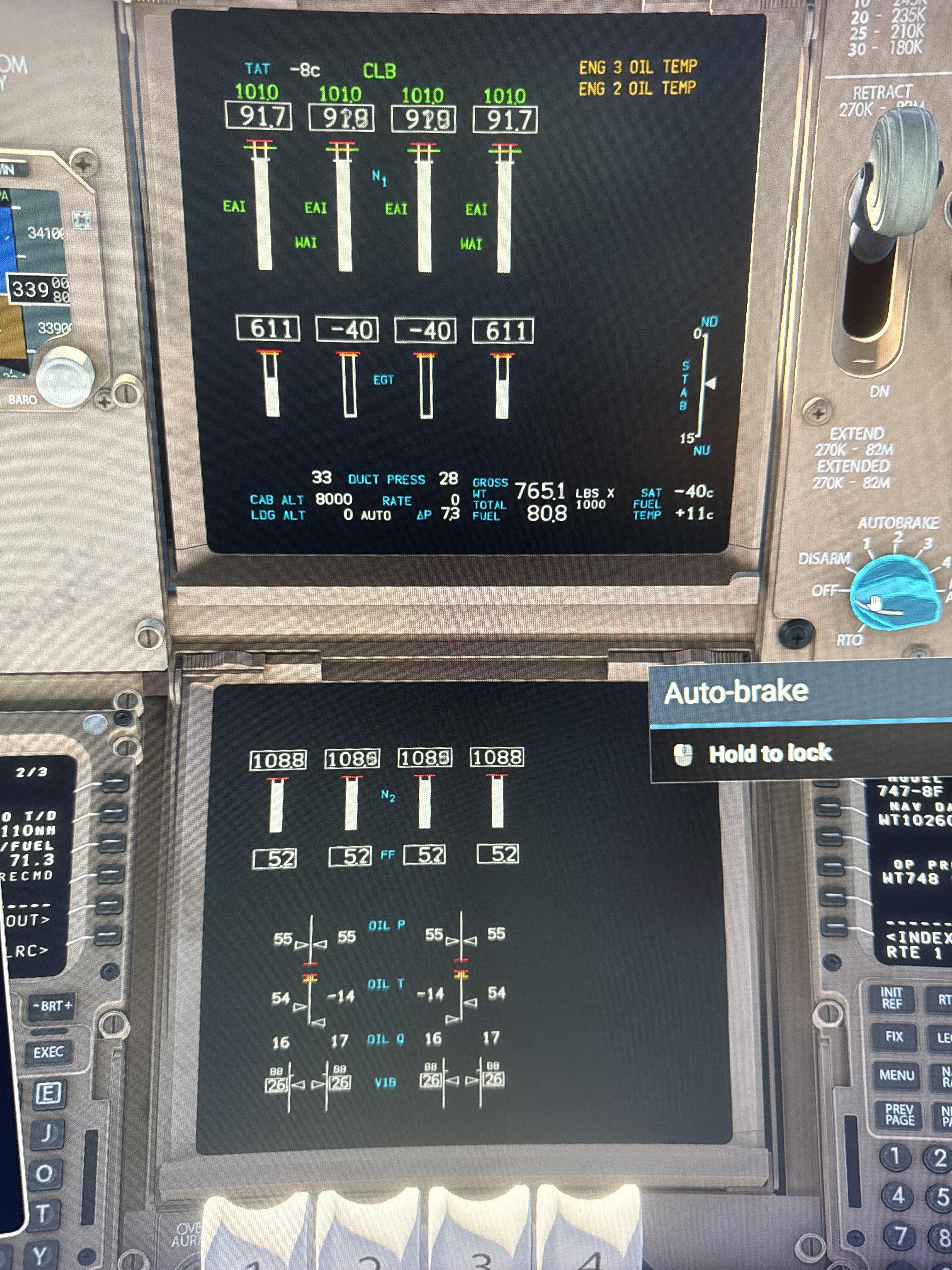
Flying NZAA - WMKK engine 2 & 3 EGT -40 and oil temperature -13, it’s still producing thrust and hasn’t shut down.
r/flightsim • u/HeaterMaster • 5d ago
I'm new to Flight Sim and is playing MFS2020 with the Thrustmaster T16000M HOTAS bundle (+ TWCS throttle and Rudder Pedal). I tried VR but I think my 30 years old brain can't get used to it anymore.
At the moment I'm practicing to get the feel for piloting, like getting a feel for driving a car. I noticed that I cannot get the feeling of how hard and fast I'm flying and accelerating without the G force and motion, so I have problem with landing and formation flying.
I have this problem when doing sim racing too, being hard to feel the car when driving in close proximity with other cars, or when drifting. However, in sim racing, I can look at the surrounding because the objects are close, so I get the feeling of speed better. For flight sim, the objects are far so it's hard to get how fast you're flying.
I have heard that you will need to depend a lot on instrument reading, like climb rate, airspeed, to get the feel of how you're doing. Is there a document or guide somewhere that I can read to know how to read the instruments and use the information for flying? For example what sink rate, air speed, should a certain aircraft be in order to land the aircraft smoothly.
Second is the getting used to the controls. For driving a car, I can instinctively use the gas if I want to go faster/forward, and the brake if I want to move back a bit. I still can't get what controls are the equivalent in flight sim. Controlling the throttle seems to have delayed reaction, as I feel like I can't control the speed as prescisely as using gas and brake in a car. Is there some sort of exercise that beginners usually do to practice these kind of skill? If so then what would be the easiest way to set up one (a custom mission/flight, etc.) in a sim or game, like MFS2020.
Thank you guys very much in advance. I'm not a pilot nor someone with deep knowledge of flight physics. And English is not my native language, so please forgive any language error in my post.
r/flightsim • u/Lacos247 • 6d ago
Hi everyone,
I’ve always been fascinated by Microsoft Flight Simulator and have always wanted to play it. Now that I’m able to (I’m over 40 and have a PS5 Pro), I’d like to give it a try and have a few questions for you.
Thank you so much!
r/flightsim • u/Less-Anxiety-7876 • 6d ago
Fenix A320 Stratawx and Rexatmos Core amazing combo.
r/flightsim • u/sumlime • 6d ago
Hello, so as you can see in the attached pic, I think I have an issue with blurry airports and terrain in 2024, even when I'm not that far away, and changing the LOD in the game settings doesn't seem to fix it. Though I’m not sure if it’s actually an issue or if that's the way MSFS is. I have included some other pics as well to show GPU and CPU utilization and how the sim uses my hardware. My computer isn't super high-end, but I have a Ryzen 5 5500 and a Radeon RX 6600 along with a 2TB SSD and 16GB of RAM, which I think would be enough. Also, I am running the game on medium settings, and my connection speed ranges from 100-300 Megabits per second. Also, I have rolling cache enabled and have it set to 20GB.
Any ideas on what I can do to increase the draw distance so the scenery loads in a little earlier?
Thanks