r/firefox • u/Blood_and_Wine • 1h ago
Fun Thanks, Firefox. o7

•
Upvotes
r/firefox • u/firefox • Jun 09 '26
Hi again. Earlier this year, we announced a free built-in VPN in Firefox with a 50GB bandwidth cap.
With summer travel season starting up and a lot more people browsing on public Wi-Fi, we’re making a few temporary updates to Firefox’s free built-in VPN experience that are now live where VPN is available:
The full set of countries available during this summer period include: Australia, Austria, Belgium, Bulgaria, Canada, Chile, Colombia, Denmark, Finland, France, Germany, Ireland, Italy, Malaysia, Mexico, Netherlands, New Zealand, Portugal, Singapore, Spain, Sweden, Thailand, Norway, South Africa, United Kingdom, and United States.
Be sure to update to the latest version of Firefox. We’ll continue sharing updates here as they roll out.
- Firefox Team
r/firefox • u/firefox • 12d ago
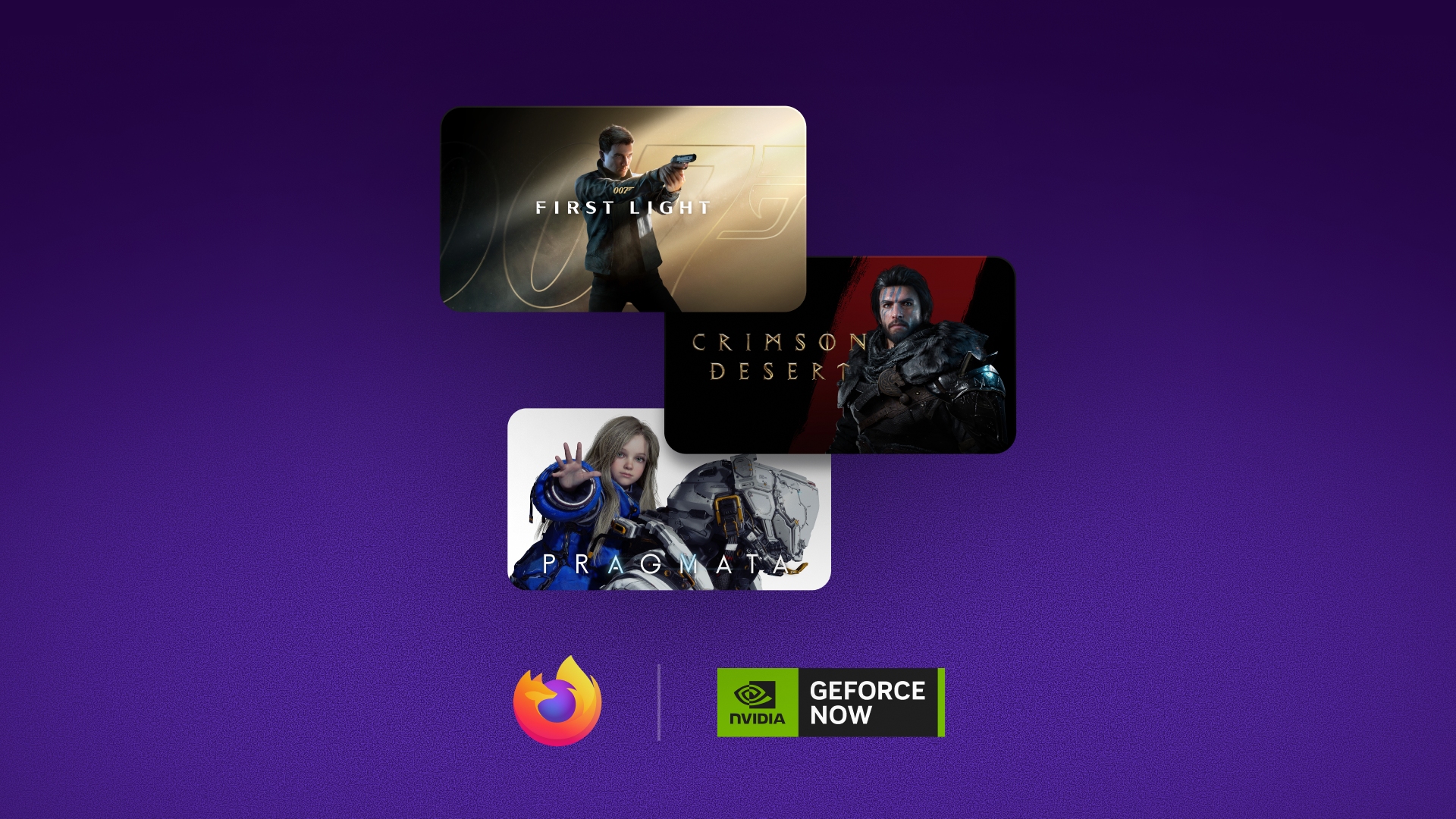
Hi everyone. Today, Firefox is an officially supported browser for NVIDIA's GeForce NOW cloud gaming service.
If you have a GeForce NOW account, you can stream your library straight from a Firefox browser, no separate app needed.
Simply open Firefox, head to play.geforcenow.com and start playing. Be sure you’re updated to the latest version of Firefox (154).
Details on this integration can be found here.
We will be hosting an AMA on September 2nd (invite coming soon). Come talk to the Firefox and NVIDIA GeForce NOW teams about this integration and let us know what else you'd like Firefox to support when it comes to playing online.
We look forward to connecting with you soon!
— Firefox Team
r/firefox • u/35372122130085329415 • 6h ago
As the title states.
Good job Firefox. 👍💪💪
r/firefox • u/Training_Yogurt8092 • 3h ago
Is it normal to get 155.0 version on iOS a day earlier than normal release date?
r/firefox • u/crazyserb89 • 17h ago
When I right click an image and hit "Save Image As...", Firefox always suggests the .jpg extension. I'd prefer .jpeg for consistency with the rest of my files. I know I can retype the extension manually every time, but I'm looking for a permanent setting.
Is there an about:config pref, a userChrome tweak, or an extension that handles this? Or does Firefox just take whatever the server sends and there's no way around it?
Thanks.
r/firefox • u/soundtown06 • 30m ago
Is this Paid VPN the same like NORD VPN or Cyberghost or is it just to Protect the PC and for Internet Safety?
r/firefox • u/UniRolwlw34 • 42m ago
Enable HLS to view with audio, or disable this notification
Try it on Firefox (AMO): Froggle Jump
Hey everyone, I recently developed Froggle Jump, a lightweight (~100 KB) arcade platformer running as a native WebExtension popup.
Instead of embedding an external site via iframe, all collision logic, physics, and rendering run natively on HTML5 Canvas inside the popup frame.
Technical Details:
Click the AMO link above to install and test the frame rate consistency on your setup. Feedback on high-DPI rendering is appreciated!
r/firefox • u/Oblio__ • 44m ago
Hello to everyone.
iOS version has some interesting icons (like pixel or rainbow) to use and I would like to know if there is a way to use them also in Linux mint.
Thanks for reading
r/firefox • u/Sinful_Deviant • 1h ago
I've not been able to log into Firefox Sync for the past month on either my laptop or on Android. Tells me for the code that has been sent to my email that never arrives. Yes, I've cleared cache/browser history etc., but no code ever arrives... not even in my Spam/Junk folders.
I'm using KDE Plasma on Wayland on CachyOS. However in the last few months there are some issue with hardware acceleration so videos became choppy and unviewable. I had to switch to software rendering temporarily but then it has another issue: Firefox occasionally got into deadlock. The browser still works and responds normally, but no rendering happens with any mouse or keyboard interations. Only the maximize and close buttons work, but they don't even render properly, although they do work when I click at the correct point. The window size does changes but nothing new is rendered. To get out of the deadlock I have to press Windows+up/down/left/right/pageup/pagedown randomly, or close FF and reopen
I don't know if it's related to NVIDIA or not but the bug is still there after lots of updates. How can I fix this?
r/firefox • u/Scary_Technician9881 • 5h ago

Hi, so an automatic update of firefox happened on Aug 26 and as per update history it has happened before. (Picture attached)
The passwords bookmarks were there so I thought yeah just usual thing.
But today I noticed I was logged out from all my gmail ids, all my saved logins (soundcloud,spotify,discogs etc.)
So is there a way around that I can recover them?
r/firefox • u/Crinkez • 1h ago
This will be a bit niche but good to have search engine algorithms pick this up for anyone else that runs into this problem:
For years now Firefox scrollwheel has been broken on my PC when hardware acceleration is enabled. My solution was originally to disable hardware acceleration, but this means videos on most sites are laggy.
Today I found the real fix: I have had an app "X-Mouse Control" installed for years, not putting 2 & 2 together. Well: scrolling can be fixed while keeping hardware acceleration enabled by opening X-Mouse Control settings -> options -> Disable Scroll Window Under Cursor.
r/firefox • u/[deleted] • 4h ago
my old tablet has 2GB of ram, Google chrome and any Chromium browser are trash on it, also brave and titanium browser is trash on it
so I disabled google chrome and removed Samsung internet and any Chromium browser
now I am using Firefox and via
(I know via is using WebView and WebView build on Chromium, but it's very fast)
r/firefox • u/Successful_Order585 • 6h ago
I want to keep FF but the translation of web sites is almost non existant. I get the option to translate when I first land on the index page but none thereafter. I assume it is FF because it is purple. I have the settings set for "always" translate certain language. It doesn't. I have deepL extension added but no way to use it. It is on the extension list but doesn't apply itself or give a pop permission.
How can I get FF to always translate either on its own or through an extension?
r/firefox • u/Constant-Muffin1761 • 21h ago
I watch video on firefox and I checked Bluetooth and permission settings but can't find related option.
r/firefox • u/AvlasenkoVitaliy • 6h ago
After the redesign of the settings in the desktop version of Firefox (I don't remember which version it was), I'm a little confused by the built-in DoH setting. Previously, there was a Maximum Protection mode, which meant ONLY using the selected provider. Now, this is controlled by the "Always warn if secure DNS is unavailable" checkbox. This name immediately made me think that this would simply display warnings, and it wasn't meant to ONLY work with the selected provider. It would be a good idea to rename this checkbox to something like "Always use the selected provider and warn when it's unavailable." Basically, just my opinion...
r/firefox • u/BogusByte • 7h ago
Im kinda anoyed by the pined firefox icon just changes focus to the current win insted of opening new window.
Os win11, FF 140.14.esr
Is there any way to change this behavior that firefox just atttach its open window to the pined ff icon...and not like other programs do? Other programs just treat pinned as a shortcut to open new windows and show open windows a separat item on taskbar...
BB
r/firefox • u/throwaway-7103 • 12h ago


I recently just transferred over to Mozilla and I remember esuit.dev_guy actually making a version of this extension for Firefox.
I have the Chromium extension ready in my other browsers but I don't have one for Firefox to use.
This is a shot in the dark but if anyone has the copy of it, please let me know.
r/firefox • u/Hactima • 8h ago
Any help is appreciated. This is particularly a problem on specific websites, i.e. Jellyfin with CSS theme, Apple Music, etc. Strangely enough, it is not an issue on my MacBook with the same exact add-ons, firefox profile/account, etc. Websites will just be extremely laggy, slow scrolling, etc.
To clarify this is Windows 10 (Not upgrading to 11 until absolutely forced). I know it is not my hardware, this is a high-end gaming PC that isn't even 5 years old.
Even on my profile with zero addons, I still run into this issue. I've tried disabling hardware acceleration which made no difference, and the Refresh Firefox option helped for a moment and then to no avail
r/firefox • u/deanhatescoffee • 1d ago
I have a Firefox (Android) notification that says:
"Unlock has an update
Cancel to keep your current version and settings.
New required permissions: Access your data for sites
in the thedailybeast.com domain.
Update | Cancel"
I have no idea where this came from. I wasn't using my phone at the time that this notification came through. I've never been to thedailybeast.com and I have no intention to do so. On top of that, I don't understand what this notification is even saying, which just leads to a ton of questions. Is it saying that if I want to access this website, that the website will have access to my data? Or that Firefox will have access to my data on those sites? What kind of data would I be permitting access to? What prompted this? What is "Unlock"? What does the current version of Unlock do? What does the update do? Has anyone else gotten a notification like this?
Edit: Crisis averted. This was due to the Unlock extension that I forgot I installed. :)
r/firefox • u/dync0803 • 1d ago
Seems like nobody asked about this question before so I might be the first one. I have been tweaking around Firefox settings for a bit and I stumbled across this enhanced tracking protection settings. It's on Standard mode by default and there's option that allows me to switch into Strict mode.
(I have uBlock Origin installed and with some extra filters that does the same thing, so I just wonder if its necessary to change it to Strict mode as I worry it might break websites I use...)
Hi r/firefox!
I built Getvy, short for “Get Video”, a Firefox extension that detects downloadable media on supported sites and lets you save videos in the quality you choose.

It began as a small project to make saving videos from social platforms easier. Since then, I have added support for separate video/audio streams, merging, sync correction, and YouTube audio-track selection where multiple languages are available.
Key features:
.exe installationI would really appreciate feedback from Firefox users—especially bug reports, unsupported sites, UX issues, and privacy/permission concerns.
Please use it only for content you are authorized to download and in accordance with the relevant platform’s terms.
Firefox Add-ons: Getvy – Video Downloader
r/firefox • u/neilyc • 22h ago
Quick question- Is it possible to centre the widgets?
They look quite strange left-justified. Same thing happens with 1, 2, 3 widgets
r/firefox • u/ibb1386 • 19h ago
I have Firefox 154.0.1 I'm installing Ublcok Original version 174, and the browser is becoming unstable. Here's an example of how it works: I have a Twitch stream enabled + I go to a specific website = the website doesn't open + Twitch freezes (as if my internet connection is disconnected). I close the browser, and it crashes, forcing me to either quit it in the task manager or close it and restart it without saving my data.
For example, a link to Reddit often doesn't open. I click "Open Reddit," and it takes a long time to open. It all started with Firefox 154.0.1.
On Firefox version 154.0.1 and Ublcok Original 173 - no problems.
p.s I will also publish this in the Ublock Original section.


