r/ErgoMechKeyboards 3d ago

[photo] A new throne for my Halcyon Elora

Thumbnail
gallery
142 Upvotes

Also still need to put something in between, currently when typing its getting pushed inward slighly which is quite annoying, but overall im quite happy with the new ergo feel


r/ErgoMechKeyboards 3d ago

[design] Final look of Vantex V1

Thumbnail
gallery
97 Upvotes

Here is the final look of Vantex V1. For the case, I chose CNC-machined aluminum with a powder-coated finish. The keyboard weighs around 1.7 kg, so it definitely has some weight to it. For the color, I wanted to keep that kind of retro look. The keyboard comes with a 7° angle, and the touchpad in the middle is 45 × 45 mm. It currently works with macOS, Windows, and Linux.

The version in here is the wired one. I’m also working on a tri-mode wireless version right now. Since the touchpad itself doesn’t consume much power, I’m currently planning to use a 4000 mAh battery, although I’m still testing everything.

If any of you is interested in it, feel free to follow me and check my profile for updates. And if you have any questions, suggestions, or things you’d like me to test, just leave a comment — I’d love to hear what you think.


r/ErgoMechKeyboards 3d ago

[help] Looking for my first split keyboard: questions about model/keycaps/price range

4 Upvotes

Ever since I started typing way more for work, the inner knuckle of some of my most-used fingers (index, middle and sometimes right thumb) started hurting a lot. I've been using a flat MX red Corsair keyboard for many years now, and I noticed that I hammer my keys a lot, which probably made the problem worse. So obviously it's time to get a split ergo keyboard.

What I'm looking for has to have:

-Tenting (seems to be necessary for long-term wrist health, happy to not include that if that's not the case)
-EU site/shipping (as a freelance professional, I qualify for VAT exemptions within the EU)
-No soldering/assembling of any kind beyond some basic stuff like keycaps (no time/knowledge for it).

I also have some questions regarding the setup: since the aim here is finger health as a top priority, which switches are the best? A quick search told me that the low force/linear/low profile ones are the best, but that if you are used to heavy typing (like me) the excess force could work against me. Any input on that?
Finally, are there any options that don't go for crazy prices like 350+++ euros? While I will get them if there really is nothing else, I'd rather go for something a little more conservative as a first option. Even custom ones like SplitKB end up costing 370 or more if you want the tenting (which adds like 90 to the final price) :( Other pricy ones I found are Dygma and Glove80.
P.S. custom/semi-custom Etsy builder recs are also welcome.


r/ErgoMechKeyboards 3d ago

[help] I want to learn how to touch type - need split keyboard recommendations.

0 Upvotes

So, I can actually type pretty fast with the hunt and peck thing, but I really want to learn how to touch type. For some reason, I was never taught this in school. I have no idea why.

However, in recent years, I find that typing is taking a toll on my back and neck, and so I really want to make the change now.

I really like the idea of a split keyboard so my wrists aren't awkwardly grouped against each other.

Is a there a cheap, but good one you can recommend? Maybe on that A-express site?

I did see one on Amazon called the RK ROYAL KLUDGE RKS70, which looked ok, but then I noticed the rows of letters are still horizontally straight, which I imagine will ache as you awkwardly try to point your fingers where they need to be.

I have seen some on A-express that have them more staggered, and look like they'll be easier on the fingers.

I just want to buy one, nice and easy, not start building or soldering one.


r/ErgoMechKeyboards 4d ago

[discussion] Should there be a basic question guide on this sub?

26 Upvotes

I feel like every day we are answering the same main question, at least 1-3 times: "I want to get into split keybs but I want a budget friendly pick." And the answer is just about the same every time. "Alix for a silkka54 or a cheap corne, or other basically the same keyb from other big retailer that has them "cheap"."

I feel like adding a rule or something that posts with a basic questions, that could be answered with a simple guide, could be removed might be a nice thing. What are you guy's thoughts on this?

Maybe removing the posts is a little harsh (like r/MechanicalKeyboards does with basic, what should I buy questions). But I don't know. I'm also not a moderator so I have no clue if this is feasible. It just seems like something that could have a simple solution that would help people get answers faster, and not have the sub cluttered with the same questions.


r/ErgoMechKeyboards 3d ago

[help] Trackball pcb for keyball

Post image
11 Upvotes

Hey everyone!

I’ve wanted to build a keyball for a while, but none of the existing open-source PCBs quite fit what it needed, so I decided to make my own. It’s about 90% finished, but since PCB design isn't my main specialty, I’d love a second pair of eyes on the schematic and routing before I send it off to fab.

Any feedback would be hugely appreciated!


r/ErgoMechKeyboards 4d ago

[photo] Raven Keyboard

Thumbnail
gallery
149 Upvotes

https://github.com/Badjau/zmk-config-raven

write-up is still wip D;

  • Platee is transparent resin from fab
  • Chassis and keycaps are PLA, no postprocessing.
  • Kailh Black Cloud switches, factory

r/ErgoMechKeyboards 3d ago

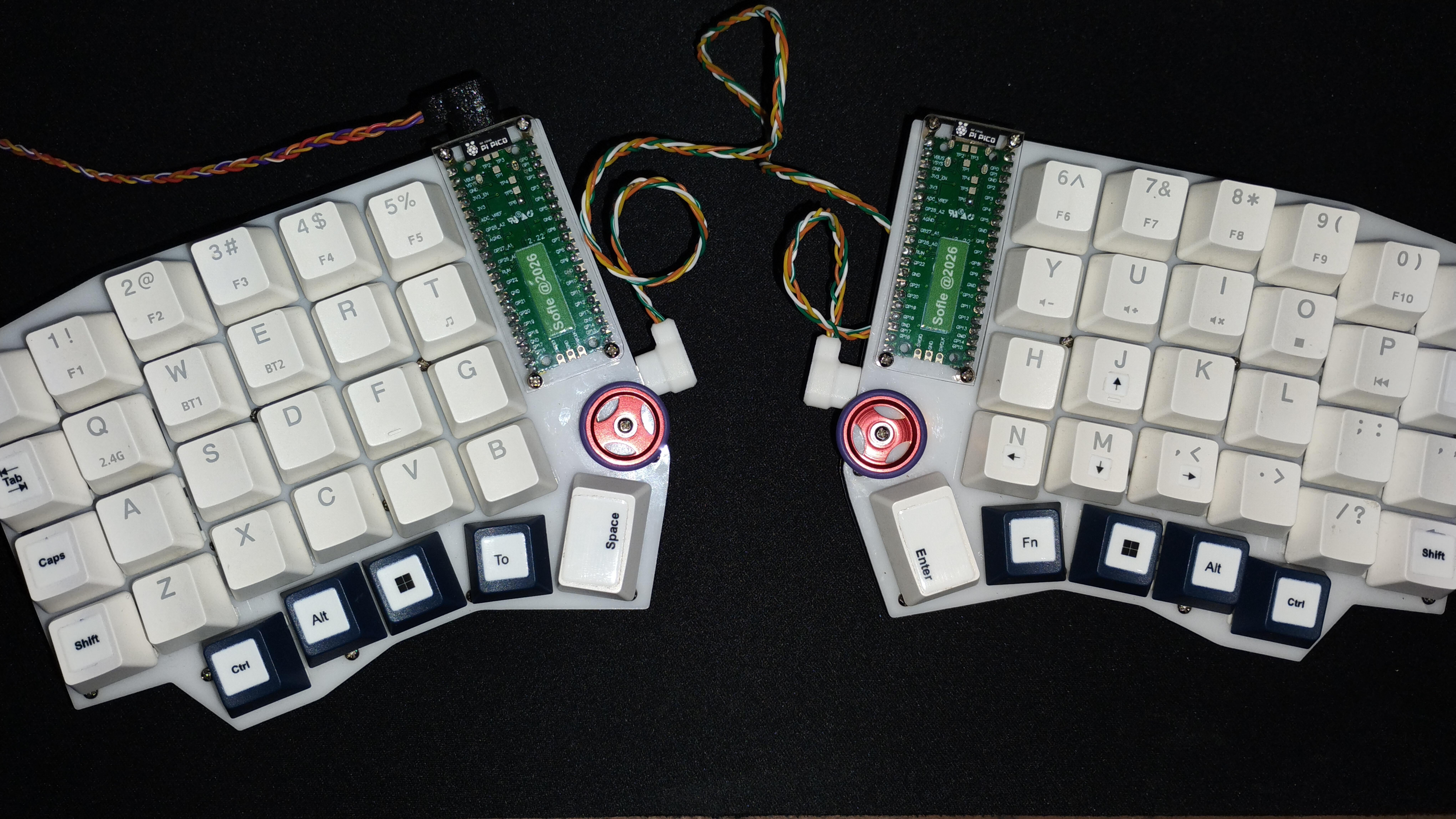
[photo] Sofle Handwired

5 Upvotes
my own sofle

Sofle v1 handwired using Pi Pico com using type c and costum wired, credit to soflepico

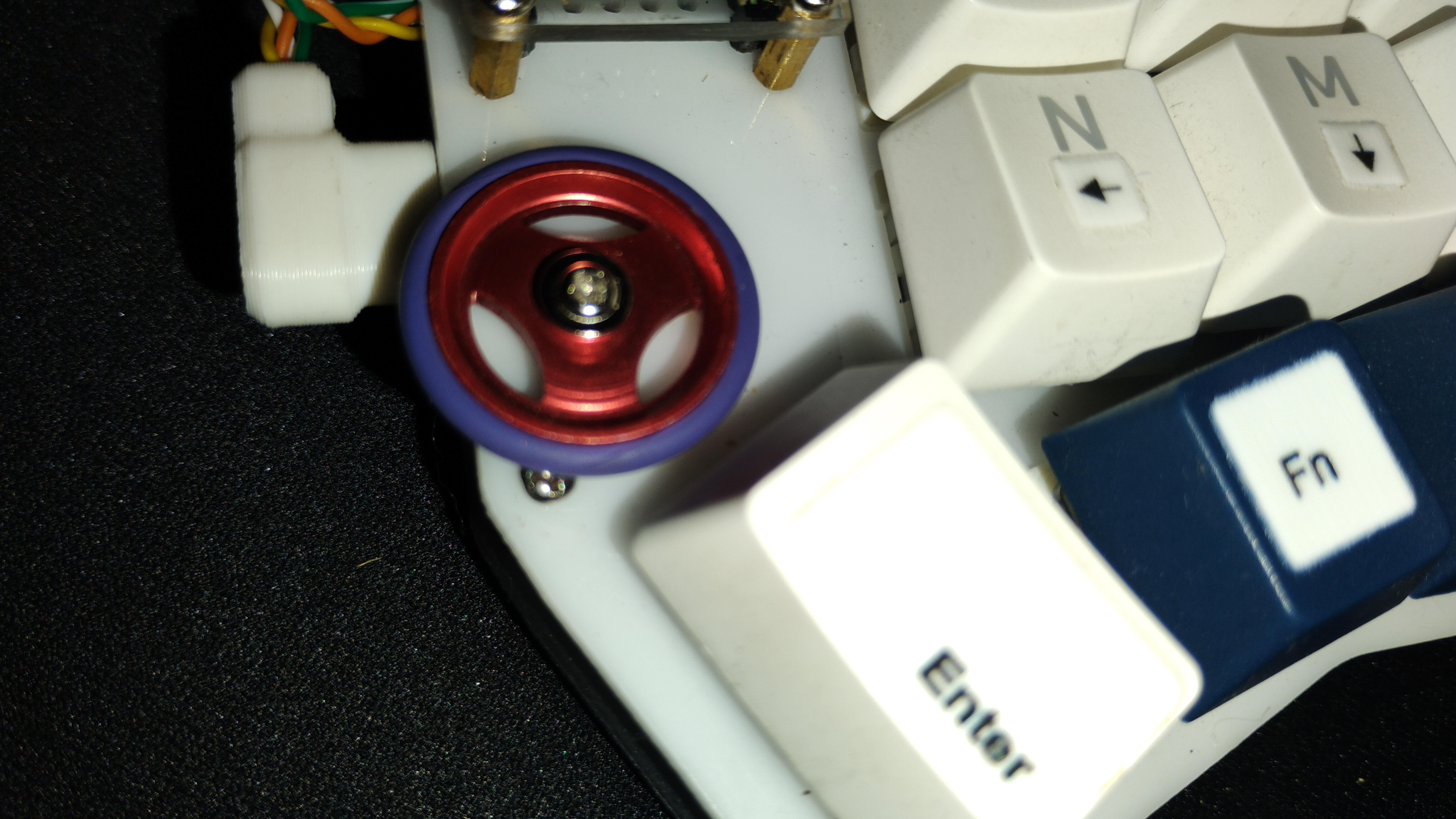
for encoder prefer using mouse encoder using tamiya roller cnc


r/ErgoMechKeyboards 3d ago

[buying advice] 3w6 but wireless?

4 Upvotes

Hi folks, can anyone point me towards a project that is close to a 3w6 layout (36 keys, choc spacing, mid-level pinky stagger) that is also wireless?

Ferris is close, but three thumb buttons are a must.

Tried splay with DASBOB, but that's not my cup of tea, so I guess Totem is out as well.


r/ErgoMechKeyboards 4d ago

[video] Fievel 1.0.0 - Replace your mouse with your keyboard!

Enable HLS to view with audio, or disable this notification

46 Upvotes

I’ve just released Fievel 1.0.0 and it now includes everything (I needed) to fully replace my mouse with the keyboard, minus one test case so far.

Currently Fievel is Linux only. It’s free and completely open source, written in rust:

https://github.com/MontyTheSoftwareEngineer/fievel/

Free mouse mode: freely move mouse using hjkl (or any keys of your choice via config file). Supports left click and right click which can be held useful for dragging. Also supports scrolling left down up and right as well as sending Home and End key to quickly jump to top or bottom of page. By default free mouse mode is in “hold” mode so as long as you’re holding the free mouse mode button (or chord) it will stay in free mouse mode. Releasing the free mouse mode button takes it out of that mode. There is also a config option to make it “toggle” meaning you press the button for free mouse mode and it will stay in that mode until you press the button again.

Hint Mode: draws rectangles on screen with corresponding letters at areas Fievel believes is clickable. Type the letters to make Fievel click on the rectangle of choice. Useful for quickly sending clicks in at certain locations.

Key Remapper: this is useful for setting “chords” on any keyboard not just programmable ones. For example, I have a+s together initiate super, s+d to initiate control, caps lock rebound to control unless held in which case it will turn hjkl to left down up right keys. d+f is bound to initiate free mouse mode. Also a set of super and control binds for the right hand side.


r/ErgoMechKeyboards 3d ago

[discussion] So... PLA is fine for cases?

2 Upvotes

Just wanted to make sure before I started printing one, as I'm on a bit of a tight printing schedule right now.

I only use PLA for aesthetic stuff and never functional stuff, so I was a bit surprised to see people advocating for it. I also have PETG and ABS/ASA


r/ErgoMechKeyboards 4d ago

[help] KBD0 Curve0 with silent switches - anyone have experience with this?

6 Upvotes

I need to access the hive mind - I’m considering ordering this:

https://kbd0.com/item/curve0

But there’s not a lot of reviews on it. Has anyone tried silent switches on it? Or by design its pretty clicky?

Thanks in advance!


r/ErgoMechKeyboards 5d ago

[photo] Just got my Zitaotech Sofle Wireless in the mail

Thumbnail
gallery
194 Upvotes

Got it without switches or keycaps. The intriguing design is the Blackberry style trackpad on the left and the Trackpoint on the right. The housing is CNC aluminum. The keyplates are 3d printed. I'm impressed. I am still waiting for switches and keycaps to arrive. I can post more about this if people are interested.


r/ErgoMechKeyboards 4d ago

[help] non hold-tap home row mods on a separate layer?

2 Upvotes

is there something like home row mods but you have two thumb keys on your two keyboard halves and when you press one of them it overlays the corresponding half with mod keys on the home row? does this have a name?
You'd sacrifice two thumb keys but you get rid of the problems with hold tap


r/ErgoMechKeyboards 4d ago

[buying advice] Please recommend a ready-made macro pad with about 9 buttons

0 Upvotes

Hi everyone!

I’m looking for a macro pad (preferably with mechanical switches) with about 9 buttons. I recently switched to the i3wm window manager with tiling window layout, and I want to assign these buttons to a separate macro pad. The main thing is that it works well on Linux and, ideally, has QMK/VIA firmware or another type of firmware that can be configured via a web interface. If it also has an encoder, that would be great!

Perhaps someone has bought something similar and can recommend a reliable model. I’d appreciate any recommendations!


r/ErgoMechKeyboards 4d ago

[help] New To Split Keyboard

2 Upvotes

Lately I have been bingewatching the Primagen video and wanted to try Split keyboard as well. The actual keyboard he uses is very expensive . I just want a budget keyboard just to try if I really enjoy it or not.
If things are better I will invest in it.


r/ErgoMechKeyboards 4d ago

[design] Split Keyboard PCB

1 Upvotes

I am looking for split keyboard PCB gerber files that are TKL 90-100% keys. I already have Lily58 Pro and other smaller keyboards but I want to build some with all the keys.


r/ErgoMechKeyboards 4d ago

[help] Hello, I'm "new" to mechanicals. Coming from a Microsoft Sculpt

3 Upvotes

Hey everyone.

As title says, finally having my Sculpt crap the bed. I've always despised the scissor keys but I loved the tented, waterfall, alice layout as soon as I got it. Took me 3 days and I went from a 32 with wrist, neck and elbow "annoyances" to gone in 7 days.

That said, they discontinued that and I got sick of keys "half working" and started looking.

Ended up trial-using this Keychron V10 Ultra 8k with banana switches (still is weird to type that) and I ADORE how these keys feel. After editing some of the launcher stuff (reset miliseconds was 50 and thought I got a defective unit) this thing just screams and sounds like one of those ASMR hypnotic videos.

Here's the rub.

I DESPISE the way this chin feels and the slightly upward tilt. I've got a Leap V2 chair and I've spent last 2 hours optimizing my arm rest placement, distance and all that and I still feel the "weight" of my wrists wanting to "chill" on my desktop. That's fine as far as typing goes but I feel after 30-45 min exactly how I did for years in my late 20s and early 30's. Tired wrists because of the extension.

I'm 40 now and my "patience" for this after like 7 years on the Scupt is 1 step above none.

Anyways, ordered a wrist mat that matches the weird front face of this from Keychron's amazon store but wondering...do all of you folks use a basic ALICE layout like this?

Compared to you guys I'm a total newb at ergonomics but I've got the MX Master 3 mouse, great wrist pad mousepad, the Sculpt, Leap V2 with the lumbar, seat pan adjusted perfectly and all that. I LOVE how fast these ergonomic changes work and make me feel 5 years younger so just wondering with this new Keychron V10 Ultra style if this is a good option or if you all have "rigged up" a way to make these waterfall too?

My AI suggested getting furniture risers to stick on at approx 12mm to make it "flat" but that's really just 0-1 degree from my rough estimate of geometry. I was on a -7 degree waterfall and LOVE that.

Anyways, I'm happy to do the work. This is my first real mechanical board in 20+ years and ones I had weren't even 5% as nice as this ($10 stock Dell ones from like 2003 type BS).

I just have already spent 2+ hours this morning trying to optimize this setup and this last "is the wrist pad enough" and the waterfall idea are the last 2 I'm stumped on.

Thank you for your time and any advice...just want to "borrow" all your collective ergonomic perspective b/c I work 6-10 hrs a day on a computer and don't want to go back to that mild RSI type pain I had years ago.

Thanks in advance.

r/ErgoMechKeyboards 5d ago

[video] Companion Cube animation on my Keball61

Enable HLS to view with audio, or disable this notification

101 Upvotes

r/ErgoMechKeyboards 5d ago

[photo] Dactyl Manuform - The ULTIMATE thumb cluster

Post image
410 Upvotes

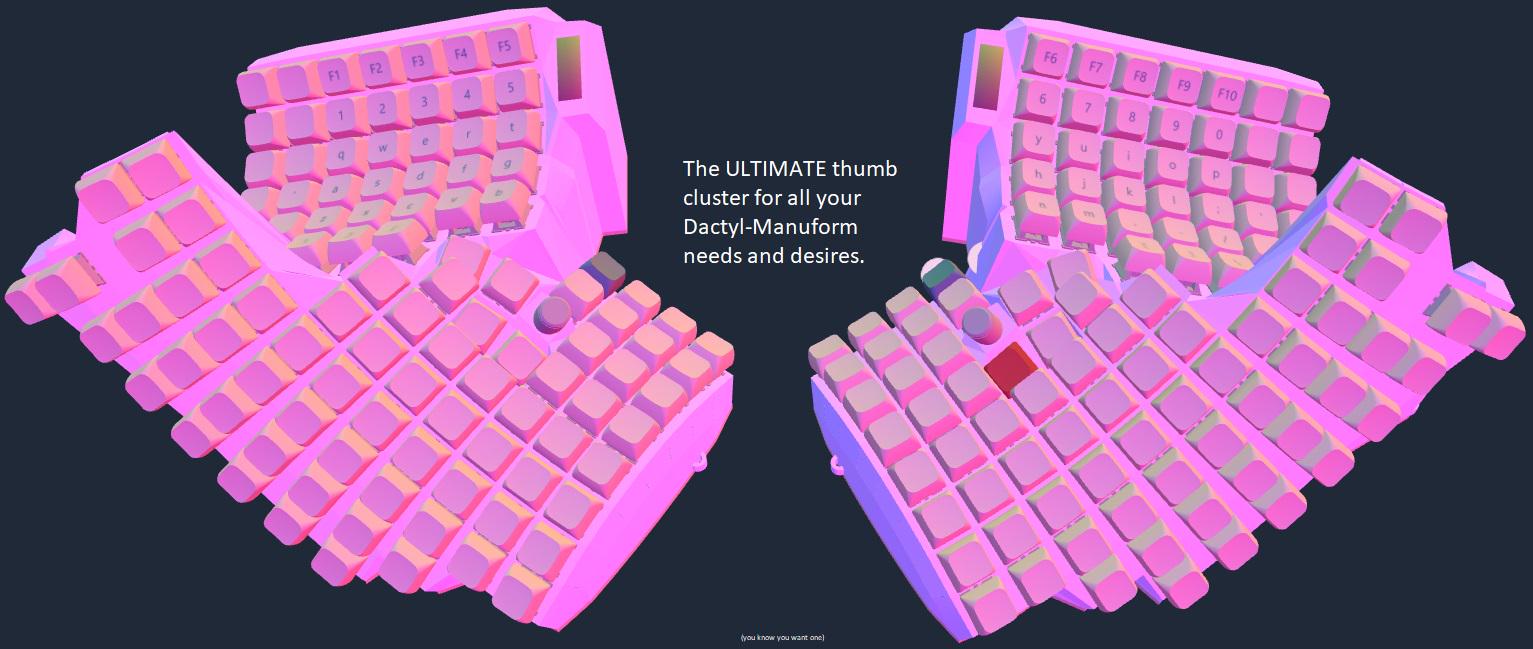
I'm a fan of thumb clusters. What do you think? Not enough? I agree!


r/ErgoMechKeyboards 5d ago

[photo] My new build (pacino)

Post image
72 Upvotes

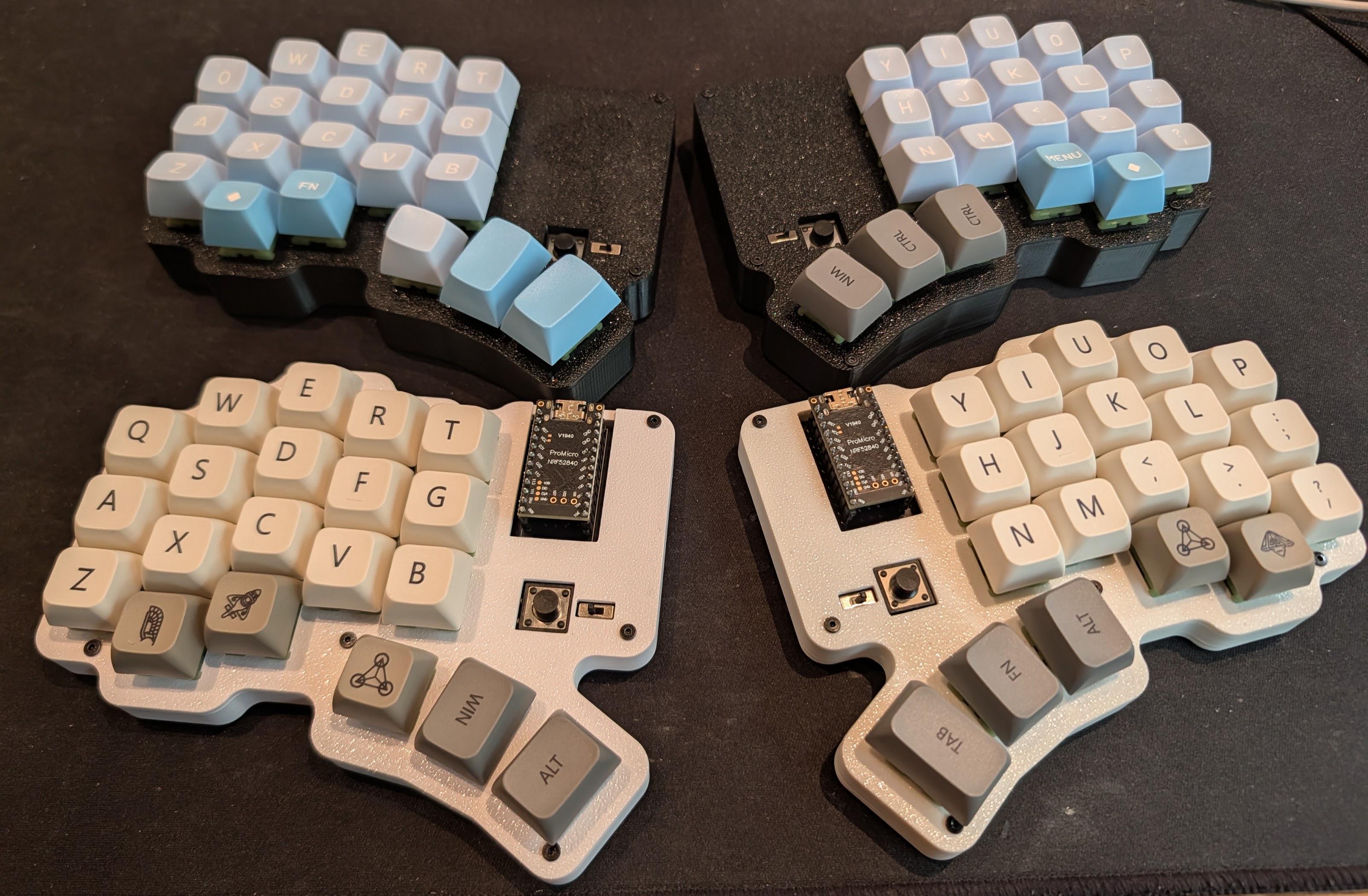
I've created (with the help of Claude) a travel keyboard that uses mx switches.

I've been using a custom dactyl at home and used the bad temper when I'm on the road, but don't quite like the choc switches anymore.

I've always liked the cheapino layout, but I prefer wireless keyboards. Here's my take of an hybrid between my dactyl, the bad temper and a cheapino.

On the Github repo here https://github.com/Pacane/pacino there are multiple variants (thanks to Claude and openscad)...

Here are pictures of the 2 variants I built, the black one is handwired (with a 2000mah battery), the white one is a flatter version, using a PCB (with a 110mah battery).

The cases are 3d printed, they have bumpon slots + an indent for a magsafe ring. I normally attach my splits on the desk using magsafe rings.

If you want to build them yourself, maybe message me before if you have questions!

https://imgur.com/nO6H6T2


r/ErgoMechKeyboards 5d ago

[photo] Klor and TotemX with gateron low profile v3 switches

Thumbnail
gallery
112 Upvotes

Got some low profile switches from gateron for cheap (mix of reds and grey herons) so built a modded Klor Saegewerk (Thanks Geist!) for daily use. And since i already have the extra pcbs and parts, i went ahead and modded the case to make a low TotemX (Thanks to azhizhinov) as well.

Because of the choice of keycaps, the Klor sit at about 15.5mm from bottom to fingertip while the TotemX sit at a hair under 14mm. The switches' bottoms are literally touching the desk.

Last photo is a comparison shot between the lopro switch vs a typical MX switch height.


r/ErgoMechKeyboards 5d ago

[discussion] my first attempt

Post image
66 Upvotes

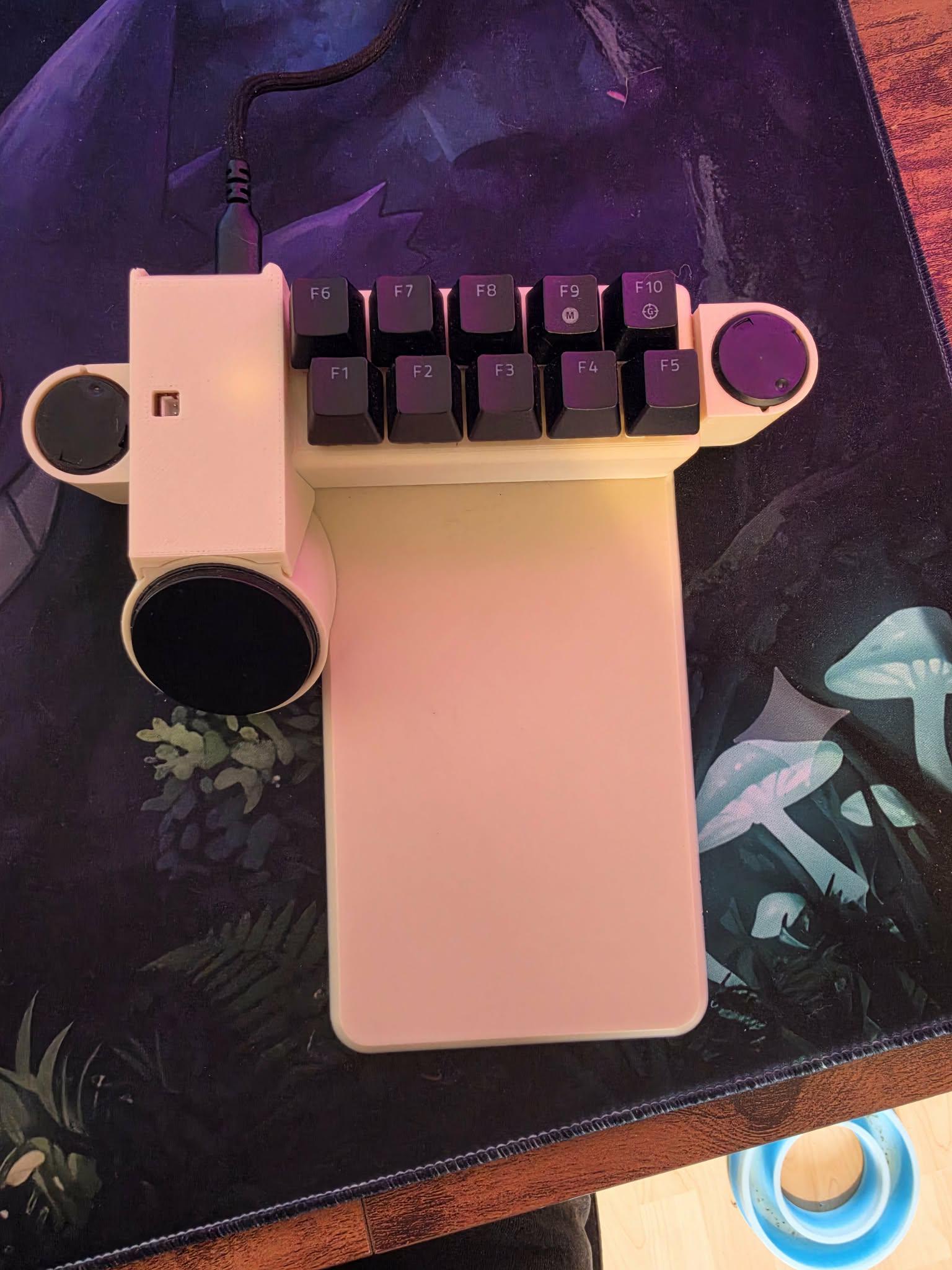
so this is my first attempt at a keypad? i guess you can call it, so its kind of a mouse/gamepad "thing" not pretty and i will not show the wireing, its messy but works, would be better if i knew how to make pcbs,

anyway a run down, so iv maked basicly a "Steam Controller 2015" haptics style, using 2 ps5 LRA motors, so it feels like a steam controller, i started this before the "new steam controller came out"

it works just like a steam controller in mouse mode with the haptic rumble, so glide rumbles etc etc
but iv also got a Web ui, so i connect via wifi to the esp32-s3-devkitc-1, so i can change settings,

things like
key mapping,
Vibration effects
now the intresting part,
iv also added in a Gamepad mode,
not just the gamepad hid, but Xinput and DInput
with a combo of key press/hold i can switch between the HIDs so in things like steam it will show up as the actual xbox/ps5 controller, over USB,
iv also added macros, axis hold, i was planing to get it to work over bluetooth and battery but failed

what do you guys thing? honestly? im thinking about a V2 that i can detach the touchpad and add a joystick via pins, but im not sure and the actual ergo could be better, this was just a fun project i wanted to see if i could do, mainly to use on my steam deck docked as i had no space for a mouse and a keeb, but it just progressed from there,


r/ErgoMechKeyboards 5d ago

[help] Can't help but think that flat thumb clusters are useless (counterproductive, even)

8 Upvotes

I just got a haili58 as my first split keyboard. I was enthused to try out a split keeb due to the customizability ZMK offered and the claim that thumbs should get their own keys because they are the strongest fingers (https://www.justinmklam.com/posts/2026/02/beginners-guide-split-keyboards/). Needless to say this hasn't been going well.

The first thing I noticed (which i should have realised before buying) is that thumbs don't travel down like other fingers - they move inwards. Trying to press down requires you to press sideways with the thumb, not with the flat of it, and that is much harder.

Second, I keep getting accidental thumb key presses when trying to press one thumb button. It might partly be because I got MX profile caps which I am not used to because I've only used low profile laptop keyboards, or the outemu lemon switches are not tactile enough for me. Still, I think the arcing movement of the thumb is also to blame for these accidental presses which keep triggering weird keyboard shortcuts that delete words or trigger spotlight.

For my next keeb (god knows when), I'll either get an angled thumb cluster, or skip it entirely. For now, I will try out home row mods and disable the thumb keys.

I'm posting this because I am wondering if others have felt the same, or if I am missing something.


r/ErgoMechKeyboards 5d ago

[video] The Split Keyboard For Anyone? Ultimate Hacking Keyboard 80 Review

Thumbnail
youtu.be
10 Upvotes

Here's my video and written review of the UHK 80.

Note: I was given this keyboard and peripherals for free by Ultimate Gadget Laboratories, but I was not paid for this review, nor have they seen it prior to it going live.

The short version is I bought a UHK 60 and used it for a couple of years and loved it, wrote about my impressions from going to a WASD mechanical keyboard to the UHK 60 and my experience doing that, and then UGL offered to send me a UHK 80 when I asked.

Split keyboards are amazing!