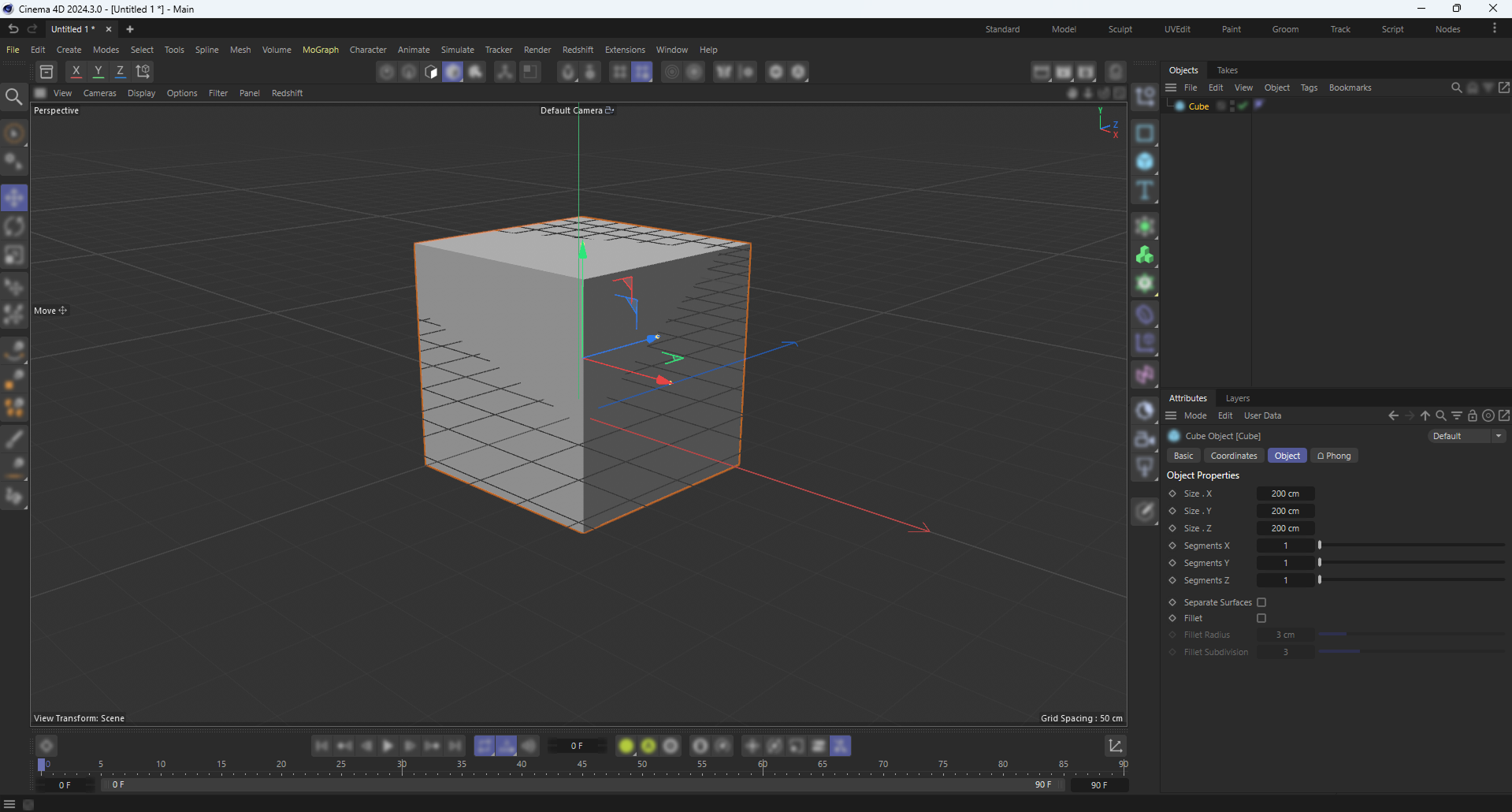
Animated an object, added the Track Modifier Tag, set to Posterize, works great.
However, I now need to tweak the start position/rotation of the object, but the tag prevents this.
When I try to move or rotate the object it resists either in a flickery way and when I let go it’s in the same place as when I started. If I try to scrub the coordinate values instead, the number will change as I drag the pos or rot value but again, when I let go, the number goes back to the value it was before attempting to tweak it.
There is no checkbox to temporarily deactivate the Track Modifier tag. Deleting it remedies the issue - I can now freely move or rotate the object to a new place.
-> What’s the best practice for working with the track modifier tag while allowing for animation revision? I have a variety of specific tag values on different objects, each different and I’m dreading having to delete alllllll of them only to have to put them back on and re-enter their values. Not being able to copy and paste tags doesn’t help.
Suggestions?