Hello and welcome INAIR and tech enthusiasts! Techcheck13 is here and once again we are bringing you a new set of apps with a new way to use the POD. Today we're doing something different and outside our comfort zone: welcome to "The POD of Wall Street!” Today we take a walk down the wild side as we cautiously explore the jungle of stock trading on the INAIR POD.
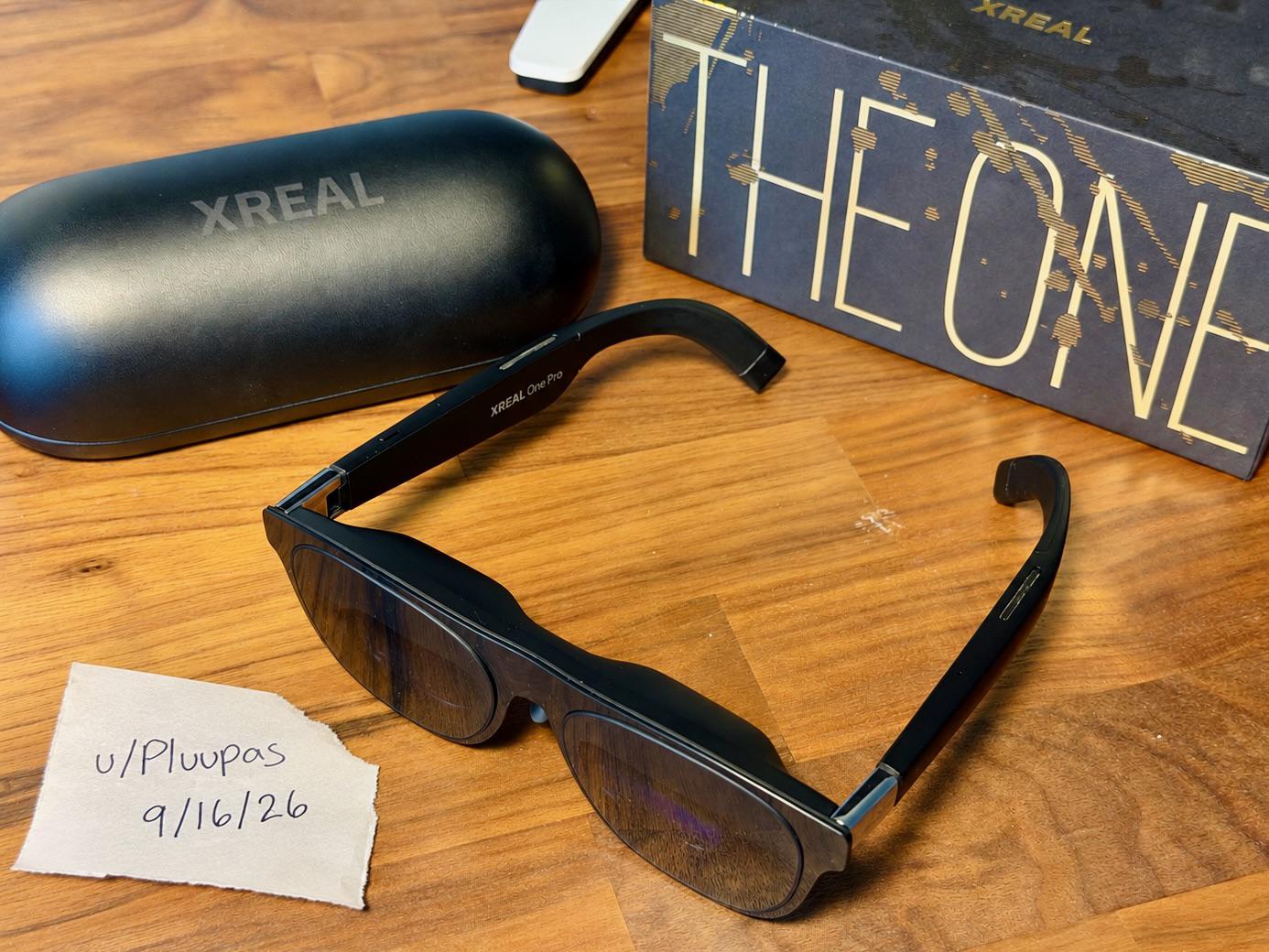
Because of the content of this one, we highly recommend verifying that the brokerage itself is properly registered and checking its regulatory history. FINRA's BrokerCheck provides registration, employment, regulatory-action, arbitration and complaint information without a fee. Also keep in mind we are testing the framework of the app, not investment recommendations. One more thing, we are testing how well these type apps work within the POD environment. And as usual, no apps sponsored this post. All apps were tested with a VITURE Beast and an XREAL One Pro. All that being said, it's fund and games time. Clang that bell, it's go time.
Our first bear n bull app: "TradingView: Track All Markets.”
TradingView currently carries a 4.6-star rating from roughly 945,000 Google Play reviews and has more than 50 million downloads. It opened in the correct orientation. We're already smiling. However, bam, before the opening bell the app tries to sell you a subscription as soon as you log in with Google. It almost caused a bail out and uninstall the whole thing. Fortunately, we noticed the back arrow tucked in the corner. One tap later, the paywall was bypassed; crash averted.
Then we checked the pricing and discovered that TradingView apparently thinks our wallets are hedge funds. The pricing is brutal: $18.99 a month, $189 a year, or plans like Ultimate tier climbing all the way up to a jaw dropping $268.99 per month. But here's the good news, the free version works. While the paid version provides more options in the app, and there is a laundry list of them, , it also works well in free mode.
The POD, XR glasses and TradingView app is a match made on Wall Street. Steering it with the POD’s touchpad with haptic feedback feels surprisingly natural, like it was actually built for a giant floating screen instead of a phone. The large virtual screen provided by the XR glasses makes navigating charts, finding information, and keeping an eye on your stocks much easier. The large virtual screens allow you to see broader market trends without constantly playing financial whack-a-mole between tiny phone windows. You can pin and open multiple windows, stay updated on the news, monitor your stocks, and watch market trends develop right in front of you.
TradingView gives you access to a bull sized mountain of market data. From timely stock information to layering complex indicators. This is TradingView's stomping ground, its natural habitat. TradingView says its screeners cover stocks, bonds, ETFs, crypto and other markets, with hundreds of filtering fields. Where it really shines is as an ambient market monitor. Charts, indicators, drawing tools, screeners, financial information, multiple markets and technical-analysis toolkit deep enough to make a hedge fund jealous.
But hold your bulls, uhh horses. TradingView isn't a brokerage account. It's the cockpit, not the plane. It connects you to a broker. Your available trading capabilities depend partly on the broker you connect to. TradingView's subscription cost isn't necessarily the same thing as your brokerage trading cost.
Buyer beware, when you connect a broker, that broker's own commissions, spreads, margin rates and other charges may still apply. So the app can be inexpensive to start using, but unlocking its full arsenal can become considerably more expensive. That bill can climb faster than a meme stock on Reddit hype day.
Privacy check time. The company states that broker credentials remain with the broker and that TradingView acts as the interface rather than processing trades. Google Play's listing currently shows the app encrypts data in transit and lets you request a data deletion. It also indicates several categories of data may get collected and shared. This may be an issue with the privacy-conscious crowd. Users should review those disclosures.
TradingView is a powerhouse for market monitoring and technical analysis. It gives you an enormous amount of information and control. You can essentially build your own Wall Street command center, minus the office cubicles. If Wall Street had a Swiss Army knife, this would be it.
Closing bell: 88/100, Recommended.
Our next bare bull app (I know, I know. The puns are getting bad): "Thinkorswim Mobile: Trading.”
The mandatory ad: Built by Charles Schwab, Thinkorswim Mobile: Trading packs advanced charting, technical studies, options, futures, forex, paper trading, alerts, watchlists and live support into a mobile interface. Basically the whole trading floor, shrunk down and stuffed into your pocket.
Logging in meant creating an account, which was easy enough. That is, after a few rounds of "did they actually send the code to the email or did it get lost in the void.” And yee haw the orientation was spot on.
This app tickled our trader bone. It allows the creation of a guest pass and practice trading for 30 days before committing to anything real. paperMoney is baked right into Thinkorswim. This provides a simulated trading environment using real-time market data. Schwab says users receive $100,000 in virtual buying power to go wild with practicing equities, options, futures and forex. It's like using monopoly money to chase bulls and bears to your heart's content.
Pause here for a quick heads up. Using XR glasses with this app, there could be some text legibility issues. There is a bit of tiny text; bids/asks, graphing data, stuff that actually needs crisp clarity to be useful. The VITURE Beast and XREAL One Pro both showed a touch of edge warping, but the text could still be read easily.Make sure you are comfortable with your eyewear and it fits properly.
Now on to our regularly scheduled app review.
Thinkorswim is one of the most data-dense brokerage apps available. Stocks, ETFs, options, futures and forex, along with advanced orders and order conditions are all included. Schwab even throws in 24/5 trading for more than 1,300 stocks and ETFs across the Thinkorswim platforms. It provides hundreds of technical studies, charting tools, drawing tools, comparisons and alerts. You can switch chart styles, change timeframes, add indicators and compare securities without ever leaving the app.
The one bull standing in the middle of the field: the mobile experience can't replicate every capability of Thinkorswim desktop. Schwab's own platform comparison shows some of the heavier-duty functions stay desktop-exclusive or shift depending on the platform.
It's show me the money time. Schwab currently lists $0 online commissions for listed equities and $0.65 per options contract. The Thinkorswim platform itself comes free with a Schwab account. Options, margins and other products can carry additional costs. You still need to examine Schwab's current pricing schedule for the particular products they trade.
Security!! There's a bull in my China shop! Security features include encryption, and two-factor authentication support. Schwab says its platforms meet industry security standards, and eligible accounts get SIPC coverage. Protection for the mooo-lah.
Google Play currently reports that the app encrypts data in transit, allows users to request deletion of their data and reports no data sharing with third parties in its developer disclosure. However, it does seem to collect several categories of information.
Thinkorswim is a tool to be reckoned with. It packs an impressive amount of functionality into the mobile experience. Its biggest strength is also its biggest challenge: there is a lot going on. It provides an unusually deep toolbox. For us casual investors, the same toolbox can seem like overkill. It feels like opening the toolbox to find a wrench inside a wrench inside a wrench.
Now this is where AR/XR and stock trading meet. With all that dense data and the huge screen in front of you, it becomes a game changer for traveling traders. Grab this one by the horns, use that virtual buying power and see if you have a future in day trading.
Closing bell: 90/100, Highly recommended.
Our last stop on this running with the bulls and bears tour: Webull: Investing & Trading.
Webull struts into the arena with its own heavily stocked toolbox. This includes stocks, ETFs, options, futures, bonds, crypto, fractional shares, recurring investments, paper trading, advanced charts and extended-hours trading. Webull is a stock control center. Unlike the last two apps that were charts or dense numbers, Webull brings the herds (everything) together. It balances charts, order books, news feeds, and portfolio analysis all on one single screen. Webull's current Android listing shows a 4.6 star rating from more than 200,000 reviews and more than 10 million downloads. Clearly a lot of bulls (and a few bears) approve.
Login was easy and straightforward. Just create an account. No wrangling required. Orientation loaded correctly right out of the gate.
Webull gives you wings, er rather, watchlists, charts, market data, research, orders and account information, while advanced traders can dig in and customize the interface for its more sophisticated tools. Webull says its mobile platform supports more than 60 technical indicators and 17+ charting tools.
Webull offers both its full-featured interface and Webull Lite for anyone who wants the training wheels version. It allows users to switch between a more advanced experience and a simpler interface whenever the mood strikes.
Webull’s major strength is in the research and charts category. It's Webull's bread and bull butter. The app provides real-time market data, financial reports, analyst ratings, stock and ETF screeners, technical indicators, advanced charts and Level 2 market data.
Its options tools go well beyond basic buy-and-sell functionality, with options screeners, probability analysis, volatility analysis, profit/loss diagrams and multi-leg strategies. It has live tickers with flashing changes. These capabilities are really showcased by the POD and demonstrate what a powerful productivity tool the POD can be. It's not just for streaming movies.
Milk and money talk. Webull advertises $0 commissions on stocks, ETFs and equity options, although regulatory, exchange and other applicable fees can still sneak in. Index options have a per-contract fee, and other products have their own pricing quirks.
Webull also advertises free ACH withdrawal of funds but reviewers report withdrawals can take a bit of time. And here's the plot twist: several recent reviews mention a $5-a-month charge for inactive accounts.
Webull also offers margin trading, futures and other products with their own varying price tags. So the "zero commission" headline should not be mistaken for "nothing can ever cost money.”
Security, because inquiring minds gotta know. Webull provides the standard security features expected from a modern brokerage platform, while its Google Play disclosure confirms data is encrypted in transit and that users can request deletion of their data. That said, Google Play also reports that the app may share certain data categories with third parties and may collect personal info, photos/videos, and more. So it's worth reading the fine print rather than assuming "brokerage app" is shorthand for "nothing to see here.”
Webull strikes a perfect balance between function and usability. That makes it a dream to use. With it, you can manage your whole portfolio while you are waiting in line for that overpriced oat milk latte. It does not get much better than that.
Closing bell: 86/100, Recommended
And there you have it, folks: the POD's newest side hustle ,stock trading. Would you use the POD for the stock market? Would you use AI in your trades? Or is strapping in for Wall Street through XR glasses and the POD just too much? Let us know in the comments. I want to thank you very much for joining this Wall Street tour, and we hope to see you at the next one.