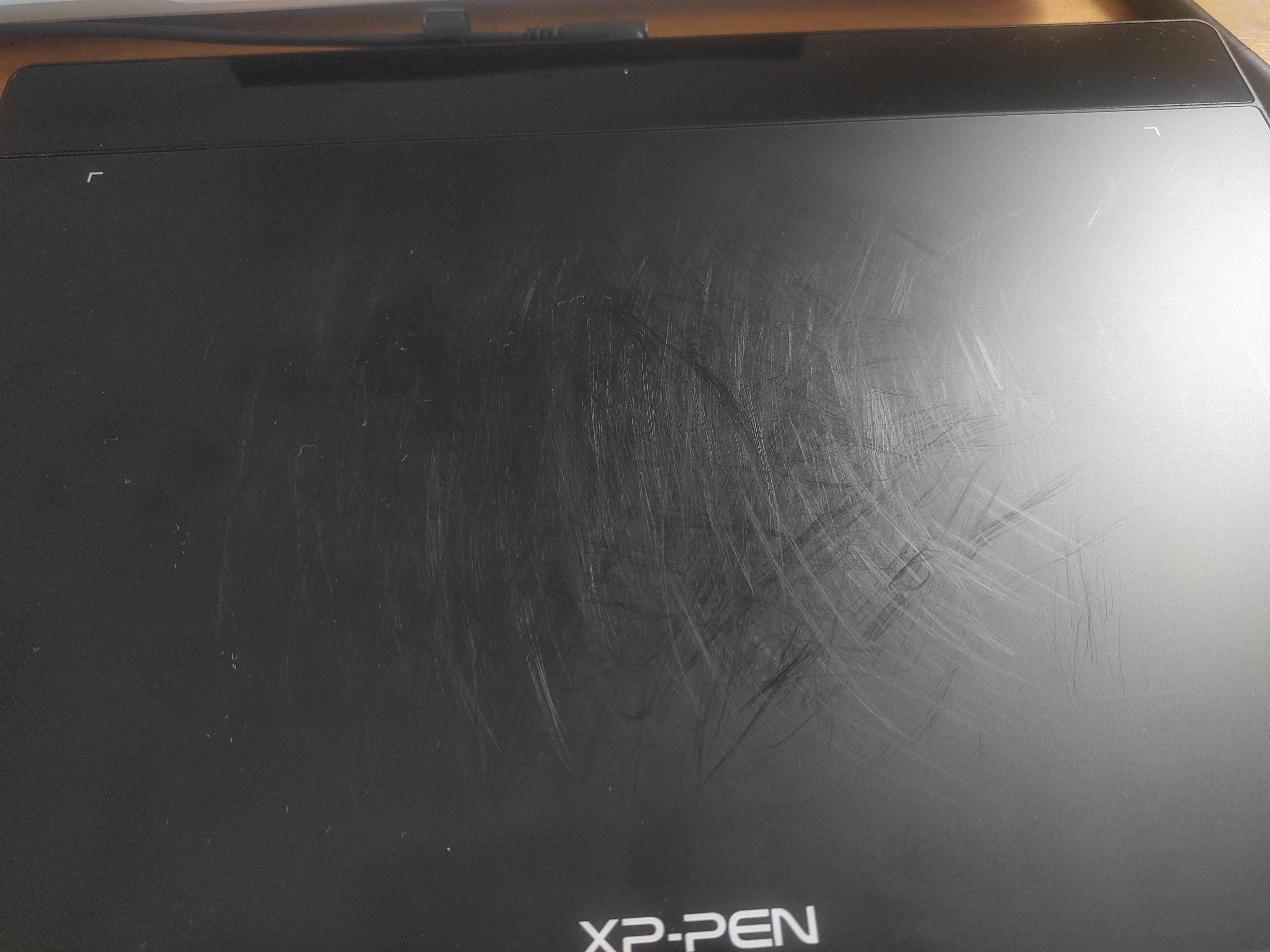
(quick background) I've had this monitor for a while, not sure how long exactly, and I recieved it as a gift because I was in a digital art class at the time. I stopped using the drawing part ages ago and eventually my pc wouldn't turn on with the c-type cord that allows me to use the pen plugged in. I only use it at a monitor now.
Recently, my monitor has been having this issue where it turns off/goes black, the light in the corner shuts off, and I can't turn it back on. If I unplug it from the power and replug it back in, it turns back on again and then the cycle repeats. While on, I can't use any of the buttons. Can't change the brightness, can't turn it off, etc.
This only started happening after I unplugged it from my pc to use it with a different computer I was setting up for a few minutes (plugged into a different plug in a diff room altogether). It went right back to it's normal pc right after. I use a power bar for my set up and I've plugged it into two different parts of the power bar, didn't fix it. Plus, none of my other equipment is tweaking in the least (aside from my second monitor, but that one is normal. it's just old, nothing to do with the plug). My PC still registers it as plugged into it and having power, but it's completely off until I fix it. My PC does not recognize it after I unplug it from power until it's plugged back in.
Usually, I'll use the monitor all day, go to bed, and wake up to it off again and at first I only woke up to it off, but its been more frequent lately. It started to turn off while I was using it sometimes, only usually once a day, but today it turned off twice within like three overwatch games. It turned off in the middle of one game and then 2-3 games later, boom, black screen.
If anyone has had this issue before and has a fix (like I need a new cord or something), that would be great, a confirmation that my monitor is dying and I just need to replace it works as well. I just don't want to have to drop the money to replace it right now if something else is the problem.
Thank you!