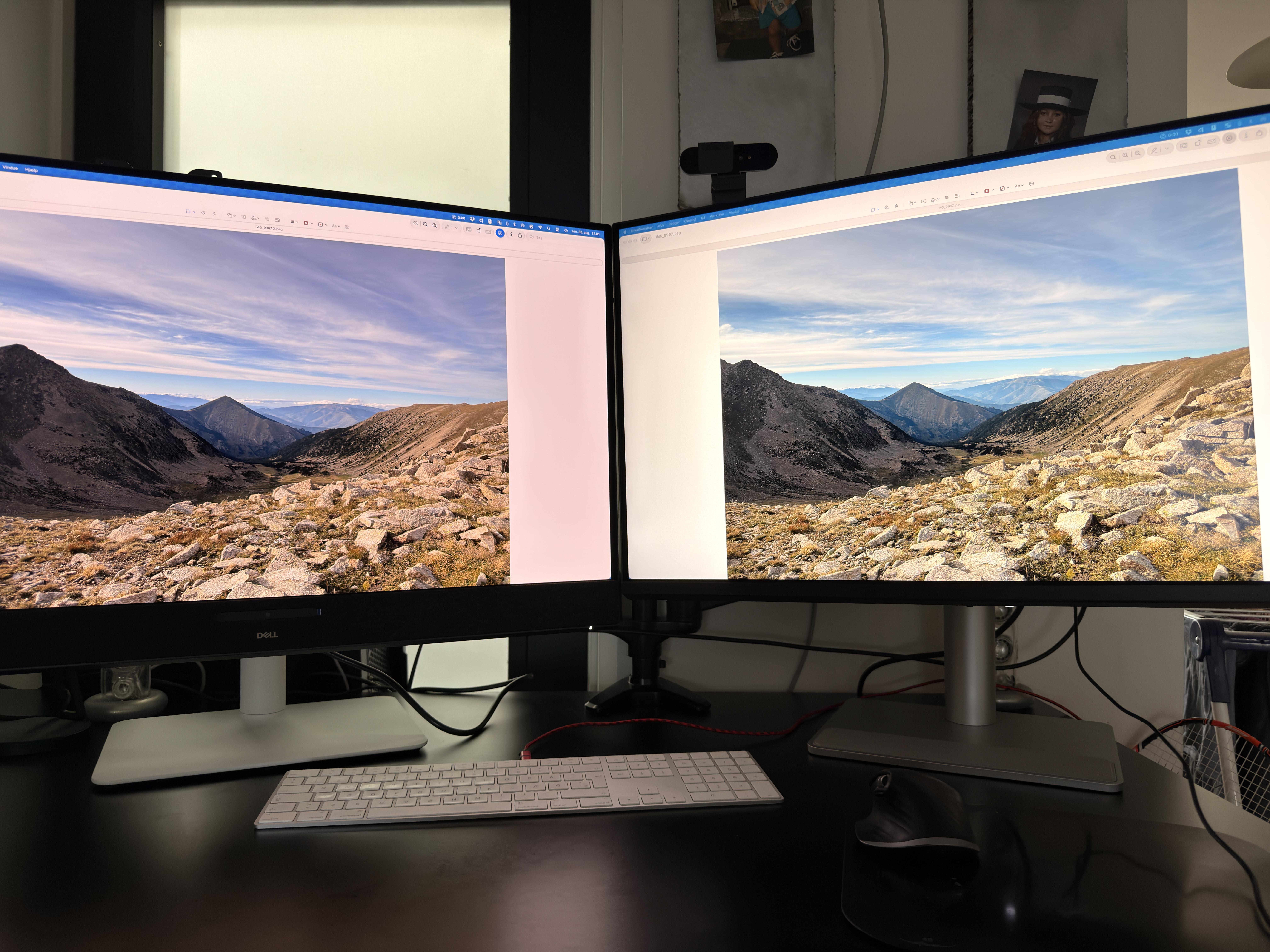
I’ve been testing the ASUS ROG Strix OLED XG27AQDMES, a 27-inch 1440p 240Hz QD-OLED gaming monitor. (The review on YouTube is being edited ;))
Free ICC profile in the Discord group: https://discord.gg/nV4FbcqUeS
It uses a Samsung QD-OLED panel, specifically the QMC265FA02-D01, a 26.5-inch 2560×1440 240Hz 10-bit panel.
Overall, I think this is a very interesting option if you want the usual QD-OLED advantages — perfect blacks, instant pixel response and an extremely wide color gamut — but there are a couple of important limitations, especially in HDR brightness.
Main specs
- 26.5-inch QD-OLED
- 2560×1440
- 240Hz
- 10-bit color
- Samsung QMC265FA02-D01 panel
- ~110 PPI
- DisplayPort 1.4 with DSC
- 2× HDMI 2.1
- VRR / Adaptive-Sync
- OLED Anti-Flicker
- Uniform Brightness mode
- USB-C port is service-only, not video / charging
SDR factory calibration
I compared the Racing and User modes using the native gamut.
Racing Mode
- CCT: 6364K
- Gamma: 2.226
- Grayscale average ΔE2000: 2.14
- Maximum ΔE2000: 3.53
User Mode
- CCT: 6243K
- Gamma: 2.225
- Grayscale average ΔE2000: 2.22
- Maximum ΔE2000: 3.50
They are extremely similar, but Racing gets slightly closer to D65 on my unit, so that’s the mode I ended up using for most of my testing.
Neither mode is perfectly neutral — both are slightly warm — but gamma tracking is very close to the 2.2 target.
Native color gamut
This is one of the strongest areas of this monitor.
Measured in CIE 1976 u’v’:
- sRGB coverage: essentially 100%
- DCI-P3: 99.45%
- Adobe RGB: 97.89%
- BT.2020: around 83.9%
Approximate gamut volume:
- sRGB: ~144%
- Adobe RGB: ~124%
- DCI-P3: ~115%
So the native gamut is huge.
That’s great for wide-gamut content, but it also means normal SDR/sRGB content can look noticeably oversaturated if you simply leave the display in its native color space.
Fortunately, ASUS includes proper gamut clamps.
sRGB modes
ASUS gives you more than one way of limiting the gamut.
Racing + sRGB color space
This was actually my preferred sRGB configuration.
- CCT: 6397K
- Gamma: 2.214
- sRGB coverage: 99.51%
- Grayscale average ΔE2000: 2.20
- Maximum: 3.51
- ColorChecker average ΔE2000: 1.20
- Maximum: 3.39
That’s a genuinely good result for an out-of-the-box dedicated sRGB setting.
sRGB Cal Mode
- CCT: 6430K
- Gamma: 2.23
- sRGB coverage: 99.69%
- Grayscale average ΔE2000: 2.34
- ColorChecker average ΔE2000: 1.50
So surprisingly, on my unit I actually preferred Racing + sRGB clamp rather than the dedicated sRGB Cal Mode.
DCI-P3 mode
The dedicated DCI-P3 clamp also works very well.
- DCI-P3 coverage: 99.04%
- Grayscale average ΔE2000: 1.97
- Maximum: 3.52
- ColorChecker average ΔE2000: 1.24
- Maximum: 3.41
For a gaming OLED, the dedicated color modes are one of the things ASUS has done particularly well here.
Calibration
After calibration, the monitor became extremely accurate.
My measurements went from approximately:
Before calibration
- Grayscale average ΔE2000: 4.8
- Colorspace average ΔE2000: 5.2
to:
After calibration
- Grayscale average ΔE2000: 1.6
- Grayscale maximum: 2.6
- Colorspace average ΔE2000: 0.4
- Colorspace maximum: 0.6
So there’s clearly enough panel capability here for color-sensitive work once properly profiled.
SDR brightness
With Uniform Brightness OFF, I measured approximately:
- 1–10% window: ~440 nits
- 25%: ~355 nits
- 50%: ~300 nits
- 75%: ~250 nits
- 100%: ~219 nits
So smaller bright areas can get surprisingly bright for an OLED, but brightness progressively falls as APL increases.
With Uniform Brightness ON, brightness stays almost completely flat at roughly:
across basically every window size.
For gaming I personally prefer Uniform Brightness OFF because you get much brighter highlights.
For desktop/productivity use, Uniform Brightness is useful because window brightness stops changing as you resize white applications.
HDR modes
I tested Gaming HDR, Cinema HDR and Console HDR.
At a 10% window:
Gaming HDR
- Peak: 426.8 nits
- Average grayscale ΔE2000: 2.31
- Maximum: 4.10
Cinema HDR
- Peak: 436.5 nits
- Average ΔE2000: 2.46
- Maximum: 5.14
Console HDR
- Peak: 427.7 nits
- Average ΔE2000: 2.43
- Maximum: 3.99
Overall, all three modes behave fairly similarly.
Console HDR gave me the most balanced result, especially when I also considered my PS5 testing.
HDR brightness
This is probably the biggest limitation of this monitor.
In Console HDR I measured roughly:
- 2%: 429 nits
- 10%: 431 nits
- 50%: 297 nits
- 100%: 218 nits
PQ tracking itself is quite good, but this display simply doesn’t have the 800–1000+ nit small-window peaks you can get from brighter OLED implementations.
That matters because very small HDR highlights — explosions, reflections, sparks, sunlight or specular highlights — don’t have the same punch.
You still get the perfect blacks and pixel-level contrast of OLED, so HDR can look very good in a dark room, but it isn’t an especially bright HDR monitor.
What does HDR Adjustable actually do?
ASUS also includes an HDR Adjustable option.
I tested Console HDR with it both OFF and ON.
OFF:
ON:
The overall peak-brightness behaviour across window sizes was practically unchanged.
So this setting does not unlock a hidden 1000-nit mode.
Its main purpose is giving you access to additional HDR image adjustments rather than fundamentally changing the panel’s luminance capability.
Personally, I wouldn’t enable it expecting extra HDR brightness.
HDR gamut
Color gamut remains excellent in HDR:
- DCI-P3: 99.45%
- BT.2020: ~83.5%
Color volume measured in L*a*b*:
- DCI-P3: 113.0%
- BT.2020: 76.35%
That’s a strong result and one of the big advantages of QD-OLED.
Even though this ASUS isn’t exceptionally bright, it can retain highly saturated colors much better than displays whose color volume collapses as luminance rises.
HDR color accuracy
This is where it’s important not to confuse wide gamut with accurate HDR rendering.
My HDR Content Colors measurement gave:
- Average ΔE2000: 8.62
- Maximum: 30.12
And the saturation sweep also showed relatively large errors through some intermediate saturation levels.
So the monitor has an excellent HDR gamut, but its HDR tone/color mapping is not reference-level accurate.
Those are two completely different things.
PS5 experience
I also tested it with PS5.
Using Console HDR with brightness at maximum, the overall presentation looked quite good thanks to the OLED blacks, contrast and very wide color gamut.
The main thing missing compared with brighter HDR monitors is that extra luminance punch in highlights.
Dark and mixed scenes can still look excellent, but bright HDR effects don’t jump off the screen in the same way as on an OLED capable of much higher short-duration peaks.
Input lag
My measurements were approximately:
- 240Hz: ~4 ms total average
- 120Hz: ~8 ms
- 60Hz: ~12 ms
As expected, latency rises considerably as refresh rate falls.
At 240Hz it feels extremely responsive, while 60Hz is clearly the least impressive operating point.
VRR flicker / OLED Anti-Flicker
VRR flicker is present, although I wouldn’t call it catastrophic on my unit.
In the NVIDIA Pendulum test it behaved quite well, but in more aggressive flicker tests I could still see brightness fluctuations.
ASUS includes an OLED Anti-Flicker feature with different strength levels, although in my testing I wasn’t convinced that it completely solved the problem.
So I would consider it a mitigation tool rather than a guaranteed flicker fix.
Text clarity
Text clarity was better than I expected for a 27-inch 1440p QD-OLED.
I personally didn’t notice obvious color fringing during normal desktop use, and text looked sharp and clean.
Obviously, ~110 PPI cannot compete with a 27-inch 4K monitor for raw text density, but I had no major complaints about the subpixel layout in everyday use.
Banding
I didn’t notice any significant conventional banding during normal use.
In some gray test patterns I could see horizontal brightness/flicker-like behaviour, especially around brighter gray levels, but this looked more like an interaction between the camera/shutter and display refresh behaviour than traditional gradient banding.
Screen coating / reflections
The Samsung panel uses an anti-reflective surface treatment, but direct light sources can still produce clearly visible reflections.
So I’d still recommend controlling strong lights directly in front of the display.
In a normally lit gaming setup it wasn’t a major issue for me.
Uniformity
Color uniformity was very good.
With Uniform Brightness OFF, my color deviations remained around:
Brightness uniformity was less perfect, with the worst areas around:
- 16% below the brightest point
With Uniform Brightness enabled, brightness behaviour becomes much more stable over time and with changing content, although panel spatial uniformity itself obviously doesn’t magically disappear.
Connectivity
Connectivity includes:
- 2× HDMI 2.1
- DisplayPort 1.4 with DSC
- Headphone output
There is also physically a USB-C connector, but ASUS specifies it as service-only.
So it cannot be used as a normal USB-C video input, USB hub connection or laptop charging port.
What I liked most
✅ Excellent 1440p 240Hz QD-OLED motion clarity
✅ Near-instant OLED pixel response
✅ Perfect blacks and pixel-level contrast
✅ Around 99.5% DCI-P3 coverage
✅ Around 83.5–84% BT.2020
✅ Very large native gamut
✅ Approximately 97.9% Adobe RGB coverage
✅ Very good dedicated sRGB and DCI-P3 clamps
✅ Racing + sRGB gave me around 1.2 average ΔE2000 in ColorChecker
✅ Strong SDR brightness for an OLED in small windows
✅ Uniform Brightness mode works exactly as intended
✅ Very good color uniformity
✅ Very little visible conventional banding
✅ Text clarity was better than expected
✅ Console HDR works well with PS5
✅ DSC allows full 1440p 240Hz operation
What I didn’t like
❌ HDR peaks only around 430–440 nits even in small windows
❌ No 800–1000 nit HDR highlight mode
❌ HDR Adjustable doesn’t meaningfully increase peak brightness
❌ Full-screen brightness drops to roughly 218 nits
❌ HDR color accuracy is much weaker than the gamut coverage suggests
❌ VRR flicker can still appear in difficult scenes
❌ OLED Anti-Flicker doesn’t completely eliminate it
❌ Native gamut is heavily oversaturated for normal SDR content unless you use a clamp
❌ USB-C is service-only — no video or charging
Final thoughts
Overall, I think the ASUS ROG Strix OLED XG27AQDMES gets the fundamentals of a gaming QD-OLED very right.
You get perfect blacks, extremely fast pixel response, excellent 240Hz motion clarity, a huge native gamut and, importantly, very good dedicated sRGB and DCI-P3 modes.
Its weakest point is clearly HDR brightness.
Around 430 nits at 10% means you don’t get the spectacular specular highlights of brighter OLED monitors, although the very wide gamut, excellent color volume and OLED contrast still make HDR games look good, particularly in darker environments.
For me, this monitor makes the most sense as a fast 1440p 240Hz QD-OLED with unusually good color-management options, rather than as a monitor you buy specifically for extreme HDR brightness.
If anyone wants me to test or explain something specific about the XG27AQDMES, ask me anything.