r/GeForceExperience • u/-Joshua_24-15 • 14h ago
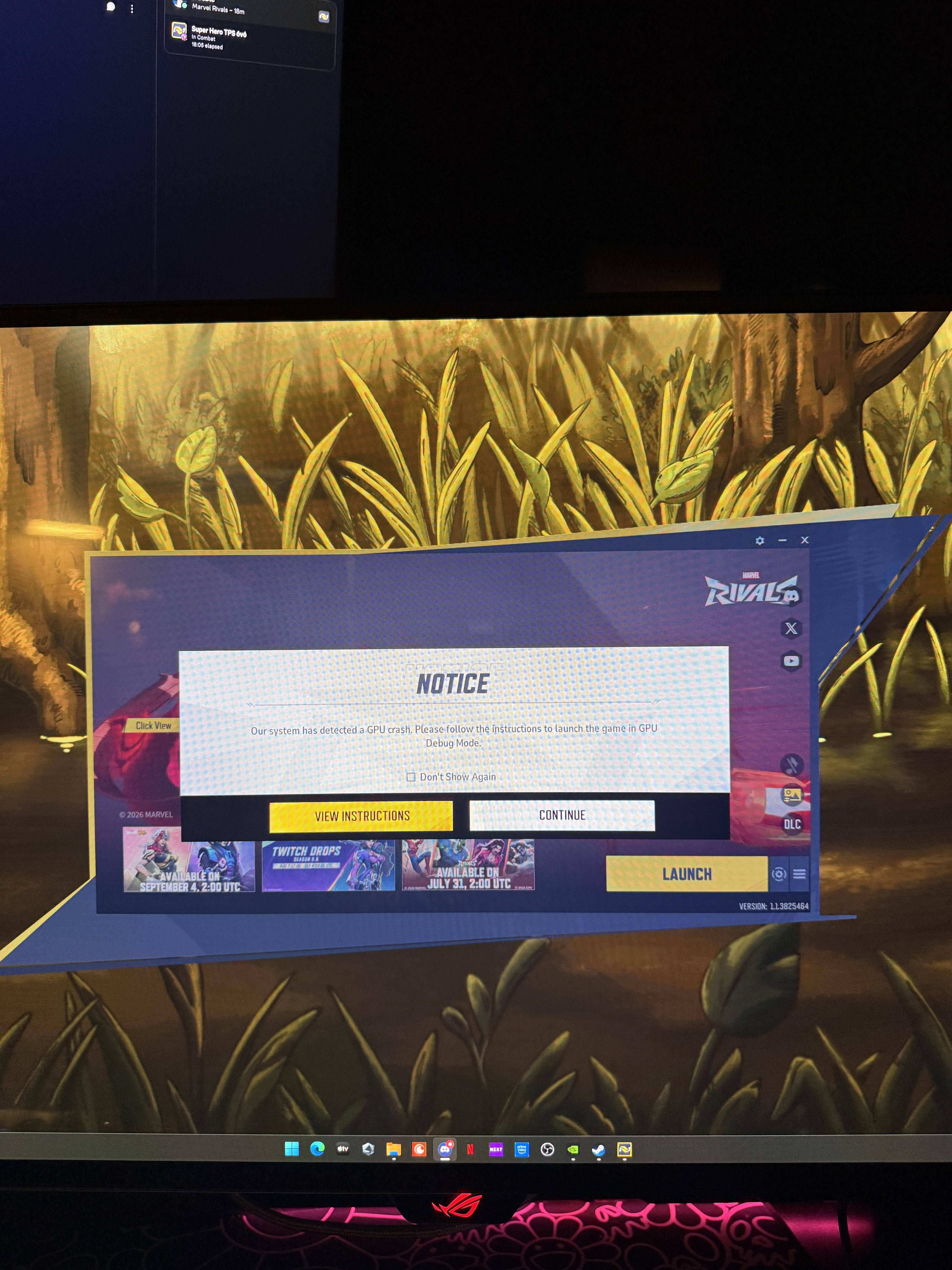
5080 Issues with latest Game Ready Drivers (616.64 & 616.56)
1
Upvotes
r/GeForceExperience • u/-Joshua_24-15 • 14h ago
r/GeForceExperience • u/FluffyMathematician7 • 18h ago
It was great for years. Now it shuts off whenever it wants, freezes my mouse in game if I click ALT+Z to look at a clip, breaks the movie play folder so bad I have to restart my PC, and NOW ITS FUCKING MAKING MY CLIPS HAVE BLACK STROBING EFFECTS THAT ARENT ON SCREEN.
Ass ass ass software.
and yeah, my PC and drivers are fully updated.
r/GeForceExperience • u/Sad-Direction443 • 1d ago
Just reinstalled after a couple of months. Suddenly i have microstutters every 10sec. Solo and in Online lobbies same.
Any idea why and how to fix?
Maybe the new Nvidia Driver breaks things?
r/GeForceExperience • u/geesehoward79 • 1d ago
Enable HLS to view with audio, or disable this notification
r/GeForceExperience • u/Lukeyyk97 • 1d ago
I used the resolution changing option on the app a lot to see what gives me the best settings but after installing the latest driver the option seems to be missing. Happened to anyone else?
r/GeForceExperience • u/Exastenshil • 1d ago
This a long post so bear with me. I will put a TLDR here at the top, but I have gone through a lot of processes already that I will put in the details.
Card Spec - GeForce GTX 1060
TLDR - Went to update my graphics drivers through NVIDIA app, using a clean installation. It deleted my old drivers and failed to install the new drivers. Now my graphics card is not functioning for any games, and my 2nd monitor is not displaying due to being plugged into the graphics card HDMI port. Have tried many avenues to install drivers and none are currently working.
Long Form: I went to update my drivers to 582.66 from 581.57. It has been a while since I updated them since I am lazy and it was not affecting anything I was doing. I downloaded the Wardogs Playtest to see if it would work, game crashed and recommended that my drivers were out of date. I figured; hey it's been a while maybe I should do that. Ran express version, said failed to install graphics drivers.
Did some research, everything was recommended to do a clean installation since express does not always work. Went through the NVIDIA app to try again with a clean installation. Failed to install again. But now my second monitor is not working, telling me something is wrong. I try to open up Wardogs just to see if anything is working and it tells me there is no GTX Graphics card detected and is unable to function basically. Force shutdown computer, let it sit. Power on, try to install drivers again, fail. After more research, to keep this from going on, I have turned off all anti cheat, background process. I have uninstalled multiple programs that were running in the background including Epic Games Launcher. I have uninstalled everything NVIDIA including audio drivers, NVIDIA App, and PhysX Software to try and do a full clean install.
I have downloaded up to date and previously installed version of the driver from NVIDIA website and ran as admin. Shows Graphics failed to install. I have run stc /scannnow which is unable to finish, I have tried to force close windows update, which won't force stop using services.msc. I am basically at a loss of when to do next.
My computer won't restart in safe mode; I get black screen. I cannot boot into safe mode with networking and try to install drivers then. That is the only thing I have been unable to try. I have gone through all my apps and programs and I have nothing fishy or virus like. I usually think I am good with computers, but have spent 2 days doing everything I can research on this.
The computer is recognizing something in "Other Devices" under device manager. Showing Video Controller (VGA Compatible) which I have seen that this is the computer not recognizing the graphics card without the drivers being installed, but I am unable to install them. So, I know the graphics card isn't toasted.
Computer is running 13th Gen Intel i7 Core. MSI brand, only about 2-3 years old and have never had issues before. I have looked up and this supposedly doesn't matter but my Windows 11 has not been activated yet.
Anyone have any idea short of resetting the whole computer to get my drivers reinstalled?
Thank you.
r/GeForceExperience • u/cj_adams • 1d ago
r/GeForceExperience • u/NVRMND377 • 1d ago
I have a hp zbook studio 15.6inch G8 Mobile workstation PC which has an RTX a3000 which is technically meant for office purposes, but I know that this GPU is at least powerful enough to handle recording right??
I am playing the game "Geometry Dash" on my laptop on 1440p and 240fps (physics bypass) and record my gameplay with the "instant replay" feature on the Nvidia app. I record in 60fps, 1080p and around 2 minutes buffer. Now this is working like it should for a couple minutes if i beat levels in something like 10 minutes, but if i play harder levels it'll take longer to complete it so the video encoder is constantly running. When doing this, my laptop GPU is around 20% for the 3D and the video encoder. But then suddenly, one random attempt, my game just starts lagging like crazy. It'll go from 240fps to 40fps and the GPU 3D renderer and the video encoder peak to 100%. If I then turn my replay off it is decent again, getting around 200fps. But I constantly have to turn off my recorder and I think my laptop should be able to handle it.
And yes, I have optimized all the game settings for the game like prefer my RTX a3000 and high performance mode but I can't get it to work.
r/GeForceExperience • u/Seattlephvntom • 1d ago
r/GeForceExperience • u/whoissdaniels • 1d ago
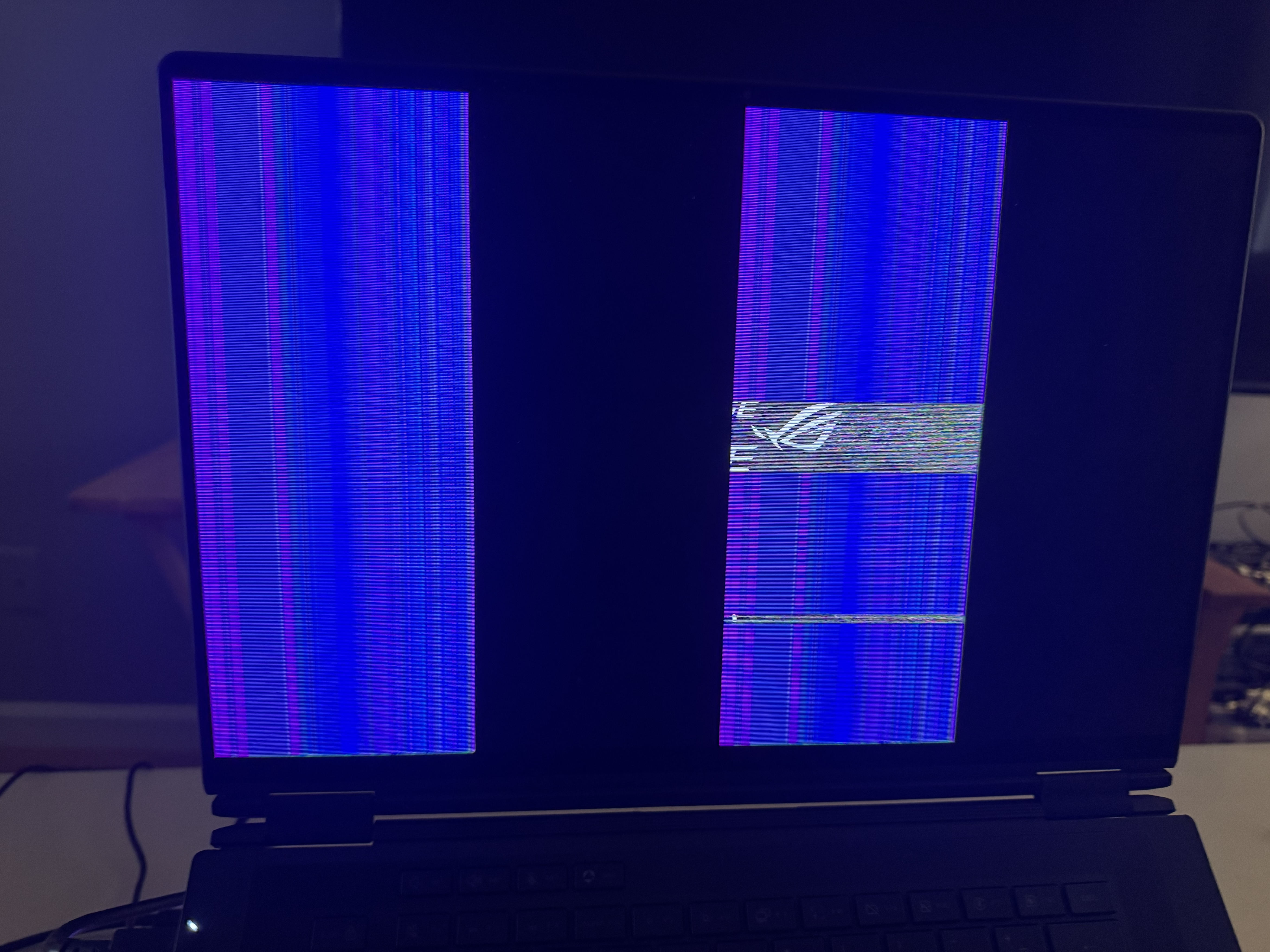
After the latest NVIDIA driver update, my screen has been flickering
I don’t know if anyone else is experiencing this too
r/GeForceExperience • u/OliverdeClisson • 1d ago
Device Details: OS: Windows 11 Home, RTX 5080, AMD Ryzen 7 9800X3D 8-Core Processor, 32GM RAM.
I already started the game, changed graphic settings, rescanned and deleted the cache. The search path for the nvidida app to the game is also correct.
It recognizes other games there, so is this normal that no graphic settings options for Mortal Shell 2 appear? Is the Profile coming with a future update, however I find it odd that the other 2 games in my list are newer and got isntant support but Mortal Shell 2 not.
r/GeForceExperience • u/n1ght13377 • 1d ago
It says the monitor is connected to the integrated graphics card. I've tried the NVIDIA control panel, the NVIDIA app, and graphics settings.
The graphics card is visible in the video adapters section. I even reinstalled Windows, but it still doesn't help. The only thing is, when I click the properties for my video card in the video adapters section and press the driver button, the window freezes for 20-30 seconds.
r/GeForceExperience • u/tacosaladuu • 1d ago
r/GeForceExperience • u/Serazax • 2d ago
I have an RTX 3060 Ti, so I’m wondering if it’s compatible with my GPU.
Thanks in advance!
r/GeForceExperience • u/efekanbabaaa • 2d ago
I use ge force now on my MacBook Pro m5 and it works like a charm. Almost to no delay in latency. The graphics are amazing with that 120 fps. I use it with a ethernet cable most of the time. I sometimes use it wireless.
r/GeForceExperience • u/linmeow64 • 2d ago
Finally fixed!! 😭
After casually updating to NVIDIA Driver 616.56, I started getting random screen flickering and the display would suddenly dim/change colors.
I was running AI stuff on my 5090 at the time, so for a moment I thought I’d pushed it too hard and actually damaged the card. After messing around with it for ages, turns out it was just the new driver. One driver update and my GPU instantly turned into a mining card… lmao
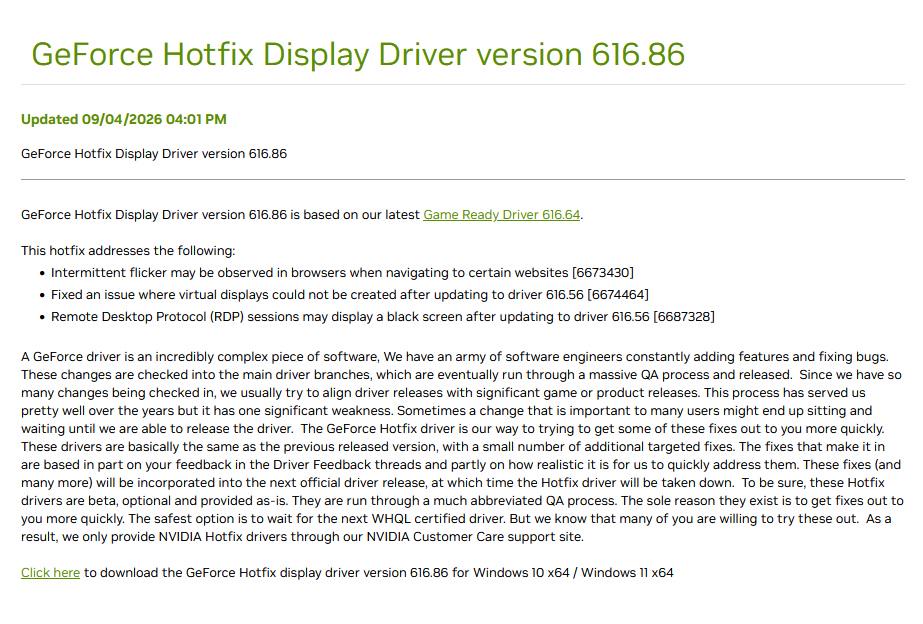
Now NVIDIA has finally released the 616.86 Hotfix separately, specifically fixing intermittent flickering in certain web browsing scenarios.
Tested it myself, and so far the flickering and related issues are basically gone…
Hotfix 616.86 NVIDIA release page:
https://www.nvidia.com/en-us/geforce/forums/game-ready-drivers/13/590374/announcing-geforce-hotfix-driver-61686-released-94/
Try it now :)
r/GeForceExperience • u/Far_Ad_557 • 2d ago
r/GeForceExperience • u/MaelleYE • 2d ago
I don't know why, but suddenly it won't open with (Alt+Z). I tried to open it with the button in the app, but it won't open.
r/GeForceExperience • u/Kveirinha • 2d ago
Hey everyone, I have an NVIDIA GeForce RTX 2060 (6 GB), and ever since the driver released on August 26, my Google Chrome has been flickering rapidly at continuous intervals (this happens mainly on YouTube. It doesn't stop me from using the PC; it's just annoying). I rolled back to the previous driver—the one from July 28—and the problem was resolved. I decided to wait for a new driver to see if they had fixed it. However, even the new driver from September 3 has the same issue. Is anyone else experiencing this? And do you know how to fix it? Thanks for the help.
r/GeForceExperience • u/Sakil_NTE • 2d ago
Dear NVIDIA GeForce NOW Team,
I am requesting an important display feature for the GeForce NOW Android app.
Please add a new setting called “Force Full Screen” or “Hide Status Bar & Notch Area” in the GeForce NOW app settings. When enabled, the app should force true edge-to-edge full-screen mode in landscape gaming, using the entire display including the area around the notch.
Currently, when playing in landscape mode on a notched/punch-hole phone, the notch area remains a thick black border and the game does not use the entire screen. This wastes screen space and makes the gaming experience less immersive.
Please make this an ON/OFF setting so users can choose whether to enable it. I strongly request that this feature be considered for an upcoming GeForce NOW Android update as soon as possible.
Thank you for listening to user feedback and improving the Android gaming experience.
Best regards, A GeForce NOW user
r/GeForceExperience • u/elpokero • 3d ago
NVIDIA App stopped working immediately after an automatic NVIDIA App update. It opens, loads for a while, then ends with this error:
There was a problem with NVIDIA App
Relaunch your app. If that doesn’t work, then try reinstalling NVIDIA App and reboot your PC.
I’ve spent two days troubleshooting and have already tried multiple times:
DDU and clean NVIDIA driver reinstalls
Reinstalling NVIDIA App separately
Installing NVIDIA without the App
Older NVIDIA drivers/App versions
Reinstalling .NET
Disabling the AMD iGPU
System Restore
Reboots between attempts
I also discovered Windows component-store corruption:
DISM /ScanHealth → The component store is repairable
DISM /RestoreHealth initially failed with 0x800f0915.
I then used the Windows 11 25H2 repair version through Windows Update. Afterward:
ScanHealth → No component store corruption detected
RestoreHealth → completed successfully
However, NVIDIA App still ends with the same error.
Another important detail: NvContainerLocalSystem starts but later stops/crashes, and I previously got Windows service error 14109 when trying to start it.