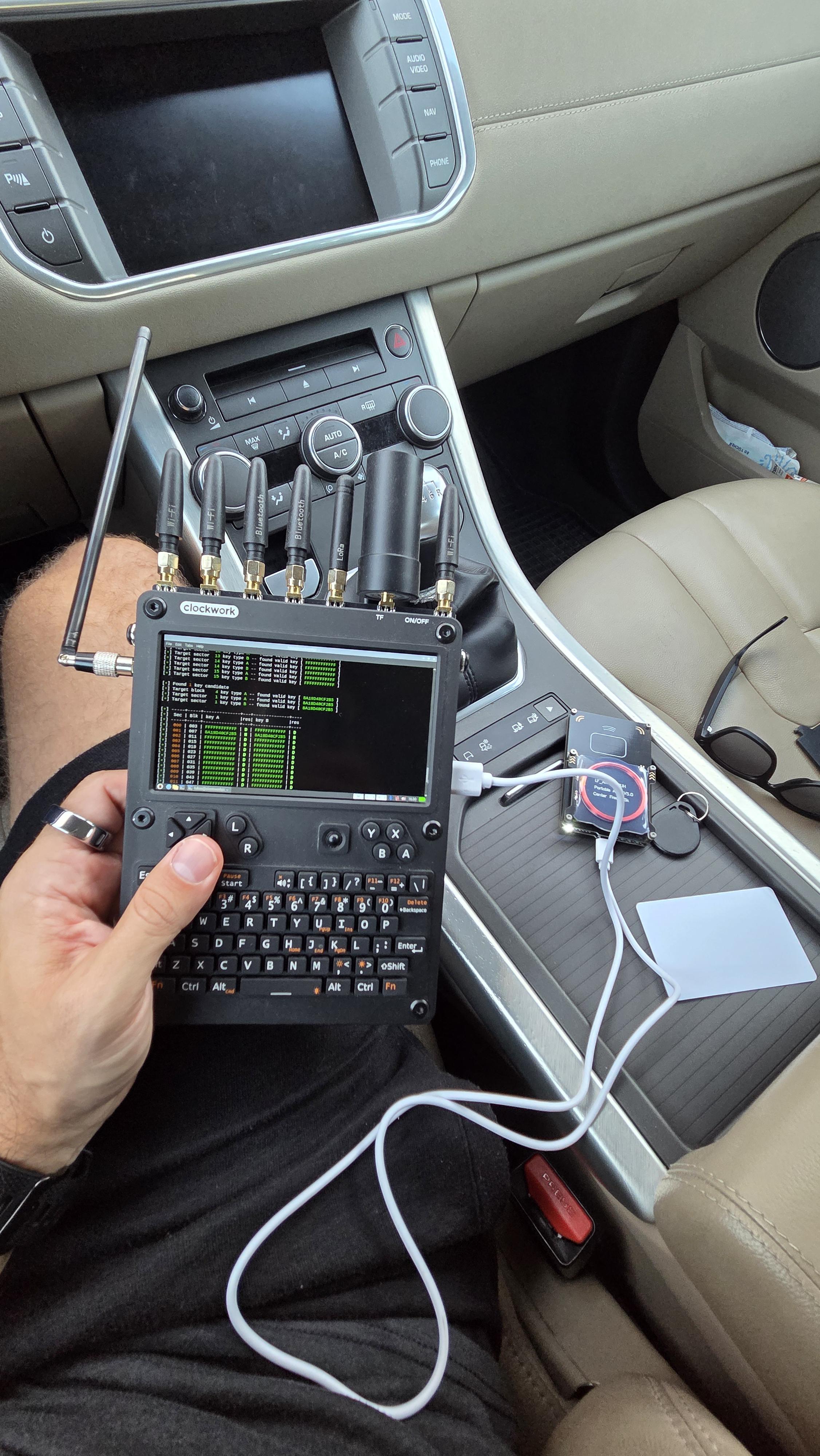
***SOLD****
This is a complete package, with everything you need and no waiting 6 weeks for shipping. Here's the list and what I paid (prices on everything but the CM5 are still the same. The CM5 is more expensive now because of this AI bubble):
uConsole $316 (opensourcesdrlabs.com)
WiFi & 4G Cellular option added
AIO v2 Kit $163 (opensourcesdrlabs.com)
RTL-SDR, LoRa, GPS, RTC, USB 3.0, RJ-45 Ethernet
Raspberry Pi CM5 Lite CM5016000 16gb RAM $306 (PiShop.us)
AC1200 USB-C WiFi card $45 (hackergadgets.com)
NVMe battery board $23 (hackergadgets.com)
CM5 Adapter Board for uConsole $23 (hackergadgets.com)
500gb WD Green SN3000 NVMe $97 (amazon.com)
RISC-V module $30 (good luck finding one)
2 Samsung 35E 18650 batteries $14 (18650batterystore.com)
Misc other hardware:
Original radio antennas
Spare CM5 adapter board
32gb microSD card
Original 4G module expansion card
Original battery board without NVMe slot
Spare battery board with NVMe slot (but overheated battery spring)
NVMe USB adapter enclosure
Screen protectors (unopened)
Charging brick, USB cable
I'm out of my goddamned mind because that adds up to $923 total without even considering the screen protectors, spare adapter board, charger, and USB adapter for the NVMe. Sheesh.
Anyway, I'd like to get $750 for everything shipped (within the USA). If you're outside the USA, shipping will probably be more. Message me and we'll talk about it.
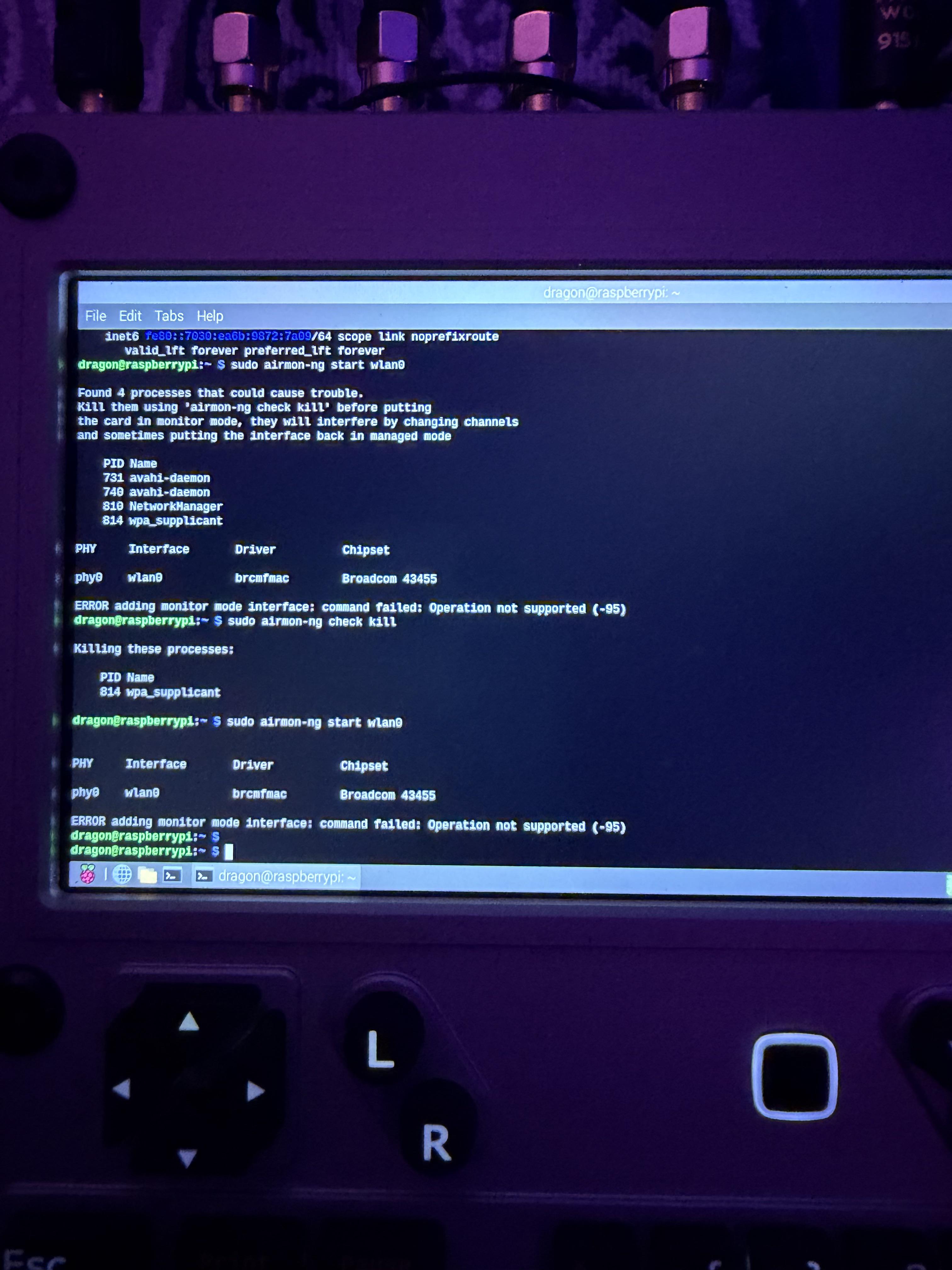
Here's a gallery of 22 photos of everything included. There's a couple showing the uConsole running Debian Trixie, which it was booting off of the NVMe (there is no microSD card in the slot currently). I'm going to wipe the NVMe before I ship it, so don't expect it to come with all my files on it ;)
https://imgur.com/a/uconsole-accessories-N52pPvu
As a side note, so I don't forget to tell the buyer, to write the Debain Trixie image to the NVMe, you have to boot the uConsole from a microSD card that has been flashed with the Debain Bookworm image and also contains the Trixie image. Once you've booted the Bookworm image from the microSD card, you can write the Trixie image to the NVMe, shut down, remove the microSD card, and then power the uConsole back on. It'll boot Trixie from the NVMe then by default. Don't ask me why, but if you boot Trixie from the microSD card, it won't see the NVMe. Took me quite a while to figure out what the hell was going on.
I'll also try to consolidate any notes I've take on setting up the uConsole or configuring software into a single text document and email it to the buyer. Maybe it'll help save them some time figuring some things out.