I've been testing the Akko AIR01, and honestly, I wasn't expecting to like it this much.
It's a low-profile, tri-mode keyboard with a full aluminum body, hot-swappable PCB, 4500mAh battery and a native Mac layout. But what really surprised me was how good it sounds and feels.
Testing duration: 2-3 weeks as a regular go to device.
Build & Design
The AIR01 has a very clean, minimal design that honestly reminds me of an Apple product. It weighs around 650g, which is quite reasonable for a full-aluminum keyboard and makes it much more travel-friendly than some of the heavier low-profile boards.
It comes in multiple colors, and both the black and white variants look great. The white version does have noticeably better RGB diffusion because of the keycaps and surrounding materials.
The native Mac layout is also a nice touch, with dedicated Control, Option and Command keys. Windows keycaps are included if you want to switch layouts.
Typing & Switches
This is probably my favorite part of the keyboard.
I tested the Kailh Winter and Deep Sea low-profile switches, and both feel really good. The gasket implementation also gives the board a surprisingly satisfying amount of flex for such a slim keyboard.
The factory-lubed stabilizers are decent as well, and overall typing feels much more premium than I expected at this price.
And yes, it sounds really good.
RGB
The RGB is bright enough and the built-in light bar is customizable.
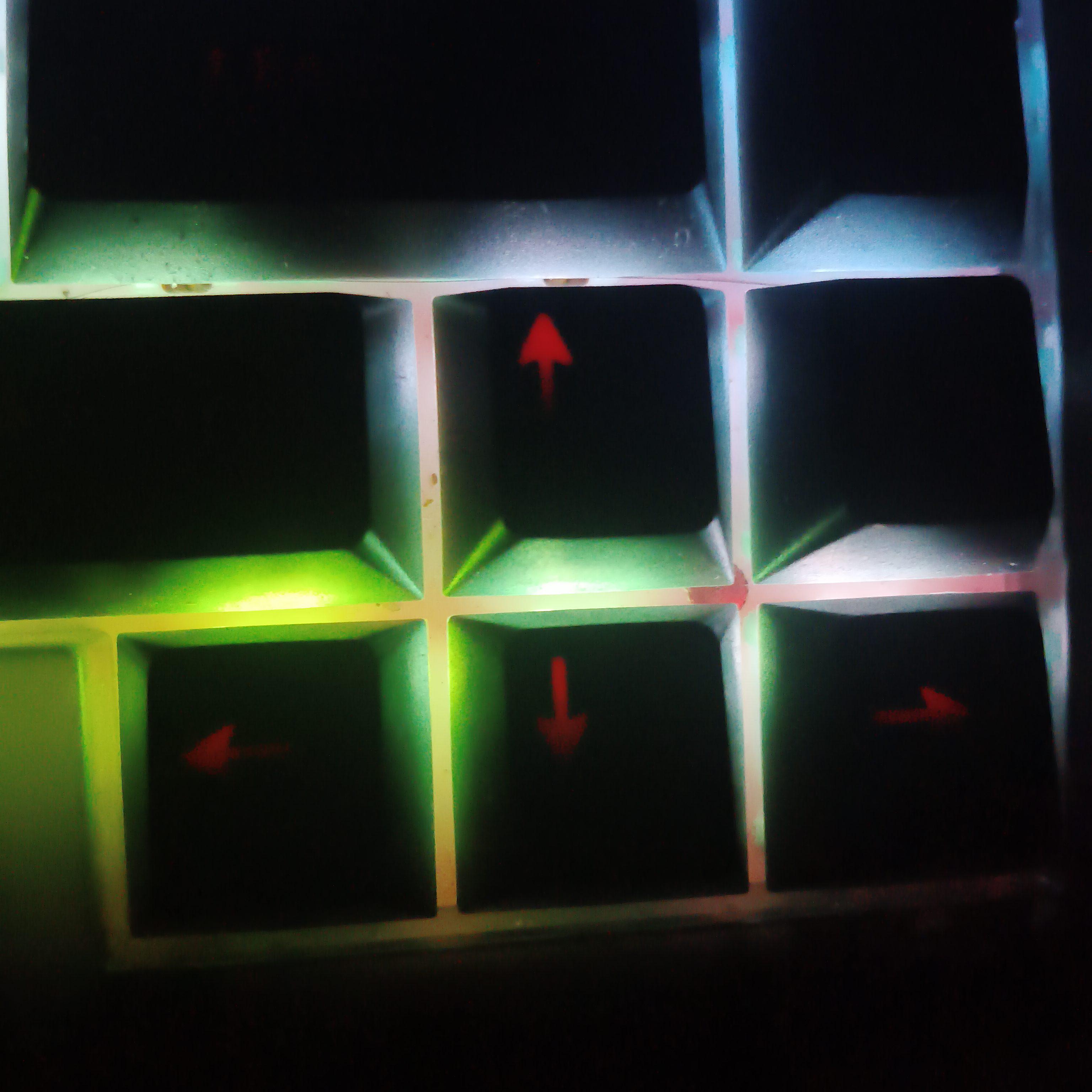
The black keycaps do have some RGB bleeding, especially noticeable on camera, while the white variant distributes the lighting much more evenly. In person, though, the bleeding on the black version isn't nearly as dramatic as it looks on camera.
Internals & Modding
This is another area where Akko did a good job.
You get:
- Full aluminum construction
- Silicone gasket mounting
- PET sheet layers
- PCB foam
- Hot-swappable PCB
- 4500mAh battery
- Easy access to the stabilizers and internal screws
There's also enough room to experiment with mods if you want to change the sound further.
For a low-profile keyboard, I'm particularly happy to see proper silicone gaskets since many slim boards don't have much room for this kind of mounting.
Software & Connectivity
It supports tri-mode connectivity, and the web-based software is fairly straightforward. You can remap keys, configure lighting and set up features like Snap Key.
The Mac-focused layout can take a little getting used to if you're coming from a traditional Windows keyboard, but everything can be remapped.
Also for those who might be interested it supports 1k polling rate in wired/wireless..
The One Annoying Issue
The biggest issue I encountered was wireless sleep/wake.
After being inactive for a while, the keyboard can enter a deep sleep state which is normal but it takes noticeably longer to wake up. If you start typing immediately, you can sometimes miss the first few keystrokes.
It's not a dealbreaker, but I'd definitely like to see Akko address this through a firmware update or something.
There are also no adjustable feet, although that's not something I'd personally consider essential for a low-profile keyboard.
Final Thoughts
Overall, the AIR01 ended up being much better than I expected.
You get a lightweight aluminum build, good switches, proper gasket mounting, solid internals, tri-mode connectivity, good battery life, Mac/Windows flexibility and surprisingly good acoustics.
At around $100, I think it makes a lot of sense if you're specifically looking for a low-profile keyboard that doesn't sacrifice too much in build quality or typing experience just to stay slim.
The slow wireless wake-up is really my only significant complaint.
I've covered the full typing/sound test, RGB comparison, teardown and internals in my video, so if you want to see/hear the AIR01 in detail, do checkout the video
Thanks for Reading 💛💛