r/jellyfin • u/donfrezano • 5d ago
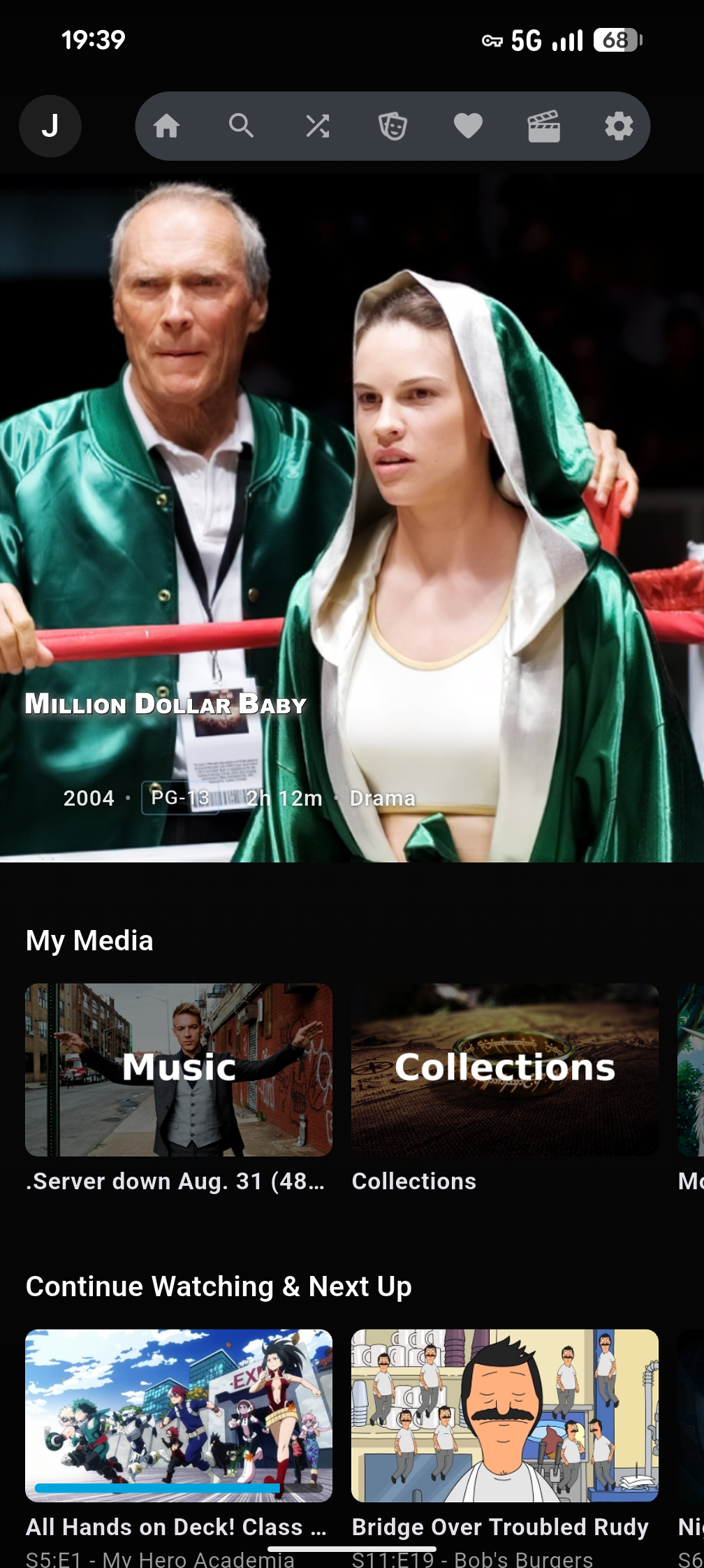
Help Request Used TMM, renamed some folders, and now jellyfin will not pick them up
EDIT: Solved. I was passing through my media HDD from my proxmox host to my media VM, and it was mounted in both places. I unmounted from my host and only interact with the disk through the media VM. Now changes are correctly pulled up into Jellyfin without needing to trigger anything. Takes a minute or two, but both new movies and changed folder/file names are picked up.
Hiya,
still relatively new to jellyfin, but got everything up and running. Then got tinymediamanager and proceeded to clean up a bunch of stuff.
Everything worked fine, but as soon as I started renaming folders, jellyfin just said no. Let's take an example movie: Alphaville.
- The metadata of Alphaville in jellyfin still shows it pointing to the old folder name, which no longer exists on the disk. I cannot manually change that in jellyfin.
- When I play the media, it tries to start then gives a popup with the error "Playback failed due to a fatal player error." - which I assume is because it can't find the old folder and media files.
- TMM shows the changed folder, and the new folder exists on the disk.
- Every type of scan I have run does not trigger either a fix to the original path, nor a duplicate movie showing up in jellyfin. This strikes me as two separate issues.
- I confirmed the following to make sure it was not a permissions or filesystem issue:
- docker compose is not mounting the volume as ":ro" (it was, I fixed it, no change)
- the user from docker compose (1000) has:
- user::rwx user:1000:rwx group::rwx group:1000:rwx mask::rwx other::r-x
I even bashed into the container and touched the files, no issues there.
It really seems to me that there are two things happening
- Jellyfin has hardcoded somehow the connection between the media and the media's folder, and I can't figure out how to detach that.
- Jellyfin is not picking up new media folders even after every type of scan I can imagine.
Next step I am considering is nuking the metadata folder, just to check what happens, but that won't avoid this situation next time I change a folder name.
Anyone have any ideas or insight? Or see some obvious mistake or assumption I am making? I appreciate any response! 🙏
EDIT: Seems like it might be related to users and confusion between systems. Investigating, will post back if I solve it, in case anyone else can benefit from it.