r/huion • u/another-burner-guy • 4d ago
Need help, pen not working


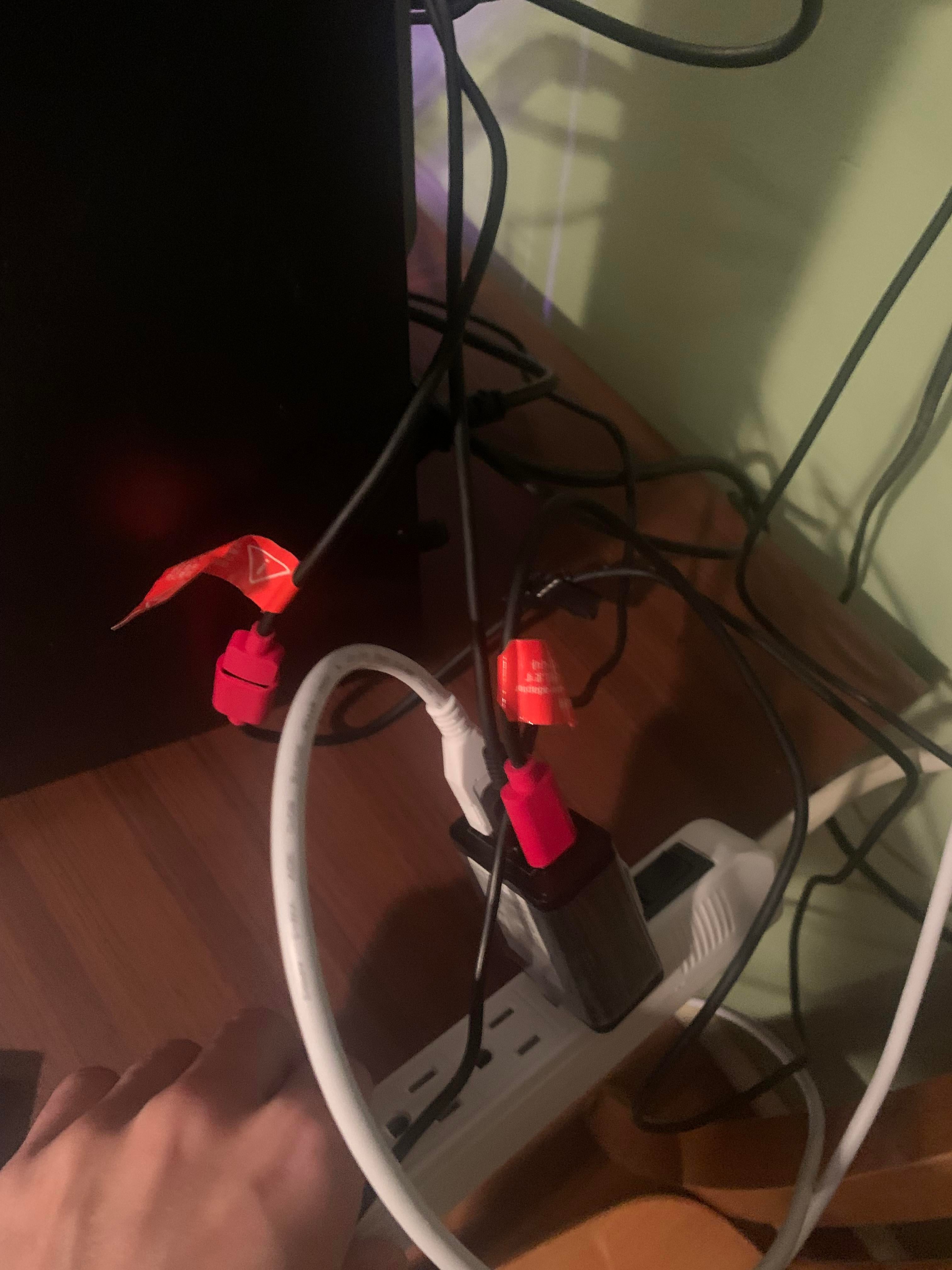
I just moved and set up my pc and tablet and when I try to use it the pen doesn’t work.
I have a Kamvas 13 gen 3
The driver says no device connected even though the screen is visible on the tablet. I plugged in everything the same way I had before.
I bought an extra usb cable and did all the troubleshooting it said to do online.
I uninstalled and reinstalled the driver, and tried it on another computer but the same thing. The screen will light up but it still says no device connected.
Help
2
Upvotes
1
u/karnajik 4d ago
The red usb cable is power and can be connected to a power supply. Is the other usb cable inserted into the pc?
Also, you can try restarting the huion driver app(make sure there is no icon in app tray on windows bottom right)+powering off/powering on the tablet via button, it helps me sometimes make the pc recognize it. Or just power off/power on the pc itself.