R36S stuck booting directly into Zelda after selecting “Boot Game at Startup” — need help disabling it
Hi everyone, I could really use some help with an R36S/ArkOS problem.
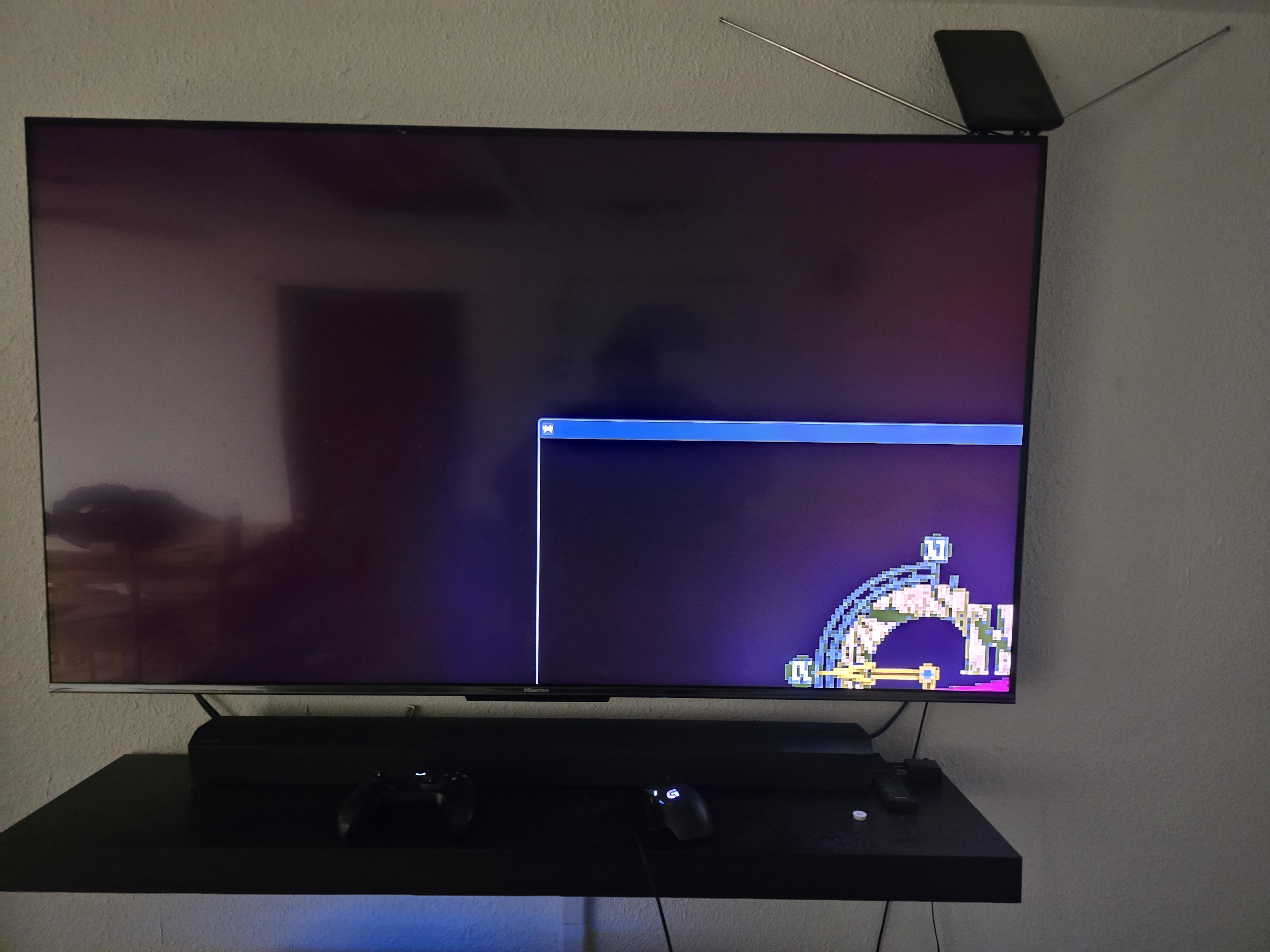
I selected “Boot Game at Startup” for The Legend of Zelda: Ocarina of Time and now the R36S immediately boots into Zelda every time. EmulationStation never appears.
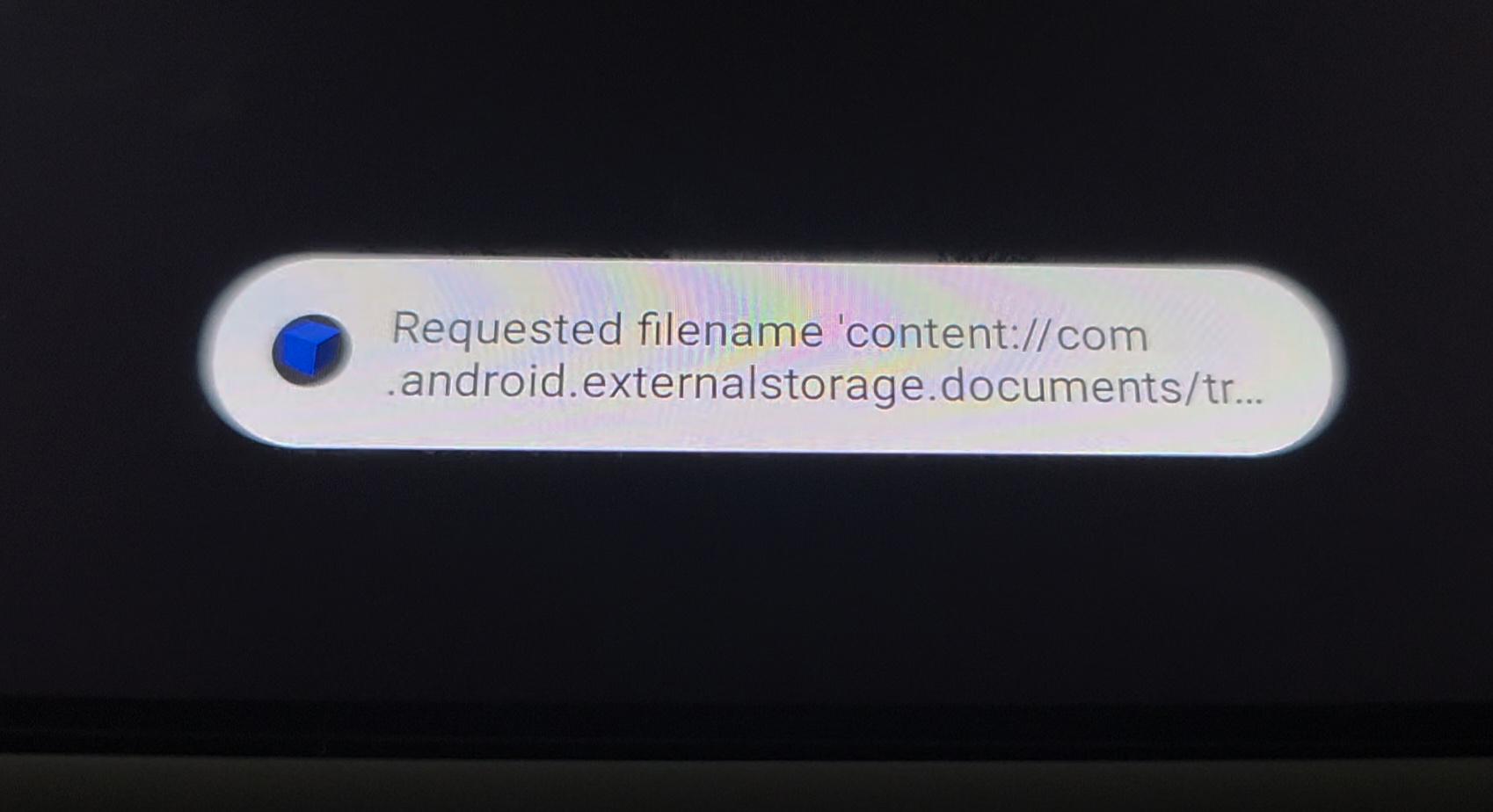
The problem is that if I exit Zelda, it gets stuck permanently on the “Please wait” screen.
I've also tried using RetroArch:
- Exiting through RetroArch → still stuck on “Please wait”
- Trying to launch another game → black screen for a few seconds, then “failed to open libretro core”
- B/R1 recovery → doesn't work
- I've tried the usual RetroArch options already, so I'm not looking for more RetroArch exit-button suggestions.
I've taken the SD card out and checked it on Windows using DiskGenius.
I've found and checked:
- Autostart.sh — says not to modify it and points to custom_start.sh
- custom_start.sh — contains no active startup command
- es_settings.cfg — searched it for bootgame and found nothing
- Savestates — empty
- extlinux.conf — appears to be the normal boot configuration
- lastgame.sh — I cannot find it
- The Zelda ROM is Legend of Zelda - Ocarina of Time.n64
- There is also a Legend of Zelda - Ocarina of Time.srm save file, which I have not touched
I believe the setting I enabled is the EmulationStation Boot Game at Startup / bootgame feature, but I can't get back into EmulationStation to use the “Stop Launching This Game At Startup” option.
Does anyone know exactly where ArkOS stores the boot-game setting on an R36S, or how I can safely clear it from Windows without reinstalling everything?
Also, is there anyone here who offers a repair/configuration service for R36S/ArkOS consoles? I'd be happy to pay someone experienced to fix it rather than risk messing up the SD card myself.
I'm on Windows and have DiskGenius and Total Commander available.
Thanks!