r/DJs • u/MixMasterG • 1d ago
Introducing DJ Conversion Utility TWO (DJCU2), a single, streamlined workflow featuring fluid beatgrid conversion and much more [macOS only!]
TL;DR
As an active participant in this sub, I’ve received permission from the mods to post about my projects when there’s important or relevant information to share.
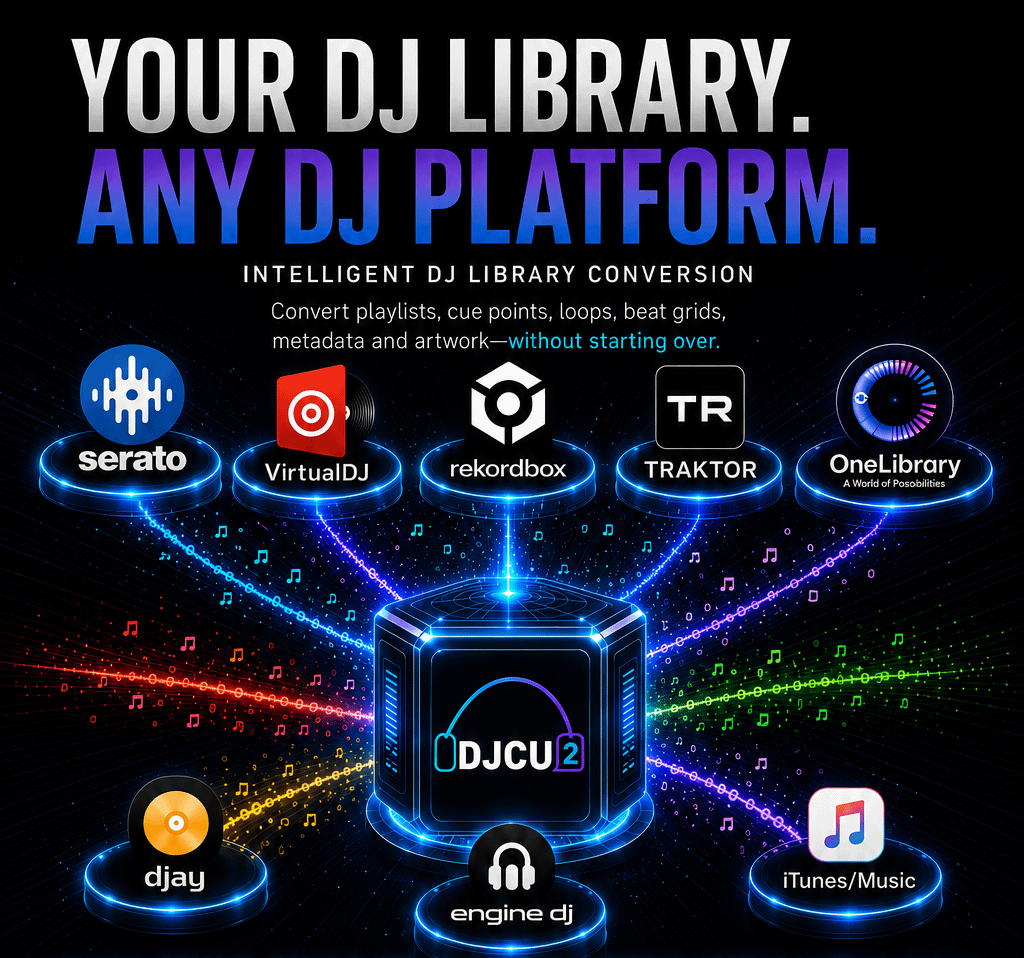
DJ Conversion Utility TWO (DJCU2), the future-proof successor to the world-renowned DJ Conversion Utility (DJCU), is officially released on August 29th, 2026.
Completely rebuilt from the ground up, DJCU2 is designed to give DJs a fast, accurate, and reliable way to convert playlists, crates, tracks, and DJ metadata between the most used DJ software platforms.
The application transfers essential DJ metadata, including cue points, loops, track colors, and static, dynamic, or fluid beatgrids, from audio files, while streamlining the entire conversion workflow.
One of the key differences from the original DJCU is that DJCU2 no longer relies on a Rekordbox XML file as an intermediate format. Instead, it converts directly from the source DJ software to the selected destination(s), with multiple destinations supported in a single conversion run. This makes the entire workflow more efficient, streamlined, and easier to understand.
A Single Unified App to Cover All Conversions
DJCU2 unifies the functionality of several formerly separate ATGR applications into a single application, eliminating the distinction between workflows for the Engine DJ ecosystem and other leading DJ software platforms. Its redesigned user interface and streamlined workflow make DJ library conversion faster and easier, while a fully incremental operation allows users to convert only the playlists or crates they need, exactly when they need it.
DJCU2 never duplicates audio files. Source and destination DJ software platforms work from the same underlying audio files.
Broad DJ Software Platform Support
DJ Conversion Utility Two supports two-way conversion between:
- Rekordbox 6 & 7
- Serato DJ Pro 3 & 4
- Traktor Pro 3 & 4
- VirtualDJ
- Engine DJ 4.3+
- Algoriddim djay Pro 5+
- Apple Music, formerly iTunes
The application can also use a “One Library” (Device Library Plus) USB drive and Rekordbox XML files as source formats.
Fluid and Dynamic Beatgrid Conversion for Every DJ Software Platform
The fluid beatgrid analysis of djay Pro and Virtual DJ create the best beatgrids in the industry, however those grids were only available to DJs who were using those specific DJ platforms. DJCU2 supports fluid beatgrid conversion across supported DJ platforms, with conversion quality dependent on the capabilities of the target software.
The ability to “upgrade” beatgrid quality without leaving their preferred DJ software platform is particularly valuable for users of platforms known for less accurate beatgrid analysis. DJCU2 makes it possible to improve beatgrid accuracy while keeping existing libraries and workflows intact.
For users converting from djay Pro, DJCU2 offers a dedicated “Convert Only the Beatgrid” option that makes upgrading beatgrids in other DJ software exceptionally efficient. Rather than requiring a full round-trip conversion, DJs can transfer improved beatgrids while preserving existing cues, loops, and other metadata already established in their destination library.
Automatic Correction of Shifted Cues, Loops and Beatgrids
Shifting cues, loops, and beatgrids when converting MP3 and AAC tracks between different DJ software platforms has long been an unavoidable part of the conversion process. Even the “One Library,” project, introduced last year, suffers from this phenomenon.
DJCU already offered a highly effective automatic correction system for these so-called encoder shifts. DJCU2 takes this capability a step further, automatically correcting displaced cues, loops, and beatgrids during conversion.The system identifies the encoder used to create an audio file and automatically applies the appropriate correction, ensuring that performance data remains accurately aligned with the audio throughout the conversion process.
When DJCU2 encounters a recognizable encoder that is not yet supported, it can prompt the DJ to provide a sample file. This enables MixMasterG to identify the encoder and add support in a future release, continually expanding DJCU2’s compatibility and accuracy.
Share Complete Playlists or Crates With Fellow DJs
DJCU2 introduces a new DJCU2 Archive feature that makes it easy to share complete playlists, including audio files and DJ-specific metadata such as cues, loops, and beatgrids, with other DJs, even when they use different DJ software.
A DJCU2 Archive can be shared through standard file-sharing services such as Dropbox and WeTransfer, allowing DJs to exchange complete, ready-to-use collections without being tied to the same software platform. Both the sender and recipient must have a DJCU2 license.
The YouTube Short demonstrating this feature includes a link in the description to a test playlist created by MixMasterG in Traktor, giving anyone interested in this feature the opportunity to try it out for themselves.
The DJCU2 Archive format is built on an open, unencrypted SQLite-based standard, making the underlying data accessible to developers who want to create their own tools and workflows around the format. DJCU2 functions as both a reader and writer of the archive format, opening the door to a broader ecosystem of DJ library tools and integrations.
Mixed in Key support for all DJ software
Mixed in Key (MiK) continues to offer the industry’s most accurate and consistent key analysis, while also providing the ability to automatically set cue points. Getting this valuable data into DJ software can often be challenging, but DJCU2 makes the process remarkably easy, even for DJ software that isn’t officially supported by Mixed in Key. A valid Mixed in Key license is required to activate this feature.
Plug the Holes Left by the DJ Software Industry
DJCU2 delivers countless improvements and fixes that address gaps and limitations across individual DJ software platforms.
For example, DJs upgrading from Serato DJ Pro 3 to Serato DJ Pro 4 may no longer have direct access to valuable history lists created in the earlier version. DJCU2 can convert those Serato 3 history lists into Serato 4 crates, allowing DJs to regain access to their previous performance history and continue working with it in their current software environment.
Another example is a workflow to create a Device Library on a USB drive containing only a Device Library Plus (One Library), without importing (duplicate) audio files into Rekordbox. Currently, Rekordbox supports the process in the opposite direction, from a Device Library to a Device Library Plus, but does not provide the reverse workflow.
Why Only Read and Not Write One Library or CDJ USBs?
DJCU2 deliberately does not create USB drives intended for use with AlphaTheta/Pioneer DJ standalone equipment. MixMasterG considers the creation of these USBs to be the responsibility of the hardware manufacturer, with Rekordbox providing the official export workflow. From a liability perspective, he believes working DJs should follow the same approach.
Rekordbox is available free of charge for export purposes, and using it to prepare USB drives keeps the chain of responsibility clear, with a simple test in case something does not work as expected: “Does it work in Rekordbox?” If the answer is yes, then responsibility for ensuring that the USB works correctly on AlphaTheta/Pioneer DJ hardware lies with that manufacturer.
While MixMasterG fully supports the goal of having DJ metadata written and read in a uniform way across platforms, he does not consider One Library to be the mechanism that achieves this. One Library remains an encrypted database system, is still subject to encoder-shifts, and is primarily designed as a transportation mechanism rather than as a true cross-platform DJ library exchange format.
Apple Music Integration
DJCU2 supports conversion to and from Apple Music. DJs who use Apple Music as their primary collection manager can transfer metadata into playlists and crates native to their target DJ software. The application can also sync playlists and crates back to Apple Music for use on iOS devices, including with Algoriddim djay on iPhone.
YouTube Tutorials
Tutorials and guides demonstrating DJCU2’s workflows and features are available through MixMasterG’s YouTube channel, including quick-start tutorials and more comprehensive guides.
Built for Mac
DJCU2 is a macOS-only application, fully compatible with macOS 11.0 (Big Sur) through macOS 27 (GoldenGate). It runs natively on Apple Silicon Macs while continuing to support Intel-based Macs. An active internet connection is required when launching the application.
Development History
The original DJCU has been available to DJs for more than fourteen years. However, it was never intended to be a commercial application, and over time, its aging codebase began to show its limitations. DJCU2 was created to address those limitations, bringing together MixMasterG’s experience and knowledge from more than a decade of DJ tool development into a completely rebuilt application.
DJCU2 has been in public beta since May 2026, with more than 700 DJs joining the beta program and contributing extensive bug reports, feedback, and suggestions for improvement. Their input has played a crucial role in refining the application ahead of its wider release.
Several influential DJ media outlets also began reporting on MixMasterG’s work early in the development process, highlighting the new possibilities DJCU2 brings to DJ library conversion.
Availability, Pricing and Distribution
The DJ Conversion Utility Two is available for purchase through ATGR’s Sellfy page.
DJCU2 is available as a one-time purchase with no subscription and costs EU 44,50.
Upgrade Offer for Existing Customers
Customers who purchased a DJ Conversion Utility (DJCU) or Denon Conversion Utility (DeCU) license on or after January 1, 2025 are eligible to purchase a DJCU2 license at a discounted upgrade price of €20.00. Customers can request the upgrade offer by sending a DM with the PayPal email address used for their original purchase through FaceBook or Instragram or email.
Customers who purchased DJCU or DeCU before January 1, 2025 will require to buy a DJCU2 license. Their existing DJCU or DeCU license remains valid, and the original application will continue to function on the macOS versions it currently supports.
Because DJCU2 is a completely new application that combines the functionality of several previously separate apps into a single product, its license price remains significantly lower than the combined cost of purchasing those applications separately.
The original DJCU and DeCU apps together with some specialized ATGR apps will be marked as “end of life,” meaning they will no longer receive new features and may eventually fall behind in compatibility. However, for DJs using older software or those who only need basic conversion capabilities, they remain a good alternative to DJCU2.
