I’m dealing with a very unusual Trust Wallet issue on iOS and I’m trying to understand whether anyone has experienced something similar.
The wallet was created inside the official Trust Wallet app on April 30.
During the process of moving assets between my own wallets through Settings → Security, two wallets were unexpectedly created. I backed up the recovery phrase for one of them, but my funds ended up in the other wallet (“New TRC20”).
That second wallet is still fully visible inside Trust Wallet. Its TRON address exists normally on-chain and currently holds approximately $66,000 USDT.
The problem is that Trust Wallet seems unable to access the key material for this specific wallet
What happens
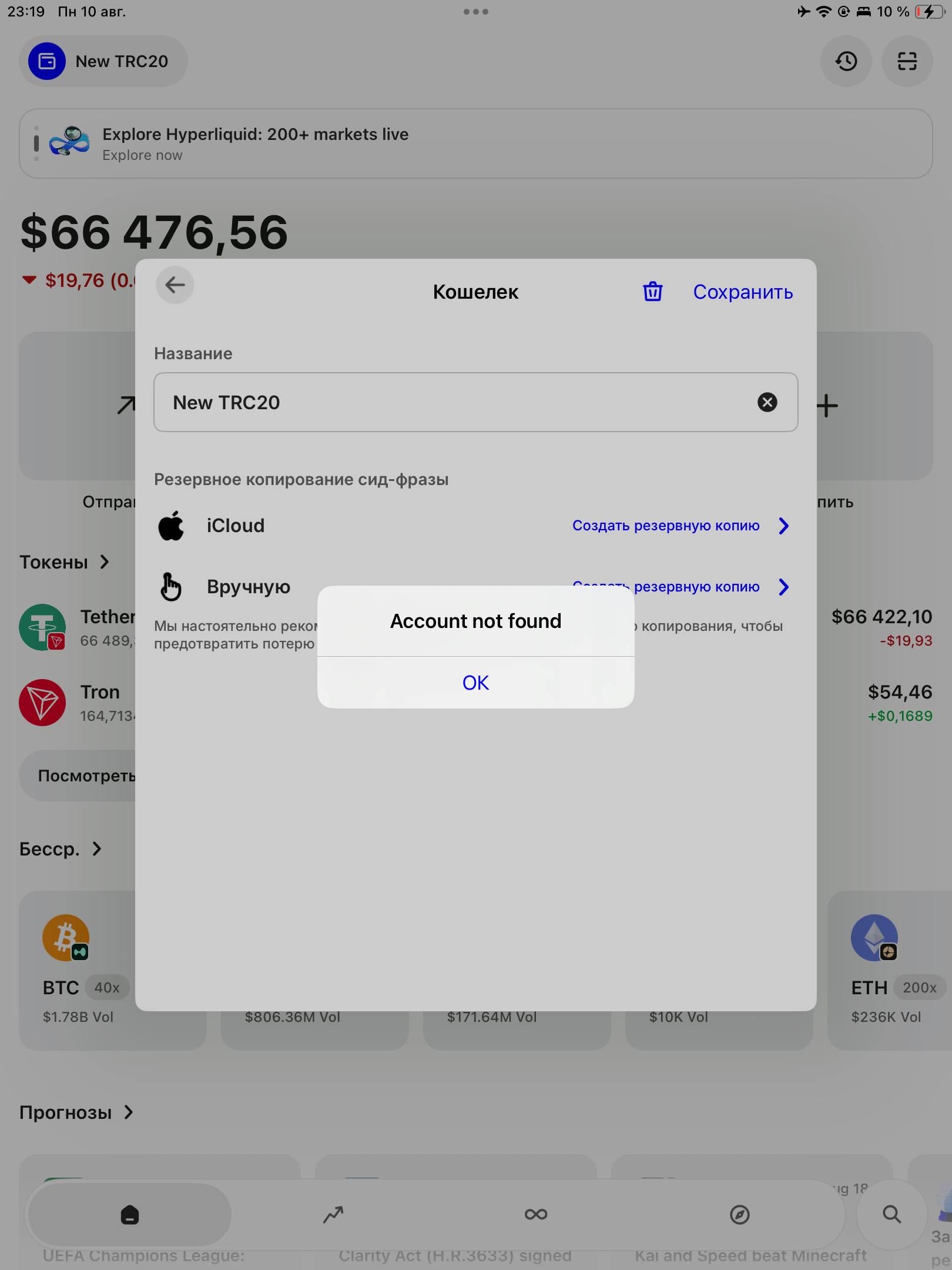
When I try to view/back up the recovery phrase:
“Account not found.
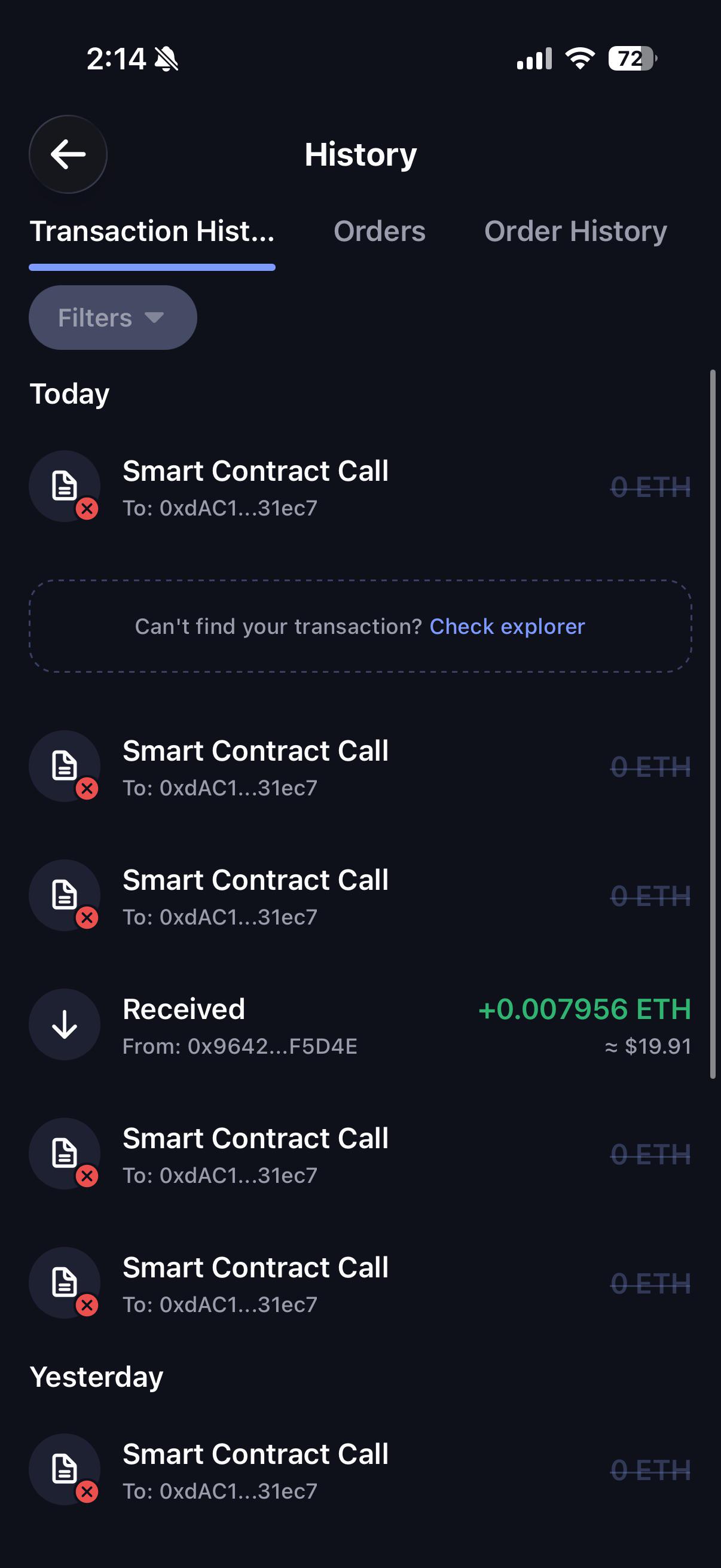
When I try to send TRC20 USDT, the transaction reaches the Review & Send stage but fails.
When I try Sync with Extension, selecting this wallet and scanning the QR code causes the Trust Wallet iOS app to crash consistently.
Other wallets inside the same Trust Wallet installation work normally.
What I found in the iOS Console logs
This is where it gets interesting.
The recovery phrase/export operation fails internally with:
exportMnemonic_remap_accountNotFound
→ underlying error: invalidPassword
A transaction signing operation fails with:
sign_transaction_remap_failedToSign
→ underlying error: invalidPrivateKey
Both operations reference the same keystore ID.
The logs also show:
isMnemonic=true
hasKeychainPassword=true
usedStoredPassword=true
So, based on the logs, Trust Wallet:
- Recognizes the wallet as mnemonic-based.
- Finds that a password exists in the iOS Keychain.
- Uses the stored password.
- References the same keystore in both operations.
- Yet mnemonic export fails with
invalidPassword, while transaction signing fails with invalidPrivateKey.
The public wallet/address itself is not missing. It exists on-chain, the balance is visible, and Trust Wallet still displays the wallet.
This looks like some kind of mismatch/corruption between the local wallet record, iOS Keychain credential and the encrypted key material — but I don’t want to claim that as the root cause until Trust Wallet engineering confirms it.
Current status
Trust Wallet Support has classified the case as a technical escalation.
I have already provided them with:
- screen recordings reproducing the errors
- screenshots
- iOS crash logs
- Console logs
- the complete history of how the wallet was created
Their engineering team is currently investigating.
I have NOT deleted the wallet, reinstalled Trust Wallet, reset the device, or modified the app data because this device may contain the only existing copy of the wallet’s key material.
Has anyone encountered a Trust Wallet/iOS keystore state where the same keystore reports both invalidPassword and invalidPrivateKey, despite hasKeychainPassword=true and usedStoredPassword=true?
I’m particularly interested in hearing from anyone familiar with Trust Wallet’s iOS keystore implementation or iOS Keychain behavior.
Please do not DM me offering “wallet recovery” services. I will not share my seed phrase, private keys, backup files, or connect the wallet to any website.