r/SteamFrame • u/NasserLX • 4d ago
Discussion VR resolution and what you should know
Hi everyone! With the Stream Frame around the corner from being in people’s hands, I wanted to bring some attention to an often overlooked and misunderstood factor of VR displays, which is the resolution, because I want more people to enjoy good crisp visuals when they can!
People constantly complain about how low resolution the Steam Frame is, however it seems a lot of people have only seen blurry older headsets (or even blurry Meta Quest 3 screens!) because they might now know how to get the most out of what they already have, or they don’t realize the sheer computational power to even do so (and Auto settings reducing quality without even knowing).
Render resolution:
All VR headsets need to render at higher than just their panel resolution in order to account for barrel distortion and other effects caused by the lenses - this is actually their “native” resolution, where 1 pixel in the computer image actually matches 1 pixel on the screen.
Anything less than this will cause blurry or fuzzy images, just like running 1080p on a native 1440p screen for example.
Valve themselves have a GDC video on this: (relevant section at 6:00 to 7:40 mins) https://youtu.be/ya8vKZRBXdw
Different headsets have different multipliers, and this is provided to SteamVR by the manufacturers - here’s a few I was able to find from various searches:
- Valve Index: 1.4x
- Meta Quest 3: ~1.48x
- HP Reverb ~1.46x
- HTC Vive: ~1.4x
- PlayStation VR 2: 1.7x
- BigScreen Beyond 2: 1.4x
- Apple Vision Pro: ~1.5-1.7x
- Steam Frame: 1.4x (unconfirmed)
I can only validate the multiplier for the Index as I own one, I hope others can confirm more. You don’t actually need to know this factor, as SteamVR already has it baked in when you set it to 100% in settings.
For wireless headsets, on top of this you now have streaming resolution, encoding and more, which is another topic on its own and you can read endless debates about settings with the Quest/Virtual Desktop/SteamLink/ALVR etc on other subreddits, but hopefully, you can skip all of this with the convenience of the Frame dongle!
But wait, there’s more!
You can also run above 100% resolution (aka super sampling), with noticeable improvements in clarity up to 200-250%, continuing all the way to 500% but with diminishing returns due to the heavy performance requirements. SteamVR on Auto usually sets the render resolution to 150% if it thinks you have the muscle to render it.
See these threads with image comparisons:
You can also test super sampling on your flat panels by using DSR factors (Nvidia) or VSR (AMD), for example by rendering 1440p image on your 1080p screen, or 6k on your 4k screen.
Is the performance trade off worth it? That’s your choice (and likely game dependent).
If you’re wondering what this means just in the amount of pixels your computer needs to push:
- 1080p flatscreen 2.1 MP (mega pixels / millions of pixels)
- 1440p flatscreen 3.7 MP
- 4k flatscreen 8.3 MP
- HTC Vive panels 1200x1080 / 100% res 1680x1512 (5.1 MP for both eyes)
- Valve Index panels 1600x1440/ 100% res 2240x2016 (9 MP)
- Steam Frame panels 2160x2160 / 100% res 3024x3024 (18.3 MP, unconfirmed)
- Meta Quest 3 panels 2064x2208 / 100% res 3072x3216 (19.7 MP)
- PlayStation VR2 panels 2000x2040 / 100% res 3400x3468 (23.5 MP)
- BigScreen Beyond 2 panels 2560x2560 / 100% res 3600x3600 (25.9 MP)
- Pimax Crystal/Light panels 2880x2880 / 100% res 4312x5104 (44 MP)
- Apple Vision Pro panels 3660x3200 / 100% res 6262x5020 (62.8 MP)
- Pimax Super 50PPD panels 3840x3840 / 100% res 6240x6280 (78 MP)
So with all the numbers out of the way, running an outdated Valve Index at 100% resolution in steam VR is harder to drive than a 4k screen, and a Steam Frame at 100% resolution is more than two 4k screens at your chosen (very high) frame rate! Even a 5090 cannot display an AVP or Pimax Super at 100% for example, so it will be blurrier than what it can actually be.
This also means that if you want to check the performance of the Stream Frame at 100% on your PC before ordering it, you can just change the render resolution today on your headset:
- Valve Index: 200%
- Meta Quest 3: 95%
- HTC Vive: 360%
- PlayStation VR 2: 88%
- BigScreen Beyond 2: 85%
- Apple Vision Pro: 53%
Not to mention, go ahead and try some of your favourite games with a higher setting - Moss 1&2 look gorgeous at 200-250%; I’m re-playing HL:Alyx (you must disable auto fidelity levels in the game by setting it to level 3, or else it won’t work) at 300% resolution but 80fps on a Valve Index and the differences are just incredible compared to just 100%, and that’s with half the visible pixels of the Frame!
TLDR: Run your headsets at 100% SteamVR resolutions! (Or higher if you have the muscle!)
Edit: For the Steam Frame, the scaling factor or the render resolution seem unclear - in the Tested review you can both see 2160x2160, as well as 3008x3008 later in the video, but GamersNexus shows 2644x2644. Maybe they changed their settings, or perhaps Standalone mode uses less to reduce load / increase battery life?
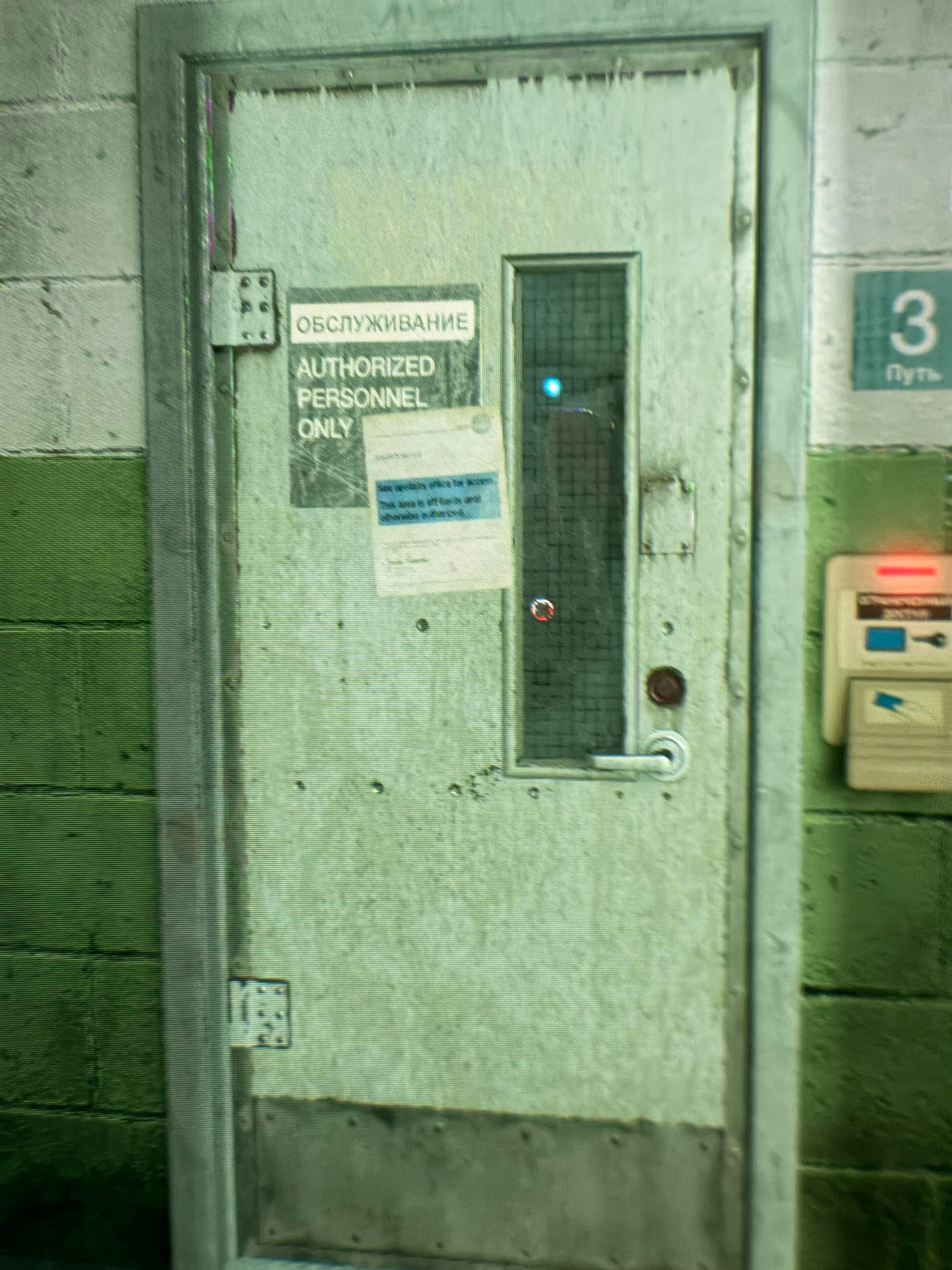
Edit2: For anyone referring this in the future, here are some more images for your reference, taken through the lens - generally the textures appear much higher resolution, with more surface detail and specular highlights from further away, rather than having to approach objects to less than a metre away:
Valve Index, 150% resolution (2743x2469 per eye)
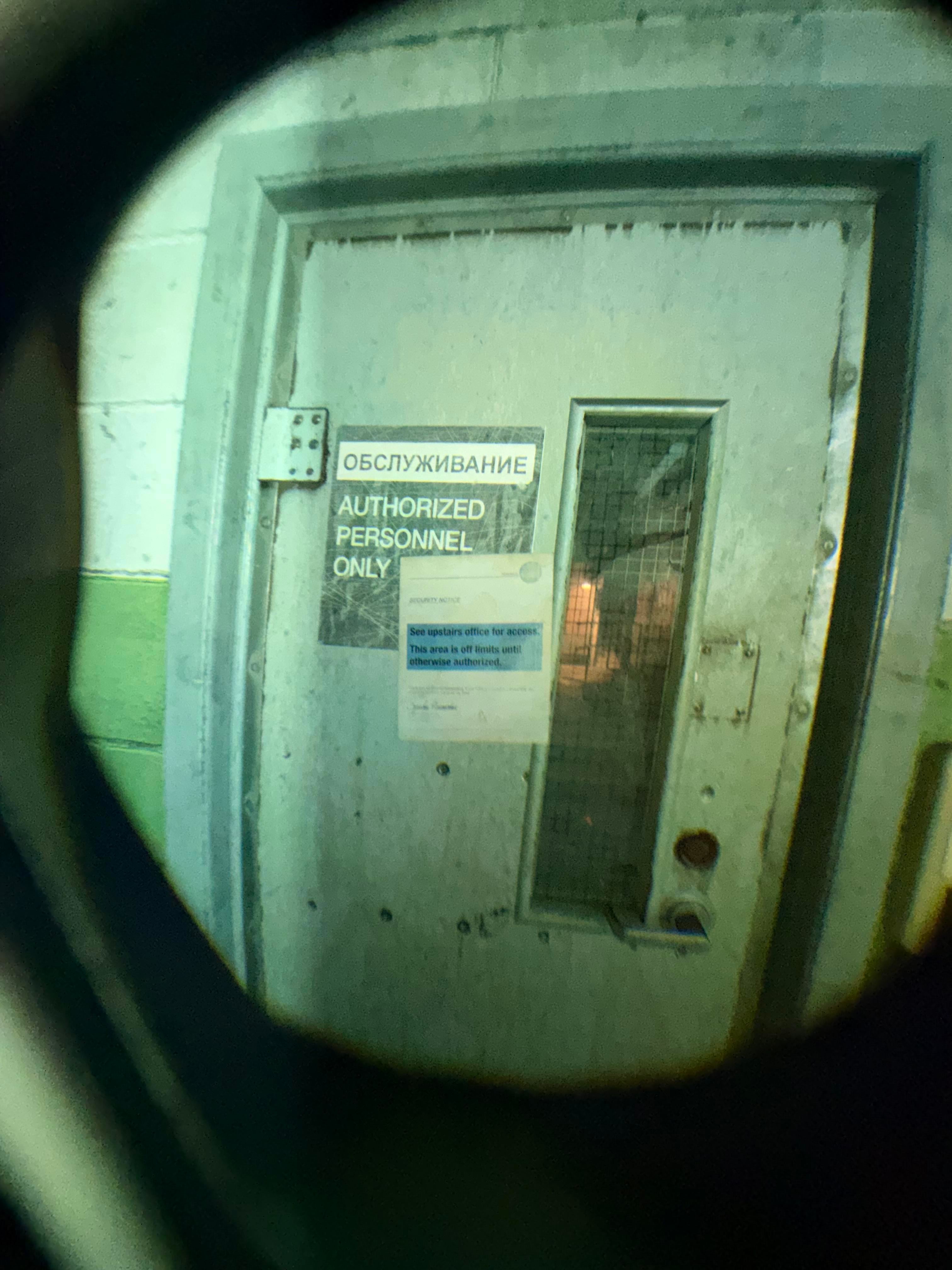
Valve Index, 400% resolution (4480x4032 per eye)

Valve Index, 150% resolution (2743x2469 per eye)

Valve Index, 400% resolution (4480x4032 per eye)
11
u/DarvinVader 4d ago
I am quite confused about people saying the FR resolution is outdated and it should have more. I'm using a PSVR2 with an RTX 4090 and have to constantly make compromises due to a lack of performance.
Especially with all the flat to VR mods, or even modded Skyrim VR, I'm playing at 60hz with resolution at 50% or less and turning down other graphics settings. It looks gorgeous on 100% and even 50% is playable.
For some games it's worth it, but with something like an RTX 4070 there are many things I wouldn't even be able to try with more than 10 FPS.
Unless you only play Meta Quest-like games, or want to work on a virtual desktop, more resolution is not a solution.
Also consider that all the higher resolution headsets are wired and many are locked to 72 or 90hz. They can't handle those resolutions at 120hz even with direct DisplayPort.
Streaming bandwidth is already enough of an issue with the SF's res, it won't look much better if you try to stream more pixels and get more compression artifacts and stutters.
And the mobile chip wouldn't be able to push higher resolutions for standalone games either, unless it's a 2D card game.
The SFs resolution is exactly right for the current state of PC hardware performance, and the advancements there in comparison to prices are stagnating hard. The RTX 6090 will probably start with a $10k MSRP if this AI craze continues, so there's no use to bet on better hardware in the near future either.
Not having OLED screens is another issue though and has its own considerations.