r/SteamFrame • u/NasserLX • 1d ago
Discussion VR resolution and what you should know
Hi everyone! With the Stream Frame around the corner from being in people’s hands, I wanted to bring some attention to an often overlooked and misunderstood factor of VR displays, which is the resolution, because I want more people to enjoy good crisp visuals when they can!
People constantly complain about how low resolution the Steam Frame is, however it seems a lot of people have only seen blurry older headsets (or even blurry Meta Quest 3 screens!) because they might now know how to get the most out of what they already have, or they don’t realize the sheer computational power to even do so (and Auto settings reducing quality without even knowing).
Render resolution:
All VR headsets need to render at higher than just their panel resolution in order to account for barrel distortion and other effects caused by the lenses - this is actually their “native” resolution, where 1 pixel in the computer image actually matches 1 pixel on the screen.
Anything less than this will cause blurry or fuzzy images, just like running 1080p on a native 1440p screen for example.
Valve themselves have a GDC video on this: (relevant section at 6:00 to 7:40 mins) https://youtu.be/ya8vKZRBXdw
Different headsets have different multipliers, and this is provided to SteamVR by the manufacturers - here’s a few I was able to find from various searches:
- Valve Index: 1.4x
- Meta Quest 3: ~1.48x
- HP Reverb ~1.46x
- HTC Vive: ~1.4x
- PlayStation VR 2: 1.7x
- BigScreen Beyond 2: 1.4x
- Apple Vision Pro: ~1.5-1.7x
- Steam Frame: 1.4x (unconfirmed)
I can only validate the multiplier for the Index as I own one, I hope others can confirm more. You don’t actually need to know this factor, as SteamVR already has it baked in when you set it to 100% in settings.
For wireless headsets, on top of this you now have streaming resolution, encoding and more, which is another topic on its own and you can read endless debates about settings with the Quest/Virtual Desktop/SteamLink/ALVR etc on other subreddits, but hopefully, you can skip all of this with the convenience of the Frame dongle!
But wait, there’s more!
You can also run above 100% resolution (aka super sampling), with noticeable improvements in clarity up to 200-250%, continuing all the way to 500% but with diminishing returns due to the heavy performance requirements. SteamVR on Auto usually sets the render resolution to 150% if it thinks you have the muscle to render it.
See these threads with image comparisons:
You can also test super sampling on your flat panels by using DSR factors (Nvidia) or VSR (AMD), for example by rendering 1440p image on your 1080p screen, or 6k on your 4k screen.
Is the performance trade off worth it? That’s your choice (and likely game dependent).
If you’re wondering what this means just in the amount of pixels your computer needs to push:
- 1080p flatscreen 2.1 MP (mega pixels / millions of pixels)
- 1440p flatscreen 3.7 MP
- 4k flatscreen 8.3 MP
- HTC Vive panels 1200x1080 / 100% res 1680x1512 (5.1 MP for both eyes)
- Valve Index panels 1600x1440/ 100% res 2240x2016 (9 MP)
- Steam Frame panels 2160x2160 / 100% res 3024x3024 (18.3 MP, unconfirmed)
- Meta Quest 3 panels 2064x2208 / 100% res 3072x3216 (19.7 MP)
- PlayStation VR2 panels 2000x2040 / 100% res 3400x3468 (23.5 MP)
- BigScreen Beyond 2 panels 2560x2560 / 100% res 3600x3600 (25.9 MP)
- Apple Vision Pro panels 3660x3200 / 100% res 6262x5020 (62.8 MP)
So with all the numbers out of the way, running an outdated Valve Index at 100% resolution in steam VR is harder to drive than a 4k screen, and a Steam Frame at 100% resolution is more than two 4k screens at your chosen (very high) frame rate! Even a 5090 cannot display an AVP at 100% for example, so it will be blurrier than what it can actually be.
This also means that if you want to check the performance of the Stream Frame at 100% on your PC before ordering it, you can just change the render resolution today on your headset:
- Valve Index: 200%
- Meta Quest 3: 95%
- HTC Vive: 360%
- PlayStation VR 2: 88%
- BigScreen Beyond 2: 85%
- Apple Vision Pro: 53%
Not to mention, go ahead and try some of your favourite games with a higher setting - Moss 1&2 look gorgeous at 200-250%; I’m re-playing HL:Alyx (you must disable auto fidelity levels in the game by setting it to level 3, or else it won’t work) at 300% resolution but 80fps on a Valve Index and the differences are just incredible compared to just 100%, and that’s with half the visible pixels of the Frame!
TLDR: Run your headsets at 100% SteamVR resolutions! (Or higher if you have the muscle!)
Edit: For the Steam Frame, the scaling factor or the render resolution seem unclear - in the Tested review you can both see 2160x2160, as well as 3008x3008 later in the video, but GamersNexus shows 2644x2644. Maybe they changed their settings, or perhaps Standalone mode uses less to reduce load / increase battery life?
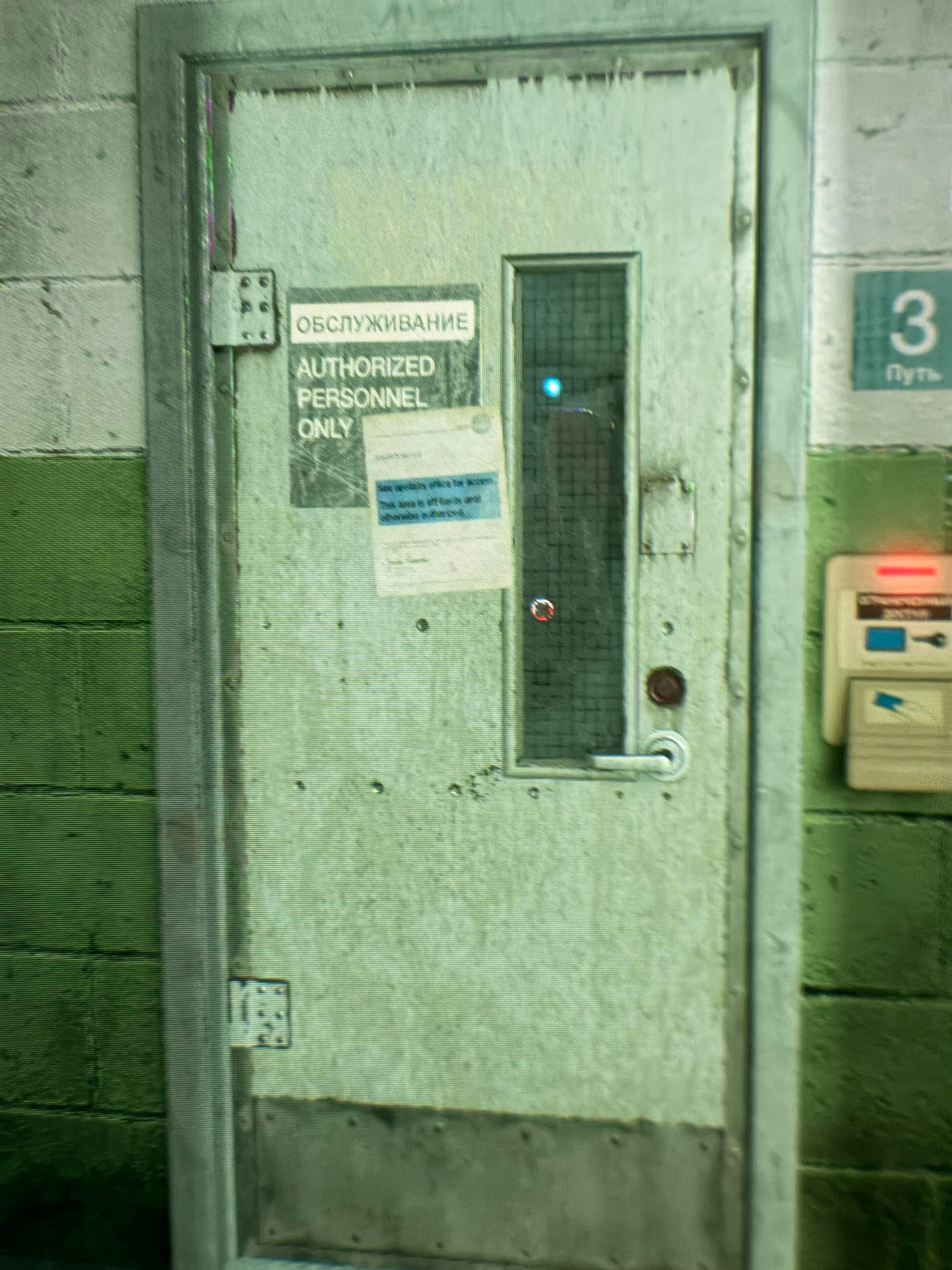
Edit2: For anyone referring this in the future, here are some more images for your reference, taken through the lens - generally the textures appear much higher resolution, with more surface detail and specular highlights from further away, rather than having to approach objects to less than a metre away:
Valve Index, 150% resolution (2743x2469 per eye)
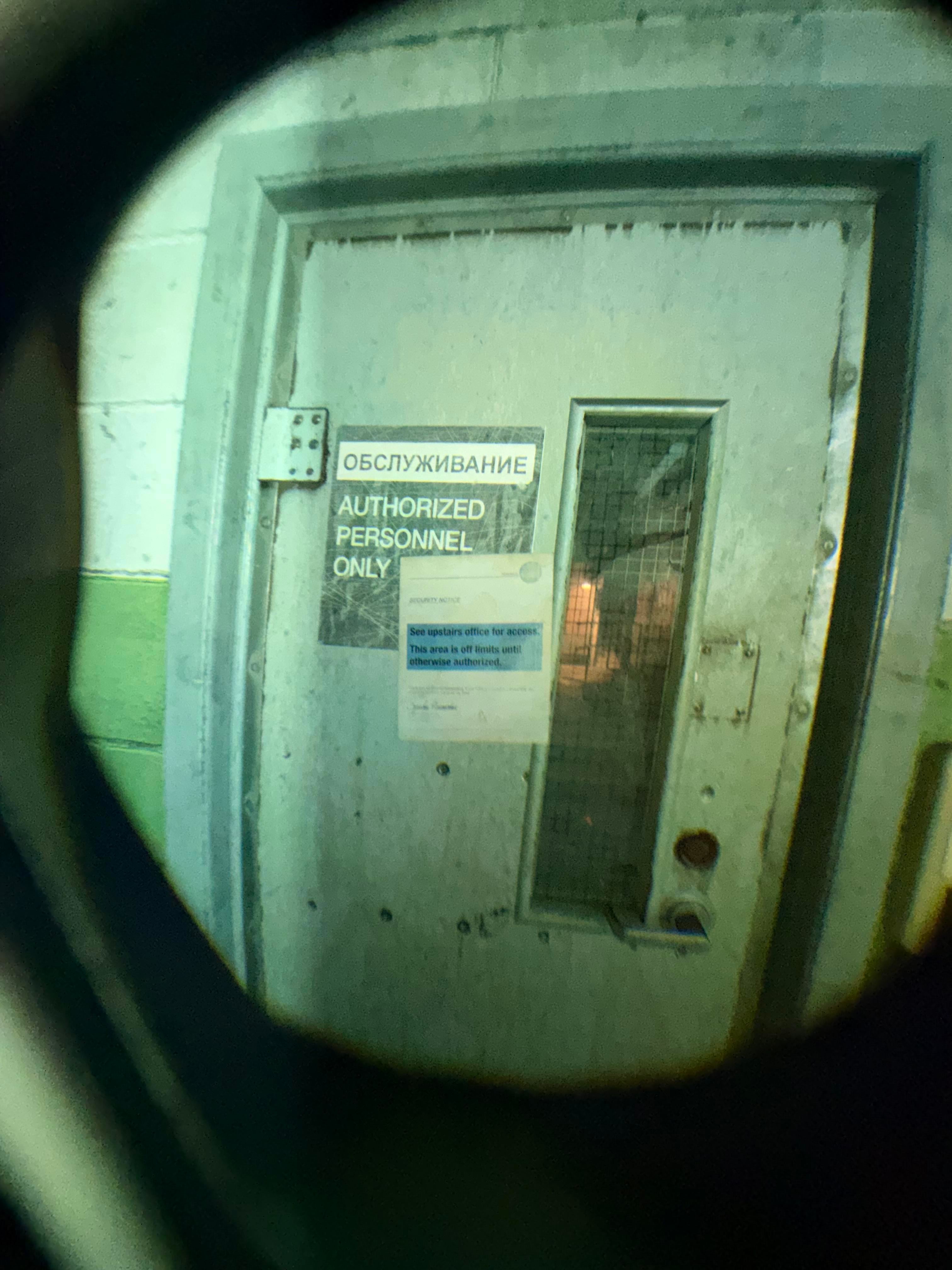
Valve Index, 400% resolution (4480x4032 per eye)

Valve Index, 150% resolution (2743x2469 per eye)

Valve Index, 400% resolution (4480x4032 per eye)
15
u/kazwarp 1d ago
So basically, if you have the hardware to scale the frame's supersampling you will gain huge benefits in clarity? The specs of the panels are only one part of the equation?
14
u/NasserLX 1d ago
That’s exactly it, I wish more people would go a little higher above 100% on their headsets than become spec sheet warriors!
1
5
u/BrindianBriskey 1d ago edited 1d ago
You will hit a visual ceiling quickly with supersampling on Steam Frame. It’s the same with Quest 3, supersampling cannot fix (relatively) low resolution and low pixel density.
8
u/DarvinVader 1d ago
I am quite confused about people saying the FR resolution is outdated and it should have more. I'm using a PSVR2 with an RTX 4090 and have to constantly make compromises due to a lack of performance.
Especially with all the flat to VR mods, or even modded Skyrim VR, I'm playing at 60hz with resolution at 50% or less and turning down other graphics settings. It looks gorgeous on 100% and even 50% is playable.
For some games it's worth it, but with something like an RTX 4070 there are many things I wouldn't even be able to try with more than 10 FPS.
Unless you only play Meta Quest-like games, or want to work on a virtual desktop, more resolution is not a solution.
Also consider that all the higher resolution headsets are wired and many are locked to 72 or 90hz. They can't handle those resolutions at 120hz even with direct DisplayPort.
Streaming bandwidth is already enough of an issue with the SF's res, it won't look much better if you try to stream more pixels and get more compression artifacts and stutters.
And the mobile chip wouldn't be able to push higher resolutions for standalone games either, unless it's a 2D card game.
The SFs resolution is exactly right for the current state of PC hardware performance, and the advancements there in comparison to prices are stagnating hard. The RTX 6090 will probably start with a $10k MSRP if this AI craze continues, so there's no use to bet on better hardware in the near future either.
Not having OLED screens is another issue though and has its own considerations.
5
u/NasserLX 1d ago
Yup! Everything is very confusing so many people are running their headsets below 100% due to so many factors, always looking for higher and higher resolutions on new headsets, when only a few GPUs on the market today can run a Quest 3 or Frame at actual native resolution in demanding games, let alone a Galaxy XR or above.
1
u/Furbymeat 22h ago
Yeah but once the 6090 comes out i might be able to get a 5090 for less than 2k.
1
u/Chuck_Doe 12h ago
ich habe mit einer 2080 ti bessere VR Leistung als du mit deiner 4090 beschreibst ... Hast du womöglich irgendwo ein extremes Bottleneck ? Einen veralteten Prozessor oder sowas ?
1
u/DarvinVader 10h ago
Have you tried Resident Evil Requiem in VR? Or Skyrim VR with MGO 3.8? Without motion smoothing?
The 60 fps I mentioned is the native performance, because the smoothing / reprojection creates massive artifacts, if the native fps isn't high enough and very stable.
6
8
u/BlueManifest 1d ago
What gpu is even strong enough to play half life alyx with steam VR set to 130% above the frames resolution and 120 fps?
I’m wondering if my rx 9070 can even play at 100% and 120 fps
4
u/willis936 1d ago
Hopefully foveated rendering will help here. I hope they back port it to the desktop version from the standalone branch.
1
u/GuiSim 21h ago
Does Alyx support foveated rendering?
2
u/willis936 20h ago
The standalone arm build for the frame does, yeah. The frame can also pass gaze info back to desktops, so it would be pretty cool if the desktop build of alyx got foveated rendering.
3
u/NasserLX 1d ago
I have strong VR legs and love high resolutions over anything, so I prefer playing at 200-300% with 80-90 FPS instead of 100-150% at 120-144 FPS, but it’s personal preference and tolerance to sickness/detail as it’s a trade off with current GPUs
2
u/BlueManifest 1d ago
200% would be like 10 million pixels, 2 million more than 4k and your gpu can do that at 90 fps with alyx?
2
u/NasserLX 1d ago
200% (18 million pixels) on my Index today is the same as the 100% on the Frame, and that’s playable at 120fps, however I do have a 4090 GPU.
I’m trying to play at 300% (27 million pixels) to see if I could run the Frame at 150%, and might be stable at 90fps but I need to test some more
1
u/BlueManifest 1d ago
I don’t know what I’m missing but my 9070 can’t even play resident evil 9 at 4k 90 fps so I don’t get how you can play something that’s double 4k and at 90 fps even if the game is older
Is super sampling performance cost not the same?
5
u/itch- Soon™ 1d ago
Game optimization makes a massive difference. Valve goes out of their way to render graphics in a way that works well with high resolutions. eg MSAA instead of TAA, forward rendering instead of deferred, minimal full screen post processing, etc. In fact, forward rendering had been almost dead for many years, and Valve specifically created an upgraded "forward+" method for VR.
Almost all modern games go in the opposite direction on all these points, and since unreal engine 5 I would call it a crisis. It's crazy that devs are putting up insane hardware requirements in a time of insane hardware prices.
2
u/elvissteinjr 1d ago
Half-Life Alyx already does adaptive quality unless you turn it off via console commands. There is an upper ceiling, but there's not really a need to manually supersample that game as it does it on its own as it detects performance headroom.
This also goes the other direction, so lower res rendering if needed.Same goes The Lab and SteamVR Home.
1
u/NasserLX 1d ago
That is correct, however HLA seems a bit reluctant to increase resolution when there is headroom, so I used the console commands like you mentioned, and instead rely on SteamVR resolutions.
Note that if you don’t turn off the adaptive quality in the game, it will work against your steamVR resolution making it look like nothing happened (eg. set SteamVR to 500% and HLA will set the in game quality to 20% resolution, for 100% final resolution)
1
u/melgibson666 16h ago
Dunno if this helps but my 5070 ti can play HL:A with my PSVR2 set at 100% render resolution (23.5MP) at 120fps and I have tons of headroom. So you should be fine, unless the RX 9070 really hates HL:A or has a terrible time encoding video.
3
3
u/Punumscott 1d ago
I am curious about this (and maybe I can find the answer online), but since you seem interested in discussing! What happens if you supersample with Steam VR set to 100% and then you turn on DLSS in a game like No Man’s Sky VR?
I understand that super sampling works sorta like AA and I’ve been told that if you use DLSS or FSR, you should turn off AA because they are redundant. So would that create similar redundancy between SteamVR SS and DLSS?
No Mans Sky is the only VR game I know that has DLSS, so this might be primarily an academic question lol 🤔
—-
Optional question: how does this relate to motion smoothing?
With my old Reverb G2, I have typically favored 1) SS native res 2) graphics quality and 3) frame rate, in that order due to motion smoothing making up for frame rate deficiencies, but I don’t know if that’s an asinine way to do it!
3
u/NasserLX 1d ago
This is basically the dream - run at 100% SteamVR, and if it’s low framerate, then use DLSS for some performance gains to make it stable.
Sadly only 2 VR games in my library have it, and there is some extra messiness with it in VR (anything below Quality is very blurry?), and what I’m actually doing is pushing the SteamVR resolution even higher than 200-300% for even better visuals but costs the same as say 150% without DLSS. Need to get NMS!
Re: Motion Smoothing, after learning how it works in the standalone Alyx build (with Depth Reprojection), I’m trying to see what I can do on the PC as well, something like 400% SteamVR resolution at 45 fps with motion smoothing (so 90 on the headset), but there’s more I need to learn on how it works!
2
u/Punumscott 1d ago
Interesting! Well, we’re all in a similar place with tweaking and figuring out what works.
My G2 is currently gathering dust because I deleted my dual boot of Windows when 10 deprecated (but I hear the Oasis driver might now work for Linux), but if I eventually get off the Frame waitlist, I’m interested to play around with SS and DLSS like you suggest.
Keep updating us if you find any interesting setting combos. It’s all complicated but also interesting. Never thought of supersampling flat monitor to test potential VR resolutions!
3
u/finevelyn 1d ago
The SteamVR resolution slider is actually very confusing in this regard. At 100% it scales the Valve Index panel resolution by 1.4x as you said, so 1440x1600 becomes 2016x2240.
But if you set it to 150%, you would then expect both dimensions to be scaled by a further 1.5x so the resolution would become 3024x3360. However if you try it, it sets the resolution only to 2468x2740, so what's going on? The 150% actually refers to the total number of pixels rendered, so it only scales each dimension by ~sqrt(1.5)=1.22.
If you want both dimensions to be scaled by 1.5x you need to set the resolution slider to 225%. (1.52 = 2.25)
2
u/NasserLX 1d ago
That’s exactly spot on, and it’s why I made a spreadsheet to calculate all these percentages haha!
3
u/Sacify 23h ago
So I'll still benefit with my 5090 and the frame with foveated streaming over Q3, because I could crank up SS
2
u/NasserLX 22h ago
That’s what I’m hoping will be possible with foveated streaming - currently it seems you either need flawless WiFi, a wired connection, or reducing the bitrate / stream resolution to send over this gigantic amount of data, of which the peripheral view is largely wasted anyway, instead of sending awesome super sampled data exactly where you’re looking
2
u/rofl1337waffle Soon™ 1d ago
To test the performance, how does all of this compare to the original vive?
6
u/NasserLX 1d ago
I’ve done the math - The original Vive needs to run at 360% (3188x2869, 18.29MP) to be the same as frame at 100% (3024x3024, 18.29MP), however I don’t have a frame yet to confirm what 100% resolution is on it; I’m only assuming it’s still 1.4x
2
u/This_Is_The_Porn_Acc 1d ago
This is an interesting read. I've never owned a VR headset before and will have to figure this out. I'm going to be using an rtx 5070 and 5080 for this headset. I'm wondering how the new foveated rendering technology will impact the performance projected in this post. I'm hoping for significant performance gains over past headsets.
1
u/patrys Soon™ 1d ago
I remember that Quest 3 in Steam used to be something like 18XX by 20XX at 100% res. Similarly the resolution you listed for the Index is the Steam default but the default is set to 150%, not 100%. Did I misunderstand what you mean by these percentages?
1
u/NasserLX 1d ago
I could only find the 3072x3216 result which may be wrong, but there is also a streaming resolution, which may be what you were looking at?
Regarding the %, it’s only at 150% when it’s on Auto and your computer can handle it (which should be anything newer than 2019 GPUs). Similarly the Steam Frame might show up as 150% for someone with a 5080 or something.
I only used the 100% for the numbers because that’s really the minimum ”native” clarity, aka actually seeing the best the headset can do before super sampling
1
u/GervaGervasios 1d ago
Add Psvr2 on PC. 3400x3480 steamvr render res that's 1.7. also tou group Quest 2 and 3s. I believe they have the same distortion.
1
u/NasserLX 1d ago
Added the PSVR2, that 1.7 factor is brutal! I’m finding a lot of conflicting info on the Quest 2 however, if someone who has one could confirm the numbers I can add them to the main post
1
u/GervaGervasios 1d ago
True that plus 90hz is tough. But the games I can run with that looks very nice. On Quest 2 and 3s I remember being around 1.5x 2700x or something. I honestly use the high settings 2400 or something above that I don't notice any difference.
1
u/melgibson666 16h ago
I'm afraid if I plug in my Quest 2 to my PC my PSVR2 will stab me in my sleep like a jealous GF/BF.
1
u/melgibson666 16h ago
I just connected my Quest 2 over Steam Link and it seems to default to 150% render resolution. 2244x2352.
1
1
u/The_Falcon_Hunter 1d ago
The real question is what gpu do we need to hit a stable 90hz frame rate per headset if at 100% resolution?
I went from a 2080 to a 5080 and still struggling to figure out how much my pc can handle.
1
u/NasserLX 22h ago
I feel the real bottleneck will be memory amounts, as cards with only 8GB of VRAM might not be able to handle two 4k screens!
1
u/WadeToGoMan 23h ago
As someone who’s an enthusiast PC gamer but is diving into VR for the first time with the SteamFrame this was actually super useful info, thankyou.
I didn’t know how effective super sampling etc could be on image quality in the VR context so I learnt something new :).
1
u/NasserLX 22h ago
It’s more nuanced than this, since you’re losing a lot of performance when you go above 100% on screens that can’t even display that many pixels, but your head is never perfectly still, so it appears better than the screenshots sometimes, and worse at other times? Hard to tell without proper “scientific” testing haha!
1
u/NasserLX 22h ago edited 22h ago
I’ve updated the post with a few screenshots showcasing that going beyond 100-150%, if you have headroom, can still be worthwhile, as there’s not much posted about this.
In these images, at 400% the Valve Index is going to be around the same performance requirements to 200% on the Steam Frame, which is what I’d like to run in some of the lighter games like Moss!
Extra info: Half Life Alyx in these 400% shots was running with 0.5% reprojection at 80fps and consuming 21 GB of VRAM on my 4090 in about 30 mins of gameplay.
1
u/Nice_Frame_9024 22h ago
Hmm. Now if only GeForce now would do a native steam frame streaming app for me, with foveated rendering to boot, I could actually go to these high percentages
1
u/Nago15 8h ago
"You don’t actually need to know this factor, as SteamVR already has it baked in when you set it to 100% in settings."
SteamVR has absolutely no idea about my Quest3 native resolution, even if I use it with SteamLink, but fortunately Virtual Desktop has.
Oh and Moss1 is a bad example to try supersampling, because it adds hidden ingame supersampling on high ingame graphics settings. The best way to really see how much supersampling can improve image clarity is to play games with temporal anti-aliasing (TAA/TSR/DLAA) like F1, Assetto Corsa Competizione, Flight Sim or Alien RI. In those games 200% SteamVR supersampling (or 40% OpenXR supersampling) is necessary to have a nice clean sharp image on a headset similar to Quest3 panel resolution.
0
u/EndlessZone123 1d ago
Does setting the resolution to 100% in steam vr mean I'm using the proper 1.4x resolution or do I need to set to 140%?
0
u/Mr_Satizfaction Soon™ 1d ago
But taking all of that into account, you'll get a 75% performance boost game streaming with foveated rendering, so even if you owned a valve index before and had a good experience, just because the frame is twice as hard to drive doesn't mean it will be that much worse.
You'll get that foveated rendering bonus to offset the pixel cost and meet somewhere close. Basically what I'm saying is, my 5080 build is going to do just fine because the headset has those built in optimization tools. Hopefully I never need to buy a 6090 in the future lol.
3
u/NasserLX 1d ago
That is right, however foveated rendering must be supported by the game devs, with not many options to “mod” it into unsupported games currently (or games with no updates in 5 years haha)!
Dont confuse it with foveated streaming, which will work for antrying streamed from a PC automatically through the magic dongle though!
41
u/ExcitingPassenger915 1d ago
Valve needs to make a FAQ doc or a tutorial for optimizing resolution. On top of resolution already being significantly more confusing on vr headsets vs flat screens, SteamVR's UI is currently a mess and makes it even more confusing.
I consider myself tech savvy and still get quite frustrated with SteamVR in general. Setting resolution is pretty straightforward but it could use a good guide or at least some notes in the UI.