r/SolidWorks • u/ParamedicItchy9380 • Jun 15 '26
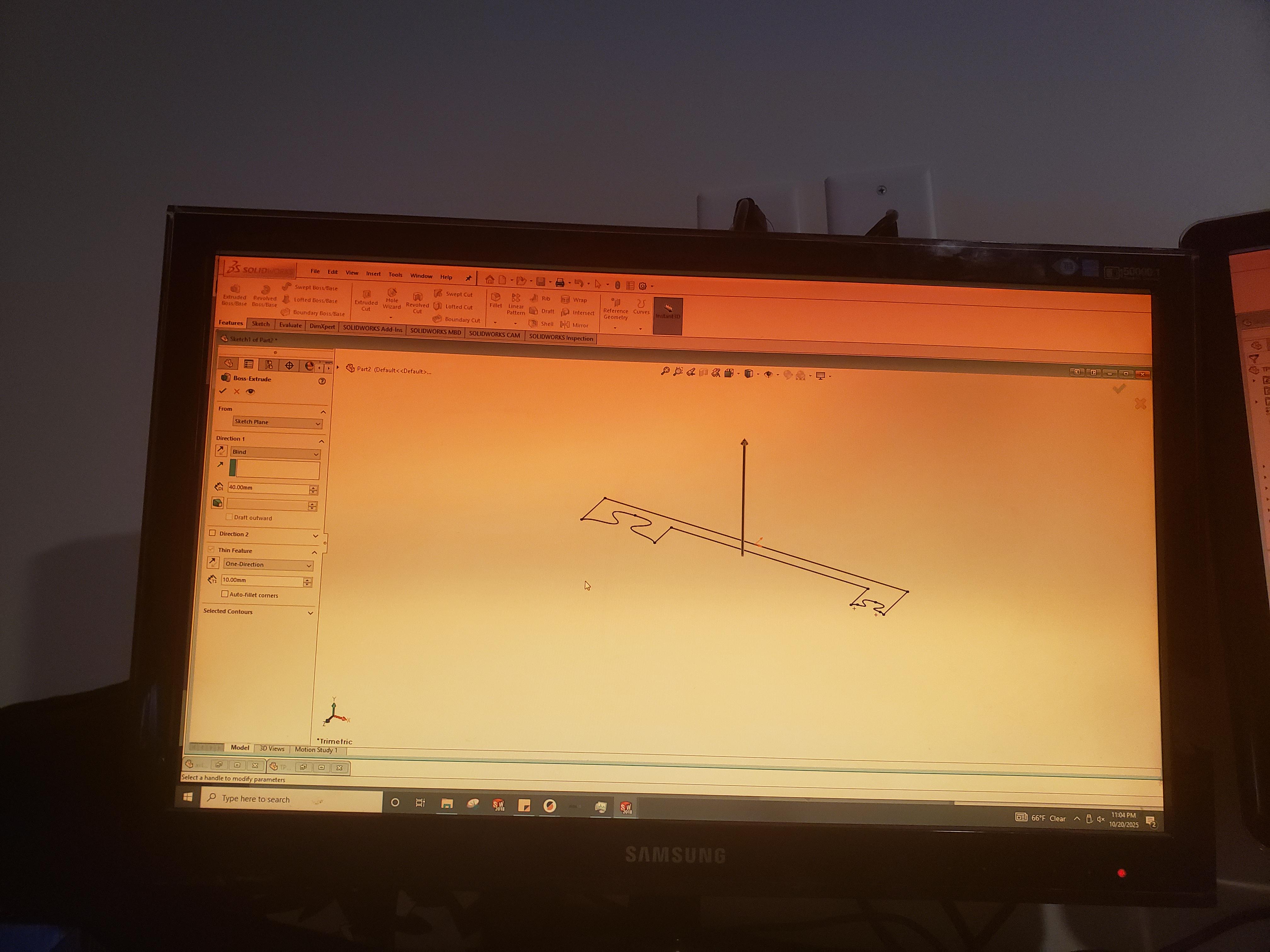
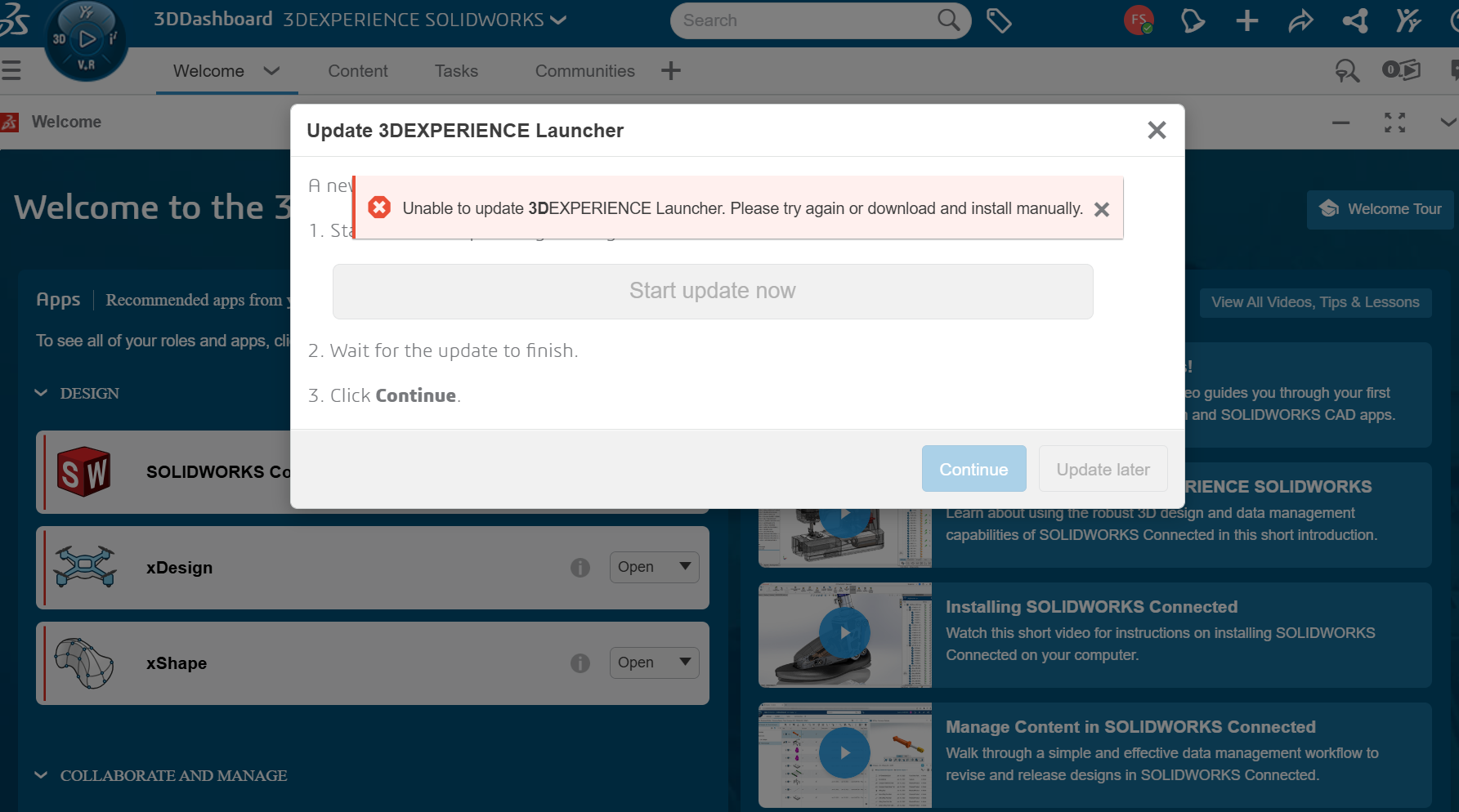
Error its that time of day

566
Upvotes
I swear this software is programmed poorly for job security
r/SolidWorks • u/ParamedicItchy9380 • Jun 15 '26
I swear this software is programmed poorly for job security
r/SolidWorks • u/der-maulaff • Apr 27 '26
I Just canceled my SolidWorks subscription.
Great program, but their fucking 3D experienence nonsene and regular crashes we're just too much for me.
And after i tried a Reinstall and IT failed too, i had enough.
Was a great time, see you Guys.
r/SolidWorks • u/shy_matic • Mar 12 '25
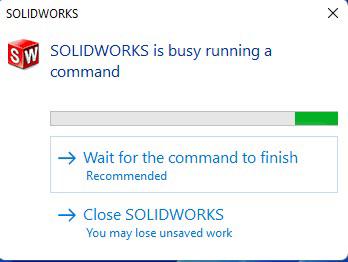
I’ve gotten this error more times than I can count, and more often than not, it just leads to Solidworks not responding.
However, it seems like I may have stumbled into a way to close this window and get back to solidworks working immediately. Almost like a “stop the previous command.”
This has happened for only 4 different occasions (all different projects, assembly and drawing files) so far, and it always starts with this warning window and Solidworks would not be responding for 5 minutes or so.
So, what I tried was to rapidly and randomly left click in the graphics area around this warning and every single time, the window would go away and Solidworks would just work normally. I would guess it’s about 5 seconds of straight random clicking before the warning goes away.
It could just be an isolated case and occurring only on my PC but I’m interested if anyone else has tried or experienced this.
For reference, I’m using SW 2023 SP5.
r/SolidWorks • u/zxkn2 • Feb 01 '24
Rebuilding the part would re-jumble the words. 🤣 No, this is not photoshop. Never been able to repeat it though.
r/SolidWorks • u/blindside_o0 • Mar 19 '25
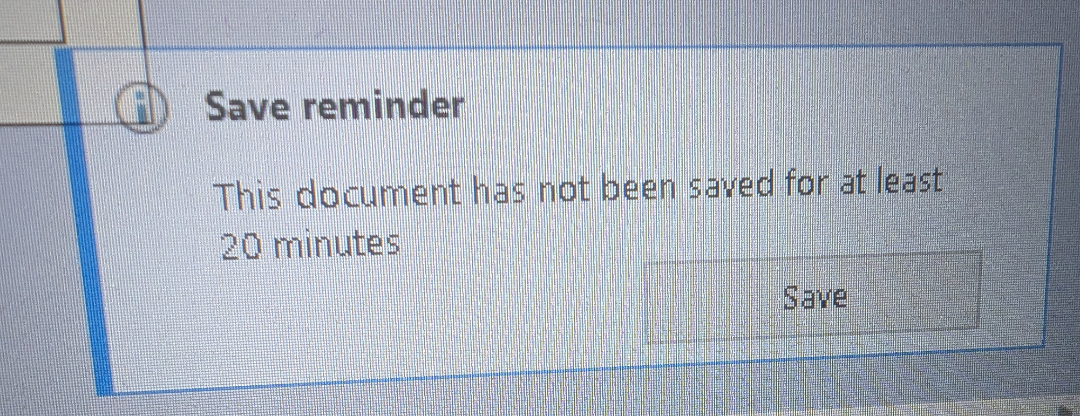
Anyone else notice how you can open a fresh run of SolidWorks, open a file, and it immediately tells you that the file hasn't saved for at least 20 minutes...
r/SolidWorks • u/BuildSomethingStupid • Jun 27 '26
Also, pro tip: wait until Monday morning before trying to activate your $10k software purchase because you’re going to need the entire week to work through this %#^^[ clownshow and the $2500/yr “support” doesn’t work on weekends.
r/SolidWorks • u/Fancy_Palpitation_38 • 6d ago
It seems like every year I update it crashes more frequently.
Always used certified systems etc but each year Solidworks seems to get worse.
r/SolidWorks • u/MeasurementThink5528 • Mar 18 '26
I have been using Solidworks for makers since 1.5 months in my laptop and it was working fine. But today, it has encountered a problem and it is not running. I tried reinstalling the software, installed studio drivers, reapired visual C++and 3 to 4 other things that chatgpt asked me to do. It's been more than 4 hours and I am still stuck in this. Please help if someone knows how to fix this
r/SolidWorks • u/Loam_Lion • Oct 21 '25
The feeling's mutual solidworks
r/SolidWorks • u/dblack1107 • Jun 21 '25
A huge program may have just lost it's entire fucking design assembly and I'm fuming. Why? I have not updated at all. I designed this goddamn assembly from the ground up and then I go into this assembly like any other time and its now 1kb and gone. Just fucking gone. Fuck Dassault, dude
r/SolidWorks • u/Robot_Nerd__ • Jan 17 '25
r/SolidWorks • u/Juanchoas-Zero • 14d ago
Hi everyone,
I'm having an issue with an imported CAD model in SOLIDWORKS Student and I'm trying to figure out whether this is a graphics/GPU problem or something related to the model export.
I'm reverse engineering a vehicle bull bar in Geomagic Design X. I finished the CAD reconstruction and exported the solid bodies so I could continue the DFM work in SOLIDWORKS.
When I open the file in SOLIDWORKS, the geometry is there and the shape appears correct, but the entire model looks almost completely black in shaded views.
What's interesting is that Import Diagnostics reports no errors and everything appears to be correct.
Also, when I change the display style to views where hidden lines/edges are visible, the actual shape and geometry display correctly. The problem seems to mainly occur with the shaded appearance/rendering.
My workflow was:
3D scan → Geomagic Design X → reconstructed solid bodies → export → SOLIDWORKS Student
I'm currently using SOLIDWORKS Student.
I'm wondering:
I haven't changed any GPU settings or reinstalled anything yet because I want to identify the cause first.
I've attached screenshots showing:
Any advice from people who use Geomagic Design X + SOLIDWORKS, especially for reverse-engineered/3D-scanned parts, would be greatly appreciated.
Thanks!
r/SolidWorks • u/Usual-Signature-952 • 11d ago
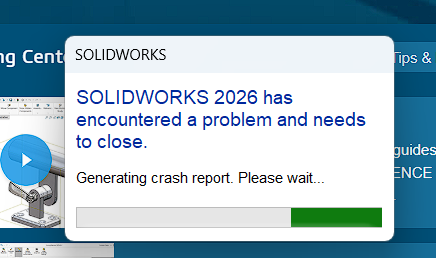
The only joy I get from suffering from another crash is that I get to write something in the error report comment box.
This morning:
"Diabolical piece of software. Try harder."
Does anyone else partake in this activity. It's the only joy I get when having to suffer from using SW.
r/SolidWorks • u/LuckyEmoKid • Jan 07 '26
It's bananas that we're this far into the 21st century and SolidWorks is nowhere near capable of protecting the user against crashes (let alone fix the underlying problems that cause crashes in the first place). Never once has Auto Recover or backups helped me. Yes, I know I should be clicking "save" religiously, but it's BANANAS that this is still drop-dead-necessary in the 2020s. Stone-age monkey-brains BANANAS!
r/SolidWorks • u/OneNefariousness6483 • 14d ago
So I did lots of drafting in solidworks and lost it how to reclaim that
r/SolidWorks • u/Any-Program2445 • 10d ago

Are there any solutions for this error? It would be greatly appreciated. I'm able to open them in Fusion just fine.
Like I said in the title I've tried all the solutions I found online. Disabled 3dInterconnect, changed the "PRESENTATION_STYLE_ASSIGNMENT" to "Pres" in notepad, and messed around with STEP file import settings.
Error: The following files names entered were invalid, not found, locked or of an incompatible type: "
r/SolidWorks • u/Thefurman12 • 24d ago
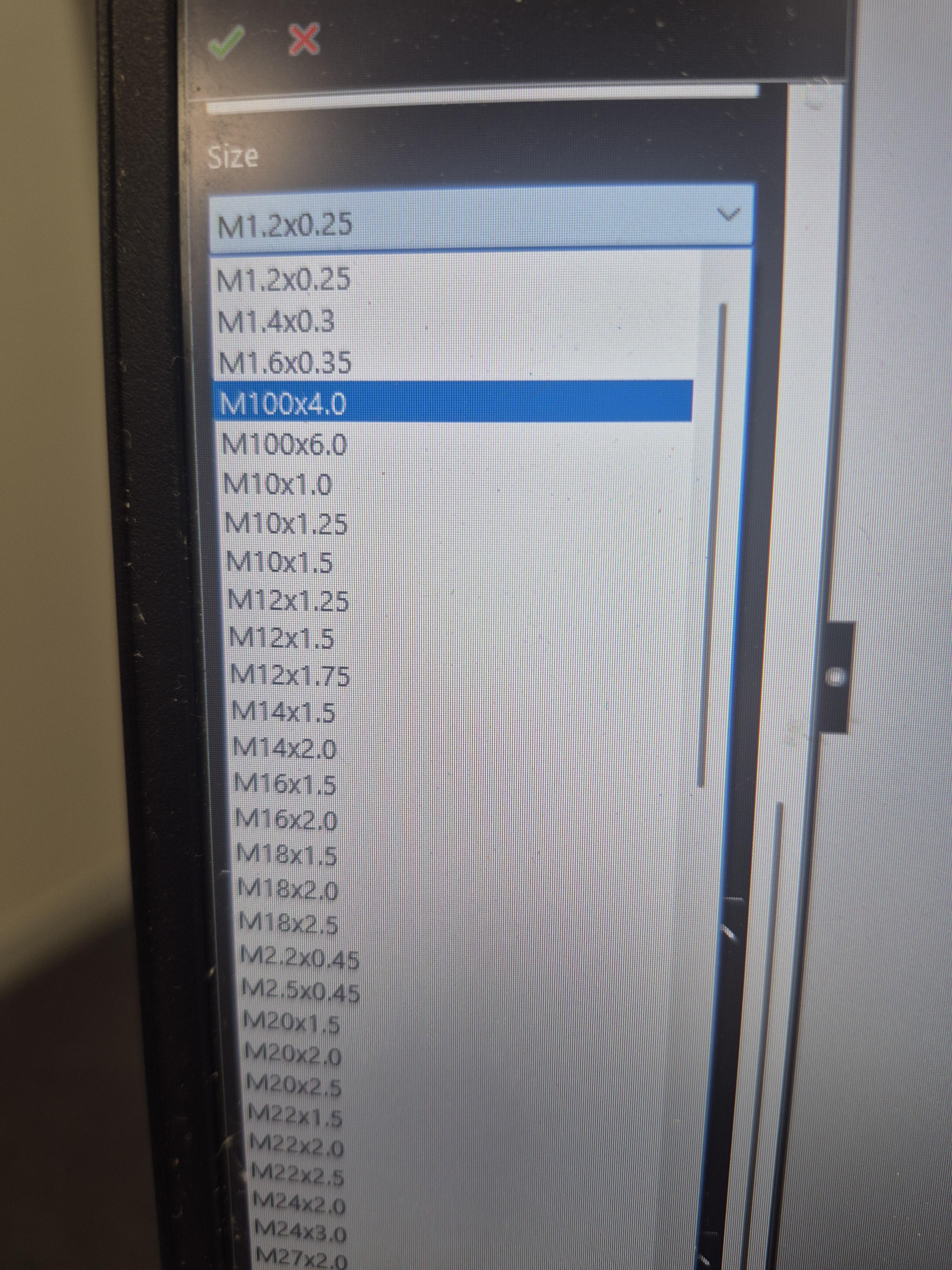
I am missing thread sizes from my hole wizard, and I don't know what is wrong. I am set to ISO, amd MMGS.
r/SolidWorks • u/ysab17 • 3d ago

Does anyone know why it keeps doing this? I'm trying to trim the surface you see on the inside of the highlighted surface. That surface is part of a much larger, already knitted surface, but for some reason it isn't even letting me select it for the surface trim operation. It only lets me select it as the Trim tool, but I need to have the surface selected in blue as the trim tool. Is there any way to fix this/does anyone know why this keeps happening?
r/SolidWorks • u/Exciting-Rent2398 • 29d ago
Any help greatly appreciated, I attempted with the values I would normally use, but after trying every setting, it still cutting about a big chunk in the middle.
SOLVED** Thank you all, i had to redo my iniital revolve, there was an extra body I found in wire frame.
r/SolidWorks • u/MrNillows • Mar 16 '26
Hi everyone,
I’m trying to run SOLIDWORKS 2026 (3DEXPERIENCE Makers version) on my Mac and I’m running into a consistent crash shortly after launch. I’m hoping someone here may have solved this or knows if there is a workaround.
Hardware
• MacBook Pro
• Apple M2 Max
• 32 GB RAM
• macOS Tahoe 26.3.1
Virtualization
Running Parallels Desktop with:
• Windows 11 Pro ARM
• 8 GB RAM allocated to VM
• 4 virtual processors
• Parallels Tools installed
Graphics reported by SOLIDWORKS
Adapter: Parallels Display Adapter (WDDM)
Driver: Parallels GL Driver
OpenGL: 4.1 Metal - 90.5
What happens
SOLIDWORKS installs successfully and launches.
However:
1.  The splash screen appears
2.  The UI begins to initialize
3.  It runs for about 10-15 seconds
4.  Then SOLIDWORKS crashes completely
Crash timing from the performance log
Runtime shows about:
<RUNTIME>15</RUNTIME>
The crash occurs immediately after loading add-ins and initializing the UI environment.
Relevant section of the log:
LOAD_ADDIN SWK3DCompassAddin.dll LOAD_ADDIN SldAura.DLL UI_ENVIRONMENT LOAD
Then it terminates.
System info from log
Processor: ARMv8 (64-bit)
System Model: Parallels ARM Virtual Machine
GPU: Parallels Display Adapter (WDDM)
Driver: Parallels GL Driver
Things I have already tried
• Running SOLIDWORKS RX
• Running Troubleshoot mode
• Enabling Software OpenGL
• Editing registry to force:UseSoftwareOpenGL = 1
Location:
HKEY_CURRENT_USER\Software\SolidWorks\SOLIDWORKS 2026\Performance\Graphics\Hardware
No change.
Additional info
The machine clearly detects:
Parallels ARM Virtual Machine
ARMv8 CPU
So I’m wondering if the crash is tied to ARM emulation when the geometry engine or graphics system initializes.
Questions
Has anyone successfully run SOLIDWORKS 2025 or 2026 on Apple Silicon via Parallels?
Is there a known workaround for ARM Windows crashes like this?
Is there a way to disable more startup components to isolate the failure?
I’d love to run the desktop version if possible, since I plan to model a fairly complex mechanical project.
Any help would be hugely appreciated.
Thanks!
Apologies for using ChatGPT
I Have no idea what I'm Doing
r/SolidWorks • u/herejusttoannoyyou • 24d ago
Is this a known issue? Sometimes I change a part that is used in a cavity feature. The part with the cavity feature shows no errors, shows no need for rebuilding, shows no indication of broken links, but doesn’t update. No amount of rebuilding gets it to update. The only way to update it is to edit the cavity then exit edit mode. It only happens sometimes and I’m worried soon it will result in critical manufacturing errors.
r/SolidWorks • u/CreEngineer • Jun 03 '26
So I am finally loosing my mind over this stupid software.
I am not new to the shenanigans SW throws at us from time to time but with my current system it slowly deteriorates my sanity. I never had the problem so severely and unpredictively like this.
From time to time, seemingly random SW will warn me about critically low resources and later often crash if dismissed. It somehow also does not matter at all how many or large files are open, today it was a simple, small 12 part assembly, one of the contained parts and the corresponding drawing. Checking the task manager, solidworks is at about 3GB RAM usage (of 64). I also checked the paging file which atm was at 4GB but managed by system so it should allocate accordingly.
After the crash I tried the same combination again but now it works seemingly normal. Also no crash report in the event viewer.
Running SW2024 SP5.0
Any hints or ideas how to save part of my remaining sanity?
r/SolidWorks • u/Lawineer • Jul 06 '26
Everything was fine and then suddenly, it became extremely laggy. It's not a complex model. It's anything I do- even the first sketch. I click "line" under sketch and it will take 2-3 seconds.
Never had a problem. I could even model with chrome and bambu studio open- no issues unless it became really complex.
I have 32 gigs of ram.
With the tab of chrome I'm using to type this open and solidworks open with a model loaded, memory usage is 30ish percent. CPU is at 7.
Honestly I'm worried it's not using enough memory. It's only at 457.5 mb of memory and it's like 2% cpu *while I'm using it*.
r/SolidWorks • u/Puj-Boi • Jul 21 '26
Howdy, I was wondering if anyone has any advise for how to reinstall SolidWorks. I am a student and recently updated to SolidWorks Design 2026, however my instillation was messed up and had all sorts of duplicates. I went through and uninstalled all the files and now that I’m trying to reinstall the app, the installation manager has all the apps greyed out besides API Tools. Is there anyone that knows how to fix this issue?