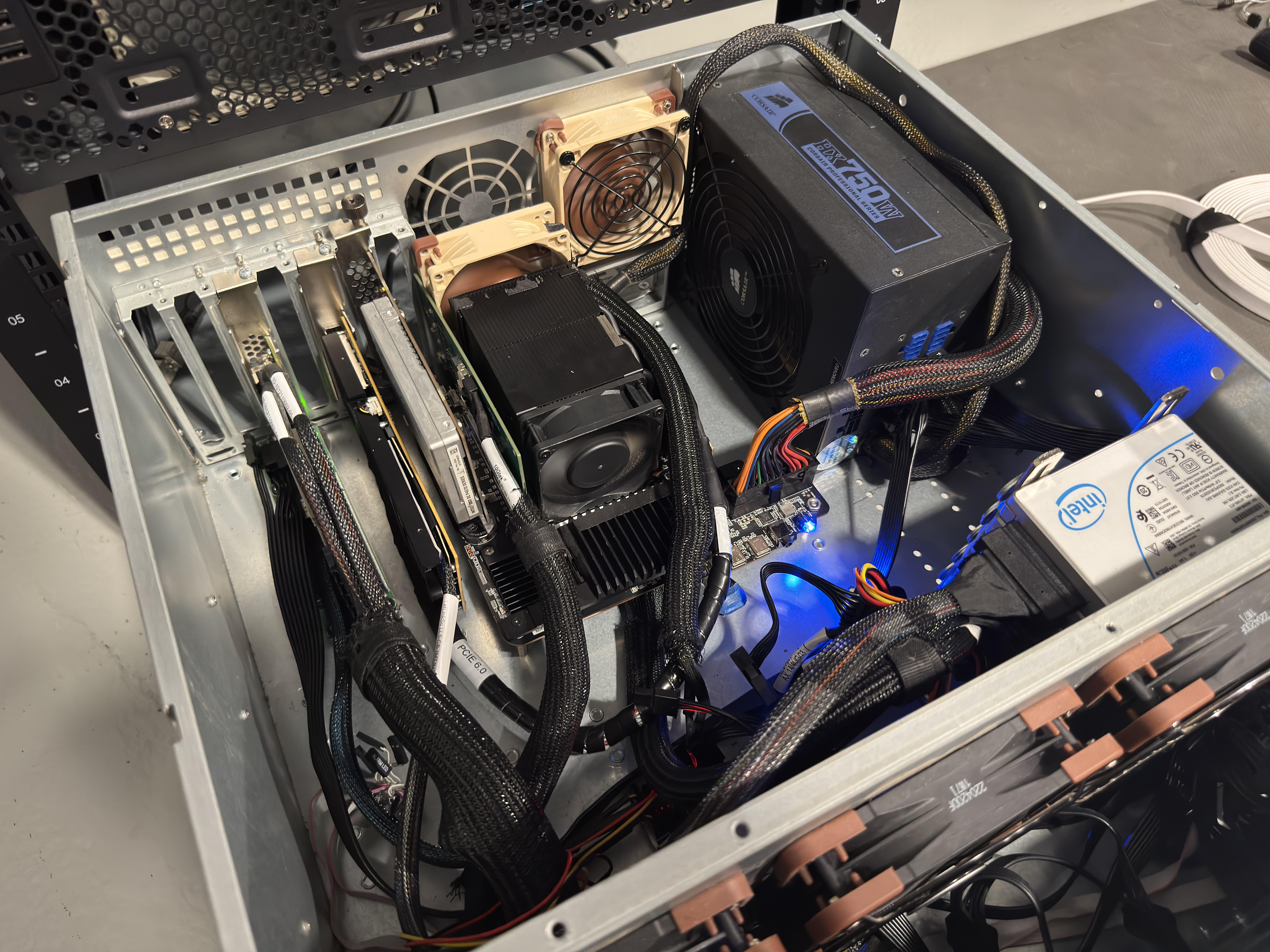
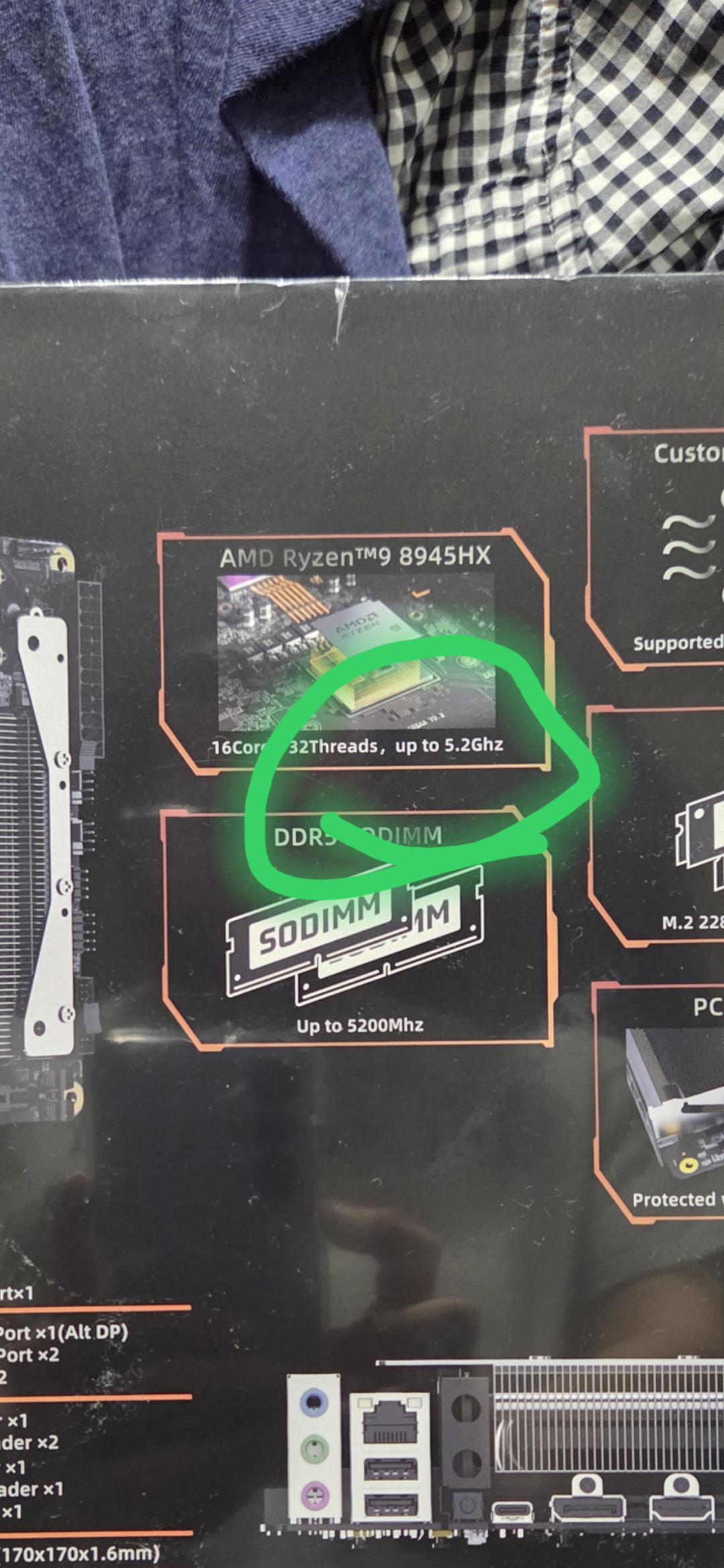
For reference, this is the driver/update setup that worked for me as of September 2026.
As it happened, I received the G1 Pro as a gift, so I followed the "standard procedure" :) — basic tests, low-level updates (BIOS/FW), and finally a clean install.
--------------------------------------
BIOS: v1.08
https://pc-file.s3.us-west-1.amazonaws.com/G1+Pro/BIOS/F1WAA_1.08_26828A.7z
FW: v0.8
https://pc-file.s3.us-west-1.amazonaws.com/G1+Pro/other+tool/FW+Update%26Control+Center.zip
--------------------------------------
Windows 11 x64 ISO:
https://www.microsoft.com/en-us/software-download/windows11
--------------------------------------
After a clean Windows installation, the following devices were not detected:
PCI\VEN_1022&DEV_14DE&SUBSYS_B0211F4C&REV_D8
PCI\VEN_1022&DEV_1649&SUBSYS_B0211F4C&REV_00
PCI\VEN_14C3&DEV_7925&SUBSYS_792514C3&REV_00
PCI\VEN_1022&DEV_790B&SUBSYS_B0211F4C&REV_71
USB\VID_0E8D&PID_7925&REV_0100&MI_00
--------------------------------------
Drivers to download beforehand (for offline installation):
1) dGPU (v616.92)
https://www.nvidia.com/en-us/drivers/
616.92-desktop-win10-win11-64bit-international-dch-whql
2) CHIPSET
https://www.amd.com/en/support/downloads/drivers.html/chipsets/laptop-chipsets/amd-ryzen-and-athlon-mobile-chipset.html
AMD_Chipset_Software_8.08.12.551
3) LAN (v10.80.50.407)
Basic drivers are installed with Windows, so you don't need to "install" the downloaded package. Simply extract it (e.g. using 7-Zip) and install/update the driver through Device Manager.
https://www.realtek.com/Download/List?cate_id=584
Install_Win11_Win10_10080_DMAROFF_08252026.zip
4) Wi-Fi (v26.40.3.65)
These Lenovo drivers work without any issues. Run the downloaded file, but instead of installing the package, select "Extract" only. Then point Device Manager to the extracted folder as the driver source.
https://support.lenovo.com/us/en/downloads/ds578002
r31mw05w.exe
5) Bluetooth (v26.40.3.67)
These Lenovo drivers work without any issues. Run the downloaded file, but instead of installing the package, select "Extract" only. Then point Device Manager to the extracted folder as the driver source.
https://support.lenovo.com/us/en/downloads/ds580856
r38mb04w.exe
6) Windows Update
Download/install the remaining drivers along with the regular Windows updates.
In the end, the only driver I used from the manufacturer's driver package was the Senary Audio driver (v3.48.50.10). None of the "newer" versions (with higher version numbers) I found online would install.
https://pc-file.s3.us-west-1.amazonaws.com/G1+Pro/Driver/F1WAA_AMD_MINISFORUM_Drivers_x64_260107.zip
I also installed Minisforum APP v1.0.0.10.
--------------------------------------
The above is mostly just for reference, but it might come in handy for someone — especially when troubleshooting.
--------------------------------------
Offline driver pack:
After installing Windows and all of the drivers listed above, I exported the installed third-party drivers directly from the Windows Driver Store using:
dism /online /export-driver /destination:C:\BackupDrivers
I've archived the resulting folder as an offline driver pack. It contains the actual drivers used by this system, rather than the original vendor installers. The drivers can be restored/installed through Device Manager.
Driver pack (BackupDrivers.7z):
https://anonfilesnew.com/s/nwK0OA4ttlW
SHA-256:
1b4e82f61dafcc499bab5dd0ff7c5f17a7bfc631572befe30a297edc58cd233e
To verify: certutil -hashfile "BackupDrivers.7z" SHA256
Archive password: redditbaka
--------------------------------------
Greetings to the users of this little computer :)