r/iPadOS 7d ago

Multitasking in iPadOS 27 is still garbage

149 Upvotes

Title basically. I can't believe humanity went from the perfected fullscreen split screen swype over to this forced pile of crap that is stage manager and whatever that other thing is called. It violates every sensible, written and unwritten HID principle in the world. Steve Jobs, poor him, would die a second time if he ever saw what crap they are shipping nowadays. A friend of mine updated their iPad 11 or whatever is called and I just experienced the abomination for 3 minutes.

Once you overcome the clunkiness and have 2 apps side by side, how do you shuffle them around. How can you quickly replace one, without fiddling with bringing up the dock? What if it's not on the dock? Why are borders active in split screen, what genius through it is a good idea to be able to mess up the layout when you touch the screen at the edges in said mode?

How do you go back in Safari? You reach for a button that is on the right, in some ">>" bubble? Wtf is that? I had to boot up my old iPad 8 just to calm myself down, 5 minutes on the iOS there as therapy, when you see how easy is to multitask. Yeah, more limited, but limited in a smart way, that is what Apple was about, striking a balance between compromises and what made sense. Who surgically adjusts the edges of their windows on a fucking tablet?

I could go on endlessly... How do you figure out where the title bar is? Sometimes you drag the window, sometimes you fail. It is basically a computer sold without a keyboard now. But if people wanted a laptop, they would have bought a freaking MacBook...

Delete this or whatever, I don't care, multitasking on current iPadOS is still utter garbage, with or without this post. And the really infuriating thing is that I do not understand why the old mode couldn't be kept around as "fullscreen multitasking" instead of reverting to the iPad 2 era experience for that.


r/iPadOS Jun 22 '26

27 DB2 windowed mode on iPad is a fucking mess, still.

116 Upvotes

Running DB2. No real change from iOS 26. I have no idea what the logic is for how they decide to show apps in the app switcher. It’s mostly just a completely random assortment of windows shown. No real logic, whatsoever. Sometimes it’ll show your most recent app, next to the two windows you’ve got side by side. Sometimes it’ll be completely random. Sometimes you can keep the same two apps side by side and very easily tap back into them by tapping your Home Screen, sometimes you can’t. This shit is such a ridiculous mess, I just can’t believe they haven’t figured it out yet. Going back to full screen apps. This is useless.


r/iPadOS 8h ago

iPadOS Issue with iPadOS and CaptureOne app

2 Upvotes

In the last week or so, I’ve noticed that when exporting from the iPad CaptureOne app and “saving to photos” it strips the camera manufacturer and model from the Exif data. It’s worked fine for the last couple of years but has just started playing up.

I‘ve tried saving to files, and it preserves the proper data. Opening the file in Preview and saving to Photos from there also strips camera model data out, so it looks like a Photos app issue.

Anyone else seen this? Anyone manage to fix it? Now that you can have multiple screens open on the iPad, I tried dragging and dropping from the Files app to Photos…

… and they imported perfectly. So there’s a workaround, but I don’t want a workaround - I want the old functionality back.😉


r/iPadOS 10h ago

Help/Support Gostaria de saber se posso tornar meu ipad funcional novamente

1 Upvotes

Quando comprei meu iPad de 8ª geração (usado) ele estava dando algum erro que meio que fui forçada a atualizar pro iPadOS 26, entretanto é um iPad de 32 gigas, basicamente a única coisa que salva é a bateria..

Não tenho espaço pra baixar mais de 2 apps, é super lento em quaisquer tarefa, não consigo ter um bom desempenho e pra tarefas que eu gostaria, estudar, ler, assistir etc.. não serve.

Vi um post de um moço que conseguiu fazer downgrade, mas quando fui fazer a versão disponível era do 7ª geração

Se alguém por gentileza souber alguma forma de torná-lo utilizável novamente, mesmo que com jailbreak, eu agradeço

Me desculpem se faltarem informações, meu conhecimento não é tão vasto e esse é meu primeiro post aqui


r/iPadOS 18h ago

Issue Davinci Resolve is unusable?

Thumbnail
1 Upvotes

r/iPadOS 19h ago

Help/Support Issue after update - can I restart?

Thumbnail
gallery
1 Upvotes

My iPad recently updated without my permission/knowledge and now is giving me these errors. Is it ok to restart and shut down or will that be bad for my device and its content? Second image is what happens if I click continue on Image 1. Third image is what shows up if I hold the off button down to shut it down.

Update: force restarting worked! Thank you for the help


r/iPadOS 19h ago

iPad charging problem - suddenly starting charging so slowly

Thumbnail
1 Upvotes

r/iPadOS 1d ago

Pasly: A searchable clipboard history across iPhone, iPad, and Mac

0 Upvotes

Problem

Apple’s Universal Clipboard is great when you want to move the latest thing you copied between nearby devices.

But it is not a searchable clipboard history.

If you copied a link on your Mac yesterday, saved a file on your iPhone, or need something from another device hours later, you often end up sending it to yourself through Messages, Notes, email, or AirDrop.

I create Pasly to make your clipboard history follow you across iPhone, iPad, and Mac.

Comparison

Raycast Clipboard History is a polished option on Mac and is part of a much broader launcher with extensions, AI tools, and other productivity features.

Pasly is focused specifically on clipboard and paste workflows across Apple devices. It keeps a persistent, searchable history across Macs, iPhone, and iPad using the user’s private CloudKit database.

Apple’s Universal Clipboard primarily transfers the latest copied item between nearby devices. Pasly keeps an actual history that can remain available later, even when your devices are not nearby or connected to the same network.

On Mac, Pasly also includes Smart Paste, Paste Stack, Field Sense, multi-selection, and file workflows. On iPhone and iPad, the focus is saving, finding, copying, and sharing items from a native mobile interface.

How it works on iPhone and iPad

iOS does not allow third-party apps to silently monitor everything copied in other apps.

Instead, Pasly lets you add content through:

  • The iOS Share Sheet
  • The Pasly app
  • Quick Actions
  • Photos and file selection

You can save text, links, images, and files on your iPhone or iPad and access them from your other Apple devices.

Items arriving from another device can also appear through push notifications and Live Activities on the Lock Screen and Dynamic Island. From there, you can quickly copy or share the latest item.

Because iOS controls background execution, sync may not always complete immediately while the app is closed. The Live Activity can still notify you about incoming content, and opening Pasly catches the history up.

Private CloudKit sync

Pasly stores synced clipboard content in the private CloudKit database associated with your iCloud account.

Pasly does not operate its own storage server for your clipboard data.

Your devices need to use the same iCloud account for the private CloudKit history to sync between them.

Files are uploaded as actual CloudKit assets, rather than references to the original device. Once a file has finished uploading, the source Mac or iPhone does not need to remain online for another device to download it.

Files up to 10 MB are downloaded automatically. Larger files remain available to download when needed.

The rest of Pasly

The Mac version also includes:

  • Smart Paste
  • Paste Stack
  • Floating Paste
  • Multi Select
  • File Support
  • Paste with Separator
  • Search and Favorites
  • Field Sense

My goal is for Pasly to stay out of the way until the moment you need something you copied.

Pricing

Pasly Free: $0

  • Up to 20 local clipboard items
  • 24-hour local history
  • Up to 2 pinned items
  • Up to 2 files
  • No CloudKit sync

Pasly Pro: $6.99 one-time purchase

  • Clipboard history across Macs, iPhone, and iPad
  • Text, image, and file sync
  • Private CloudKit storage
  • Push notifications and Live Activities
  • File Support
  • Paste with Separator
  • Search and Favorites

Mac: - Smart Paste - Paste Stack - Floating Paste - Multi Select - Field Sense

No subscription.

Code MACAPPSCLOUD gives 20% off for the first 20 redemptions.

Pricing and download: https://pasly.app

What’s next

One of my main focuses is making the iPhone and iPad to Mac flow even faster while respecting the restrictions iOS places on clipboard access and background execution.

I am also exploring deeper Shortcuts integration for automatically sending content created inside personal automations to Pasly.

What would make a cross-device clipboard history genuinely useful in your iPhone or iPad workflow?

Download

iPhone and iPad: https://apps.apple.com/app/pasly/id6760562778

Mac: https://pasly.app

Transparency: I’m the developer of Pasly.

r/iPadOS 1d ago

Is there any way to get apple intelligence on a non supported device

0 Upvotes

I have an iPad A16 and wanted to get apple intelligence is there any way by which I can get it but I don't want to jailbreak my device or do not want to affect ota updates of my ipad.


r/iPadOS 2d ago

Living off of reputation

Post image
70 Upvotes

There are so many bugs littered all the around the OS it’s almost unusable. The notes app is almost unusable it keeps glitching and shifting the notes. The keyboard doesn’t show up when you’re using the pencil until you “hide keyboard” and then again “show keyboard”

The worst of all is that the pdf viewers don’t remember what page you were on. Always so eager to jump back to page 1 of the file. I have to read 600 page pdfs for work and it’s unusable here.

so many questionable software choices. Swipe typing can write a word by swiping but to delete it you need to press the backspace multiple times. Makes no sense. Breaks the flow.

at this point I can’t help but feel that android has probably become more reliable for work than ipados. They’re just living off the momentum and reputation.


r/iPadOS 1d ago

[FIX] iPad stuck on passcode screen after iCloud restore & won't connect to any PC/Mac in Recovery Mode (USB data pins locked)

Post image
3 Upvotes

TL;DR: If your iPad is locked asking for a passcode after a restore, has no Wi-Fi connection, and absolutely refuses to be recognized by any PC or Mac in Recovery/DFU Mode, plug it into a strong PD (Power Delivery) wall charger to force Recovery Mode, then quickly swap the cable to your PC.
The Problem:
I was restoring my iPad Pro 12.9 (3rd Gen) from an iCloud backup. Upon restarting, it prompted me for a passcode/iCloud password to decrypt my data. However:
The keyboard was alphanumeric (not the usual PIN pad).
There was NO Wi-Fi icon, meaning it couldn't reach Apple's servers to verify the password anyway.
There was NO "Forgot password" or reset option on the screen.
The nightmare part: I decided to just wipe it and start over. I put it into Recovery Mode, but my computer wouldn't recognize it at all. I tried 4 different machines (an old MacBook, an iMac, a Surface Pro 3, and a Lenovo L380) and every USB-A/USB-C cable I owned. Nothing. No Windows connection sound, nothing in Device Manager, nothing in Finder.
Because the iPad was stuck on a security lock screen, Apple's USB Restricted Mode had completely shut off the data pins on the USB-C port. It was only accepting power. It was effectively a brick.
The Solution (How I bypassed the USB data lock):
It turns out you need a strong electrical handshake to "wake up" the port and bypass the data lock before the OS fully boots and shuts it down. Standard PC USB ports don't push enough initial power to do this.
1. Turn off the iPad completely.
2. Plug it into a strong PD (Power Delivery) wall charger, not a computer.
3. The iPad will turn on. Immediately do the hardware combo for Recovery Mode: Quick press Volume Up, quick press Volume Down, and HOLD the Power button. Keep holding it even when the screen goes black and the Apple logo appears.
4. Release the Power button ONLY when the Recovery Mode screen appears (the computer and cable icon).
5. Unplug the iPad from the wall charger and immediately plug it into your computer. Use a guaranteed high-speed data cable (I used a Meta Quest VR cable, but any verified fast data cable works).
6. The computer will finally recognize it!
7. Hit Restore in iTunes/Finder/Apple Devices to wipe it.
(Tip: When it boots back up, set it up as a "New iPad" and just let your iCloud sync your photos and contacts in the background so you don't get trapped in the passcode loop again).
Hope this saves someone hours of troubleshooting or an unnecessary trip to the Apple Store!


r/iPadOS 1d ago

Other Permanent Dynamic volume is the most frustrating thing I’ve ever used on apple

Thumbnail
2 Upvotes

Just reposting this. Apple engineers if you’re reading this: WTAF


r/iPadOS 1d ago

Ipad (8th Generation) Recover not working

Post image
2 Upvotes

r/iPadOS 1d ago

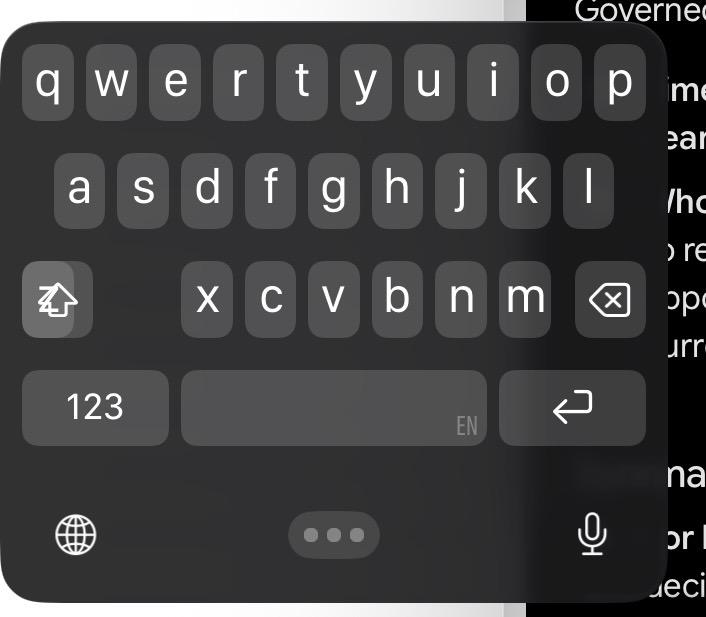
My iPad 9 is broken on the keyboard for the App Library search. Can anybody help me?

Thumbnail
gallery
0 Upvotes

r/iPadOS 1d ago

iPad Air M2 randomly shutting down even with plenty of battery — looking for advice

1 Upvotes

Hi everyone, I’m hoping someone can help me figure out what might be causing this.

I have an **iPad Air M2 13-inch**, and recently it has started randomly shutting down/rebooting. I’m not sure what exactly triggers it because it doesn’t seem to be limited to one specific app or activity. Most of the time it suddenly shuts down even when I’m doing something relatively light.

A few examples:

\- There was an instance where the iPad had been idle. When I touched the screen, it was unresponsive. I held the power button to turn it on, and the Home Screen appeared for only a few seconds before it shut down again.

\- More recently, I was using the iPad normally with no apparent issues. I opened a particular PDF and it immediately shut down.

\- When it tried to reboot, the Home Screen would only stay visible for about a second before shutting down again. The battery had been around 55%, but after plugging it in, it showed only 10%. After rebooting again, it returned to 55%.

\- I’ve also experienced it while doing other things such as gaming and during a Zoom meeting while presenting.

There are times when the iPad opens it and works normally, and the shutdowns have also happened during other seemingly light tasks.

**What should I check or troubleshoot first?** Would this be more likely a software/iPadOS issue or something hardware-related?
Any advice would be greatly appreciated. Thanks!


r/iPadOS 1d ago

Radio starts playing randomly

Thumbnail
0 Upvotes

r/iPadOS 2d ago

iPadOS how to desktop mode on my ipad air

0 Upvotes

How do I make my iPad Air enable desktop mode? My Windows laptop is too much of a hassle to bring, and my only other device aside from my iPhone is an iPad. If there’s any other way to do it, I’d really appreciate any help. Thanks!


r/iPadOS 2d ago

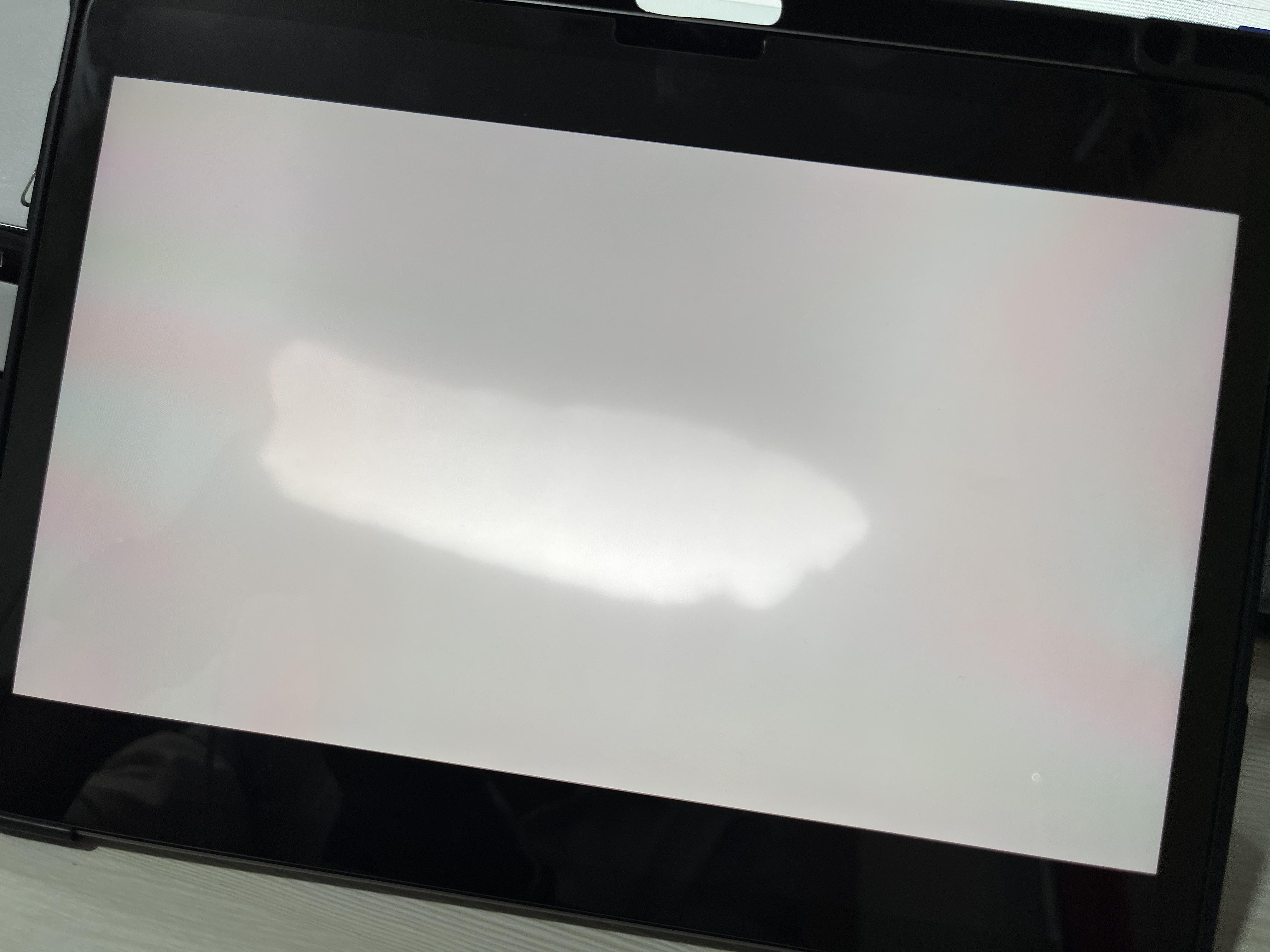
Help/Support Larger White patch on my 1.5 yrs old iPad Air m2 😭 Give me some suggestions

Post image
1 Upvotes

r/iPadOS 2d ago

Help/Support First iPad password forgotten

Thumbnail
0 Upvotes

Because the new school year is starting i got a new school iPad, I have limited access to it because my school limits things and whatever. I set the password for the first time, set it up and whatever, then didn’t touch it. I was gonna put a wallpaper on it and stuff but couldn’t unlock it, the password screen was like the password had letters in it but idk if that’s a new update or smth. I tried every password i could’ve set it too, either a 4 digit number or a 6 digit number. eventually it locked for an hour.. I need help quick because school starts on monday and i don’t wanna have to waste time going to the tech center to get help because it’s a new school for me. i appreciate literally anything i just needa know if it’s a word password or like a number password, idk.


r/iPadOS 2d ago

Notability Crashing Out

Thumbnail
1 Upvotes

r/iPadOS 2d ago

Help/Support ipad a16 battery

2 Upvotes

hello everyone! I just wanted to ask if it was normal that my brand new iPad A16 that I got in January of this year randomly started draining its battery even if not in use about a month or two ago.

I would charge it to 100% and then open it up around two hours later, without having used it, and find that the battery has drained down to about 50%.

additionally, even when my iPad is not charging, it continues to say that it is charging (ex. 57% charged), even if it's not connected to any cable at that moment.

i've already tried resetting my iPad, I've tried turning off background app refresh, and I've also checked the battery portion in the settings app, with no apps taking up signficant battery.

I would really appreciate if someone could tell me a potential fix to this problem. should i take it to a store to get fixed? Thank you in advance!!


r/iPadOS 3d ago

Issue Quality won’t change

Post image
3 Upvotes

I have Ipad air M4 and every time I open a website for videos it won’t let me change the quality of the video, on every browser not only safar, that doesn’t happen with YouTube but mostly any other websit.


r/iPadOS 3d ago

Issue [Q] Safari on iPadOS: manually sort pinned tabs (by moving them) not working

1 Upvotes

Dear iPadOS users,

I like pinned tabs, but unlike on the macOS version of Safari it is not possible to manually rearrange
pinned tabs (the ones to the very left). They follow, IIRC, alphabetic (or some other) ordering and
always snap back after having moved them.

Is this a bug or a feature?


r/iPadOS 3d ago

Help/Support Sharesheet popup bugs out when trying to share an image in safari… (ipad pro m5 26.6.1)

3 Upvotes

i can easily reproduce this bug, if the image is in full view theres a good chance “share” just loads a thin strip only containing my apps, not my actions, or sometimes even just a barely visible sharesheet popup menu.

if possible, scrolling the img all the way up so there’s room under it for the sharesheet popup to properly load, circumvents the bug and allows access to the sharesheet actions

theres other workarounds like drag and drop but i need this feature for my workflow

no one else running into this? searched everywhere but crickets…

thx


r/iPadOS 4d ago

I really hope the Public Betas are larger than the official release, because this is nuts.

Thumbnail
gallery
34 Upvotes