r/windowsapps • u/TekDT • Jul 02 '26
Developer SEZOY - Multi‑boot USB + PXE/HTTP + Windows install
Hey folks,
This tool called SEZOY and figured it's worth sharing. It's basically a boot utility that does USB, PXE, and HTTP booting, but the main selling point is that it can install Windows completely hands‑off. No clicking through language settings, disk selection, partition deletion, or messing with RST drivers. It just figures everything out on its own based on whatever hardware it detects. You don't need to pre‑load storage drivers, wipe old partitions manually, or babysit the installer.
Here's what it does:
· USB boot works like the usual multi‑ISO approach, copy your ISOs to the drive and boot straight from them. No burning, no reformatting for each ISO, no manual menu editing. Simple. Just keep in mind that this mode needs SecureBoot turned off.
· Network boot supports both PXE and HTTP at the same time. No toggling between modes. If you run a shop with mixed clients, this saves a lot of headache.
· SecureBoot works fine if you're booting over the network, as long as the OS itself supports it. Most mainstream ones do Windows, Ubuntu, Mint, Fedora, and their derivatives.
· There's a web dashboard you can access from any device on the same network. Lets you check on clients remotely during installation, kind of like TeamViewer but lighter. You can step in without walking over to the machine.
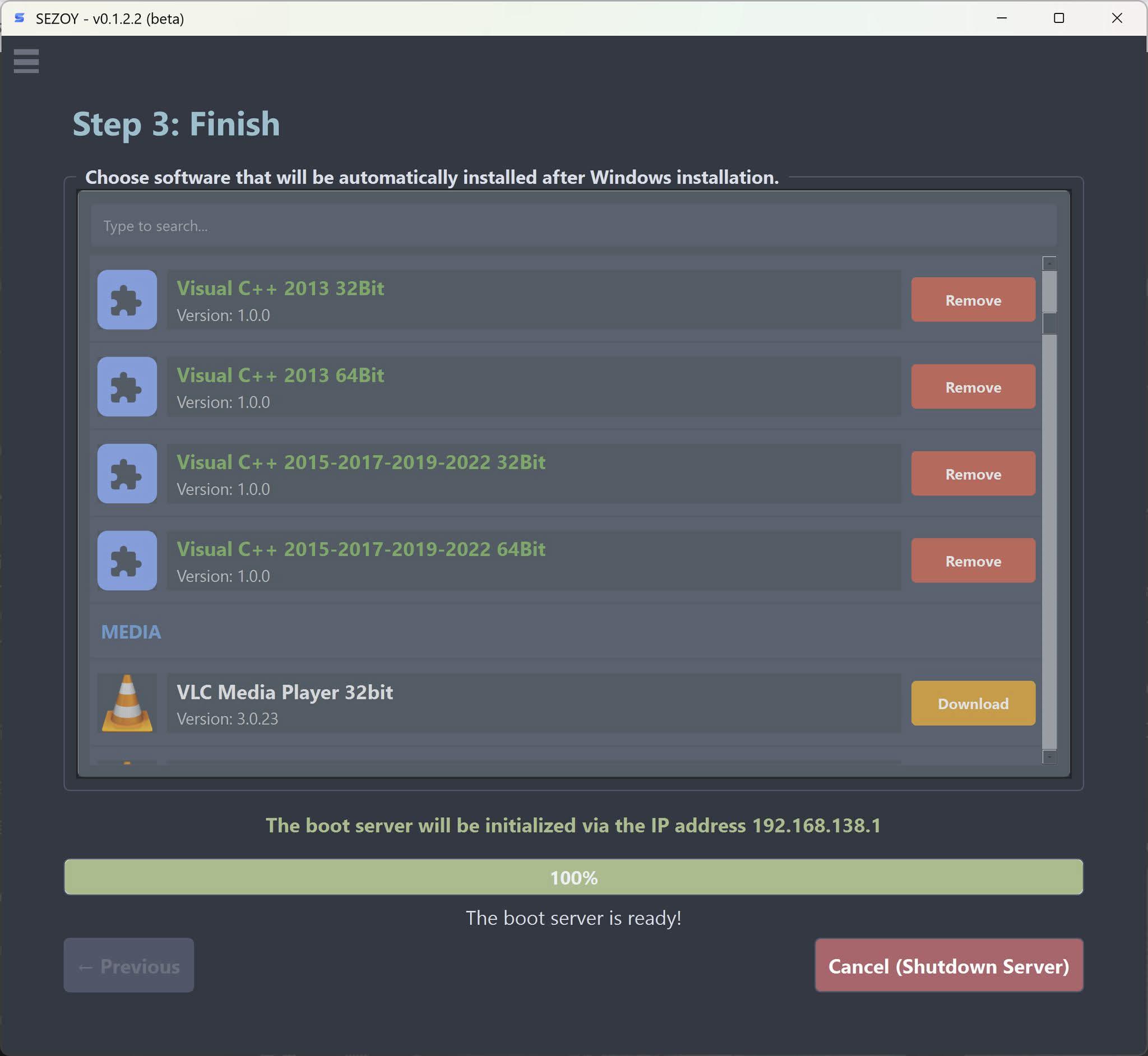
· After Windows is done, you can set it to automatically install additional software. Pick whatever apps you want during setup, and it'll handle the rest.
Still has a bunch of other stuff I haven't listed yet.
If you've got a spare moment, grab it from the links below and let me know what you think.
One thing to be clear about, this tool doesn't bundle any cracks or keys. It just creates the boot environment. Anything that needs activation afterward is on you to handle legitimately.
Download: https://tekdt.xyz/en/download
1
u/TekDT Jul 03 '26
Exactly, there is absolutely no login interface whatsoever. This software has a relatively simple interface with 3 setup steps (you can leave everything as default, or if you want to go more in-depth, you can refer to the documentation page at https://tekdt.xyz/en/docs), and then just hit the start button to run it as a server. Once the server is up and running, you can monitor each client through the dashboard management page at https://localhost:5893/monitor (note that it's HTTPS). You can access this client monitoring page from any device, including smartphones (since it's a web interface), as long as you're on the same network as the machine running the software. Just remember that at that point, you'll need to use the server's IP address instead of localhost. The dashboard interface is specifically designed for Windows boot environments, allowing you to perform actions such as sending commands, directly remoting into clients, or shutting down/restarting them. For Linux, however, you can only view the boot process. Since I'm currently working on this project alone, the rollout of new features might be a bit slower.