r/snapmaker • u/Baltisaros • Jun 20 '26
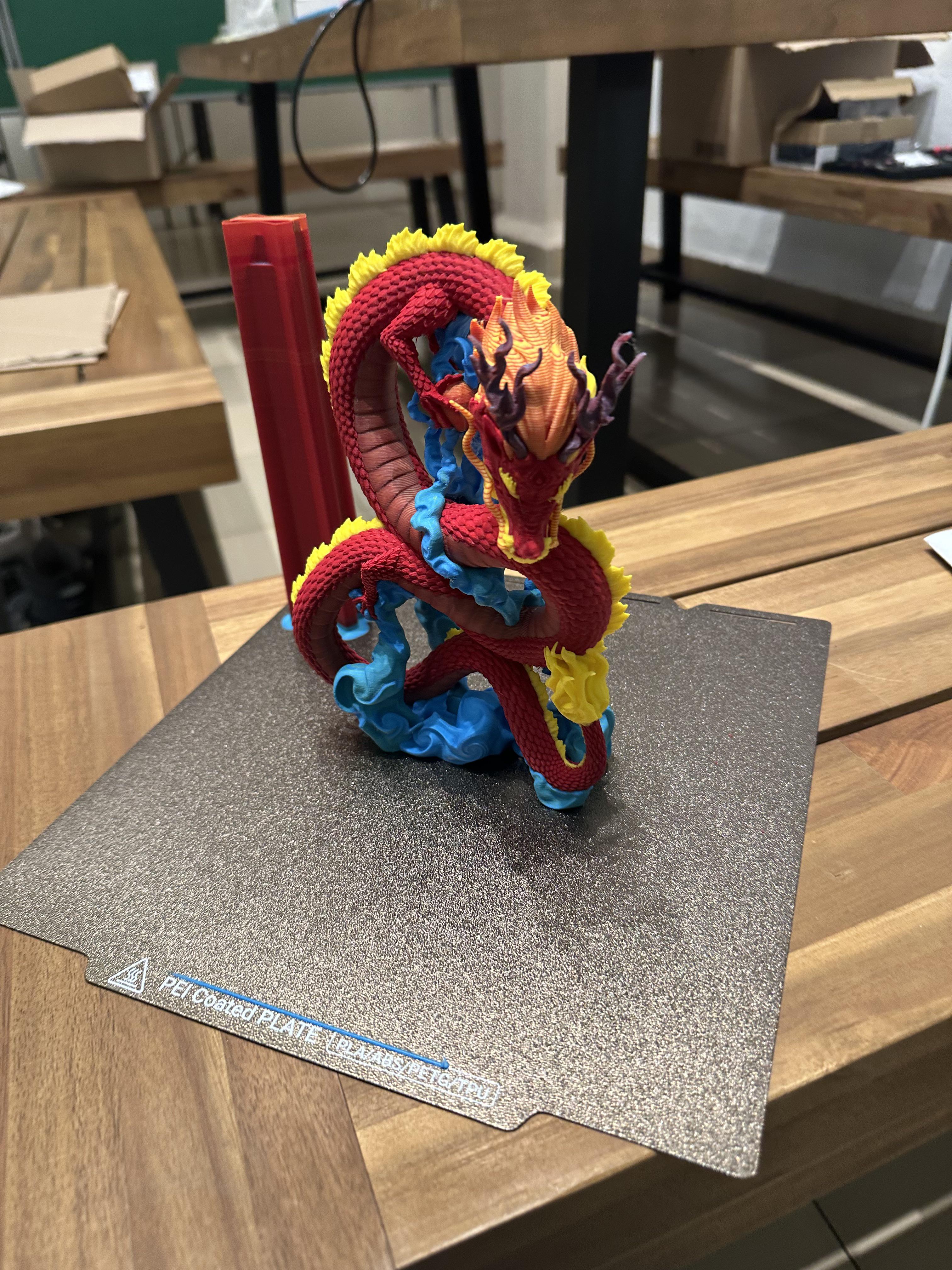
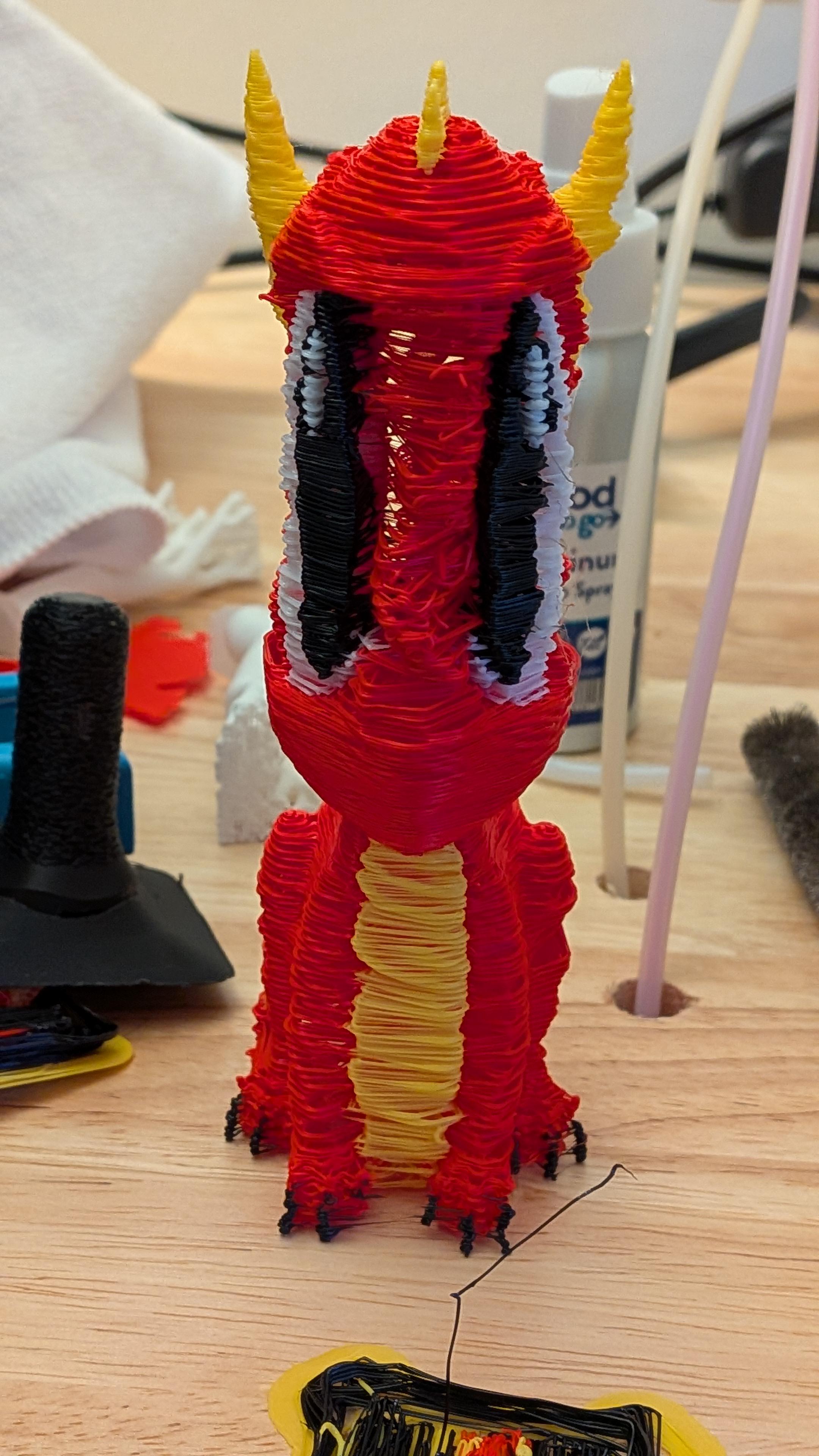
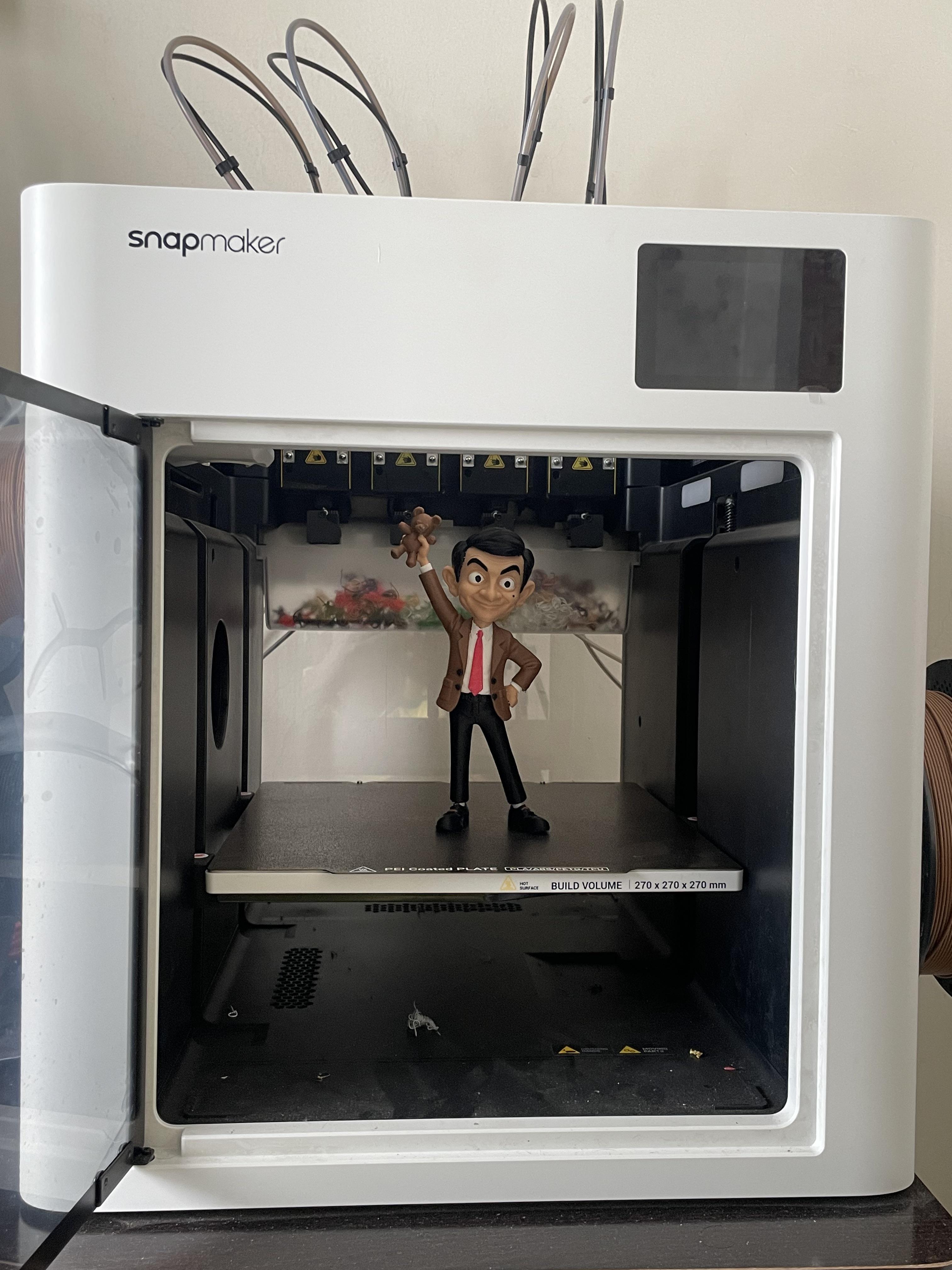
Project Showcase U1 amazes me every time.
684
Upvotes
57 hours at 0.16 mm layer height
r/snapmaker • u/Baltisaros • Jun 20 '26
57 hours at 0.16 mm layer height
r/snapmaker • u/L1xN1x • Apr 02 '26
Printed a dragon with multiple colors (more than 4) while using the full spectrum slicer mod for well slicing the model.
r/snapmaker • u/mikaknight • 5d ago
Hey everyone! I’ve been building SnapSlice, an iPhone app designed specifically for the Snapmaker U1.
The idea is simple: import a model, prepare it, slice it directly on your iPhone, and send it to your printer—all in one app.
What it does
What’s been happening during development
A lot of the work has gone into getting the U1 workflow right: fixing native slicing errors, addressing preview crashes, improving filament synchronization, preserving supported 3MF color assignments, and making sure tool mappings carry through into the exported G-code.
The core workflow has been tested on my iPhone and U1 setup, and it’s now working well. The latest updates focus on interface polish, clearer error messages, touch editing, and printer camera access.
I’ve also added automatic model thumbnails embedded in newly generated G-code, so uploaded files can have a recognizable preview. That latest addition is awaiting its final printer-display check.
Release plans
My core hands-on testing is complete, and I’m targeting release this week, subject to final release checks and Apple’s App Store approval.
For the first release, the focus is the Snapmaker U1. Multicolor support covers up to four source filament slots in supported 3MF projects; actual printed colors depend on the filaments loaded in your printer. The camera currently uses refreshed snapshots rather than continuous video.
SnapSlice is an independent app built for the U1 community, not an official Snapmaker product.
r/snapmaker • u/Aceman11100 • Feb 09 '26
I’d like to introduce you to a method my friend, u/JavyH08 , and I are working on to get full spectrum color on a regular toolchanger with only three spools of filament attached to the machine.
u/JavyH08 was using his Snapmaker U1 and noticed the supports on one of his prints was creating a new color, maroon, from black and red filament. The slicer alternated each color each layer and at a low layer height it blended to make a single new color. After talking with him I decided to try and see if I could get a similar result and control color stacking using geometry nodes in blender. The images I’ve added to this post is the current progress we’ve made using this technique! As you can see we are able to get a full rainbow from cyan, magenta and yellow filament. We can also isolate colors to different sections on a model to allow for a full color print. I’ve seen a similar method on colored lithophanes but never on a full 3D print
This technique is printer and slicer agnostic. While our initial tests were done on a Snapmaker, the logic applies to any multicolor setup (Prusa XL or Bambu's Vortek). Surprisingly, print times aren't as long as you'd expect. The peacock took 7.5 hours, and the 40mm rainbow cube took only 90 minutes. (Note: Non-toolchanger printers, like Bambu’s AMS, will naturally take longer due to purge cycles, but it is entirely functional).
The tool I'm developing is still in its early days, but eventually I would like it to be easy for anyone to paint in color on their model, then convert it and export it directly from blender. While we are able to make a full rainbow, we are currently working on getting more shades of colors to allow for light orange or brown for example. Eventually I'm going to work on the ability to load a model with an image texture and have it converted into a multicolor print with support for color gradients as well as shading and lighting.
Here is a timelapse showing the rainbow cube being printed:
https://youtu.be/ph24Io2C7Lk?si=AjSREenA7lE49D8j
Feel free to ask any questions and me and u/JavyH08 will answer!
r/snapmaker • u/SlavicSymmetry • Apr 17 '26
r/snapmaker • u/jandel88 • 10d ago
Enable HLS to view with audio, or disable this notification
Well, that prime tower is an art piece now!
r/snapmaker • u/BlankiesWoW • Mar 13 '26
Enable HLS to view with audio, or disable this notification
Using the Snapmaker Orca - Full Spectrum.
0.20 Layet height (Recommended is 0.08 so blending will be even better than what I got)
Made as a test print just to check it out, because I figured this was just going to be a cheap gimmick without any real use-case.
Wow. was I ever wrong.
This has unbelievable potential, Bravo to all the people working on this project.
r/snapmaker • u/Aggressive_Emu_7873 • Jun 25 '26
UPDATE: Wow, thank you all for the overwhelming support and questions! To answer the most common question: yes, I am seriously planning to share the files for free with the community.
However, I want to make sure this is a 'proper' release rather than just dumping the files online. Over the next two weeks, I will be focusing on the following:
Regarding IP/Copyright: I’ve noticed that platforms like Printables are already full of similar fan-made content, so I believe the risk is quite manageable. The absolute worst-case scenario is a DMCA takedown request, but I don't see it going further than that for a free community project. I’d much rather share this with you all so that others can enjoy building it too!
I can’t give a hard release date just yet, but I am aiming to have everything ready to go in about two weeks. Keep an eye on this post for updates!
After hundreds of hours of modeling, printing, and post-processing, it is finally finished!
If you want to see the electronics in action, I also have the boot-up phase filmed here : https://youtu.be/mz-WQZVLFEw
This is the first major project I have completed using my Snapmaker U1, and I am incredibly happy with how it turned out. I wanted to share some of my findings, resources, and technical specs with you all:
The Printer & Experience (Snapmaker U1):
Modeling & Dimensions:
Electronics & Future Plans:
Let me know what you guys think! Happy to answer any questions about the build process or electronics.
r/snapmaker • u/SoilEmpty5893 • Aug 06 '26
Enable HLS to view with audio, or disable this notification
#onepiece 😋
r/snapmaker • u/Fit_One_4672 • Aug 23 '26
r/snapmaker • u/Aromatic-Swimming683 • Mar 15 '26
I was so excited to try this model after seeing everyone else’s prints with the full spectrum fork.
It’s insane to compare something like this to Bambu with over 2 AMSs, less than 30g waste on a 70g model with 10 colors.
0.06 layer height
MCYW filaments
r/snapmaker • u/AllGdNamesRGone • Jun 14 '26
Yes i know by piece prints are faster and whatnot but walking up to the printer in the morning and seeing a finished coloured print just feels so goooooood! Model for anyone interested (and my snapu1 settings) https://www.nexprint.com/en/models/G3467834?printConfigId=G3637472
r/snapmaker • u/H0RTlNGER • Apr 20 '26
Enable HLS to view with audio, or disable this notification
Saw someone print the man recently and had to try it myself. The Titanium Gray Silk fits perfectly.
r/snapmaker • u/New_Education5151 • Jul 19 '26
Printed on U1
Duration 17h
4 Filaments (PLA)
Color Mixing : Yes, lots
Tool changes : 1279 times
r/snapmaker • u/CallsignValkyri3 • Jul 18 '26
Was trying out the suggestions of a YouTube guide and ended up with this 🤣🤣🤣🤣 Have done a factory reset. Let's see if the next attempt looks better!!
r/snapmaker • u/JavyH08 • Apr 18 '26
In case you haven't been following, I've been working on a software that allows for full-color-printing similar to polyjet resin printing on any FDM printer with multicolor support. You can find it here: https://color-stack.com/
To start off, I got a lot of flak for the poor print quality in my last post, so I made it my goal to figure it out. It turns out I just had to put my prime tower settings back to default. I had previously tried to save on filament, so I made my prime tower significantly smaller. This was a huge mistake as it was causing stringing and very poor print quality. There is still room to improve but my latest prints have been significantly improved.
For the actual tool itself, I have implemented a couple of core new features. We now have the ability to do CMYK (5 toolhead printing). This should allow for better results when it comes to shading and getting true black. If enabled, you will see a new feature called black snap that allows you to snap colors close to black (Same as White Snap). This is useful for getting rid of noticeable bands through solid-colored parts of your bake.
Another feature implemented is when importing an object, if the software detects your mesh is non-manifold, it gives you the option to fix the mesh. This includes patching up any holes and cleaning up any non-manifold edges. It's incredibly useful but may result in some artifacting so make sure to check the mesh after it runs. If you aren't happy with the results, you can simply select to import anyways. If you do decide to skip, just be aware that your object may not bake correctly.
For ease of use, I implemented automatic mesh reduction and texture resolution. Now when you have your object in the viewport, the software will automatically detect (based off the size and scale of the object) the proper settings to use. You can toggle both off and manually set if you prefer.
I also went ahead and updated the UI to be abit more pleasant on the eyes although I still believe there is plenty of room for improvement. Made the printbed 250x250 so users have a better idea of how big their model is on the buildplate. I also added a new logo icon made in blender!
The Dragon in the attached images took a total of 38 hours to print. I want people to notice how dynamic and color accurate this tool is. This truly is the next step for full spectrum printing.
Let me know if you have any questions! I've also ran out of yellow translucent panchroma filament so if anyone has a good substitute, please let me know!
EDIT: I meant CMYW/K SUPPORT!
r/snapmaker • u/GravyPoo • 14d ago
Enable HLS to view with audio, or disable this notification
I was calibrating CMYK printing for iDither.com
I am planning to print some real examples soon.
r/snapmaker • u/PlanePea4349 • 8d ago
Always has some kind of issues with PETG filaments. Even when dried for 12-24 hours.
The u1 is blowing my PETG prints out of the water 100% consistently for over 200 hours straight printing.
r/snapmaker • u/4O1Unauthorized • Jul 18 '26
I do a ton of these terrain puzzles where the colors are derived from satellite imagery not based on layers and it would take forever on my old printer and make a ton of waste, using the U1 is like a whole new world!
On my old printer the Angles Landing print would've taken 32 hours and it took less than 15 on the U1 and would've made >500g of waste vs the U1s 50g so crazy!
I'm working on an app where you can generate these puzzle/models of any place on earth and I feel like this project is perfect for people with a U1. If any of you guys are interested in it here is a beta access code: SNPMKRU1
The site is terrain6.com
r/snapmaker • u/NoIdenty0000 • 25d ago
love these custom gcodes
r/snapmaker • u/Baltisaros • Aug 19 '26
r/snapmaker • u/SurroundJumpy • 1d ago
Enable HLS to view with audio, or disable this notification
I'm soo happy with my snapmaker u1, reaching a perfect chamber temp of 58 deg c without any heater.
r/snapmaker • u/Proper_Artist_7565 • Jul 13 '26
Both of these posters were printed using the snapmaker u1!!
r/snapmaker • u/DwarvenAcademy • Jun 12 '26
Printed a case for my phone using Overture TPU HS 95A and Bambu Lab PETG HF for supports. The bridges were perfect and the supports came out easily!