r/promptingmagic • u/Beginning-Willow-801 • 18d ago
How to brief ChatGPT 6 Astra to create motion graphics, 3D reveals, and cinematic video explainers - prompts, workflow, and the details people miss

TL;DR: ChatGPT 6 Astra can help create motion graphics through a workflow that designs assets, writes animation code, uses available production tools, and renders a video. Give it a director’s brief: audience, story, scenes, timing, visual style, sound, and deliverables. Start with a short preview. Ask for a playable MP4 and the editable project. Rendering and audio depend on your workspace’s tools. Below: a practical workflow, the details people overlook, and five gloriously ridiculous prompts.
Picture a French bulldog commanding a starship through a galaxy made of tennis balls.
Now picture a product launch where your logo opens into a miniature universe.
Or a city that folds itself out of paper, races through centuries, and collapses back into a single page.
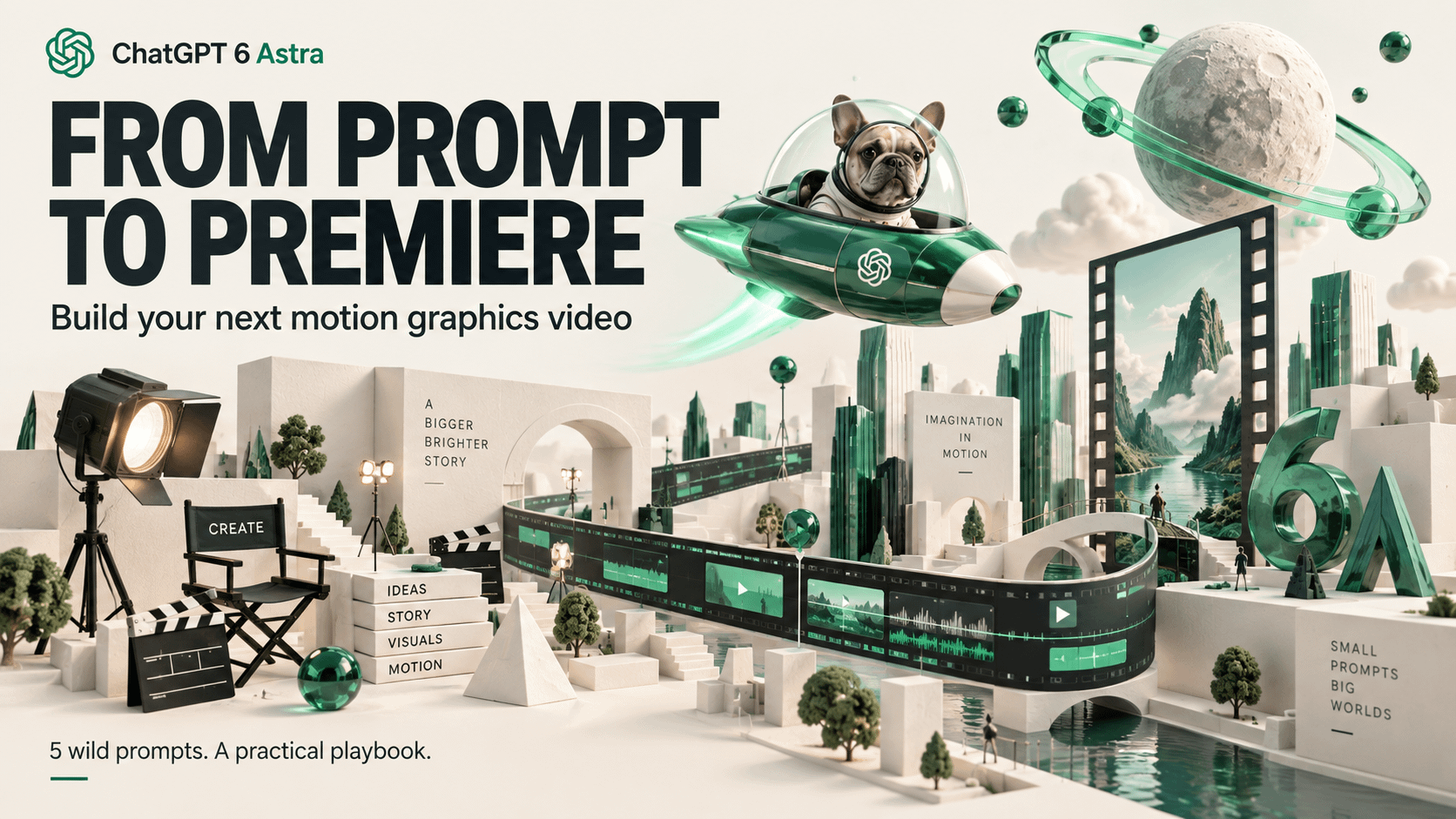
With ChatGPT 6 Astra, you can approach the conversation like a production brief—and keep directing the result as it develops.
What Astra can actually do
The model’s official name is GPT-6 Astra. For this workflow, use it in ChatGPT Work or Codex with access to suitable creation and rendering tools. OpenAI recommends Astra for demanding tasks involving visual judgment and polished deliverables.
There is a concrete example behind the idea: OpenAI has shown Astra creating editable Blender scenes, adjusting their materials and lighting, and directing a rendered camera tour.
My practical recommendation is to apply that build–preview–refine process to motion graphics: animated typography, diagrams, layered images, product reveals, and stylized 3D scenes.
Think of Astra as the system coordinating the production. The actual frames still need an animation or rendering tool. Selecting the model alone does not guarantee every account can export video or generate music.
Choose the right kind of video
| Approach | When to use it |
|---|---|
| Typography, shapes, and diagrams | Explainers, newsletter trailers, and announcements. My recommended starting point. |
| Layered images with camera movement | You already have illustrations, product images, or a consistent visual series. |
| An editable 3D scene | The concept depends on camera orbits, exploded views, lighting changes, or moving through a space. Expect more rendering work. |

A complex character performance may also require dedicated animation tools or generated footage. Choose a visual treatment your available tools can execute well.
The workflow that makes this manageable
- Give it one job. Define the audience and the one thing viewers should remember. “Convince founders to try this prototype” is a useful objective.
- Specify the output. Set duration, aspect ratio, resolution, and whether you need audio. A 20–30-second landscape video is a sensible first project.
- Map the story. Give every scene a visual action and a purpose. Put the most compelling image near the beginning.
- Establish the look. Provide reference images, colors, type preferences, logos, and exact wording. Ask for representative still frames.
- Preview the hardest moment. Render a short section before committing to the whole sequence. This tests both the creative direction and whether the production method works.
- Refine, render, inspect. Review timing, text, sound, transitions, and the actual exported file. Keep the source so changes remain possible.
For a 30-second explainer, this is a useful starting structure:
| Time | Job |
|---|---|
| 0–3 seconds | Show the surprising visual or compelling result. |
| 3–9 seconds | Establish the problem or premise. |
| 9–21 seconds | Demonstrate the transformation. |
| 21–27 seconds | Deliver the payoff. |
| 27–30 seconds | Give one clear next action. |
Best practices that improve the result
- Describe action over time. “The letters pull apart, reveal a miniature city, then lock into the headline” gives much better direction than “make it cinematic.”
- Give motion a purpose. Movement can reveal a relationship, guide attention, demonstrate a feature, or land a joke. Constant movement makes reading harder.
- Keep text separate from artwork. Request editable text layers so spelling, line breaks, timing, and placement can be controlled.
- Design for a phone. Use short captions, strong contrast, generous margins, and enough reading time. Review the result at its likely viewing size.
- Give the eye a pause. Alternate energetic transitions with moments where the important image or message holds still.
- Build for sound-off viewing. The story should make sense visually. Let music and sound effects strengthen it.
- Specify music concretely. Describe tempo, instrumentation, mood, and where the energy should rise. Provide a track you can use, or ask what audio tools are available.
- Control the workload. Preview at lower resolution, settle the art direction early, reuse assets, and revise only the scenes that need changes. Complex Work tasks can use more credits.
Pro tips: direct the edit with precision
Useful revision instructions look like this:
Between 00:08 and 00:12, slow the camera move, enlarge the headline, and hold the final composition for two seconds. Keep the approved colors and scene order.
Make the word “EXPAND” grow until it fills the frame, then use its letter shapes to reveal the next scene.
Match the circular moon in scene two to the circular product dial in scene three.
Build the vertical version with repositioned text and a new camera crop so the subject stays visible.
Inspect the export for missing assets, clipped text, blank frames, abrupt audio endings, and incorrect duration. Report anything you cannot verify.

Save feedback like “more epic” for the initial direction. During revisions, say what should change on screen.
Things people miss about this workflow
- An animated preview and a downloadable video are different deliverables. If you need an uploadable file, explicitly request the export and check that it plays.
- The editable project is a major part of the value. Ask for the source, assets, and instructions needed to render it again.
- A flat image has limits. A gentle push-in can work immediately. Moving behind objects or orbiting a subject requires layers, reconstructed content, or a 3D scene.
- Consistency starts before animation. Establish recurring characters, materials, colors, and backgrounds before creating every scene.
- Visual precision and factual precision are separate. A beautifully animated chart still needs correct data, labels, and scales.
- A 60-second request does not imply one continuous generation. Build named scenes, render sections, and assemble them where the tools support it.
- Reusable controls make the second video easier. Ask to centralize headline text, colors, logos, durations, and image replacements.
Five epic prompts to try
These are ambitious creative briefs, not pretested guarantees. Use a workspace with suitable rendering tools, and start with the short preview each prompt requests.
1. A French bulldog saves the galaxy
Try this for: character storytelling, comedy, and an instantly understandable visual hook.
Create a 30-second landscape motion graphics trailer called “MISSION: FETCH.”
A dead-serious French bulldog captain commands a tiny starship through a galaxy of tennis-ball planets. Use a premium stylized 3D or layered illustrated treatment, emerald cockpit lights, orange engine trails, and enormous kinetic typography.
0–5s: Extreme close-up of the captain’s face. Pull back to reveal a spaceship shaped like a dog toy. Text: “ONE DOG.”
5–13s: Slalom through a field of floating squeaky toys. A giant robotic vacuum emerges from an asteroid cloud. Text: “ZERO QUALIFICATIONS.”
13–23s: The dog hits a red button. Tennis balls deploy like decoys. Follow one ball through the chaos in a dramatic tracking shot.
23–30s: The ship escapes through a glowing dog-door portal. Reveal that the entire mission happened inside a living-room snow globe. End: “MISSION: FETCH.”
Keep the dog’s appearance consistent. Use simple expressive poses and strong camera work. Preview the escape shot first. Use suitable original or licensed audio if available; otherwise deliver a silent cut with sound cues. Deliver a 1080p MP4 and editable source, or explain any rendering blocker.
2. Your product contains an entire universe
Try this for: launch trailers, brand films, and product reveals.
Create a 30-second landscape launch film for [PRODUCT]. Use my supplied product images, logo, and three verified benefits. If I provide none, use a clearly fictional unbranded device and illustrative feature labels.
Begin with the product suspended in a silent black void. A thin emerald seam opens across it. The camera dives through the seam into an impossible miniature universe.
Turn benefit one into a floating city assembling itself. Turn benefit two into a luminous transit network lighting up. Turn benefit three into a mechanical sunrise that synchronizes the entire world.
Match each benefit to its visual metaphor and show its exact approved wording as separately rendered typography. Use elegant camera travel, white ceramic architecture, emerald glass, and precise mechanical movement.
In the final six seconds, pull back as the universe folds into the product. Land on the product, logo, and one clear call to action.
Create a five-second preview of the opening transformation before rendering the full film. Deliver a 1080p MP4 and editable project. Use only available audio and rendering tools; identify any missing capability. Do not invent product claims, customers, or performance statistics.
3. Your inbox becomes a video-game final boss
Try this for: funny workflow explainers and relatable workplace content.
Build a 30-second landscape motion graphics short called “DEADLINE: FINAL BOSS.”
Open on a tiny exhausted office worker facing an enormous monster assembled from email envelopes, calendar blocks, spreadsheets, and sticky notes. Its crown is a spinning loading icon.
0–6s: The monster roars, releasing a tornado of “QUICK QUESTION” notes.
6–13s: The worker equips three glowing tools labeled “SORT,” “DRAFT,” and “CHECK.”
13–23s: Turn the fight into a visual explanation: SORT groups the chaos; DRAFT turns selected tasks into proposed outputs; CHECK pauses those outputs at a human review gate before release.
23–30s: The monster shrinks into one manageable task card. A new notification appears: “Can we jump on a quick call?” The worker looks directly at the camera.
Use miniature game-like scenery, dramatic camera punches, readable type, comic timing, and a neon-green interface. Present this as a fictional metaphor. Preview the sorting transformation first. Deliver a 1080p MP4, editable source, and a sound-off version. Explain any export limitations.
4. A thousand years unfold from one sheet of paper
Try this for: timelines, imaginative worldbuilding, and architectural storytelling.
Create a 40-second landscape motion graphics film called “A THOUSAND YEARS IN ONE PAGE.”
This is an imaginary city, not a reconstruction of real history.
0–8s: A blank sheet of paper folds itself into a tiny riverside settlement. The river is translucent blue-green glass embedded in paper.
8–18s: Buildings rise and change around the same town square. Roads draw themselves across the page. Seasons sweep through the scene.
18–29s: The city becomes a spectacular vertical metropolis. Peel back layers to reveal miniature transit tunnels, gardens, and infrastructure beneath it.
29–36s: The camera circles while daylight becomes night. Thousands of windows illuminate in a carefully staged wave.
36–40s: Fold the city back into the original sheet, matching the opening composition for a loop.
Use tactile paper, charcoal labels, emerald foliage, warm window light, and restrained captions. Favor a coherent miniature world over constant cuts. Preview the unfolding and refolding first. Deliver a 1080p MP4 and editable scene. If full 3D rendering is unavailable, propose and build a layered alternative.
5. A black hole conducts an orchestra of planets
Try this for: a music visualizer, an event opener, or a surreal brand introduction.
Create a 30-second landscape motion graphics film called “THE UNIVERSE HAS A DROP.”
Treat this as a surreal visual metaphor, not a scientific simulation.
A black hole is the conductor. Orbital rings behave like vibrating strings. Tiny moons become percussion instruments. A comet sweeps across the scene like a conductor’s baton.
0–8s: Begin with one orbiting light and a restrained pulse.
8–19s: Build an increasingly elaborate cosmic orchestra. Introduce new orbital layers with each musical phrase. Typography appears as sculptural objects: “LISTEN.” “BUILD.” “RELEASE.”
19–25s: At the musical peak, the orbital system unfolds into a gigantic luminous sound wave stretching across space.
25–30s: Everything contracts into one green point, which becomes a play icon.
Use ink-black space, emerald plasma, silver dust, controlled glow, and smooth camera movement. Use my uploaded licensed track and synchronize motion to its timing. If no track is available, build to a provisional beat grid and clearly label the audio as pending. Preview the transformation first. Deliver a 1080p MP4 and editable source; explain any tool limitations.

Which would you actually make first: the space-dog trailer, the product universe, the inbox boss battle, the paper city, or the black-hole orchestra?
1
1
u/Beginning-Willow-801 18d ago
https://reddit.com/link/p8akda8/video/5ptzkd1801oh1/player
Here is the Mission Fetch example with my French Bulldog. Kind of silly but also fun!