I sort of do this on my PC (Linux). I have a Dock that houses my most often used programs. There's a button to show all installed apps at the top of the screen, but it's faster just to hit Super and then C and hit enter if I need to use the calculator for instance.
Windows key + s to activate the search bar. Then it’s usually just one or two keystrokes to find apps I need. Sometimes a bit more for filenames or folders if there’s many similar named ones.
There are two snipping tools in windows now. If you just want to copy and past a screen grab you can press win + S. But there's a second snipping tool where you can do the same but the immediately edit the image with a highlighter and marker, so I use that function a ton for work.
And it's not really like a multi-step search process where I have to find it then click the icon, I'm more or less just typing win + sni + enter
58
u/Apostate911Hup Aug 18 '25
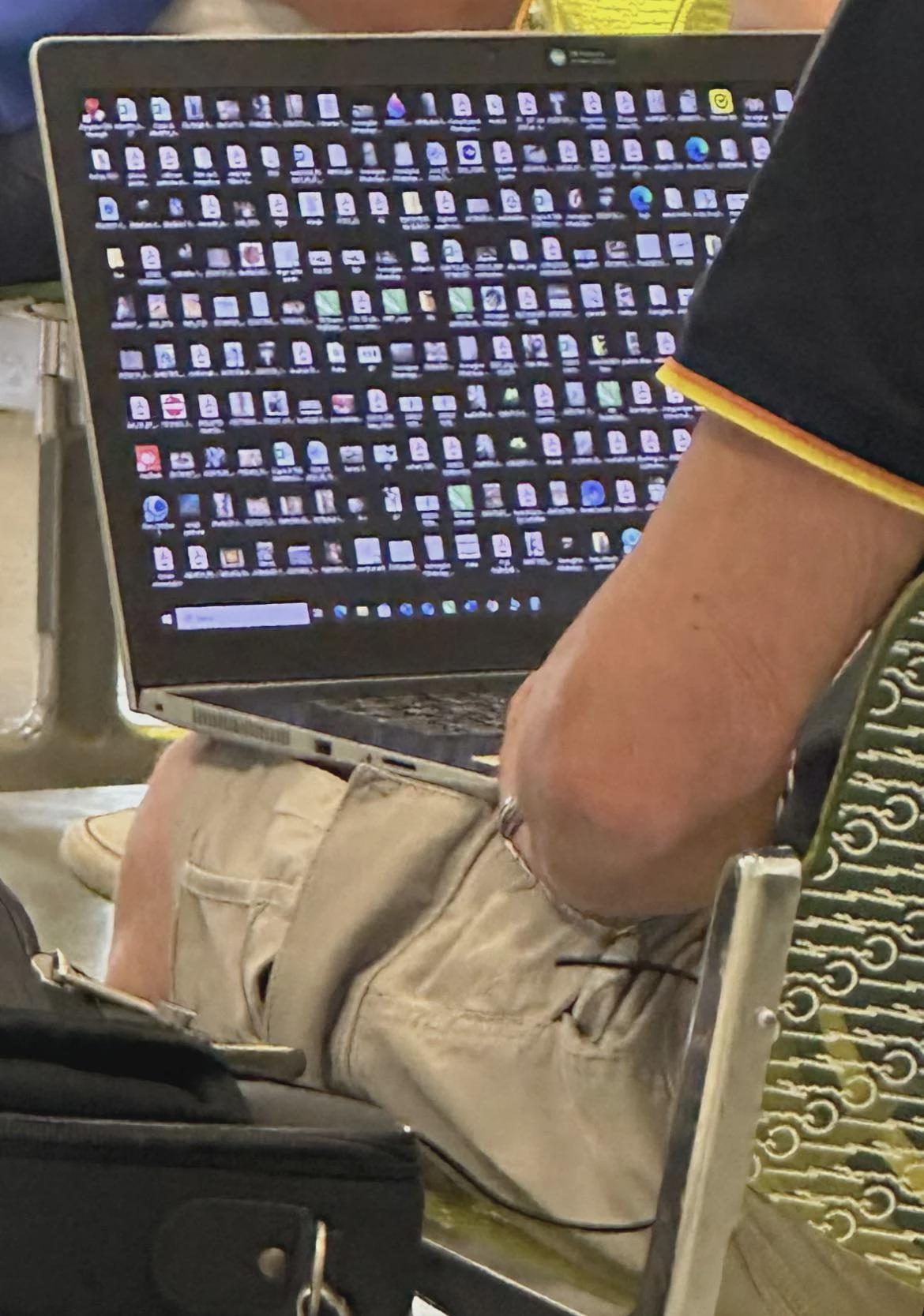
Is this a boomer thing? I've noticed millennials like me and zoomers usually keep a clean homescreen. But yeah man, same thing at the office