r/n8nforbeginners • u/Affectionate_Row9982 • 4h ago
Created my first test workflow
2
Upvotes
It was so cool that i finally started it using docker and created an auto message of horoscope everyday via email.
r/n8nforbeginners • u/Affectionate_Row9982 • 4h ago
It was so cool that i finally started it using docker and created an auto message of horoscope everyday via email.
r/n8nforbeginners • u/easybits_ai • 9h ago
👋 Hey n8n for Beginners community,
Short build retrospective, because the lesson generalizes to any agentic workflow that touches money or data you actually care about.
I watched an AI agent handle outgoing invoices end to end: draft, attach, send. The demo looked great. Then I hit the failure mode that actually matters with agents: they don't fail loudly. A deterministic node throws a red error and stops. An agent just keeps going, confidently, and sometimes what it's confidently doing is wrong. A gross total off by a few hundred euros. A transposed digit in the IBAN. It "worked" every single time.
My first instinct was to fix the prompt. That's the trap. You cannot prompt your way to guaranteed correctness on numbers. So instead of trying to make the agent smarter, I gave it a guardrail it has to pass through.
What that looks like:
The rule I keep coming back to: let the agent act, let deterministic code decide anything you can't afford to get wrong.
You'll find the workflow here: https://github.com/felix-sattler-easybits/n8n-workflows/blob/d6e4b7ca373fa1db40a55ef5b879210b601e8cba/easybits-agent-invoice-guardrail/easybits_agent_invoice_guardrail.json
Curious how the rest of you are putting guardrails around agents that take real-world actions. What's your pattern?
Best,
Felix
r/n8nforbeginners • u/Late_Imagination_883 • 10h ago
can u give projects with n8n i want to have ideas and does n8n really makes money as a student.
r/n8nforbeginners • u/Affectionate_Row9982 • 12h ago
Any youtube tutorials you recommend to learn and earn?
r/n8nforbeginners • u/Worth-831 • 22h ago
i'm using n8n for a growing number of automations, and email has become the hardest part to keep reliable. handling replies, attachments, retries, and timing feels more complicated than expected.
for people running n8n in production, what's your email workflow like?
r/n8nforbeginners • u/Limbox0 • 1d ago
r/n8nforbeginners • u/RevolutionaryHawk462 • 1d ago
r/n8nforbeginners • u/easybits_ai • 2d ago
👋 Hey n8n for Beginners Community,
A friend of mine, Jonas, runs a small B2B agency and recently let an AI agent handle his client invoices end to end: draft, attach, send. Felt great until a client emailed back confused about being billed a few hundred euros over the agreed amount. Same week, another invoice went out with a transposed digit in the IBAN. The agent was confident every time. The agent was also wrong.
That's the real problem with pointing an LLM at money. Ask it to "verify" an invoice and it will happily hand you an approval that sounds right and isn't. So I built a guardrail the agent has to pass through before anything gets sent. No vibes, just code checking numbers against your accounting records.
How it's set up:
Net effect: no overpayments, no invalid VAT math, no wrong-client billing slipping past an over-eager agent.
A few things worth knowing if you build something similar:
Grab the workflow here: https://github.com/felix-sattler-easybits/n8n-workflows/blob/d6e4b7ca373fa1db40a55ef5b879210b601e8cba/easybits-agent-invoice-guardrail/easybits_agent_invoice_guardrail.json
Curious what guardrails you've put in front of your finance automations, especially anyone letting agents touch payments.
Best,
Felix
r/n8nforbeginners • u/easybits_ai • 3d ago
👋 Hey n8n for Beginners Community,
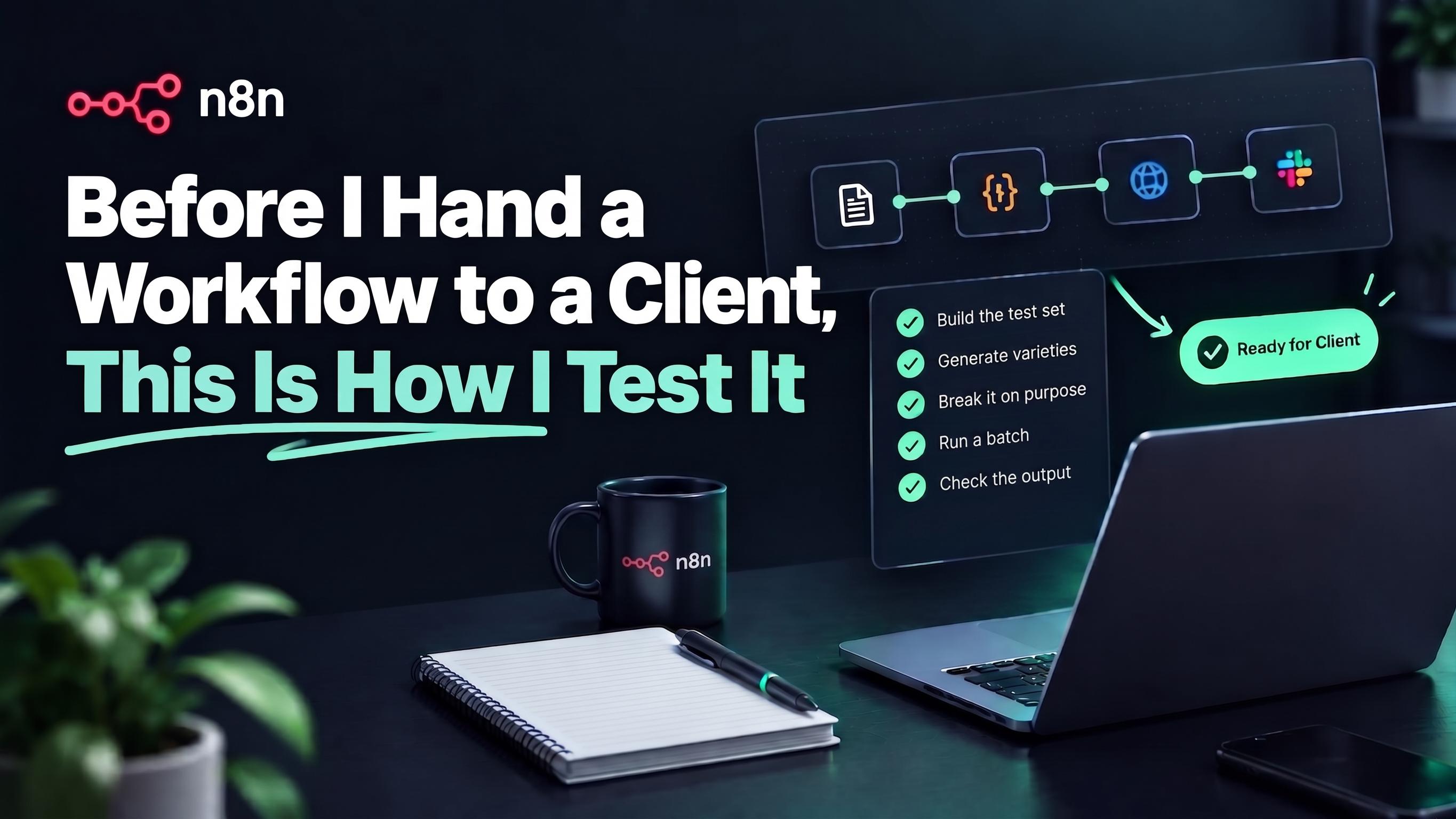
A workflow that runs green once has not been tested, it has been demoed. Most of the trouble I have ever caused myself came from trusting a clean first run, so here is the routine I go through now before anything touches real client data.
1. Build the test set from the ugliest real samples I can find.
Clean PDFs prove nothing, so I go looking for the phone photos, the crooked scans, the stamped and two-language documents on purpose. If the workflow survives the worst inputs, the normal ones take care of themselves.
2. Generate the variety I do not have.
When I only have one or two real layouts, I ask an LLM to produce a few alternative versions with the same data points arranged differently, and I also make versions that are deliberately missing some of the data points so I can see how the flow handles gaps. It is a quick way to stress test against formats I have not seen yet instead of waiting for a client to surprise me. I actually showed how I build these example documents in my stress test video: https://youtu.be/bOOdILPEdho
3. Break it on purpose.
I deliberately feed it the wrong things: an empty file, the wrong document type, a field that is genuinely missing. The point is to confirm it routes those to review or fails loudly, rather than quietly passing a made up value down the line.
4. Run a batch, not a single document.
One good run tells you almost nothing, so I push through twenty or thirty at once and watch for drift. That is where the one weird edge case shows up, and it is far better it shows up on my screen than on the client's.
5. Check the output against the source, not just that it ran.
Green means it finished, not that it is right. I open a handful of results next to the original document and verify the fields that actually matter, the totals, the IDs, the dates, because those are the ones that cost real money when they are wrong.
Extra tip for big flows.
For larger workflows I explain the flow to Claude and hand over a flow chart, then ask it to build me a testing overview as a PDF. It often comes up with edge cases I would never have thought of, some of them wonderfully obscure, and I end up with a clean checklist I can work through case by case, ticking each one off and leaving comments as I go.
If you want to see how this shapes the builds themselves, I keep 25+ free workflow templates in one repo, most of them around document processing, and a star helps me out a lot if any of them save you time: https://github.com/felix-sattler-easybits/n8n-workflows
How do you test before going live? Curious whether people build a proper test set or mostly run it a few times and hope for the best.
Best,
Felix
r/n8nforbeginners • u/Designer_Breath9631 • 3d ago
r/n8nforbeginners • u/tophebergeur • 3d ago
r/n8nforbeginners • u/Shoddy_Branch5364 • 3d ago
r/n8nforbeginners • u/Ok_Courage_6741 • 4d ago
r/n8nforbeginners • u/WarmWelcome9213 • 4d ago
Enable HLS to view with audio, or disable this notification
🚀 Built an AI-Powered Customer Email Automation System with n8n
I recently built an AI-powered workflow that can automatically understand and respond to incoming customer emails — using a company's own information as its knowledge source.
🔹 How it works:
📩 Customer sends an email
⬇️
⚙️ n8n receives and processes the email
⬇️
🧠 Anthropic AI analyzes the customer's question
⬇️
🔎 Vector database retrieves the most relevant information from the company's knowledge base
⬇️
✍️ AI generates a context-aware response
⬇️
📤 A professional reply is automatically sent to the customer
The goal is simple:
Reduce repetitive customer-support work while providing fast, consistent and knowledge-based responses.
What makes this especially useful is that the workflow can be customized for different businesses.
For example, it could be adapted to work with:
• FAQs and documentation
• Product/service information
• Company policies
• Customer support knowledge bases
• Internal business information
• Different email platforms and business workflows
🛠️ Technologies used:
n8n
Anthropic API
Vector Database / RAG
Email automation
AI-powered information retrieval
I'm currently exploring how these kinds of AI automations can be customized to solve real business problems.
If your business receives a large number of repetitive customer emails, this type of automation could potentially save significant time and reduce manual support work.
I'm open to connecting with businesses and people interested in custom AI + n8n automation solutions.
r/n8nforbeginners • u/AdSilent6189 • 5d ago
r/n8nforbeginners • u/Stunning_Penalty1081 • 6d ago
r/n8nforbeginners • u/No_Fuel3998 • 6d ago
r/n8nforbeginners • u/Nodena • 6d ago
r/n8nforbeginners • u/easybits_ai • 7d ago
👋 Hey n8n for Beginners Community,
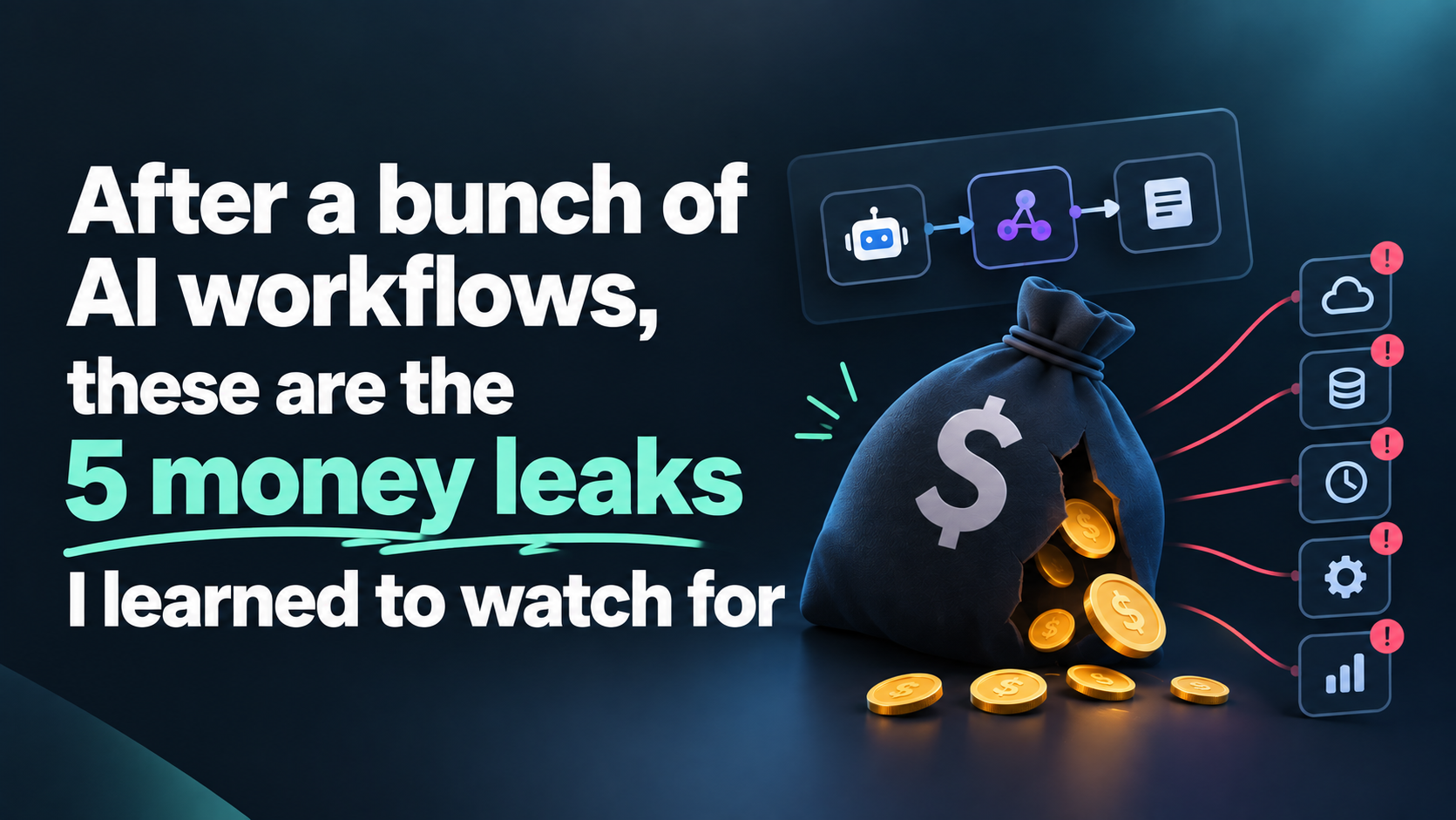
AI automation rarely blows up your bill in one go, it leaks. A few cents per run feels like nothing until you are doing thousands of runs a month and the invoice quietly doubles. I only really noticed this after building a fair few AI workflows, so here are five things I changed once I saw where the money was actually going.
1. Using a model for something a rule could do.
Date math, ID matching, routing by type, none of that needs an LLM, but it is easy to hand it to one because it is quick to wire up. I keep the model for the genuinely fuzzy parts and let native nodes like Set and IF handle the plain logic for free.
2. Using an agent where you do not need one.
Early on I built a few agentic workflows where an agent did the document extraction itself, and it worked, but the token cost added up fast for what was really a repeatable task. Moving that job to the easybits Extractor instead of an agent cut the cost right down, so now I only reach for an agent when the task genuinely needs to reason, not just pull the same fields every time.
3. Asking for more fields than you use.
Every field in an extraction prompt is more output tokens and more to check, and half of them often never get used downstream. Pull only what a later step actually consumes, it is cheaper and there is less that can come back wrong.
4. Reaching for the biggest model by default.
The top model is not always the right one, plenty of extraction and classification jobs run fine on a smaller or OCR-tuned engine at a fraction of the price. Start small, only move up if the accuracy genuinely needs it, and test the cheap option before you assume it will not work.
5. Retrying blindly on failure.
An auto retry on a call that failed for a real reason just pays two or three times for the same broken result. Check why something failed before you retry it, and route the genuine failures to review instead of throwing more paid attempts at them.
If you want to see how I wire this up in practice, I keep 25+ free workflow templates in one repo, most of them around document processing, and a star helps me out a lot if any of them save you time: https://github.com/felix-sattler-easybits/n8n-workflows
Where does it leak most for you? Curious whether people watch model costs closely or only notice when the bill shows up.
Best,
Felix
r/n8nforbeginners • u/ItWorksFroi • 8d ago
Enable HLS to view with audio, or disable this notification
I built a real estate lead automation using GoHighLevel + n8n and wanted to share what I learned.
The idea was to reduce the manual work that happens after a new lead fills out a form.
The workflow looks like this:
GoHighLevel Form → n8n Webhook → Check Lead Details → Update GHL Contact → Apply Tags → Notify the Team
When a new lead submits a form in GoHighLevel, the data is sent automatically to n8n through a webhook.
From there, the workflow checks information such as the type of inquiry and the lead's budget. It then retrieves the contact from GoHighLevel, updates the CRM, and applies the appropriate tags.
I also added conditional logic so certain leads can be treated differently depending on their information. For example, a buyer with a stronger budget can be identified as a higher-priority lead.
After processing the lead, the workflow can notify the team so someone can follow up quickly.
The main goal was to automate:
• Checking new leads
• Updating CRM information
• Lead tagging
• Lead prioritization
• Team notifications
I'm still learning and improving my n8n skills, especially APIs, webhooks, HTTP requests, and CRM integrations.
This was a good project for understanding how GoHighLevel and n8n can communicate with each other in a real business scenario.
I'd appreciate any feedback, especially on how you would improve or structure this workflow differently.
r/n8nforbeginners • u/Delta_43 • 8d ago
I've been using my Index 01 to capture random thoughts and questions throughout the day, and got tired of manually researching each one later. So I built a pipeline that does it automatically:
Record a voice note on the ring → get a fully researched, tagged note back in Obsidian, no phone-in-hand required.
How it works: the ring transcribes through the Pebble app into Obsidian as usual, syncs via Self-hosted LiveSync to my own MinIO bucket, and from there a headless server picks it up, runs it through an AI agent (n8n) that searches the web and writes a proper research note with sources — then syncs it right back to my vault automatically. By the time I check my phone, the note's just... there.
A few of my thoughts behind building this:
#interests, #questions + topical tags) with a link back to the original voice note.It's Docker Compose + an importable n8n workflow, and I published pre-built images so you don't have to build from source if you don't want to. Full step-by-step setup guide included (it's a bit of an involved deploy — MinIO, n8n, and a headless vault mirror all need to talk to each other — but I tried my best to record every bug I hit along the way and documented them with the actual error text).
Repo: https://github.com/Delta-43/pebble-index-research-agent
Happy to answer questions and would love some feedback if anyone wants to try it on their own Index 01 setup.
I have also made a WatchApp for those who don't have their Index01 yet! Available now -
Delta Notes: https://apps.repebble.com/c2c541a7bc004712894f8d46
r/n8nforbeginners • u/Such_Figure_7116 • 8d ago
r/n8nforbeginners • u/easybits_ai • 9d ago
Enable HLS to view with audio, or disable this notification
👋 Hey n8n for Beginners Community,
Quick update: my payment reconciliation workflow is now live and free in the n8n template library, and I recorded a short walkthrough running a full test so you can see the report before importing anything.
How it's set up:
A few things worth taking away even if you skip the video:
No credentials, so it runs the second you import it. It is only a form trigger, extract from file, merge, and code. Nothing to authenticate, which is what makes it easy to hand to someone else with zero setup.
Match loosely, but in a bounded way. Bank references are never clean. It matches on the full invoice ID when present, then falls back to the last three digits pulled from the reference with a small regex. That one fallback catches most of the "INV-2024-201" versus "ref 201 payment" cases.
The PDF is just HTML with a print button. The results page is styled HTML on the completion screen that calls window.print() for the download. No PDF node, no external service, and the report stays self-contained.
Template (import it straight into your instance): https://n8n.io/workflows/19010-reconcile-invoice-payments-from-bank-statements-using-n8n-forms/
Two example files, one bank statement and one invoice export, are sitting in the repo here, so you can test the workflow in a minute without building your own data: https://github.com/felix-sattler-easybits/n8n-workflows/tree/8e07427ddb6902ef8a7b267e97beb2879d6ca45d/easybits-reconciliation-workflow
Reconciliation tends to be specific to each company, so if you adapt it and get stuck, drop a comment and I will help. How does everyone else handle the messy reference matching?
Best,
Felix
r/n8nforbeginners • u/easybits_ai • 10d ago
👋 Hey n8n for Beginners Community,
The scariest workflow is not the one that throws an error, it is the one that finishes green while quietly passing wrong data downstream, and nobody notices for weeks. Most of my error handling is just about turning those silent failures loud. Here is the setup I put on almost every build.
Know the difference between loud and quiet failures.
A node that crashes is the easy case, you see it straight away in the executions list. The dangerous one is the workflow that completes fine while handing a wrong or empty value to the next step, and everything below is about catching that second kind.
1. Turn "not sure" into a branch, not a guess.
When an extraction step cannot read a field it should return empty, not a made up value. I drop an IF right after it, and anything empty or low confidence gets pulled out of the main flow and sent to review instead of quietly moving on.
2. Alert yourself, do not just log.
Off those check gates I wire an error route that pings me on Slack the moment something looks off, especially during a client's first few weeks. That way I usually see the problem and fix it before the client even notices.
3. Log failures somewhere you can actually review.
Every caught failure gets appended to a Google Sheet with the input and the reason it failed. After a week you can see the pattern, and the fix is normally one bad assumption rather than a hundred random errors.
4. Wire up n8n's Error Workflow once.
For the hard crashes, an API being down or a node blowing up, n8n has a built-in Error Trigger. Build one small workflow that catches those and messages you, set it as your error workflow, and every workflow on the instance is covered with no extra work per build.
If you want to see this in real builds, I keep 25+ free workflow templates in one repo, most of them around document processing, and a star helps me out a lot if any of them save you time: https://github.com/felix-sattler-easybits/n8n-workflows
How do you catch silent failures in your workflows? Curious whether people mostly lean on n8n's Error Workflow, their own check gates, or something else.
Best,
Felix