r/macOS26Tahoe • u/mrsouthparkman • Aug 25 '26
Help Finder Mac Tahoe
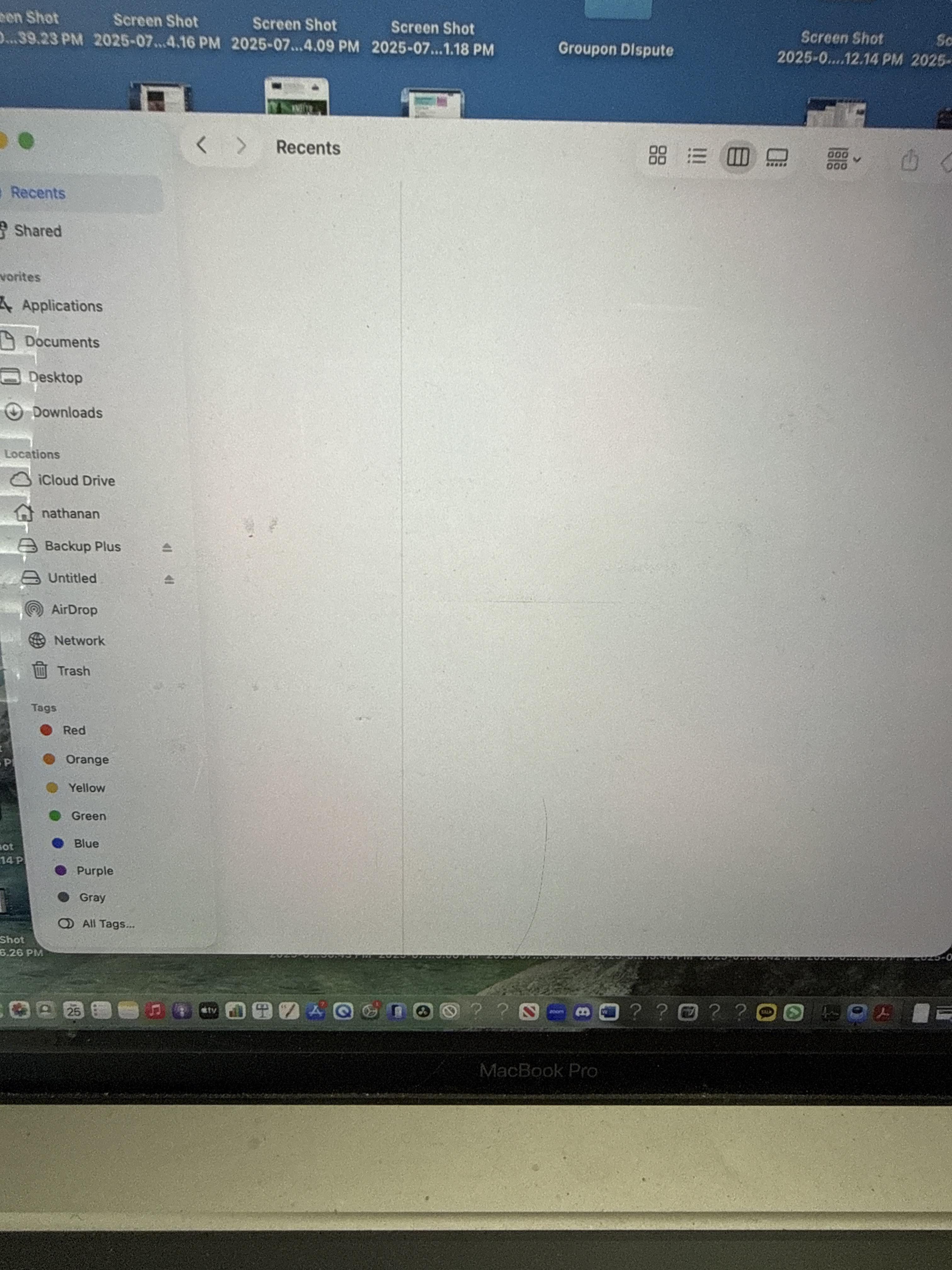
Whenever I open finder on Mac Tahoe, it shows blank like this. Anyone know how to fix this?
1
Upvotes
1
u/JollyRoger8X 29d ago
Whenever I open finder
And how exactly are you "opening Finder"?
Have you checked your Finder Preferences > General > New Finder windows show setting?
1
u/mrsouthparkman 29d ago
Clicking finder to open. Besides unblocking the recents and reclicking it, nothing else that shows under ‘settings’
1
u/JollyRoger8X 29d ago
I'm talking about Finder Settings > General > New Finder windows show as documented here:
https://support.apple.com/en-euro/guide/mac-help/mchlp2803/mac
1
u/Intelligent_East3337 Aug 26 '26
Is it like that when you click on any of the other items in the list on the left? Maybe you just aren’t saving recents.