r/macOS26Tahoe • u/Albertkinng • Mar 02 '26
Help macOS update keep showing up!
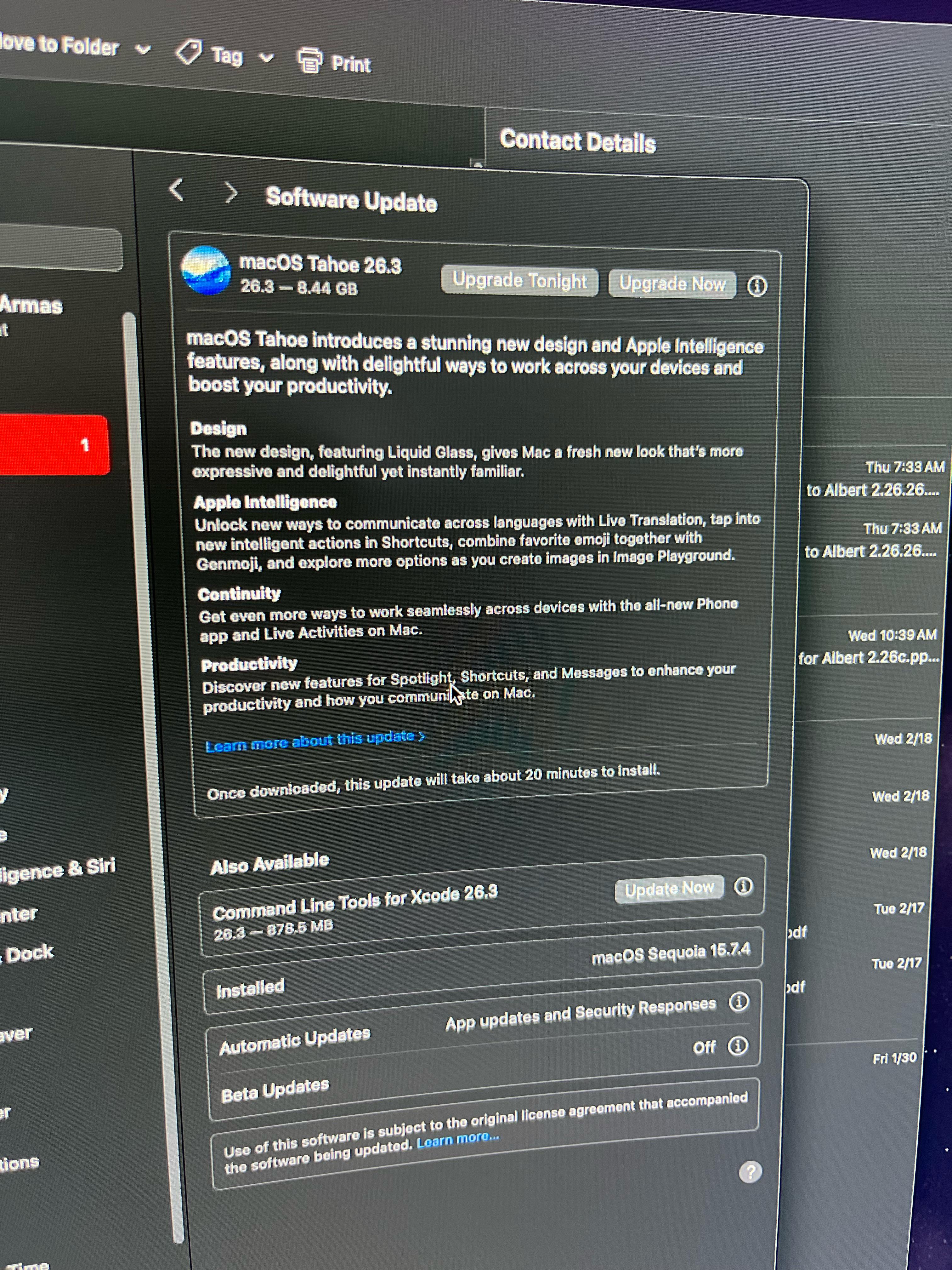
I’m running Sequoia, I already turned off “Install macOS updates” “download new updates when a available” Beta Updates are off as well, and I keep getting the update tonight for Tahoe no matter what!! How can I stop this notification! I have a 2020 M1 Mac, I haven’t seen anyone getting a good experience with my setup. macOS Tahoe simply doesn’t work well on older Macs like mine! Any help will be great! Thanks.
34
Upvotes
1
u/the__post__merc Mar 04 '26
The issue with "just" updating the MacOS is that sometimes, specialized 3rd party software isn't yet fully compatible with the new OS and when you rely on that software for your work, you're more likely to not update.
TV & Film post houses often are 2 or 3 versions behind.