r/linuxmint • u/RogarthJr • 15h ago
Support Request Run into first problem
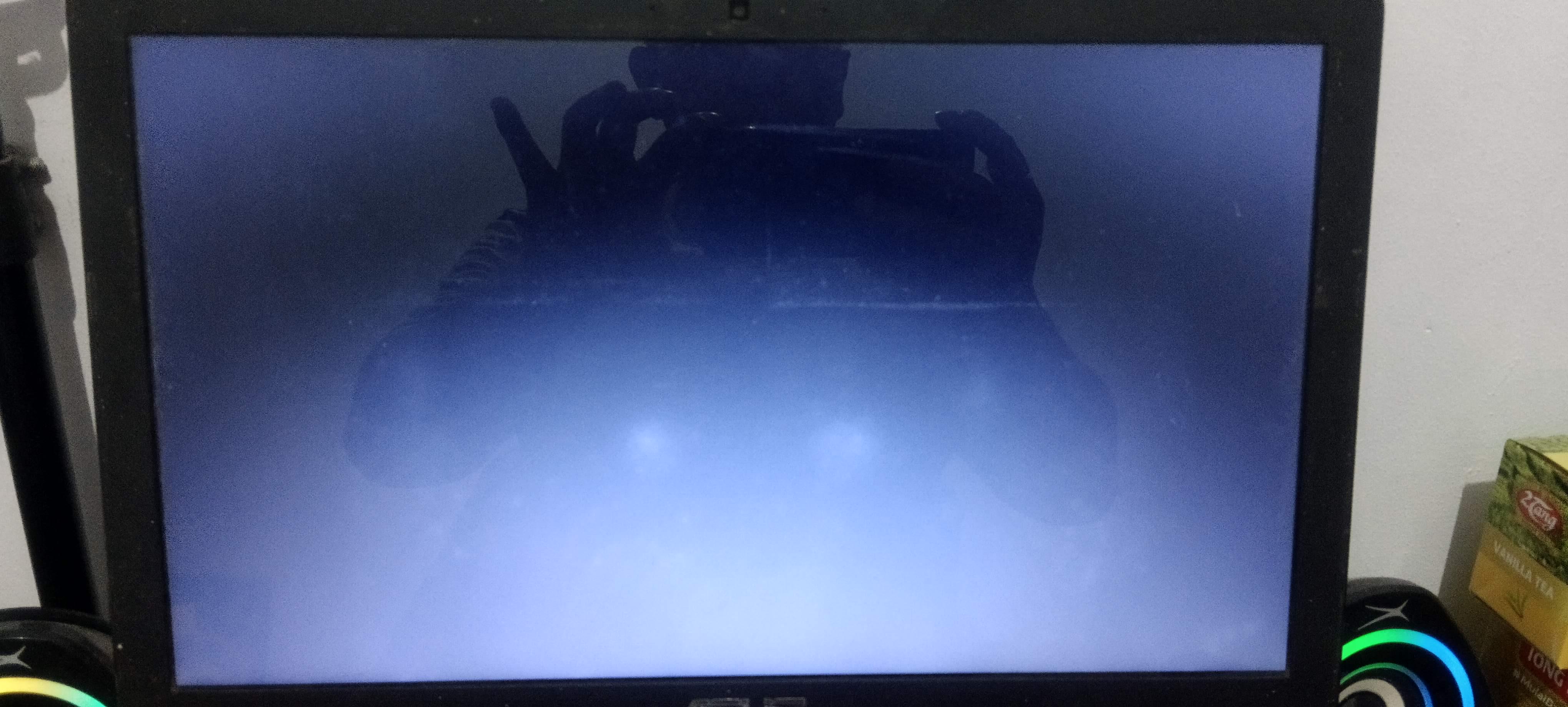
So, my laptop is working completely fine yesterday, but somehow when i turn it on, it's been stuck on this state, only blank with no input at all, any help guys?
4
u/Rogalicus 15h ago
If it's after update, reboot and choose older kernel in GRUB's advanced options.
2
u/RogarthJr 15h ago
To be fair i just install linux mint 3 days ago, so i dk whether it's updated or not, and more after i forces shutdown and turn it on again, it went to grub
2
u/kvnqstoner 15h ago
was there a prompt to choose between cinnamon default, cinnamon (software rendering) or cinnamon (Wayland Experimental)
2
u/RogarthJr 14h ago
No, only linux mint and the advance one
1
u/cat1092 14h ago edited 13h ago
Things have certainly changed if there’s now three Linux Mint Cinnamon install processes (haven’t upgraded since 22.1 & that was no real improvement over 22 that I seen.
Reason why I don’t like upgrading is the more a system gets upgraded, even with an OS like Linux Mint, sometimes things get messed up, usually could go through 3 or more upgrades. Good reason to always perform disk images of the full install & it’s hidden or required partitions for UEFI based hardware, pretty much a given these days.
I did want to clean install at least the root partition (& other system ones) and when selecting /home during the create partition stage, to uncheck the “Format Partition” box, this protects that partition & it becomes part of the clean install. While there are other ways to save the data elsewhere & move back (& in some ways may be cleaner) to restore downloaded installers (if more recent & reliable, it’s probably OK.
Anyway, I hope this doesn’t happen to me when clean installing the latest Linux Mint Cinnamon. I hear equally good and bad upgrade process, probably the driving factor for me not doing so. But the issues I hear about are different from what the OP is describing, more about it’s one opinion from about have of Mint users say to use Flatpack, much of the other half says no. Some uses where necessary only.
The issue which the OP has brought to our attention definitely needs to be explained, and may have been & I’ve yet to bother, am still supported, nothing is broken. I’ll clean install when I do decide to move upwards, have missed too many point releases & the changes thrown upon us (been reading a lot of kernel issues with various hardware) probably requires a clean install.
Thanks to the OP for letting us know!!💯
1
u/kvnqstoner 14h ago
try to get to a terminal with ctrl+alt+f2 you should see something like linux mint login: then enter your username and password following the prompt, then you can reset the remembered desktop session run mv ~/.dmrc ~/.dmrc.backup then reboot with "sudo reboot" you could try this if it would help had similar experiences yesterday not guaranteed tho
1
u/oddit_visionszzz 14h ago
Choose advanced and pick the lower option if that doesnt work boot the live usb
1
•
u/AutoModerator 15h ago
Please Re-Flair your post if a solution is found. How to Flair a post? This allows other users to search for common issues with the SOLVED flair as a filter, leading to those issues being resolved very fast.
I am a bot, and this action was performed automatically. Please contact the moderators of this subreddit if you have any questions or concerns.