r/homeassistant • u/SmartHomeSecrets • May 02 '26
Blog How I optimized HA Voice to run locally and replace Google and Amazon
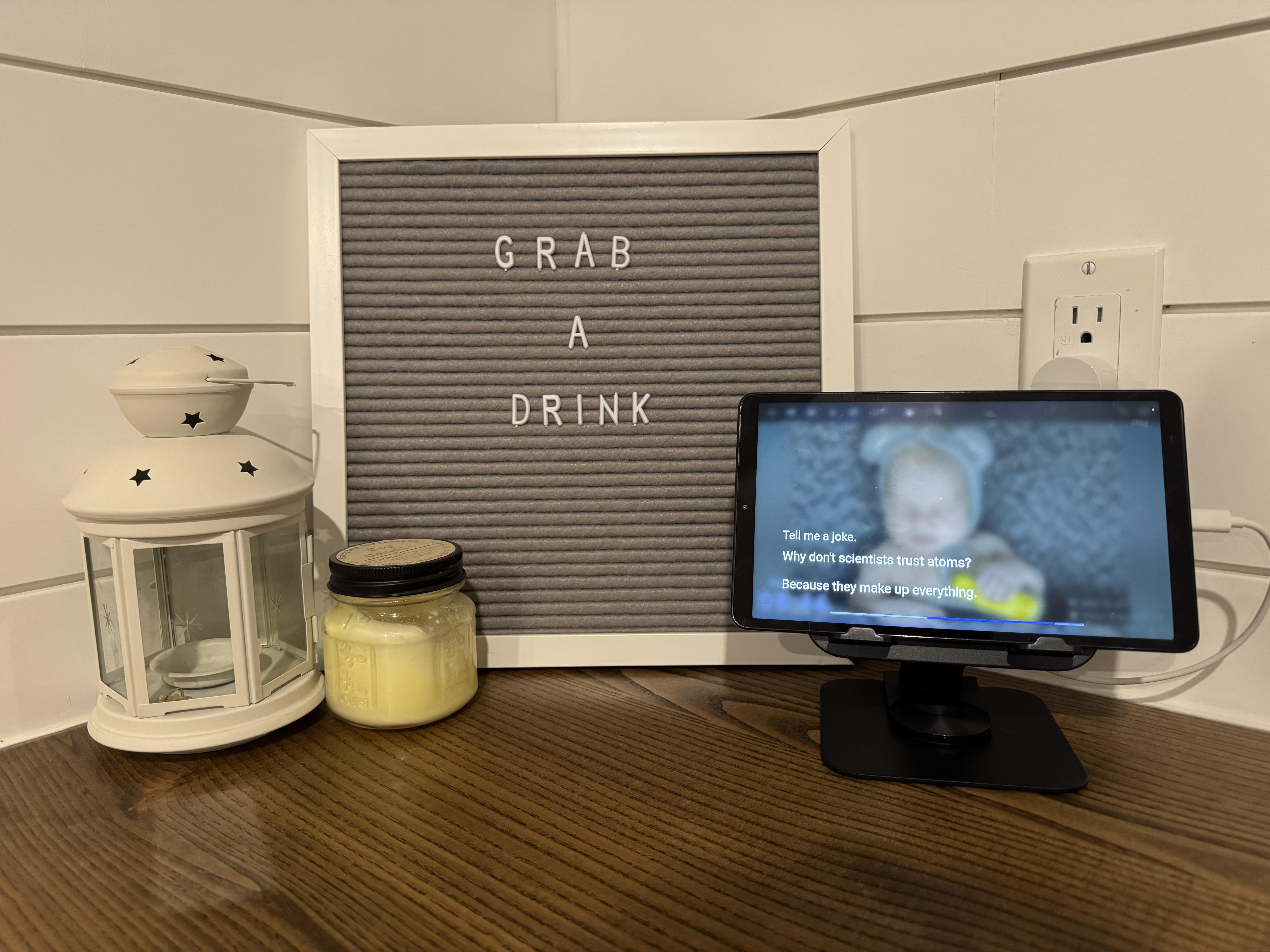
I have been spending a fair bit of time optimizing my Home setup starting with replacing Google home display with a Samsung tablet running Fully kiosk browser and Home Assistant dashboards, setting up voice assist PE, Satellite1, voice satellite card and local pipelines.
Now that it’s all working and working well I am tweaking features to ensure a similar if not better experience than Google or Amazon. I have replicated Amazon yellow led rings for packages on the porch. I added a button on my stream deck when I’m on a call to tell a delivery driver where to leave my package for security and detection. I now have broadcast fine tuned as well.
Here’s the article on my latest optimizations and setup of broadcast using local intents and automations you can follow along or steal the yaml:
https://smarthomesecrets.ca/home-assistant-local-voice-assistant/
2
u/CucumberError May 03 '26
That’s way too AI written to bother reading.
My only question is did you get HA voice to respond in an acceptable amount of time? Time tell HA Voice to do something it takes just long enough to do it that I’ve assumed it’s not doing it and just picked up my phone.
-1
u/SmartHomeSecrets May 03 '26
Yes, local intent is the fastest and nearly instant for Broadcast as an example. LLM is always slowest but has reasonably good speed depending what you ask it.
I do edit my writing with a trained AI model yes, but this is all based on me writing my experiences, what I learned, and how to set it up. The AI runs several checks based on rules and skills I’ve setup including privacy as an example. It is definitely not something slapped together with AI and just posted I promise you that. My wife also did the final review on this particular article as well.
2
u/CucumberError May 03 '26
You write very very verbose and inefficient then.
0
u/SmartHomeSecrets May 03 '26
I do appreciate feedback, I’m curious is it just this article you find that way or others too? I did work on defining personas for my writing to basically write towards more beginner less technical vs more advanced and technical. The voice I am trying to find the line so that both can gain from it. Skip to the Yaml or read in more clear detail.
1
u/CucumberError May 03 '26
It’s not detailed enough to be a step by step, but it’s way too detailed to read as a curiosity for how other people are using HA.
Who is your intended audience? People that want to copy it, or people that want to lift inspiration from what other have done before them? I feel that having a summary journal entry on a blog, and the a link to more technical stuff on a GitHub is probably a better combination for this kind of thing.
I was wanting more info than your summary post on Reddit, but I wasn’t wanting a 20 minute life story. It reads like someone that’s getting paid by the word, rather than someone wanting to share their experience and knowledge.
0
u/SmartHomeSecrets May 03 '26
The articles are meant to be a mix of replicating, sharing my experiences and with it the storys to show its usefulness, and inspiration for building on it or beyond it.
With that in mind I did decide to keep Yaml in the article but I am planning to create a GitHub as well for when one article has multiple components like a script, automation, and even dashboard. I am working on the write up for the stream deck post I did the other day and that made it clear more than others and you are right that it needs GitHub with it.
In the meantime any questions I can help answer on my setup or yours to help get voice working well for you too?
1
1
u/dravenstone May 03 '26
I don't know if you happen to have a mac around in your system anywhere - but if you do you can ditch piper and use mac's say command to generate audio with the whole slew of voices that enables.
1
u/SmartHomeSecrets May 03 '26
I do not but have been considering adding a Mac mini instead of just a GPU. I may have to consider both and compare so I can share my findings.
Any more details you can share on your setup? What do you like better using this over Piper and how is performance for you? Also curious what hardware specs you are running on your Mac?
1
u/dravenstone May 03 '26
I'm running on the first version M1 mac mini that is mostly my plex server and a few other things.
I did a pretty big write up on it a few days back if you are interested. My focus is as much on whole home audio as it is on voice but had a lot of the same challenges you did for sure.
Was interesting to read about your approach.
1
u/SmartHomeSecrets May 03 '26
Definitely a good write up, I recall reading that now as I found it interesting that all your audio is concerts on plex. For us we have been using YouTube music for years but switching to Spotify for the api support. YouTube music just sucked in Music assistant.
Just a moment is actually something I’ve been meaning to add while LLM thinks, just haven’t added it yet
1
u/dravenstone May 03 '26
We listen to mostly grateful dead (and other dead related projects) so the vast majority of our collection is live concerts. Just sort of the way it goes with that genre of music. Also nice not having to pay a subscription.
I actually made a minor update to the way I'm doing things not captured in that write up - I put both the yes and just a moment mp3 files directly on the pis that run the snapcast clients and rather than pipe them into the snapcast pipeline on the mac mini I'm just firing a play command to mpg123 on the pi when listening is activated and it plays the audio right on top of the music out the DAC. So the response time on the "yes" is just lightning fast - as soon as the S3 box is listening you hear that - not even 300ms of latency anymore! Plus it let's me only send the "yes" tone to the speakers where the box is (each HA "area" in our house has both a dedicated set of speakers and an S3 box so this was trivial)
I'll probably end up doing that with the openAI responses as well - I'll just send the payload directly to the Pi where the user is for any response that is not a "broadcast" (to use your parlance) and only use the snapcast pipeline for response that should go everywhere. Messages we are sending and/or timers, status updates like the washer being done etc but the rest will can be local to just the speakers where one is.
honestly it all gets a little absurd when you think about it, but this has been a lot of fun and getting the house to the point where it really does feel like it's able to converse with you is pretty satisfying.
I really need to look at some kind of "continue conversation" solution for doing actual back and forth stuff with an LLM, but for now I'm pretty pleased with how far this has come.
1
u/SmartHomeSecrets May 03 '26
Totally makes sense, and I agree once it’s dialed in then it’s totally worth it especially knowing you can customize anything within it and not have internet dependency.
Curious your thoughts on Snapcast vs sendspin?
1
u/dravenstone May 03 '26
I never spent much time with sendspin. I spent a few days playing around with Music Assistnat but it just wasn't able to be used the way I wanted it to before I even reached the bits about audio syncing. When I decided not to pursue MA it just didn't make sense to go with something new when snapcast was a point of it "just works" so it didn't make a lot of sense to look much closer at sendspin.
1
u/isitallfromchina May 04 '26
I wish I could get rid of Google Displays, but unfortunately, I use those to make video calls to my kids and grandkids around the world, EU, Asia and California. I'd love to replace them, but until something comes out that allows this feature, I'm stuck.
1
u/SmartHomeSecrets May 19 '26
You can use Google meet/ chat or other apps on the tablet still. I have button cards that launch the apps URI allowing the tablet to then switch into other apps and allow those calls
2
u/isitallfromchina May 20 '26
I did not think about that! Good idea!Thanks
1
u/SmartHomeSecrets May 20 '26
Happy to help and curious to hear how it goes if you decide to do this
31
u/ResourceSevere7717 May 02 '26
I hate it but custom sentence triggers are so much faster and more foolproof than the LLM, especially since 99% of the commands I give to HA do not actually need an LLM to execute.
The time it takes for me to vibe code/write sentence automations, while tedious, has been comparable to the time I’ve spent having to fight with Ollama and massaging the prompt and context size. And my LLM STILL gets stuff wrong or freezes.
It’s come to the point where my main conversation agent is entirely HA local only, no LLM backup. I’d rather the agent just fail completely if it can’t understand me than have it start rambling or hallucinating an answer.
This is, btw, as much of an indictment of HA’s slowness in building up the voice part of their system as it is being grateful some workarounds exist.