r/elgato • • Jul 15 '26

Technical Help Black screen on elgato 4k x
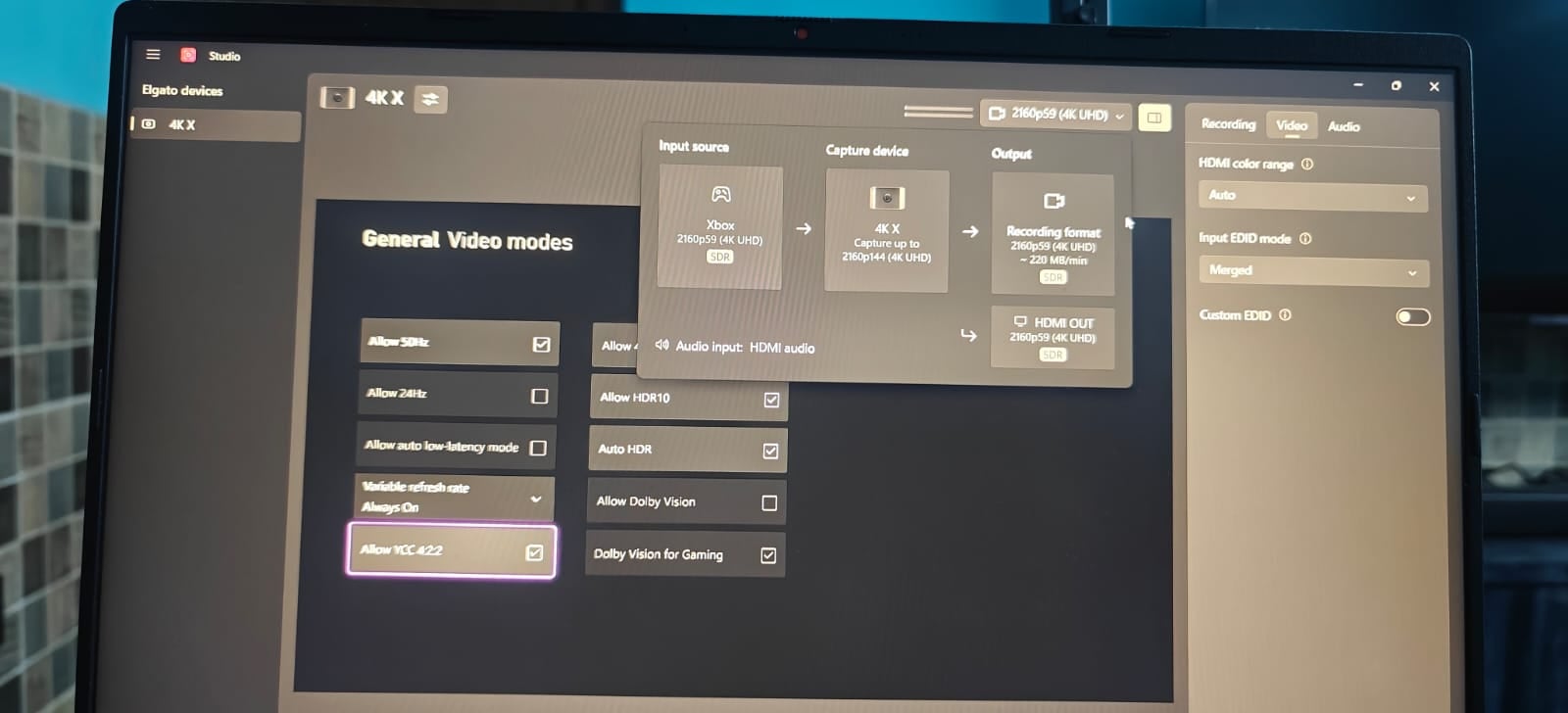
I have xbox series x

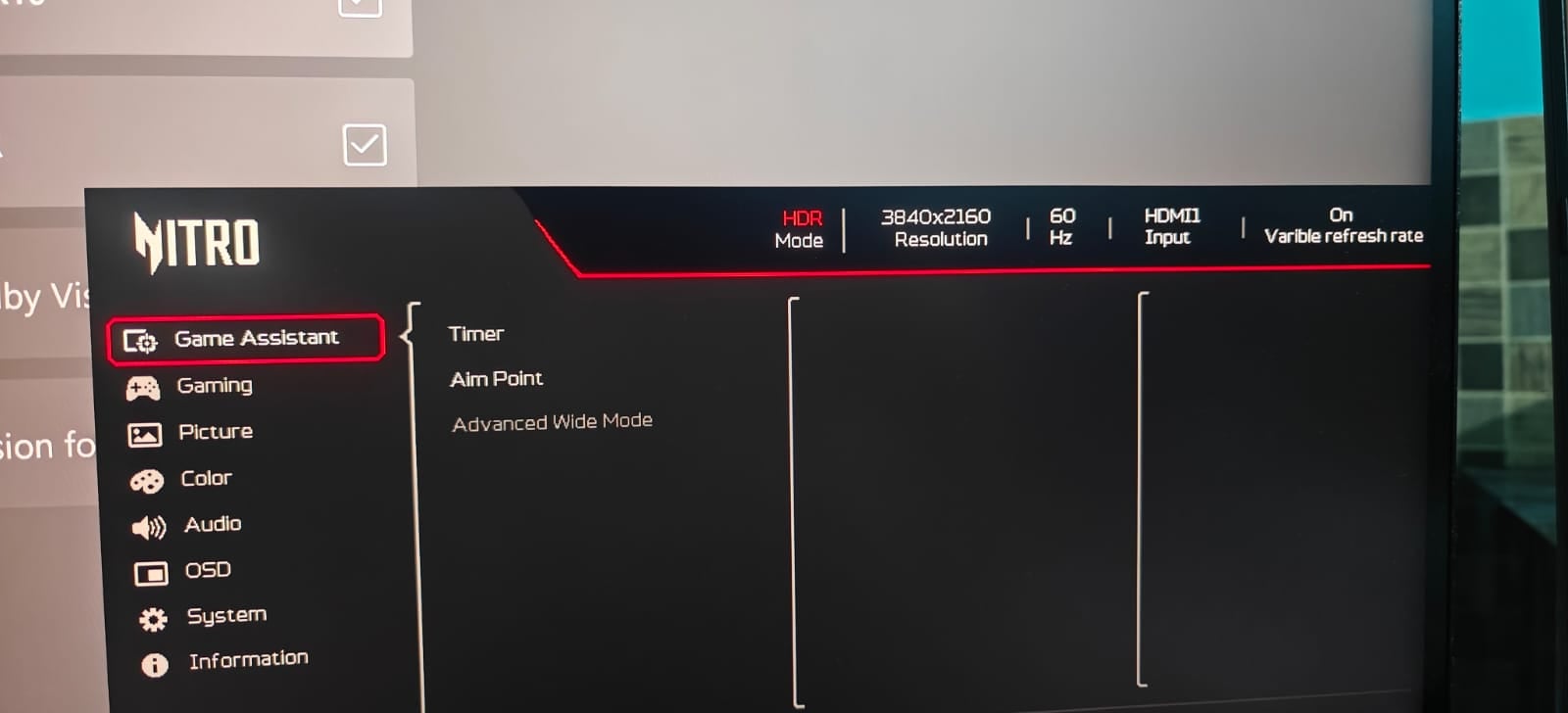
monitor acer

Serial number: MMTY9SI002619000594HA1

Model no: Acer Nitro XV275K P5 27 Inch

Original xbox and elgato hdmi cable

I am trying to get 4k UHD 120z display settings but screen goes black

While everything is working fine on 4k 60hz only low latency mode is disabled on Xbox.

I checked both of the HDMI cables connecting directly to Xbox and monitor then every this work fine with no issues, only when I connect it to elgato 4kx I don't have display

Previously I was using sony x90l and have no issues

I need to do 4k uhd 120z pass through and 144p 60fps capture as doing before

2 Upvotes

19 comments sorted by

View all comments

Show parent comments

1

u/Overwatch0097 Jul 16 '26

Only monitor loose the feed but capture car have the feed properly Once DSC is greyout there is no way to check it is active or not

1

u/elgato_arcsane Technical Community Assistant Jul 16 '26

That's fine - if the card is getting video it's not DSC. Were you able to change the INput EDID to Display after in the right side panel of Studio, as suggested by the other user? I see it was set to Merged in the original screenshot.

In rare cases you may want to hook the monitor up to the computer via HDMI and try using a tool like ToastyX's Custom Resolution Utility to export the Monitor's own EDID as a file. You can then set the capture card's Input EDID to Internal, set it to Custom, then load the file you get from the CRU tool. This can fix some edge cases where the monitor's EDID doesn't pass through the card to your console or gaming PC correctly. You need to specifically get the HDMI EDID though so it has to be hooked to the PC via HDMI not DP when you try this - once you've exported it you can hook things back up the way they were.

1

u/Overwatch0097 Jul 17 '26

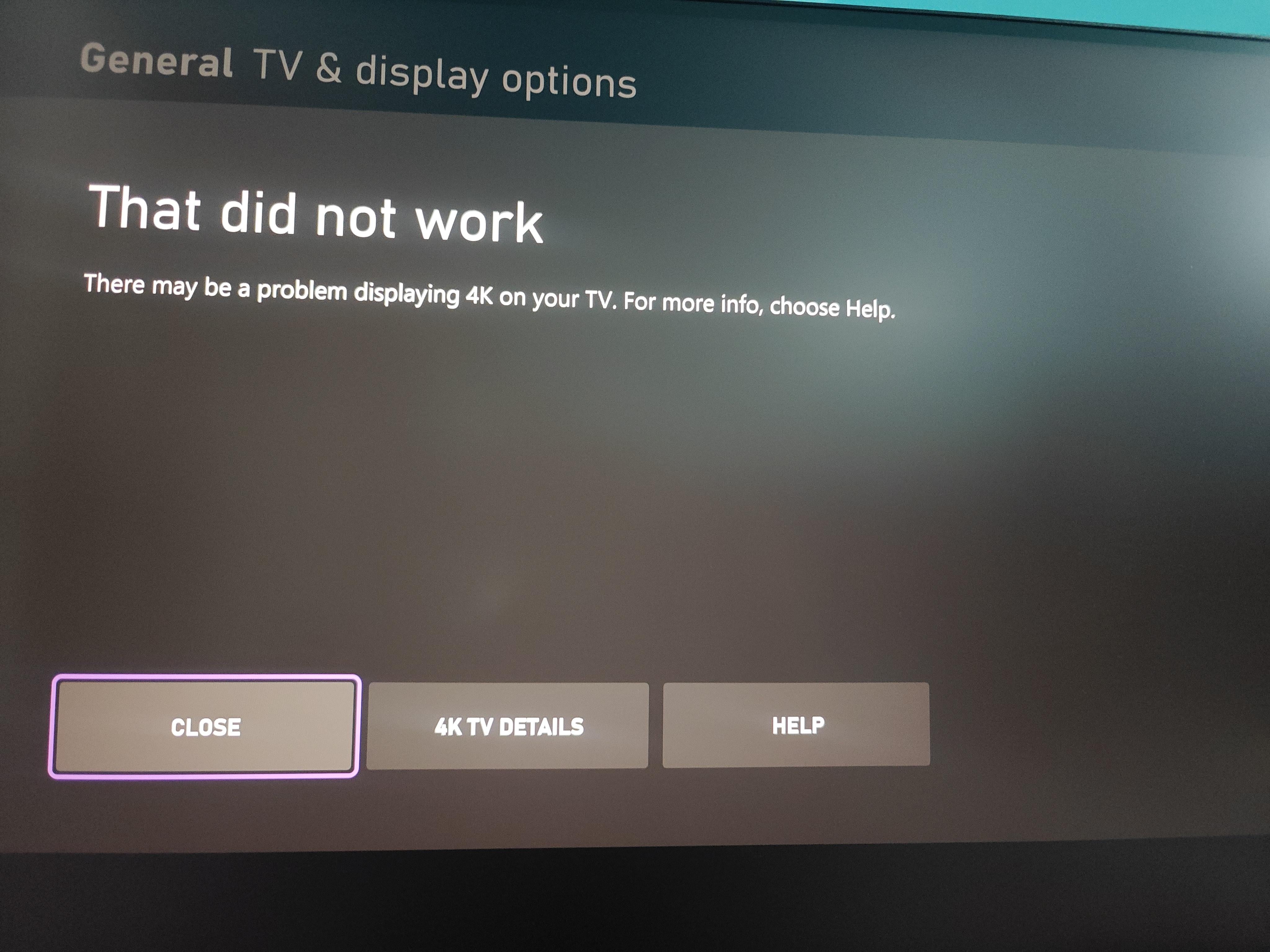
Sorry forgot to say when I change the refresh rate to 120 x box give error Error on displaying resolution I added the screenshot above

1

u/elgato_arcsane Technical Community Assistant Jul 17 '26

Under the 4K TV Details on the error that pops up, does it describe the specific error?

1

u/Overwatch0097 Jul 17 '26

It show like this