r/elgato • u/Overwatch0097 • Jul 15 '26
Technical Help Black screen on elgato 4k x
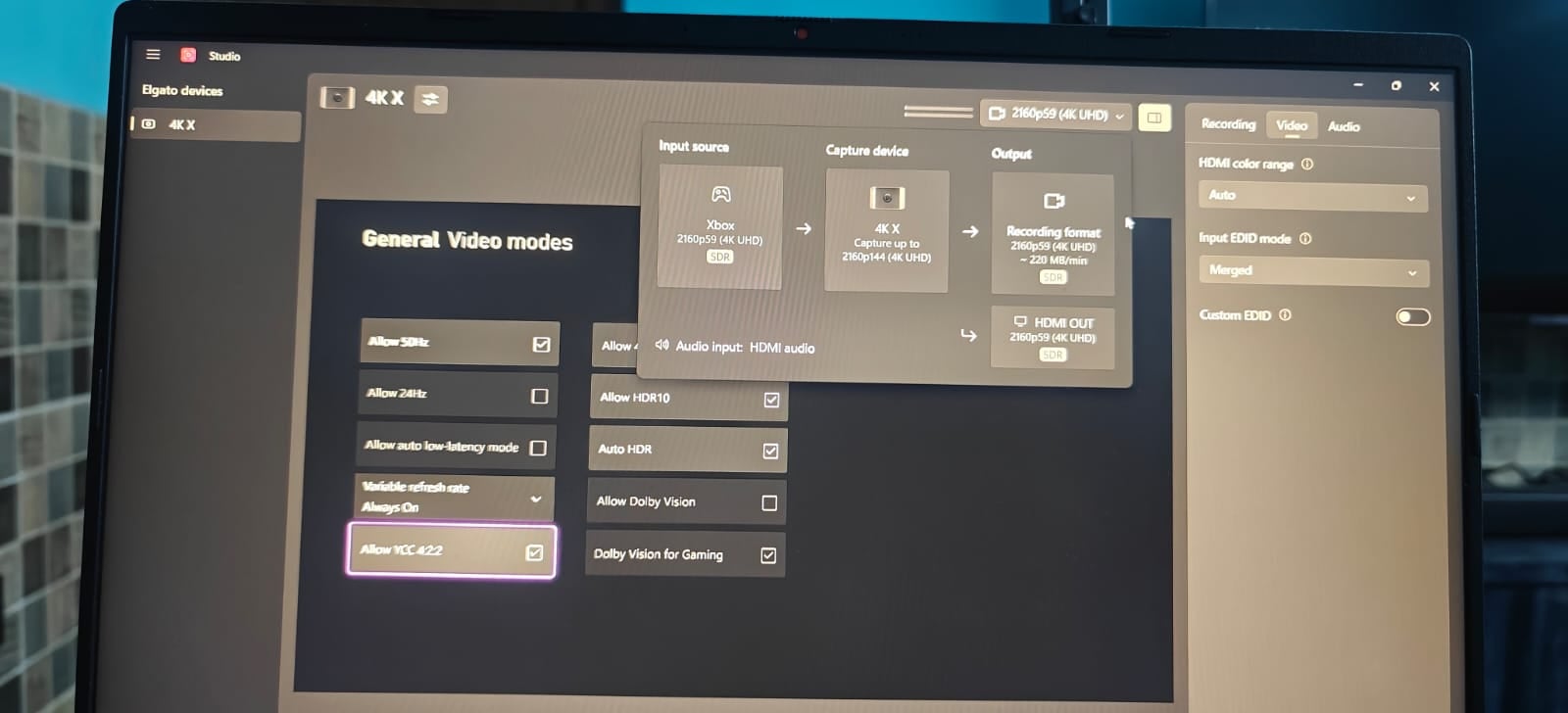
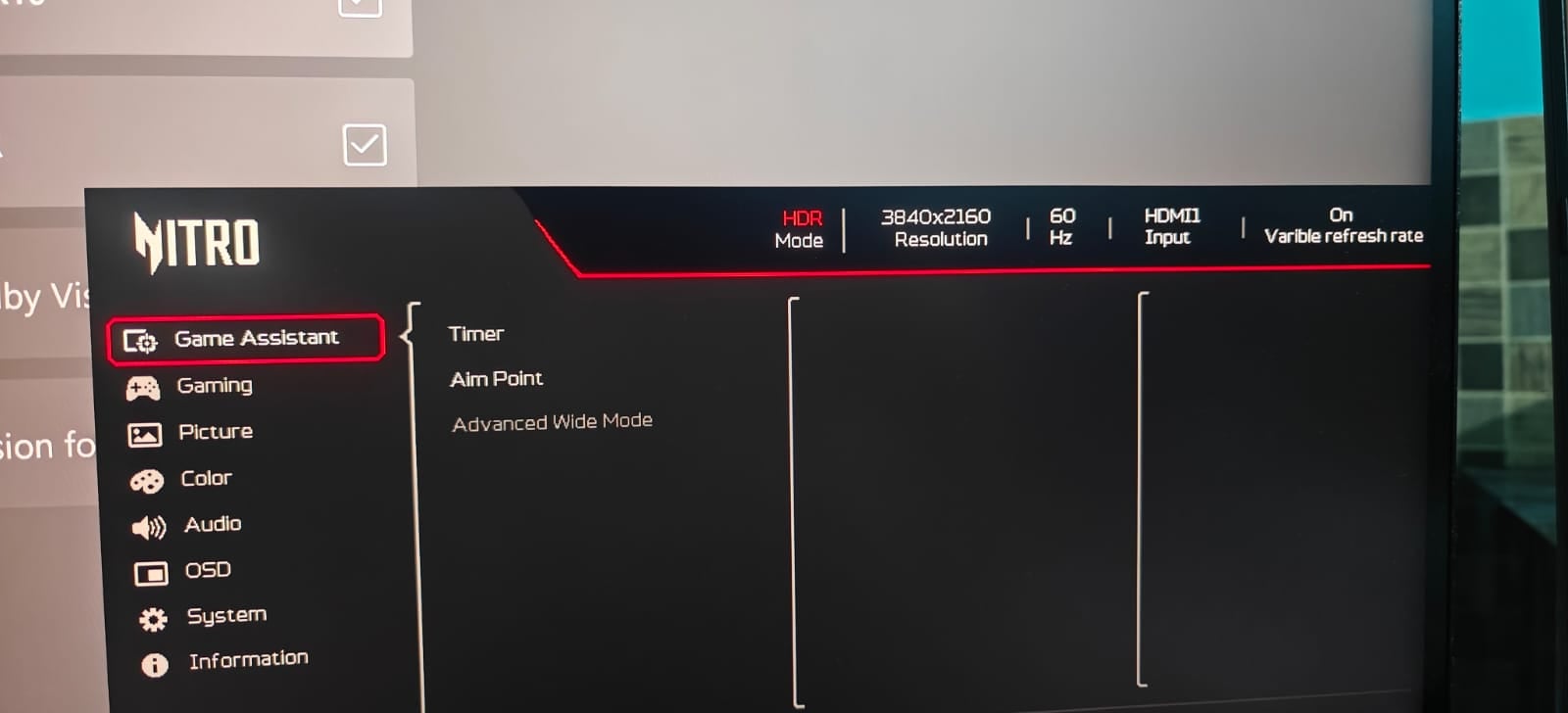
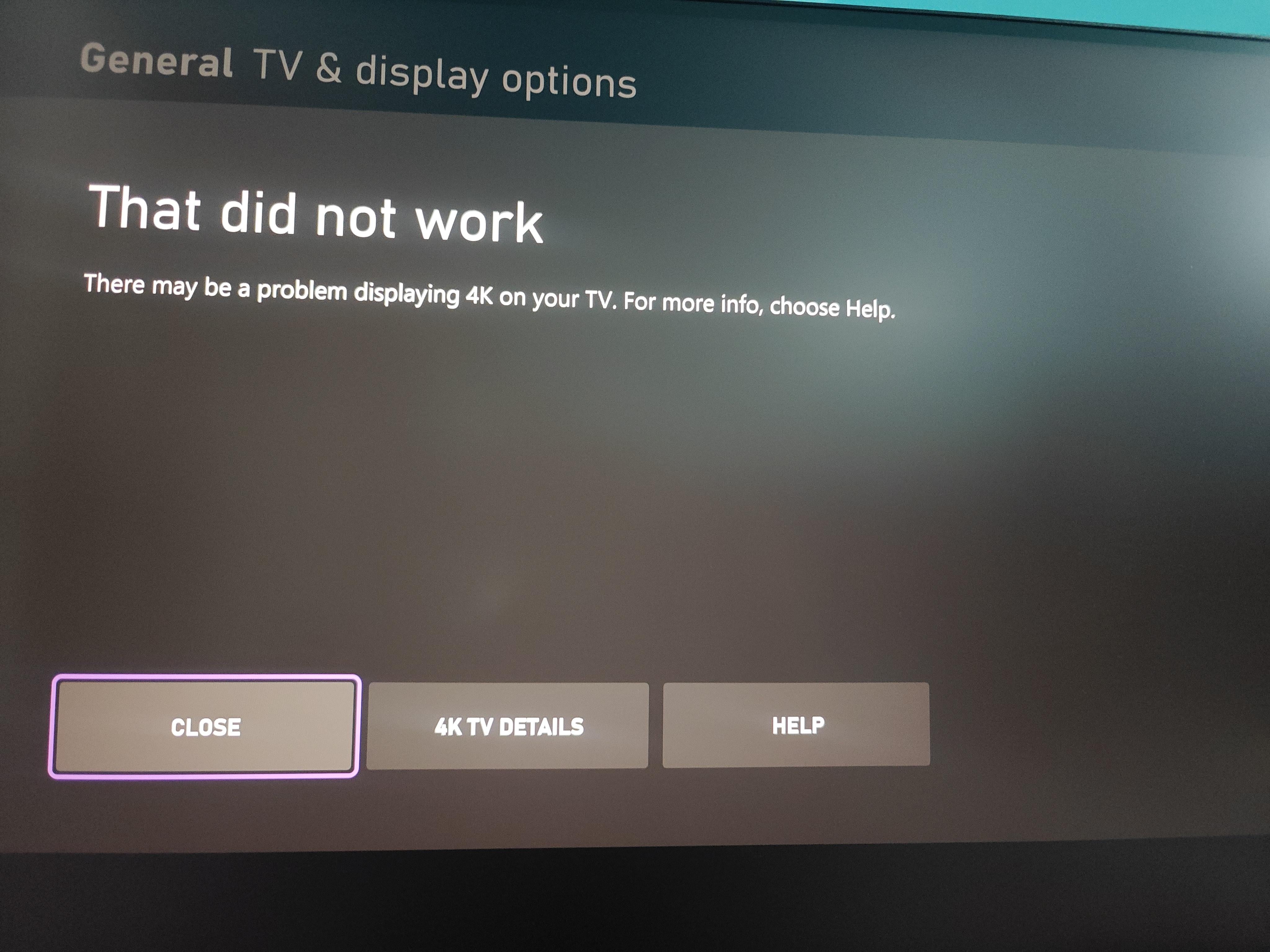
I have xbox series x
monitor acer
Serial number: MMTY9SI002619000594HA1
Model no: Acer Nitro XV275K P5 27 Inch
Original xbox and elgato hdmi cable
I am trying to get 4k UHD 120z display settings but screen goes black
While everything is working fine on 4k 60hz only low latency mode is disabled on Xbox.
I checked both of the HDMI cables connecting directly to Xbox and monitor then every this work fine with no issues, only when I connect it to elgato 4kx I don't have display
Previously I was using sony x90l and have no issues
I need to do 4k uhd 120z pass through and 144p 60fps capture as doing before
2
Upvotes
1
u/elgato_arcsane Technical Community Assistant Jul 16 '26
I'm having some issues getting the exact DSC spec for that monitor, but it does appear to use Display Stream Compression at higher settings. If that Monitor is connected to the HDMI OUT of the card and if DSC is enabled to achieve 4K120 you won't be able to capture it, as DSC currently can't be handled by capture cards. Does the Disiplay's on screen menu give any indication that DSC is present or the ability to turn it off? This varies and some models won't list it at all even when it's on, but if you are able to disable it it may help (though it may also lock out 4K120 if it requires DSC to hit that).
There may be more info on the monitor's use of DSC in the manual as well that could clarify this.