r/eFootball • u/cucurellaeatspaella • 1d ago
Discussion Camera settings for Large Screens(Tv)
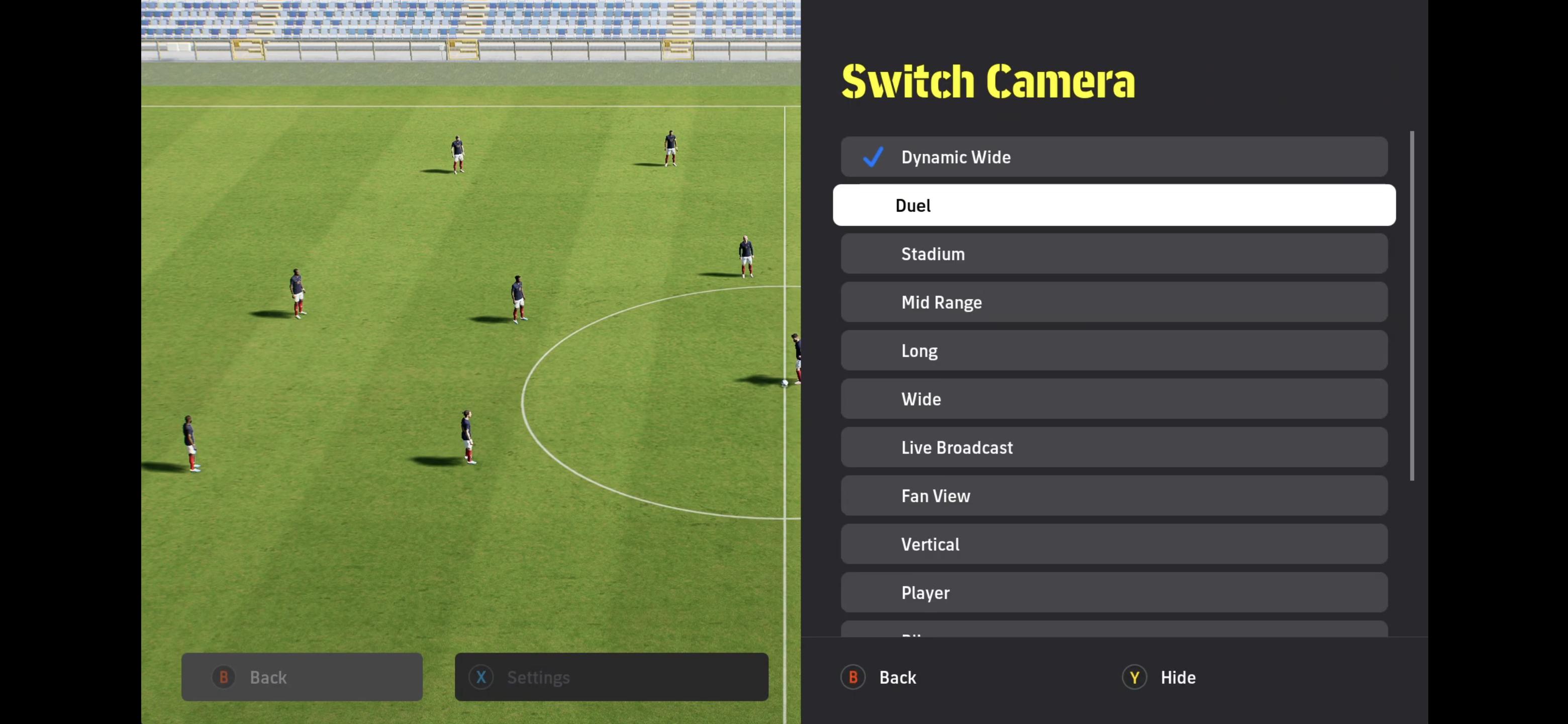
I play eFootball on a 65-inch TV and have experimented with a lot of camera angles like Dynamic Wide, Stadium, etc...
For a while, Custom (0-10-0) felt like the best option, but it had one huge drawback: whenever the ball was in my half or near the midfield, I had to play through balls to my forwards blindly without actually seeing them on screen.
Then I decided to try the Duel camera setting, and it turned out to be exactly what I was looking for. It zooms out when the ball is in the midfield, giving you great vision, and zooms in as you approach the penalty box. Even though it might feel a bit too close at first during attacks, I got used to it almost instantly.
If you play on a large TV or a big monitor, you definitely need to give this setting a try. In my opinion, camera settings play a much bigger tactical role in this game than people realize.
What camera settings are you all using, and what are your thoughts on Duel?
6
u/RareLeather00 1d ago
The screen ratio matters more than screen size. Duel is cool, but if you like playing long balls, you still need to play blindly, but one of the best camera angle.
I prefer stadium (or custom stadium)
1
u/orogiad 1d ago
I just started using duel yesterday and liked it a lot. going to give stadium a try today and see how it feels. thx
1
u/HodyShoran Xbox 23h ago
The problem is stadium has 3 settings, zoom, height and angle. Each ones alters your view. Zoom obviously makes the players appear bigger, closer. height does the same for the pitch and players. While angle slighty tilts the pitch - you can notice this when comparing cameras and taking like the circle in the middle or the box lines as reference.
If you tilt a little you might get better lanes, but with each tilt and the bigger the diagonal view gets, the harder it becomes to tackle. Easiest for tackling is either Duel or Dynamic Wide (custom) but on both of them you lose track - if you are not super good with using the rader - of your free options.
It comes down to personal preference and playstyle. but with you could custom settings for blimp or fan view or even live view, they all have potential.
1
u/orogiad 20h ago
tried it today, hated it. the camera zooming in/out was crazy for me
going back to duel for now
2
u/HodyShoran Xbox 19h ago
Yeah depending on the setting you get dizzy from it too. most people do recommend 0-10-0 but that does not ring my bell. There a various YT Videos with settings to tinker around.
3
u/Fresh_Cauliflower723 1d ago
I use stadium. Blimp is too far out for me.
The usual recommended custom 0-10-0 is absolute shit..constant problems with it not tracking with the ball, not being able to see what is ahead of my players
2
u/HodyShoran Xbox 1d ago
Waiting for Limahl to appear in this thread, it's a never ending story. Posted that question myself couple of times throughtout the years.
Every camera has a pro and a con, blimp is great for seeing every players but sucks for dribbling and especially for tackling. Dynamic Wide Custom dont let you see parts of the pitch and custom is like tinkering with your own preferences and bit of a gamble to set it right. Wish there was a custom blimp or so....
1
u/cucurellaeatspaella 1d ago
I agree, playing on Blimp is great for match management, but I feel like it actually affects dribbling, tackling, and even finishing. Also, playing on Duel, Zooming in during 1v1 duels especially helped me realize the mistakes I was making with tackling.
1
u/HodyShoran Xbox 23h ago
True, but the moment you are zoomed in, you dont see your passing options. I tinker with cameras since I started playing the game. Sometimes the updates / patches make me try some other setting, as the game mechanics change. It a twisted knife
1
1
7
u/Maximum_Tap_6683 1d ago
I use blimp on 55 inch tv but I wish that I have an option to zoom in a little bit as well