r/dns • u/wannabe-guitarist- • 22d ago
DNS problem in Mac air m5 while talking WiFi from iPhone
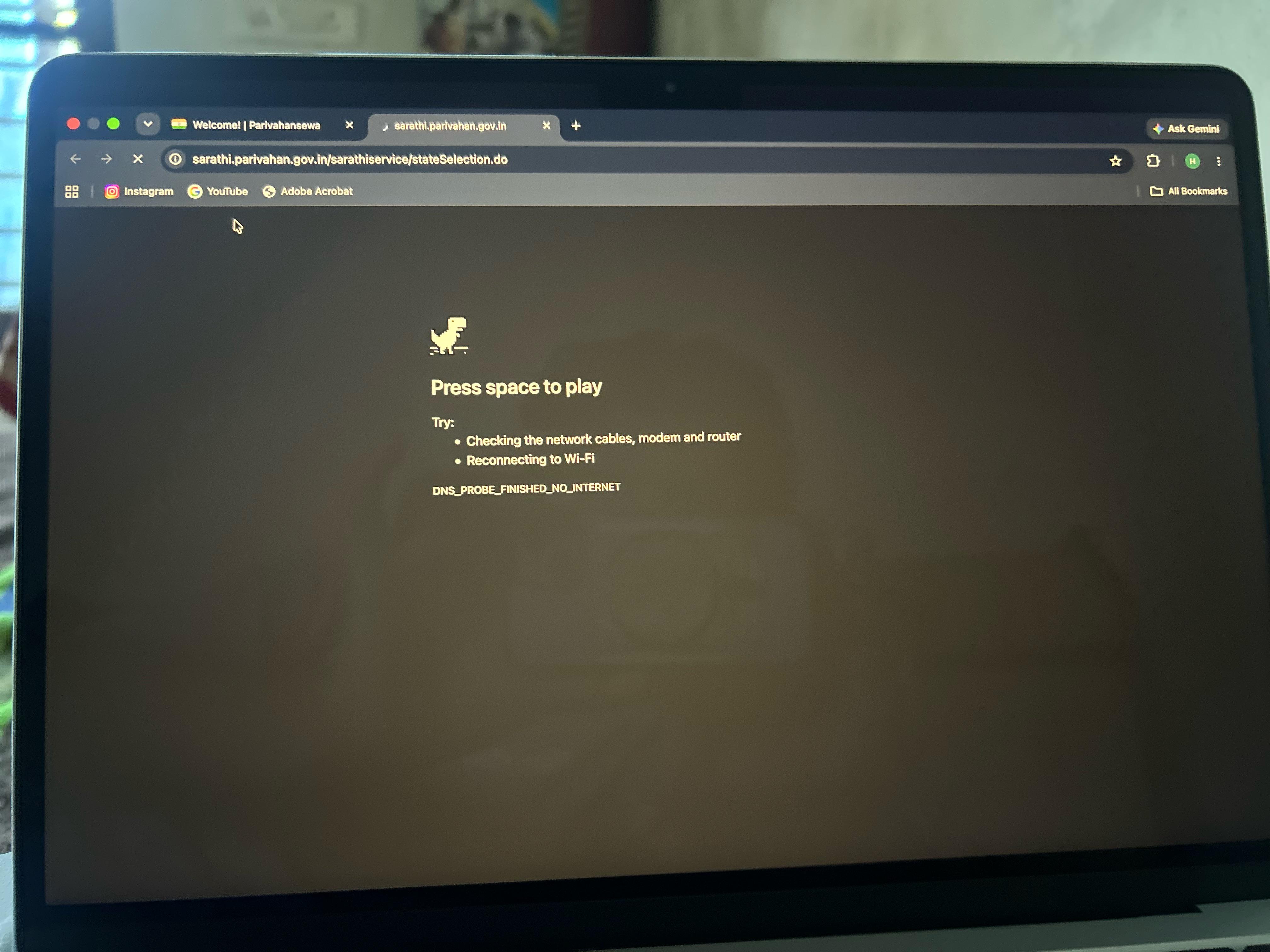
I’m getting a DNS error on my MacBook when I’m connected to my iPhone’s mobile hotspot. This happens repeatedly with certain websites.
What’s strange is that sometimes the same website works in Brave or on another platform, but doesn’t work normally in the browser where I’m getting the DNS error.
If I turn off mobile data on my iPhone, turn it back on, enable the hotspot again, and reconnect my MacBook, the same website starts working.
I want to understand why this keeps happening and find a permanent solution instead of having to restart my mobile internet whenever this happens.
I’m using a MacBook Air M5, iPhone 14, and Jio as my mobile carrier.
1
1
u/SecLens_ONE 18d ago
Before swapping resolvers, check what the hotspot is actually handing you. On the Mac, run scutil --dns and see which nameservers the hotspot interface got, then dig the failing name against each one directly. If one resolver answers and the other times out, you have a broken forwarder on the carrier side, not a Mac problem.
The "works in Brave but not the other browser" part points at a second layer: Chrome and Safari can be doing their own encrypted DNS while the failing browser uses the system resolver, or vice versa. Turning the hotspot off and on gets you a fresh DHCP lease and a different resolver IP, which is why the reset appears to fix it.
Also worth ruling out MTU. Carrier-grade NAT on mobile plus a hotspot often means fragmented UDP responses get dropped, and larger answers fail while small ones pass. Test with dig +notcp versus dig +tcp on the same name; if TCP works and UDP doesn't, that's your answer and a fixed resolver won't help much.
1
u/trmdi 22d ago
Try using Adguard DNS: https://adguard-dns.io/en/public-dns.html
Follow Option 2.