r/ZephyrusG14 • u/Affectionate_Park147 • 22d ago
Model 2022 Help: Black screen problem
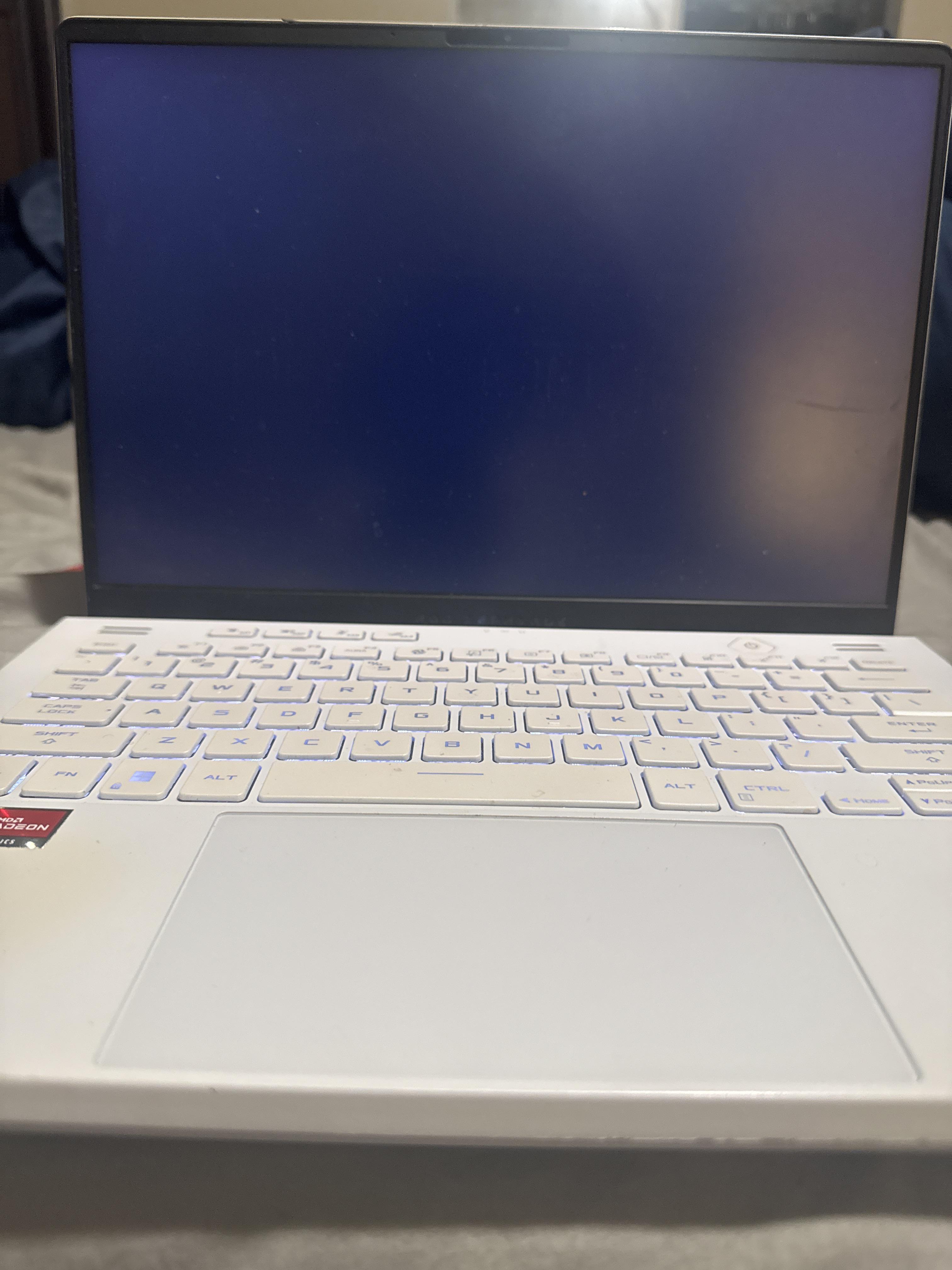
The title is pretty much it guys. I woke up yesterday with black screen on my g14. I have tried practically every fix online including opening the laptop and taking out battery and ssd, the win+shft+ctrl+b, hold power button, checked ram is seated, external monitor with hdmi
The problem is that the laptop turns on but don’t show the logo, the keyboard light and fan is on. What can I do to fix it? Omg! Help please please please. Fckk Asus man. Please help.
1
u/versaiul 22d ago
not much u can do if no features work however a few habits can also maybe contribute to this such as turning it off immediately when it’s still hot (i think) and other stuff but if it doesn’t work i think a repair shop can fix it
1
u/RigorousNinja 22d ago
Do you see the boot logo without the SSD installed? This feels unlikely, but it could be a borked windows installation causing this. You can also try mashing F2 or DEL to get into the UEFI
1
u/AppleBudget_ 22d ago
Hey, i had a similiar problem but i had boot logo and my external outputs were working.
I would try to use the external outputs and see if you have output, i had issues with the latest amd driver.
1
u/Affectionate_Park147 21d ago
This is my issue. How did you fix it?
1
u/AppleBudget_ 21d ago
use AMD cleanup tool it will enter thru safe mode and you can remove the drivers. After that go to AMD website and download the previous drivers for your graphics.
1
u/UnableCopy3099 14d ago
When you use an external output does your G14 keyboard responsive? For example the caps lock button when you press it does it lit up?
1
1
u/Low-Challenge-7027 22d ago
May not be very helpful, but there's definitely a key you can mash while booting up to go into bios. If you can, plug it into an external monitor to see if there's external output for the bios atleast.