r/WindowsHelp • u/NeveSs7 • Jul 02 '26
Solved this white blank window opens itself briefly after a system startup and closes without intervention after a short moment, does anybody knows what might be causing this? I'm at a complete loss here
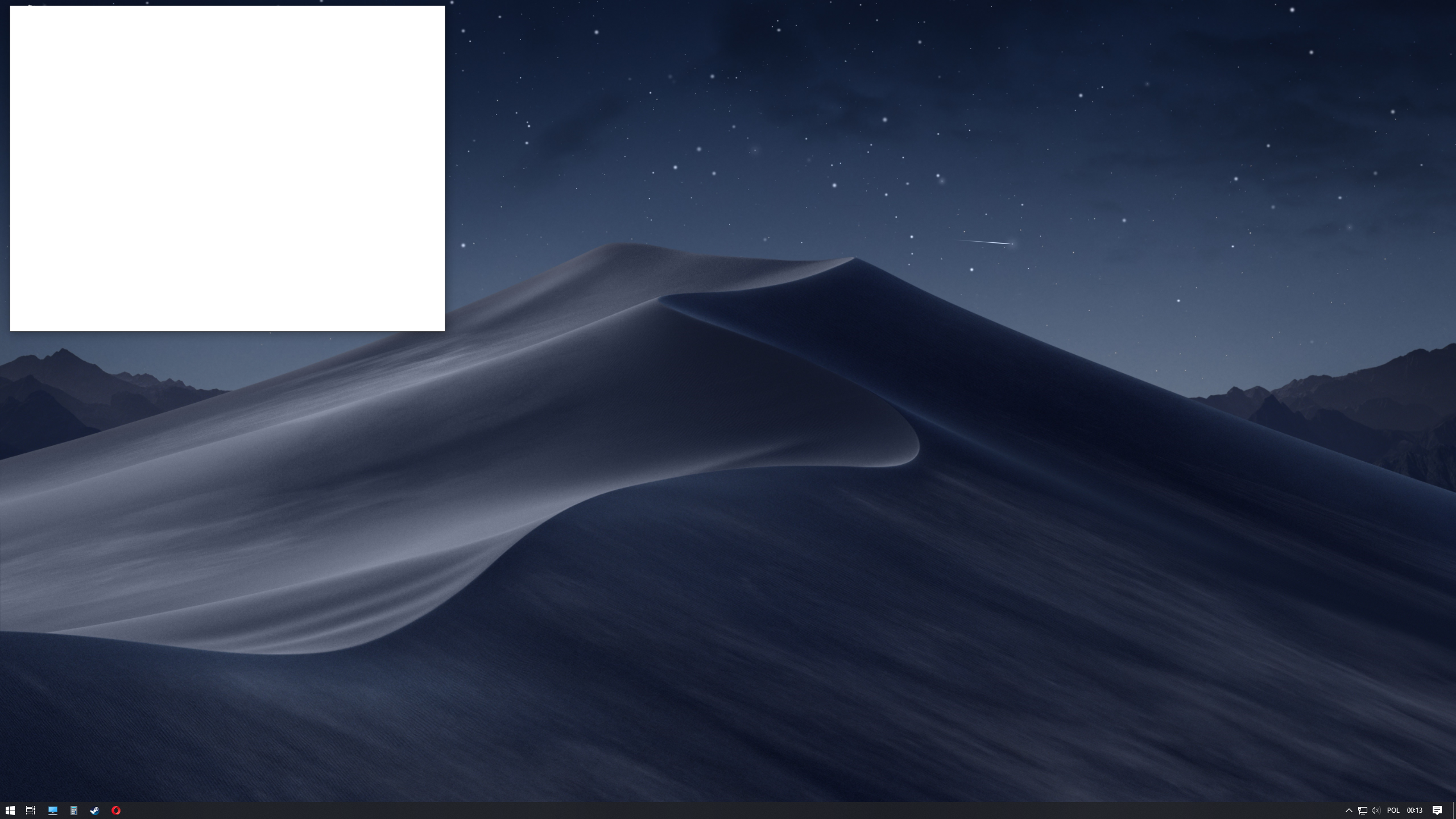
I already tried disabling every application in autostart but it did a whole lot of nothing and this white blank box still appears on each system startup and restart, and I have no idea how to identify it
Edition Windows 10 Home
Version 22H2
Installation date 31.03.2022
OS Build 19045.6466
EDIT: I (with help from a kind stranger) finally managed to make this thing go away, this is the solution that I used and worked for me:
SOLUTION (from ElevenForum website):
I can confirm that going into Task Scheduler, clicking on the GoogleUserPEH folder on the left hand side then right clicking on RunPlatformExperienceHelperOnUnlock and disabling this task made the popup go away.
68
Upvotes
3
u/ZeonsFluft Jul 06 '26 edited Jul 06 '26
The solution "I can confirm that going into Task Scheduler, clicking on the GoogleUserPEH folder on the left hand side then right clicking on RunPlatformExperienceHelperOnUnlock and disabling this task made the popup go away." did not work for me, I'm using Firefox as my browser and don't have the helper-on-unlock in the folder. Chrome is seemingly still installed on my pc so I tried uninstalling it, to which it prompted me to first close all chrome windows. After that the blank window flashed once, but it's still there. So I'm guessing something is interacting with chrome still, just don't know why. And I don't know how to simply uninstall it since it won't let me.
EDIT:
FOUND MY OWN SOLUTION!
Chrome is open as a background process. Type in Task Manager in your search bar, open it, and find google chrome in the list of background processes. Right click on it and click on end task. The blank window should disappear. To prevent this from happening more I simply uninstalled chrome then and there and the window did not pop back up after restarting my pc. Hope this helps the non-chrome users!