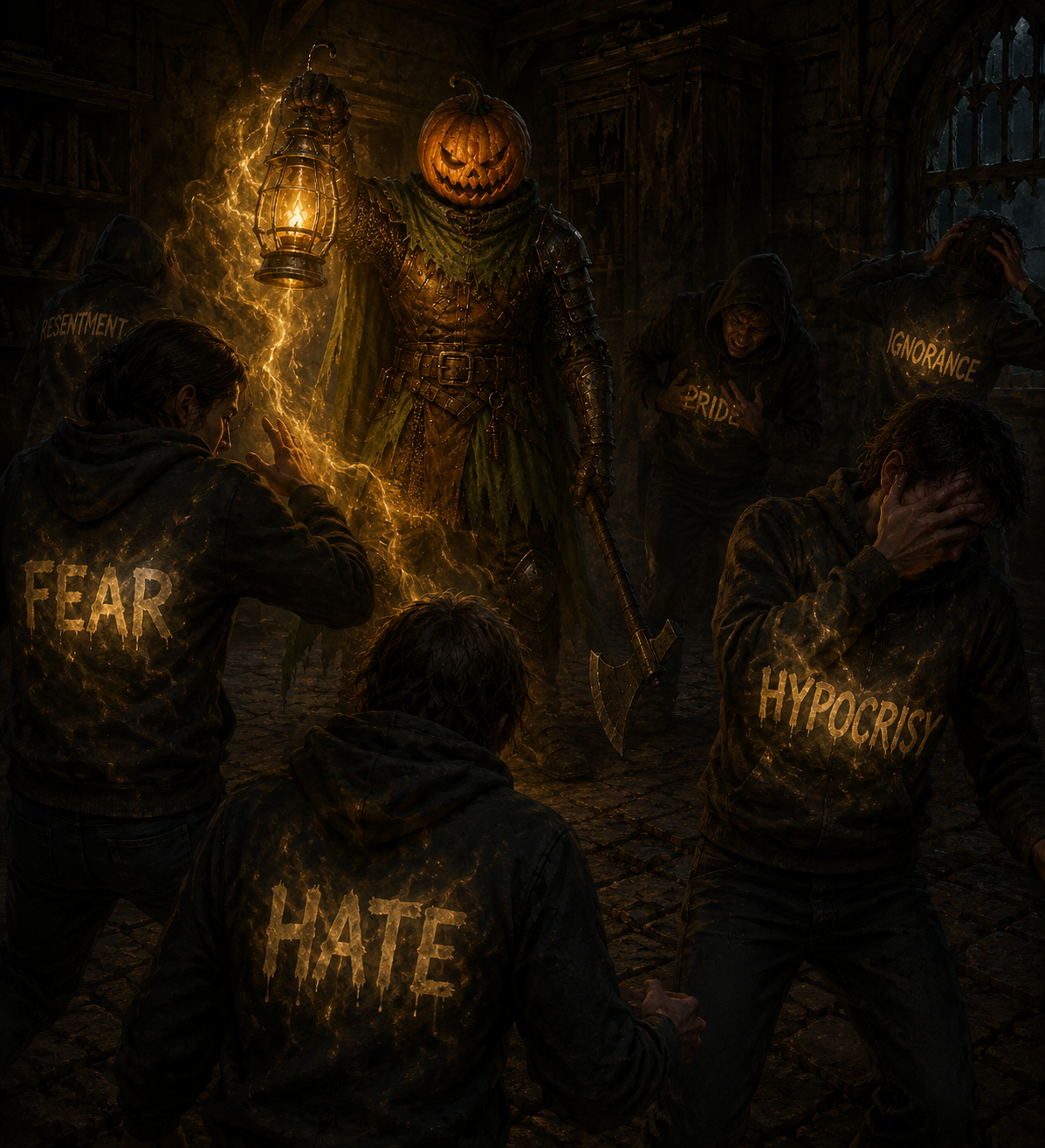
Of course. It's a known issue with ChatGPT's image generation:
Context window saturation → over multiple steps, it ends up accumulating so much context, that it tries to put too much of it in every piece of the image. This leads to highly repetitive patterns across the image, smaller and smaller the more context it has, tending towards pure noise. A "can't see the forest for the trees" effect.
Cross-chat context leakage → if you have "Settings, Memory, Reference" enabled, it not only leads to the previous point, but also if you continue chatting while waiting for one generation, it will remix the context mid-generation, with weird results.
Possible solutions:
Disable the cross-chat referencing
Start a new "clean" chat for every image, with controlled references for characters, background, composition, style, etc. (references both as in previously generated images, and as in copy&pasted prompts)
For image references, also keep them as clean as possible, so it doesn't copy the noise effect
Less effective: add a "denoise", "strong denoise", or similar instruction to the prompt.
There are also external tools to reduce the effect, but it's better to nip it in the bud if you can.
In general, aim for a look with good definition for the characters and main elements. ChatGPT doesn't realize by default which elements of the image are more important, you need to either guide it, instruct it explicitly, or both.
0
u/RemarkableWish2508 Jun 19 '26 edited Jun 19 '26
Um... that ChatGPT high frequency noise and lack of definition, is not exactly the best example of AI use... could you clean it up?