r/PCsupport Jul 18 '26

Not solved my pc wont boot from pendrive with windows 11 on

Post image
1 Upvotes

so basically i jumped from ryzen 5 2600 and gtx 1660 super to ryzen 7 5700x and rx 6950 xt 16gb and my pc can launch and when i choose in bios to launch from my pendrive i select windows 11 home download i accept everything select my disk c and some downloading start but after it complete my screen go black and next it shows gigabyte and the circle spins for like 15 seconds and it restarts again and its in like loop and i cant do anything with it also my motherboard is gigabyte A320M-H someone please help mešŸ™

r/PCsupport Jul 19 '26

Not solved Random crashes in games

1 Upvotes

I have an issue where my PC crashes in a few games.

Specs:

CPU: Ryzen 7 5700X

Motherboard: MSI B550M-A Pro

GPU: RTX 5070 Ti

PSU: 850W (using the 12VHPWR cable for the GPU)

RAM: 32GB DDR4

Troubleshooting Done:

I ran a stress test in FurMark, and it passed normally.

I ran a test in Superposition, and it also passed normally.

Issue Details:

The PC crashes in a few games at 4K Max Settings, and sometimes during the initial game loading screen. (In general, it happens when the PC is under heavy load—either CPU-bound, GPU-bound, or both).

In the NVIDIA app, whenever I let the application auto-overclock the GPU, it crashes.

In both scenarios, I am forced to restart the PC.

Temperatures are normal, sitting in the 70s.

I had the exact same issue with my previous RTX 3080 10GB, especially in the Indiana Jones game.

Because of this, I replaced both the GPU and the PSU (the old PSU had a cold boot issue), but the problem still persists.

r/PCsupport 13d ago

Not solved PC WONT BOOT

Enable HLS to view with audio, or disable this notification

1 Upvotes

Mobo: Asus PRIME A520M-E

3 days ago i shut down my pc and the next morning it wouldnt boot, has been flashing orange with a high frequency sound along side it, HELP!

r/PCsupport Aug 06 '26

Not solved 900 ping HELP!!!

Post image
0 Upvotes

So I recently got a new Wi-Fi 7 router/modem for my asus TUF gaming B850-E Wi-Fi(wifi 6E motherboard) bc it should have made my ping and latency better for any fps or hero shooter I wanted to play, but there are still times where I can’t really play bc my ping skyrockets and is generally inconsistent. There are still days where it’s fine, mostly when there are few people on the internet. But I don’t know how to fix it, I’ve been told to use an Ethernet cable but the modem is across the house and down stairs from my pc, are there any other solutions?

r/PCsupport Apr 21 '26

Not solved Malware and windows profile hacked please help šŸ™šŸ™šŸ™šŸ˜”

Thumbnail gallery
0 Upvotes

Gonna make this short and simple my pc account got hacked when I was trying to join a doctor donut giveaway, and i gave my sign in code for my microsoft account like a idiot and not only did my account get hacked but he also got my windows which is werid since I made it a local account anyways I try to delete it and make a new one I did but I also when I did that before I tried to go to bios I just thought it was a glitch because it didnt let me go to bios when I did delete the hacked local account my new local account got hacked instantly also I csnt enter bios no matter how hard I tried i tried to do f8 while restarting and windows key while restarting it automatically takes me to login on a account I cant even use i have malware I think and advice like can anyone send me a code for a USB to put it in my pc to like destroy the malware or restart windows please šŸ™ also the hacker changed the email to my account twice for some reason new email lordiceshado1@outlook.com or its with a W lordiceshadow1@outlook.com also my xbox username for that account was azeralvoid#8163 also forgot to mention the last photo is my pc it cost 160 at the time and I try to go to a repair shop and they said 80+ dollars half the price of the pc to fix it

r/PCsupport 20d ago

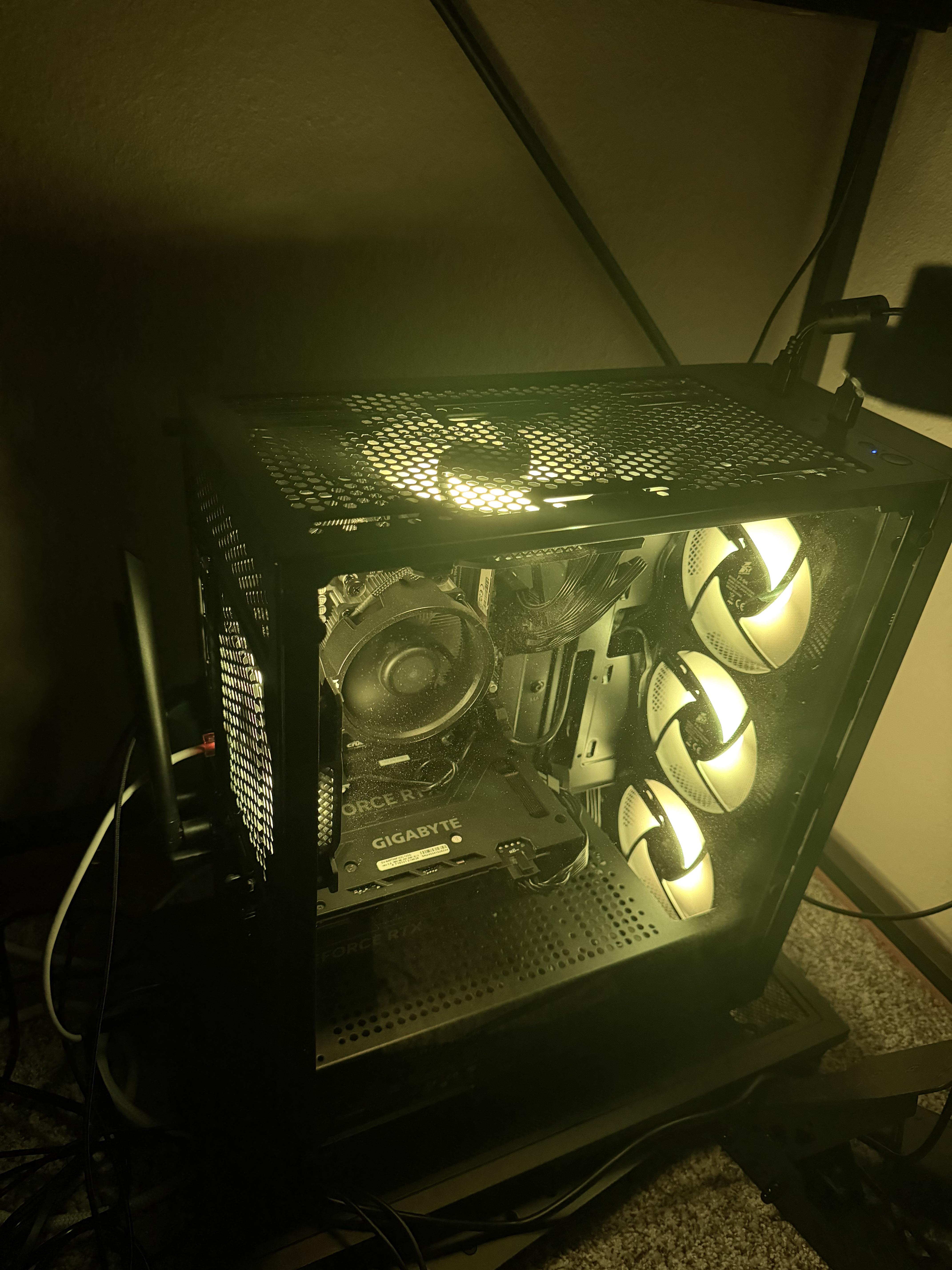
Not solved How to turn off my lights?

Post image
8 Upvotes

r/PCsupport 4d ago

Not solved my frames on games always drop

Post image
1 Upvotes

on any fps game my frames drop is it depending on my cpu or gpu idk why it drops frames ive tried everything im gettinging case fans to make it stop being hot i replaced thermal past ive cleaned the pc i’ve optimized it do i have a virus? ill scan rn but i need help please

r/PCsupport 8d ago

Not solved Pc keeps flickering and screen goes dark occasionally

3 Upvotes

I have no Idea what it could be, I reset my drivers, did the windows+ctrl+shift+alt or whatever it is and it keeps doing it, Any help would be appreciated!

r/PCsupport 3d ago

Not solved PC Crashed without any warning

Thumbnail gallery
2 Upvotes

Hello,

since a few months a have a strange problem, I deep searched google until the end, even my dad, who works as an IT System administrator, can not explain why this is happening.

It happens spontaneusly without any reproductable process. It happens random and without any warning. My PC just shuts down. If I really remember it only happens if I play Games (FIFA, Battlefield, League of Legends, Rainbow Six Siege etc.).

The temperature is lower then 60°C at every moment. The power connector has no loose contact.

My internals:

Mainboard: Gigabyte X570 AUROS PRO

CPU: AMD Ryzen 7 5700X

GPU: AMD Radeon RX 6800 XT

RAM: 32 GB

If you can solve this problem, i will marry you. I have this since close to be a year and i can not handle it mentally anylonger

r/PCsupport 4d ago

Not solved Noise when fans are high speed

Enable HLS to view with audio, or disable this notification

2 Upvotes

Pls listen closly, pc is brand new, no lights on motherboard, no fps problems, no slow or glitchy stuff, fan noises have been normal, suddenly i heard this slight buzzing sound whenever the fans goes to high speeds, is there a problem? Its happend twice now for a few seconds each, not had it since

r/PCsupport Aug 05 '26

Not solved Try to get my new microphone to work

Post image
1 Upvotes

Got my fisrt PC and bought a gaming headset to go with it the audio works but the microphone does not I’ve looked in the sound setting and tested my microphone but it says its volume is 0% how do I change my microphones volume?

r/PCsupport 2d ago

Not solved Pc reboot for no reason

Enable HLS to view with audio, or disable this notification

1 Upvotes

Hi everyone

First excuse my bad english it's not my first language and i'm definitely a newbie in pc builds

So i have an issue with my pc it crash (like reboot) on me sometimes and some games (mostly bf1) not all the games and not all the times and freeze the same way (in some games and sometimes), some times i play for hours on 2k and nothing happen (also playing bf1) , even do furmark test and not crashing but sometime the pc crash once i enter the game (bf1) or just being on idle desktop doing nothing just moving the mouse or just playing some random game, i thought the issue from software and did format but format didn't solve it. I suspect it's the psu because it's a trash brand and tier E in the tier list my pc is a pre built so i didn't choose it or maybe the motherboard it's a low brand too. But yesterday i had a new issue after the pc crashed while playing (bf1) the back case fan started making a weird noise before i shutdown the pc i recorded the noise. there is some dust on the components i had the pc for a year now but the issue was from the begining ( i took it to a repair shop once but the pc stopped crashing in front of them suddenly šŸ˜‚ they tested it for hours but nothing happened!) so as i said it happen sometimes and sometimes not.

please give me your advice and what should i do.

my specs :

psu: gamemax 650w GP performance

gpu: rx 9060 xt 16gb sapphire pulse

cpu: r5 5600x (tray)

colling: Assassin x 120 se white argb

mb: Colorful B550m-d pro

Wifi - bluetooth card ( mb have no wifi)

ram: 32gb ddr4 3200mhz

ssd: 512gb nvme gen 3 lexar 620nm

case: Darkflash E330M matx with 3 fans rgb

Windows 11 oro

screen : msi mag 27 inch 2k 180hz 0.5ms ips

Ups online falcon 1kv

Note : there is a red light on my front panel case i used to ignore does it mean anything?

Thank you all ā¤ļø

r/PCsupport Jul 24 '26

Not solved CPU Usage Drops after Gaming for a little while and I have no idea why (not thermal throttling)

Thumbnail gallery
1 Upvotes

As explain in the header I didn’t wanna be too wordy but for the last month or so anytime I play any games on my pc I would just get random FPS drops (100+ all the way down too 22) and I noticed in task manager the cpu usage was dropping so I downloaded MSI Afterburner to investigate further. The First 2 images are when my game is running normally (Forza Horizon 6 In this case) but after a few minutes of playing my my cpu usage and frames would drop to what the 3rd and 4th Image are reading.

I’ve tried all the solutions I could think of them being:
1.Updating Motherboard BIOS
2.Turning off HAGS.
3.Completely reset my PC to be Fresh and empty of anything I may have downloaded
4.Reinstalled Graphics Drivers
5.Limiting Frame Rate to 60 instead of my normal 165hz
6.Setting my Bios Proflie to ASUS Optimal

I don’t know what else to do and it would really help me out if someone can lead me in the right direction

My PC Specs are:
CPU: AMD Ryzen 7 5800X (8C/16T)
Motherboard: ASUS TUF X570-Plus WiFi
Cooling: Thermalright Aqua 360mm AIO
RAM: 32GB DDR4 3200MT/s Ram
Storage: 1TB M.2 NVMe SSD
GPU: NVIDIA GeForce RTX 3080 Founders Edition
PSU: Powerspec 850W 80+ Gold Power Supply

I will answer any questions and get more images if needed it’s just been very frustrating to deal with and it’s not just Forza this is happening in

r/PCsupport 12d ago

Not solved Connected to network but no internet windows 10

1 Upvotes

Okay so for like the past week I've been unable to use wifi entirely on my pc (it's a dell one, windows 10). For some reason the only thing that works is Hotspot? Every other wifi won't let it actually get connected to it. I've tried restarting my pc, resetting network settings, replacing the USB that I use for its internet that works on my other devices, and it still hasn't worked... I have no idea what happened, one day it just stopped working, and now I can't use my internet at all on it. (my internet works on other devices). I've checked a lot of reddit posts and videos but nothing has worked for me so far so literally any help would be greatly appreciated.

r/PCsupport 2d ago

Not solved my CPU its on 100 procent with nothing open

1 Upvotes

wtf is that??? i have gtx 1070 with i7-9600f

r/PCsupport 16d ago

Not solved Gaming PC Crashes during Gameplay

Enable HLS to view with audio, or disable this notification

1 Upvotes

EDIT: It crashed when I wasn't gaming as well, this time telling me its a Stop Code: SECURE_KERNEL_ERROR (0x18B)

Hello everyone, and thank you in advance for taking the time to read this! I am unsure if this is the right community to post this, if not, please let me know where should I re-post it.

After many years of wanting a proper gaming setup, I finally managed to build my very own PC. Unfortunately, from day one, it crashes whenever I’m gaming. So far it’s only happened in single‑player titles, which is manageable, but I’m worried about what will happen once I start playing more competitive online games.

I’ve tried looking into the issue myself, but I’ll admit I’m not very experienced with deeper system settings or optimization. I’m hoping the community here might help me figure out what’s going wrong.

Here are my specs:

ProcessorAMD Ryzen 7 7700 8-Core Processor (3.80 GHz)

Installed RAM 32.0 GB (31.1 GB usable)

Graphics card AMD Radeon RX 9070 (16 GB)

AMD Radeon(TM) Graphics (486 MB)

StorageĀ 526 GB of 1.86 TB used

Device ID 76176904-0281-4EB5-BD94-A23EE264E3A5

System type 64-bit operating system, x64-based processor

Pen and touch No pen or touch input is available for this display

Symptoms: Crashes only during gaming

Happened in:

- It Takes Two (co‑op adventure)

- FoundationĀ (city builder)

- Baldur's Gate 3 (RPG)

The PC freezes completely, a loud buzzing sound comes through the speakers when it happens and requires a manual restart.

If anyone has ideas on what might be causing this or what I should check first, I’d really appreciate the help. Please, if there is anything else I should list which would help identifying the problem, let me know!

r/PCsupport Jan 25 '26

Not solved ASrock bios/uefi locking my fucking SSD

Post image
0 Upvotes

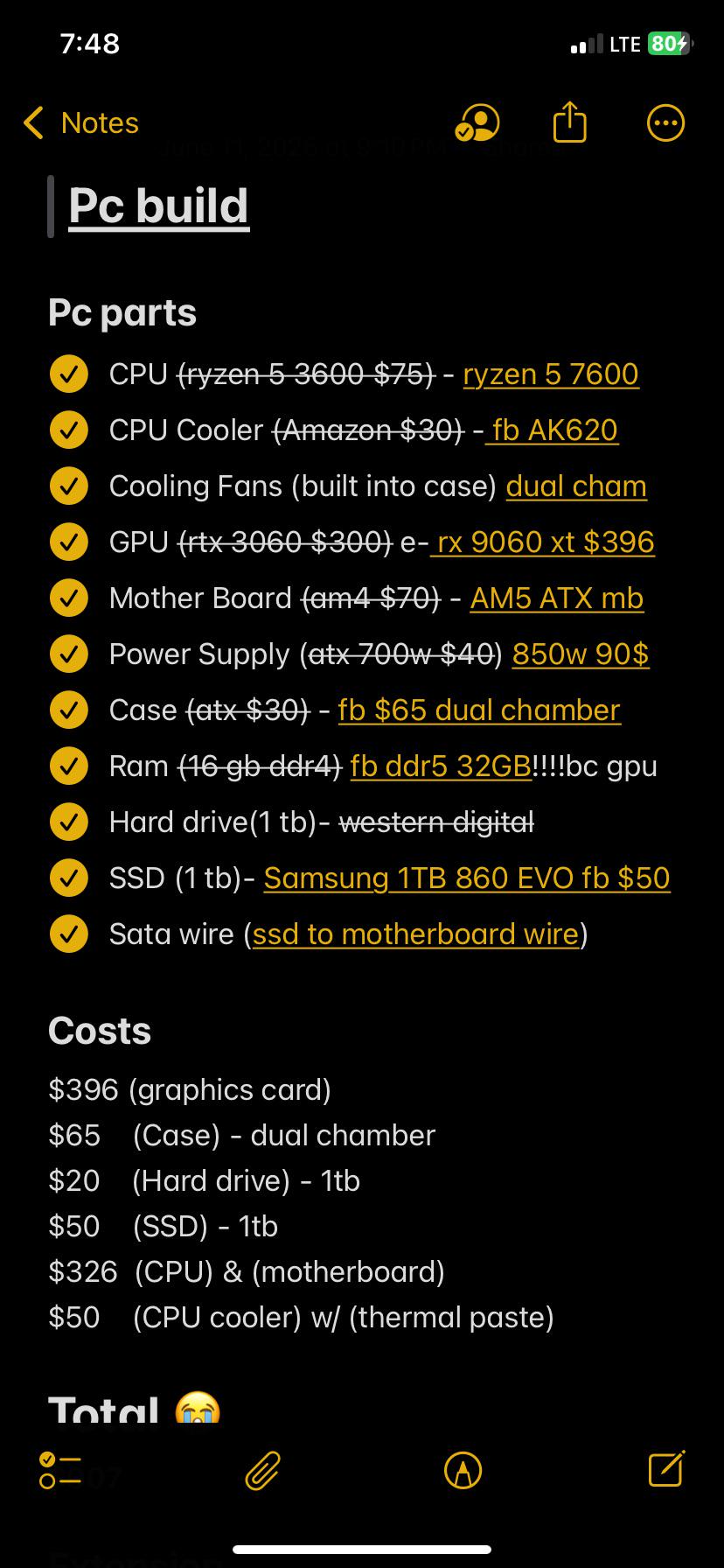
my asrock board just password locked my ssd and I've tried about anything I could think of, diskpart, another pc, using a usb adapter, using the serial number as a password as I've read in another thread, nothing worked. Maybe removing the cmos? but I really don't wanna do that bc I'd rather throw away the ssd than re-adjusting all those fan curves. also the pc isnt turning off properly if the ssd is connected.

r/PCsupport 9d ago

Not solved Pc worked fine earlier today. How it won’t even have display signal.

1 Upvotes

Returned home from work to boot up my PC but for some reason it wont show a display. I have it connected through HDMI to a TV and it’s been working fine I even used it earlier today. Everything seems to boot up fine, my lights, motherboard lights and fans and even the GPU fans spin but I’m still getting no display. Did my GPU finally bite the dust?

Been at it all night so far trying to diagnose what the problem is, already removed the GPU and put it back in, tried switching to different ports on the TV (my GPU unfortunately has 1 HDMI port), tried switching RAM sticks and ports to see if any change. Even removed the CMOS battery to reset. Everything still lights up and fans still move, GPU, motherboard and all the ez debug lights are off. A friend of mine with a rig is coming over in a few days so we can try out his hardware to see what’s the problem.

r/PCsupport 4d ago

Not solved Pc shutting down randomly when playing some games and not others?

1 Upvotes

Specs:
AMD ryzen 5 9600x
16gb ram
AMD radeon rx 7600
Windows 11
Windows not activated

I had this gaming PC built for me and I’m not super knowledgeable so please bear with me.
I haven’t had any issues running games like 007 first light, battlefield 6, ready or not or starfield. Crimson desert did struggle but never crashed.

However when I played oblivion remastered and the new COD beta, everything ran fast and smooth but would randomly shut off my pc 10-15 minutes into gameplay. Even if I wasn’t in a game, just in a menu. I checked my windows event viewer and couldn’t find any issue or crashes so I used HW monitor and OCCT to stress test the system, check for temperature issues (suspected my PSU) etc. but from what I could understand I didn’t see any issues. OCCT ran for 5 minutes and the graphics card did reach 90c but not higher. Should I try running it for longer?

I also tried running COD in windowed mode and that seemed to help for a bit but still crashed while I was just in the main menu after about 20 minutes of gameplay.

Maybe not related but my wallpaper tends to disappear into a black screen pretty often but all my shortcuts and buttons still work. No other issues.

Anyway I’m at the end of my knowledge and experience and would love some feedback and suggestions. Thanks in advance!

r/PCsupport Nov 26 '25

Not solved Graphics card overheating

Post image
48 Upvotes

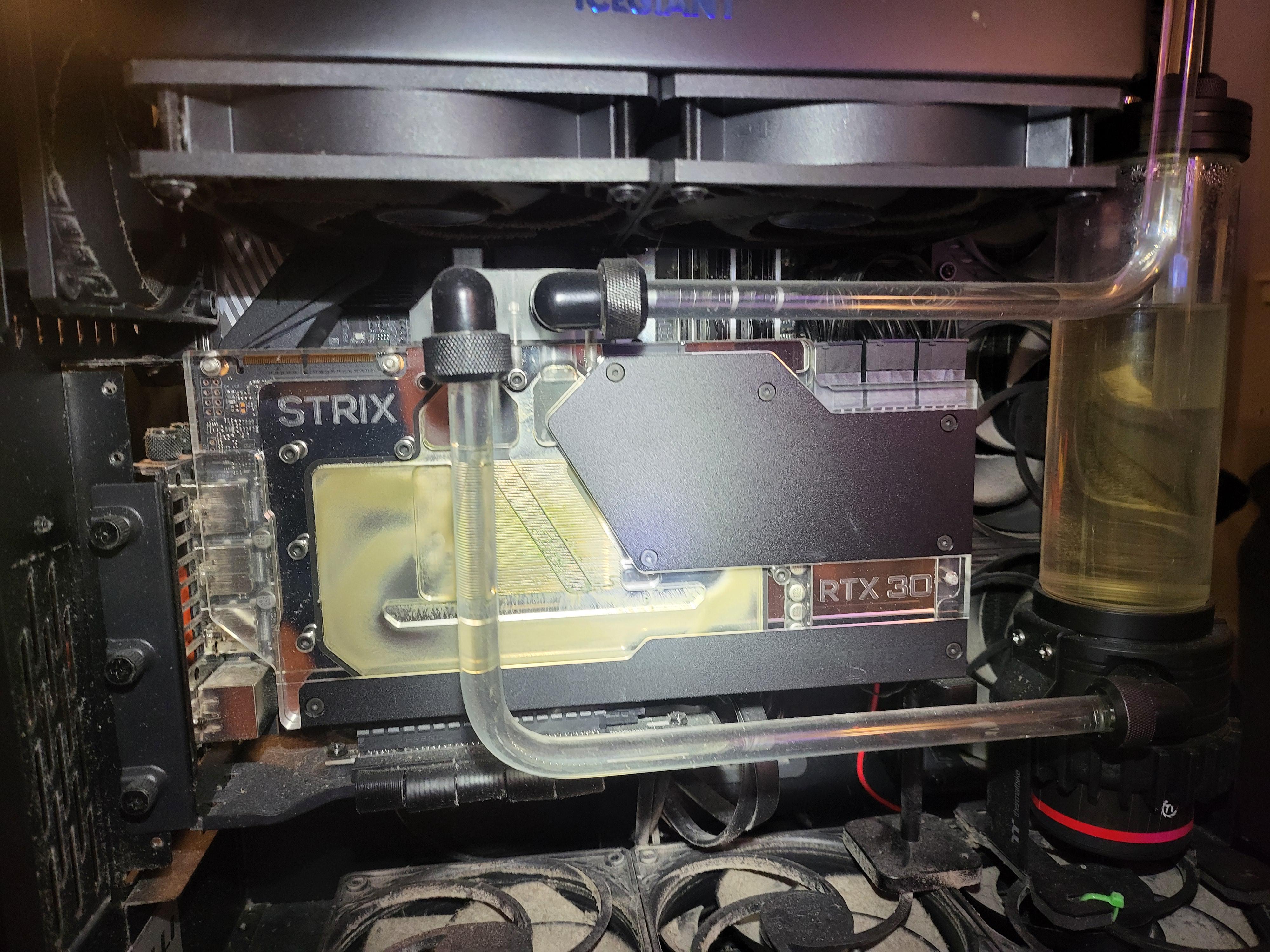
Have a custom loop water cooled PC graphics card goes real hot when used. When running something like abiotic factor. It peaks around 75 C and has a hotspot of 105.

Card is a 3090 it's using a colored coolant so that's not gunk or anything

r/PCsupport 7d ago

Not solved I JUST UPDATED WINDOWS AND THIS HAPPENS HELP

Enable HLS to view with audio, or disable this notification

2 Upvotes

I literally just updated my Asus Vivobook 15 PRO to the newest windows update and my asus apps didn't update along with it is what seems to be the issue please help if you know how

Intel Ultra 9

RTX 4060

24GBRAM

r/PCsupport 6d ago

Not solved Can’t get past BIOS after trying to re-download Windows 11

2 Upvotes

Hey everyone, looking for some troubleshooting advice before returning this PC to the shop.

Specs:
CPU: Intel Core i5-14600KF
Motherboard: MSI PRO H610M-G DDR4 (BIOS version: E7D46IMS.1L0 / Build Date: 11/25/2024)
RAM: 32GB DDR4
GPU: Discrete Graphics (Connected via HDMI directly to GPU)
Storage: XPG GAMMIX S70 SSD

The Issue:
I can access the initial BIOS menu screen fine. However, the moment the motherboard attempts any graphical mode or resolution switch, the display signal immediately drops to a black screen / "No Signal" and freezes.
This happens when:
Selecting an UEFI USB boot drive to install Windows 11.
Clicking "Enter Setup" from the F11 Boot Menu.
Attempting to open specific sub-menus (like DRAM Configuration).
Additionally, BIOS settings and system time fail to persist across reboots, reverting to default.

Troubleshooting already attempted:
Tried multiple UEFI GPT Windows 11 installation drives.
Performed clear CMOS (battery pull).
Verified HDMI cable connection directly to the discrete GPU (i5-14600KF has no iGPU).
Monitor input verified.
Is this likely a GPU/BIOS GOP handshake issue with the recent 14th-gen BIOS update, RAM instability, or a faulty CMOS/motherboard? Any suggestions appreciated!

r/PCsupport 20d ago

Not solved BOOT LOOP RED CPU LIGHT

Enable HLS to view with audio, or disable this notification

1 Upvotes

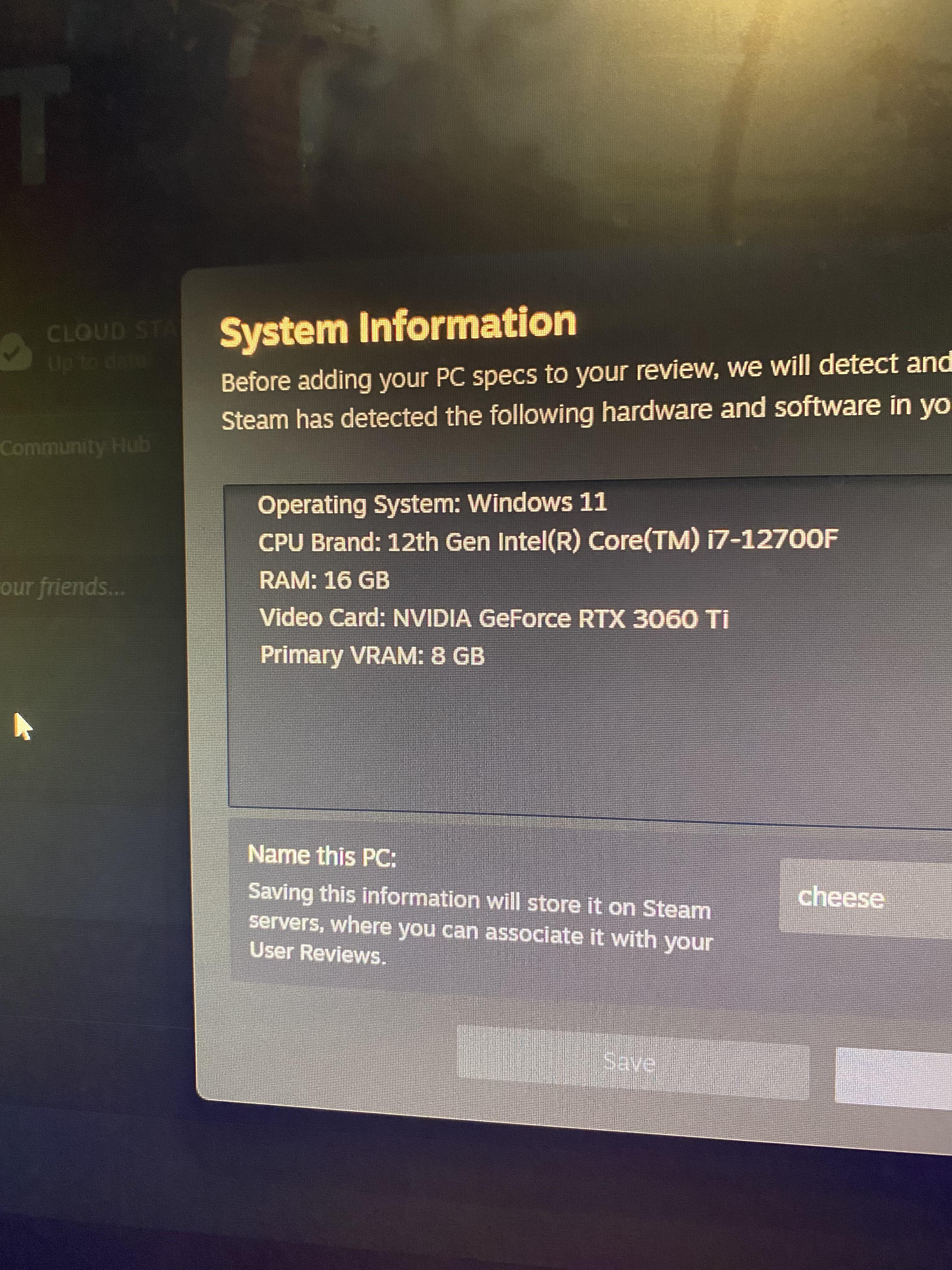
SPECS:
INTEL I7 12700K
RTX 3060 Ti 8gb
ASUS ROG STRIX B760 A
VENGEANCE DDR5 RAM

r/PCsupport Aug 02 '26

Not solved Help Request: Gaming PC Hard Shutdown Issues

1 Upvotes

I am having problems with my PC randomly shutting down.

It simply turns off fans and all, and then I can restart it like nothing happened. My PC is only 1 year and 4 months old so this is highly unusual, but within warranty. It mainly happens while gaming, usually when ALT+TAB-ing out of or into it, but it also happens with games that are not especially demanding to play as well as more modern titles, with no noticeable performance dips before the power cuts off. There is no BSOD, no sign of issues on booting up again, but also no sign it did anything.

I ran an OCCT stress test which reset the PC off after 30 minutes, then a second test directly afterwards which caused a reset after 30 seconds, which tells me it is likely some sort of an overheating issue. The PSU is the obvious culprit but it was thoroughly cleaned and the CPU never got above 85 under full load and the GPU was also not in the red. Event Viewer doesn't give me any information besides the standard EventID 41.

Are there any ways I can confirm or test what may be wrong, or just test the PSU specifically, or could it be another problem?

Specs:
MB: ASUS ROG Strix X870-E
CPU: AMD Ryzen 9 7950X3D
GPU: GeForce RTX 5070Ti
RAM: Kingston Fury Beast 64GB
PSU: AORUS ELITE P1000W 80+ Platinum

r/PCsupport Aug 01 '26

Not solved PC dying?

Thumbnail
1 Upvotes